前提必须建一个文件地理数据库或个人地理数据库
本人并没有找到在图层右键——标注转注记如何用代码实现
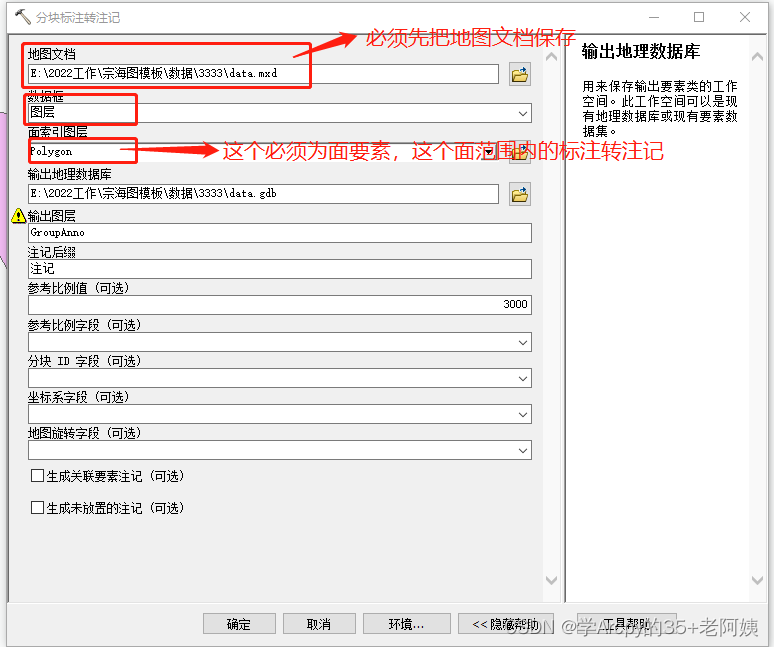
用了一个 “分块标注转注记” 的工具来实现标注转注记
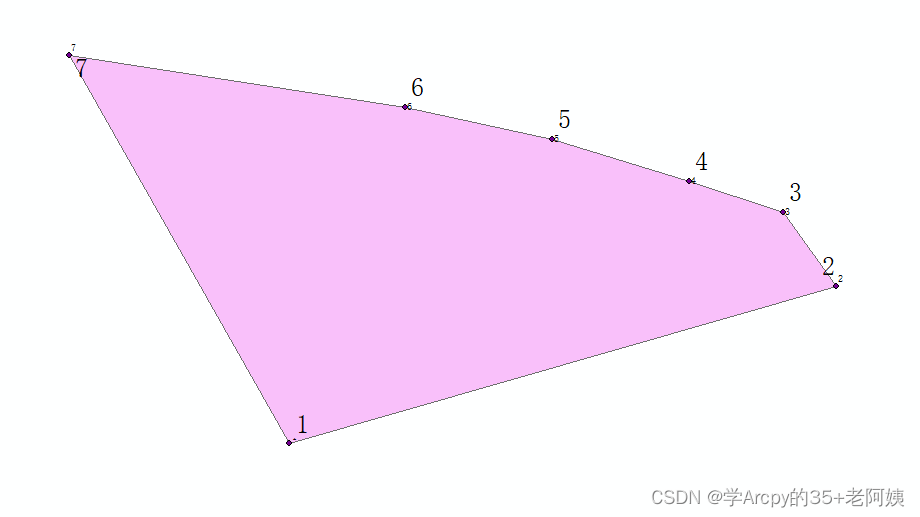
得到结果为
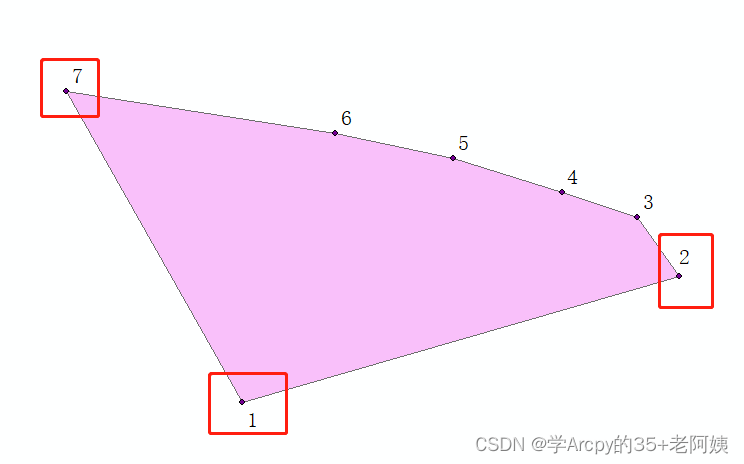
最后把标注取消编辑注记层,可以还注记位置,文字大小,字体等属性
奉上代码:
outPath="d:/data/"#工作空间路径
mxd.saveACopy(os.path.join(outPath,"data.mxd"))
arcpy.TiledLabelsToAnnotation_cartography(map_document=os.path.join(outPath,"data.mxd"), data_frame="图层", polygon_index_layer=os.path.join(outPath,"Polygon.shp"), out_geodatabase=os.path.join(outPath,"data.gdb"), out_layer="GroupAnno", anno_suffix="注记", reference_scale_value="10000", reference_scale_field="", tile_id_field="", coordinate_sys_field="", map_rotation_field="", feature_linked="STANDARD", generate_unplaced_annotation="NOT_GENERATE_UNPLACED_ANNOTATION")版权声明:本文为weixin_68219957原创文章,遵循CC 4.0 BY-SA版权协议,转载请附上原文出处链接和本声明。