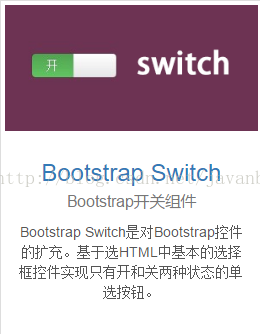
bootstrap中文网上有这么一个bootstrap-switch组件,很实用,看demo学习并记录一下。
<!DOCTYPE html>
<html>
	<head>
		<meta charset=utf-8>
		<meta name=description content="">
		<meta name=viewport content="width=device-width, initial-scale=1">
		<title></title>
		<link href="css/bootstrap.min.css" rel="stylesheet" />
    	<link href="css/bootstrap-switch.min.css" rel="stylesheet" />
   		 <script src="js/jquery/jquery.1.11.3.min.js"></script>
   		 <script src="js/bootstrap.min.js"></script>
    	<script src="js/bootstrap-switch.min.js"></script>

	</head>
	<body>
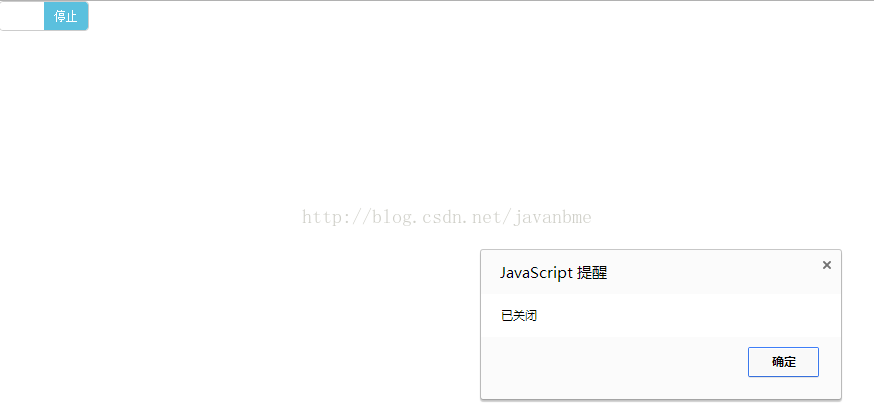
		 <input name="status" type="checkbox" data-size="small">
		 <script type="text/javascript">
			$('[name="status"]').bootstrapSwitch({
	        onText:"启动",
	        offText:"停止",
	        onColor:"success",
	        offColor:"info",
	        size:"small",
        onSwitchChange:function(event,state){
            if(state==true){
               alert('已打开');
            }else{
                alert('已关闭');
            }
        }

   			 })

		</script>
	</body>
</html>
Bootstrap-Switch源码地址:https://github.com/nostalgiaz/bootstrap-switch
Bootstrap-Switch文档以及Demo:http://www.bootstrap-switch.org/examples.html
常用的属性
- size:开关大小。可选值有'mini', 'small', 'normal', 'large'
- onColor:开关中开按钮的颜色。可选值有'primary', 'info', 'success', 'warning', 'danger', 'default'
- offColor:开关中关按钮的颜色。可选值'primary', 'info', 'success', 'warning', 'danger', 'default'
- onText:开关中开按钮的文本,默认是“ON”。
- offText:开关中关按钮的文本,默认是“OFF”。
- onInit:初始化组件的事件。
- onSwitchChange:开关变化时的事件。

版权声明:本文为javanbme原创文章,遵循CC 4.0 BY-SA版权协议,转载请附上原文出处链接和本声明。