问题1及解决方法
[W 18:32:57.794 NotebookApp] Config option template_path not recognized by LenvsTocHTMLExporter. Did you mean one of: extra_template_paths, template_name, template_paths?
图片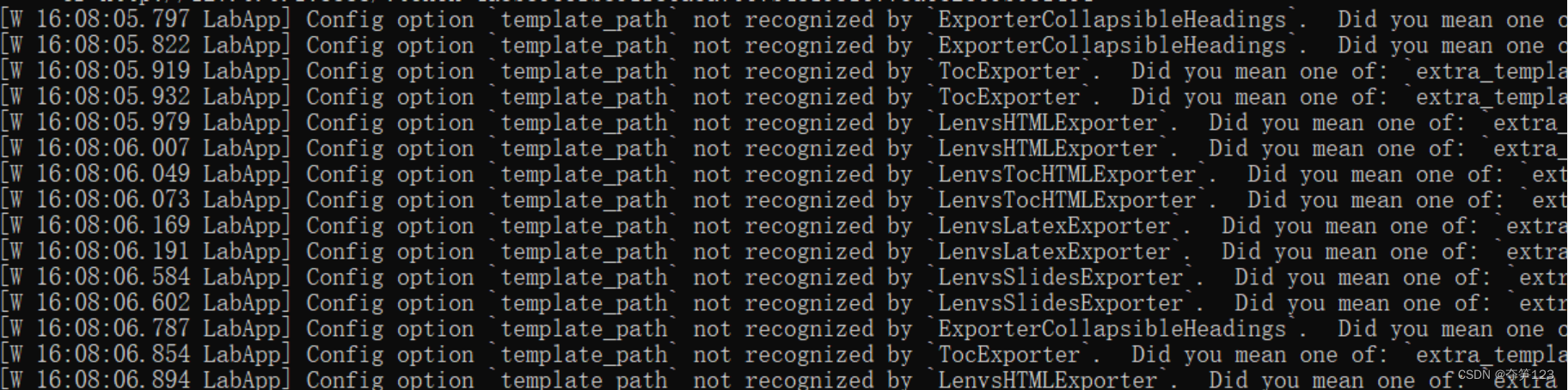
原因:anaconda中有多个环境,当安装的Python库较多时,每个环境都可能包含一个名为“nbconvert”的库
但是,nbconvert >6 的版本把 template_path 改成了 template_paths,这就造成了不兼容的问题,解决方案如下
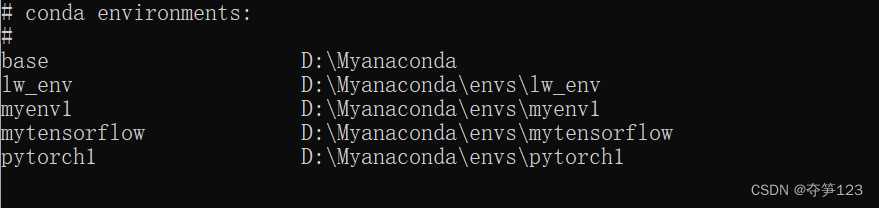
使用conda命令查看已经拥有的环境
conda env list
进入环境使用pip命令查看nbconvert版本
pip show nbconvert
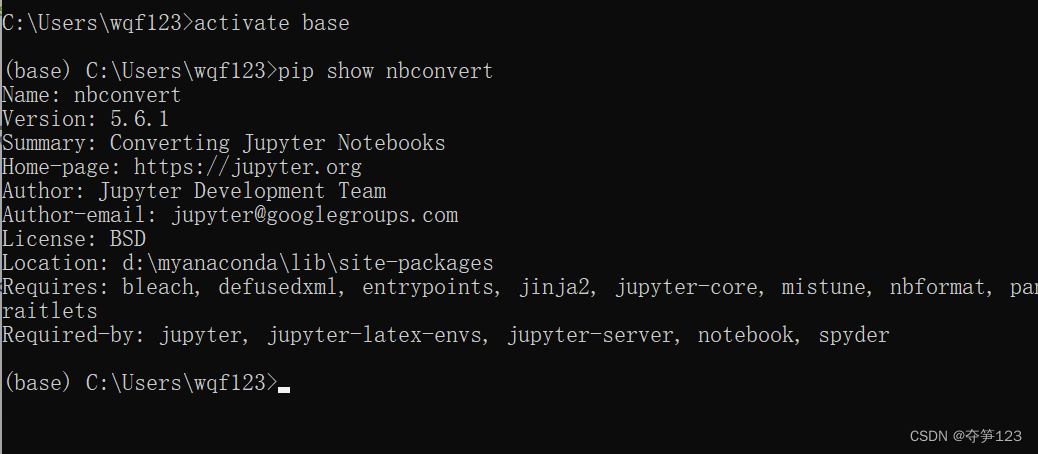
如果该环境的Version>6.0就要重新安装5.x版本
注意:解决该问题的重点是,其他的环境中的nbconvert版本也尽量不要大于5.x,特别是base环境,否则如果只修改了一个库中版本,使用时可能仍然报错
安装5.x版本的nbconvert
卸载
conda uninstall nbconvert
安装
conda install “nbconvert=5.6.1”
安装过程中可能报出下面错误
ERROR: pip’s dependency resolver does not currently take into account all the packages that are installed.
requires pyqt5<5.13, which is not installed.
requires pyqtwebengine <5.13, which is not installed.
解决方案建议参考:林几瑕的博客
版权声明:本文为m0_54510474原创文章,遵循CC 4.0 BY-SA版权协议,转载请附上原文出处链接和本声明。