在上一节(11-控制Pawn类移动增加镜头摇臂)已经完成了Pawn的移动和镜头摇臂功能,本节继续增加移动镜头视角的功能。
首先在MyPawn.h中增加如下代码:

void CameraPitch(float Value);  //用于调整抬头低头
void CameraYaw(float Value);  //用于调整左右镜头

FVector2D CameraInput;  //用来记录当前视角变化量
在MyPawn.cpp中添加如下代码:
首先在构造函数中初始化视角:

CameraInput = FVector2D(0.f, 0); //初始化视角变化量
    FRotator NewRotation = GetActorRotation();
	NewRotation.Yaw += CameraInput.X;
	SetActorRotation(NewRotation);  //让物体向左右转

	FRotator NewSpringArmRotation = SprintArmComp->GetComponentRotation();
	NewSpringArmRotation.Pitch += CameraInput.Y;
	NewSpringArmRotation.Pitch = FMath::Clamp(NewSpringArmRotation.Pitch, -80.f, -15.f);  //让上下视角的调整范围为15~80°
SprintArmComp->SetWorldRotation(NewSpringArmRotation); //设置弹簧臂角度 
PlayerInputComponent->BindAxis("CameraPitch", this, &AMyPawn::CameraPitch);
PlayerInputComponent->BindAxis("CameraYaw", this, &AMyPawn::CameraYaw); 
void AMyPawn::CameraPitch(float Value)
{
	CameraInput.Y = Value;
}

void AMyPawn::CameraYaw(float Value)
{
	CameraInput.X = Value;
}
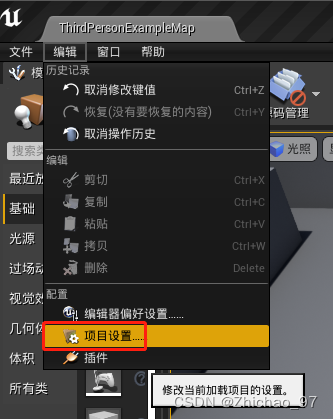
打开项目设置:
在引擎->输入中添加两个轴映射

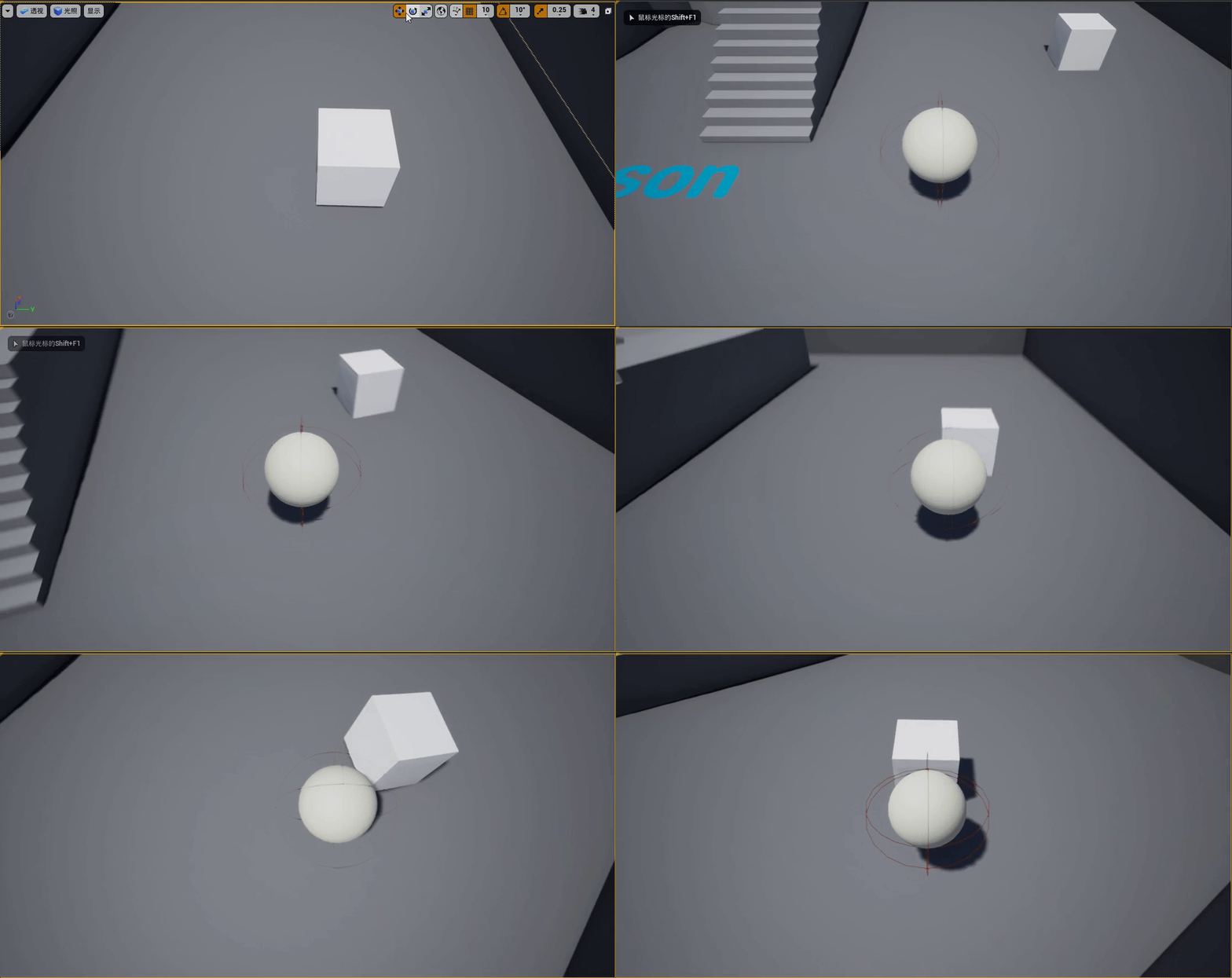
运行游戏,效果如下:
版权声明:本文为ChaoChao66666原创文章,遵循CC 4.0 BY-SA版权协议,转载请附上原文出处链接和本声明。