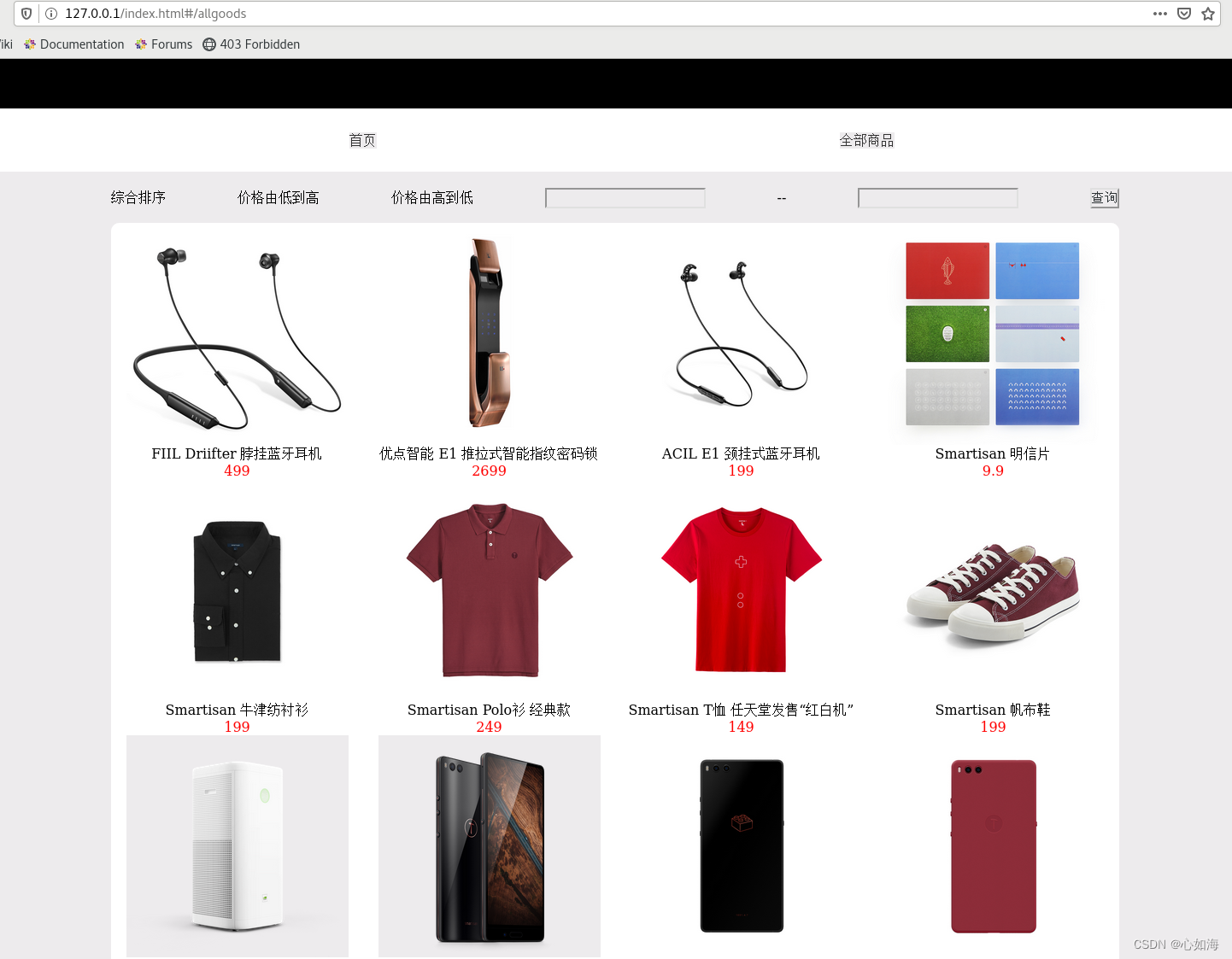
VUE项目开发、测试好之后,要部署到服务器上,通常生产服务器都是linux, web服务器是nginx,这里以centos7为例子。
1. vue项目开发、测试好之, 运行npm run build命令打包,生成dist文件夹,把这个文件夹拷贝到/home/www/vue下面。
2. 找到nginx.conf文件, 一般在/etc/nginx下面, 用vim nginx.conf命令打开,进入编辑模式,定义好端口、路径。
user nginx;
worker_processes auto;
error_log /var/log/nginx/error.log;
pid /run/nginx.pid;
# Load dynamic modules. See /usr/share/doc/nginx/README.dynamic.
include /usr/share/nginx/modules/*.conf;
events {
worker_connections 1024;
}
http {
log_format main '$remote_addr - $remote_user [$time_local] "$request" '
'$status $body_bytes_sent "$http_referer" '
'"$http_user_agent" "$http_x_forwarded_for"';
access_log /var/log/nginx/access.log main;
sendfile on;
tcp_nopush on;
tcp_nodelay on;
keepalive_timeout 65;
types_hash_max_size 4096;
include /etc/nginx/mime.types;
default_type application/octet-stream;
# Load modular configuration files from the /etc/nginx/conf.d directory.
# See http://nginx.org/en/docs/ngx_core_module.html#include
# for more information.
include /etc/nginx/conf.d/*.conf;
server {
listen 80;
listen [::]:80;
server_name _;
#root /usr/share/nginx/html;
root /home/www/vue/dist;
index index.html;
# Load configuration files for the default server block.
include /etc/nginx/default.d/*.conf;
error_page 404 /404.html;
location = /404.html {
}
error_page 500 502 503 504 /50x.html;
location = /50x.html {
}
}
3. 关键的一步,将文件夹/home/www/vue/dist的只读授权给用户nginx,否则会报‘403 Forbidden‘ 错误。
4. 启动nginx或者运行nginx -s reload 重启nginx。
5. 在浏览器中访问http://localhost/index, 就可以看到页面了