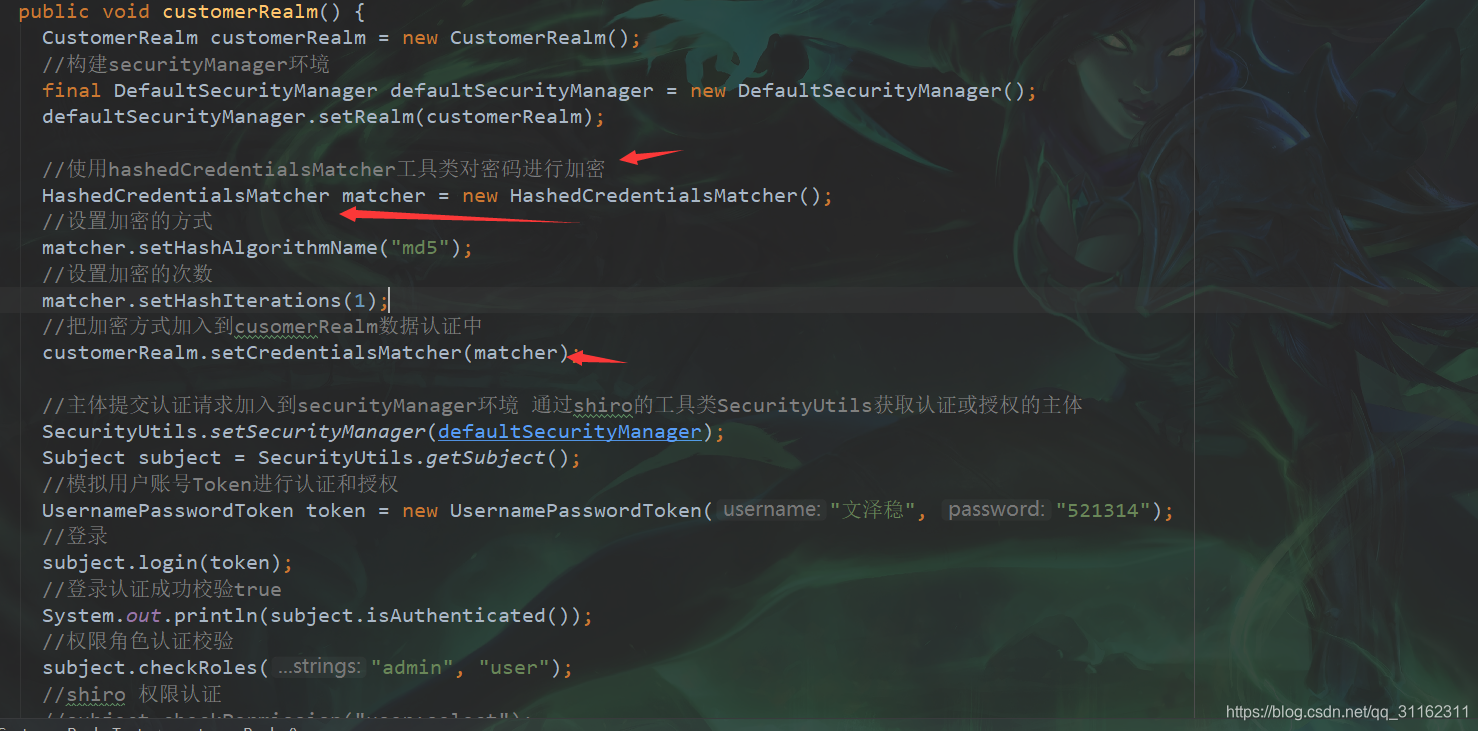
 加密的代码
加密的代码
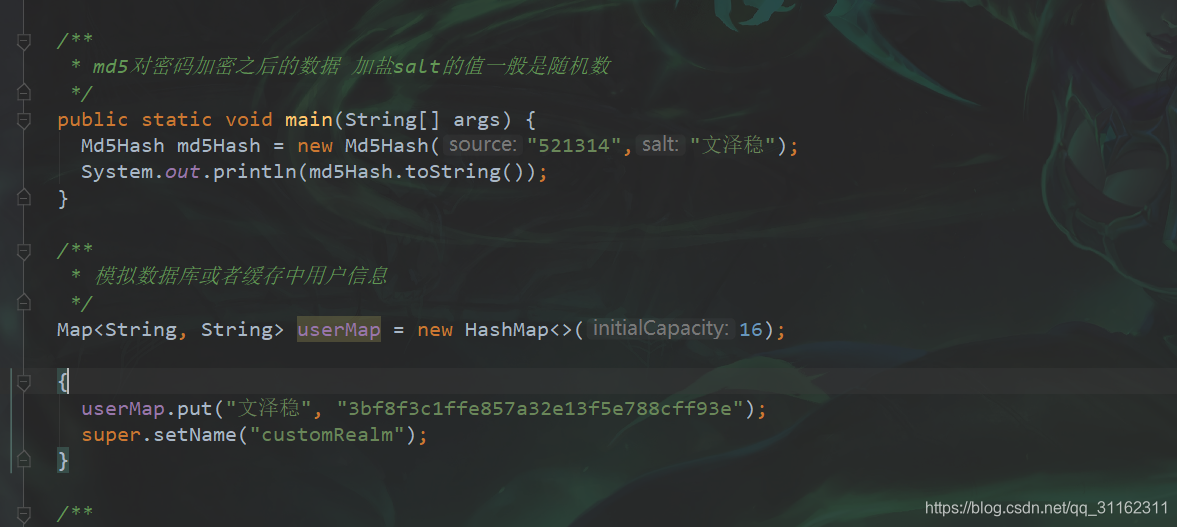
对密码加密后再加盐
 认证的时候加入加盐的认证信息
直接上代码
 /**
   * md5对密码加密之后的数据 加盐salt的值一般是随机数
   */
  public static void main(String[] args) {
    Md5Hash md5Hash = new Md5Hash("521314","文泽稳");
    System.out.println(md5Hash.toString());
  }

  /**
   * 模拟数据库或者缓存中用户信息
   */
  Map<String, String> userMap = new HashMap<>(16);

  {
    userMap.put("文泽稳", "3bf8f3c1ffe857a32e13f5e788cff93e");
    super.setName("customRealm");
  }

  /**
   * 用来模拟获取数据库用户密码认证信息
   */
  private String getPasswordByUserName(String userNmae) {
    return userMap.get(userNmae);
  }

  /**
   * 模拟数据库存放权限信息
   */
  private Set<String> getPermissionsByUserName(String userName) {
    Set<String> sets = new HashSet<>();
    sets.add("update");
    sets.add("add");
    return sets;
  }

  /**
   * 模拟数据库存放角色信息
   */
  private Set<String> getRolesByUserName(String userName) {
    Set<String> sets = new HashSet<>();
    sets.add("admin");
    sets.add("user");
    return sets;
  }

  /**
   * 授权
   */
  @Override
  protected AuthorizationInfo doGetAuthorizationInfo(PrincipalCollection principalCollection) {
    //1从主体传过来的授权信息中获取用户名
    String userName = (String) principalCollection.getPrimaryPrincipal();
    //2.通过用户名来获取数据库或者缓存中的角色数据
    Set<String> roles = getRolesByUserName(userName);
    //3.通过用户名来获取数据库或者缓存中的权限数据
    Set<String> permissions = getPermissionsByUserName(userName);

    SimpleAuthorizationInfo simpleAuthorizationInfo = new SimpleAuthorizationInfo();
    simpleAuthorizationInfo.setRoles(roles);
    simpleAuthorizationInfo.setStringPermissions(permissions);

    return simpleAuthorizationInfo;
  }

  /**
   * 认证
   */
  @Override
  protected AuthenticationInfo doGetAuthenticationInfo(AuthenticationToken authenticationToken)
      throws AuthenticationException {
    //1.从主体传过来的认证信息中获取用户名
    String userName = (String) authenticationToken.getPrincipal();
    //2.通过用户名导数据库中获取凭证
    String password = getPasswordByUserName(userName);
    if (password == null) {
      return null;
    }
    SimpleAuthenticationInfo authenticationInfo = new SimpleAuthenticationInfo("文泽稳",
        password, "customRealm");
    authenticationInfo.setCredentialsSalt(ByteSource.Util.bytes("文泽稳"));
    return authenticationInfo;
  }
测试类
  @Test
  public void customerRealm() {
    CustomerRealm customerRealm = new CustomerRealm();
    //构建securityManager环境
    final DefaultSecurityManager defaultSecurityManager = new DefaultSecurityManager();
    defaultSecurityManager.setRealm(customerRealm);

    //使用hashedCredentialsMatcher工具类对密码进行加密
    HashedCredentialsMatcher matcher = new HashedCredentialsMatcher();
    //设置加密的方式
    matcher.setHashAlgorithmName("md5");
    //设置加密的次数
    matcher.setHashIterations(1);
    //把加密方式加入到cusomerRealm数据认证中
    customerRealm.setCredentialsMatcher(matcher);

    //主体提交认证请求加入到securityManager环境 通过shiro的工具类SecurityUtils获取认证或授权的主体
    SecurityUtils.setSecurityManager(defaultSecurityManager);
    Subject subject = SecurityUtils.getSubject();
    //模拟用户账号Token进行认证和授权
    UsernamePasswordToken token = new UsernamePasswordToken("文泽稳", "521314");
    //登录
    subject.login(token);
    //登录认证成功校验true
    System.out.println(subject.isAuthenticated());
    //权限角色认证校验
    subject.checkRoles("admin", "user");
    //shiro 权限认证
    //subject.checkPermission("user:select");
    subject.checkPermission("update");
    subject.checkPermission("add");

  }
版权声明:本文为qq_31162311原创文章,遵循CC 4.0 BY-SA版权协议,转载请附上原文出处链接和本声明。