国内expo的教程和文档相对比较少,记录下过程方便一下遇到相同问题的朋友们。
现象
expo初次安装使用正常,当升级expo cli到最新版本后,无法正常使用iOS模拟器调试了。开启调试报错如下:
› Opening on iOS…
› Opening exp://127.0.0.1:19000 on iPhone 12
This download is taking longer than expected. You can also try downloading the clients from the website at https://expo.io/tools
Request failed with status code 400
Error: Request failed with status code 400
› Press ? │ show all commands
This download is taking longer than expected. You can also try downloading the clients from the website at https://expo.io/tools
This download is taking longer than expected. You can also try downloading the clients from the website at https://expo.io/tools
原因分析
猜测可能因为国内的网络环境,无法正常下载ios版本,用户在模拟器中的expo安装包导致。
解决办法
根据提示到https://expo.dev/tools手动下载安装包。
或者
http://expo.io/–/api/v2/versions/download-ios-simulator-build下载最新的版本的模拟器版本的安装包。
比如:我找到的下载地址是https://dpq5q02fu5f55.cloudfront.net/Exponent-2.21.3.tar.gz
下载的速度是真的慢!
加速的思路:
- 换个网络环境,比如:使用手机流量试试或者让你的朋友帮你下载。
- 使用迅雷下载
- 以上不行,就私信我,我帮你下载
- 我的分享 https://download.csdn.net/download/lxyoucan/21142441
我下载下来的文件名是Exponent-2.21.3.tar.gz
命令行中执行:
#创建文件夹
mkdir Exponent-2.21.3.app
#解压到刚才创建的文件夹
tar -xvf Exponent-2.21.3.tar.gz -C Exponent-2.21.3.app
#安装到模拟器
xcrun simctl install booted Exponent-2.21.3.app
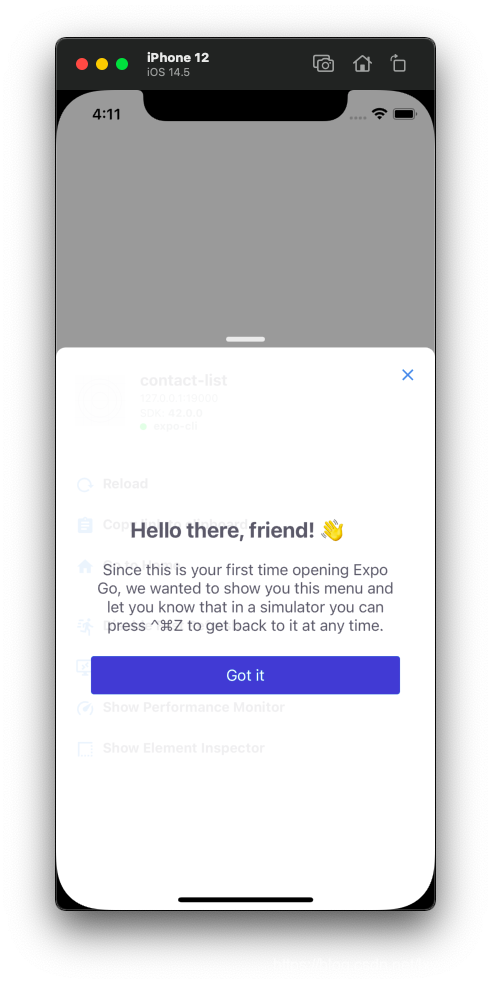
执行完成上面的命令后,发现我们已经成功在iOS 模拟器中安装了Expo Go。
这里在选择open iOS simulator就可以正常调试啦!