1、小程序的工具文件夹下新建一个文件:utils\until.js
//防止多次重复点击  (函数节流)
function throttle(fn, delay) {
    let valid = true;//阀门
    return function () {
        if (valid) {
            setTimeout(() => {
                fn.apply(this, arguments);
                valid = true;
            }, delay);
            valid = false;
        }
        else {
            return false;
        }
    }
}

module.exports = {
    throttle: throttle
}
2、小程序的form表单绑定登录
    <view class="main">
      <form bindsubmit="listenSubmit">
        <view class="inputView" hover-class="none" hover-stop-propagation="false">
          <label>账号</label>
          <input placeholder="请输入手机号码" disabled="XXX" bindinput="getPhone" type="number" name="phone" maxlength="11"
            value="{{info.phone}}" placeholder-class="phcolor" type="text" />
        </view>
        <view class="inputView1" hover-class="none" hover-stop-propagation="false">
          <label>验证码</label>
          <input placeholder="请输入验证码" type="number" name="verifyCode" maxlength="6" value="{{info.verifyCode}}"
            placeholder-class="phcolor" type="text" />
          <button disabled="{{!isClick}}" class="verificationcodebtn" bindtap="getVerificationCode1">{{isClick?
            '获取验证码':sentText+'s后可重发'}}</button>
        </view>
        <view class="loginBtnView">
          <button class="loginBtn" formType="submit">登录ddd</button>
        </view>
      </form>
    </view>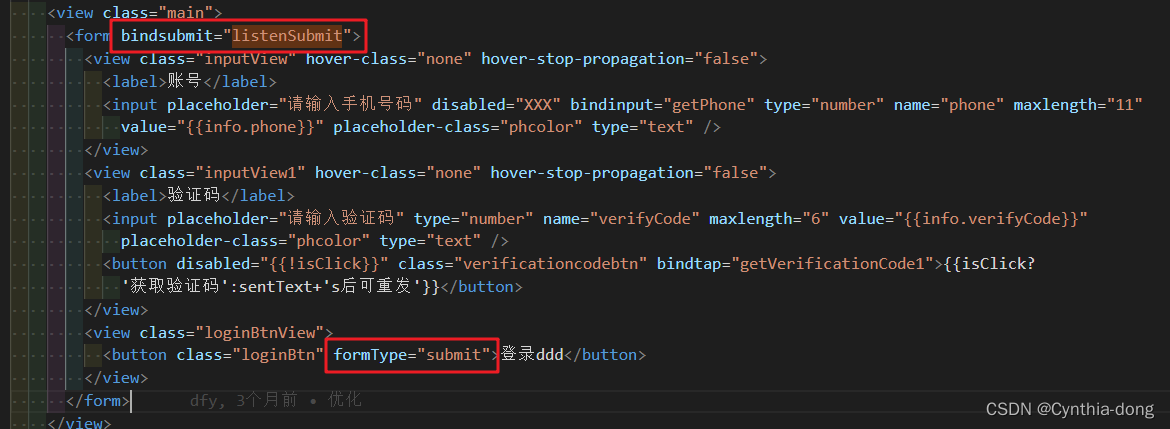
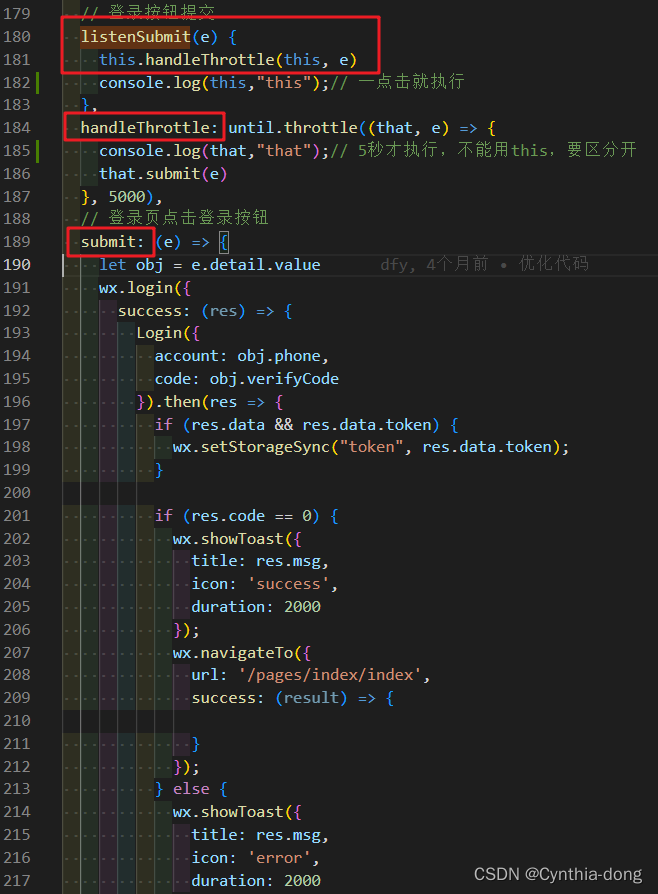
3、用-先引入。handleThrottle才是调用登录方法的,填了5000,5秒才会执行一次
//引入
import until from '../../utils/until';
// 登录按钮提交
  listenSubmit(e) {
    this.handleThrottle(this, e)
    console.log(this,"this");// 一点击就执行
  },
  handleThrottle: until.throttle((that, e) => {
    console.log(that,"that");// 5秒才执行,不能用this,要区分开
    that.submit(e)
  }, 5000),
  // 登录页点击登录按钮
  submit: (e) => {
    let obj = e.detail.value
    wx.login({
      success: (res) => {
        Login({
          account: obj.phone,
          code: obj.verifyCode
        }).then(res => {
          if (res.data && res.data.token) {
            wx.setStorageSync("token", res.data.token);
          }

          if (res.code == 0) {
            wx.showToast({
              title: res.msg,
              icon: 'success',
              duration: 2000
            });
            wx.navigateTo({
              url: '/pages/index/index',
              success: (result) => {

              }
            });
          } else {
            wx.showToast({
              title: res.msg,
              icon: 'error',
              duration: 2000
            });
            return;
          }
        }).catch(err => {
          console.log(err);
        })
      },
    });
  },
版权声明:本文为weixin_48372590原创文章,遵循CC 4.0 BY-SA版权协议,转载请附上原文出处链接和本声明。