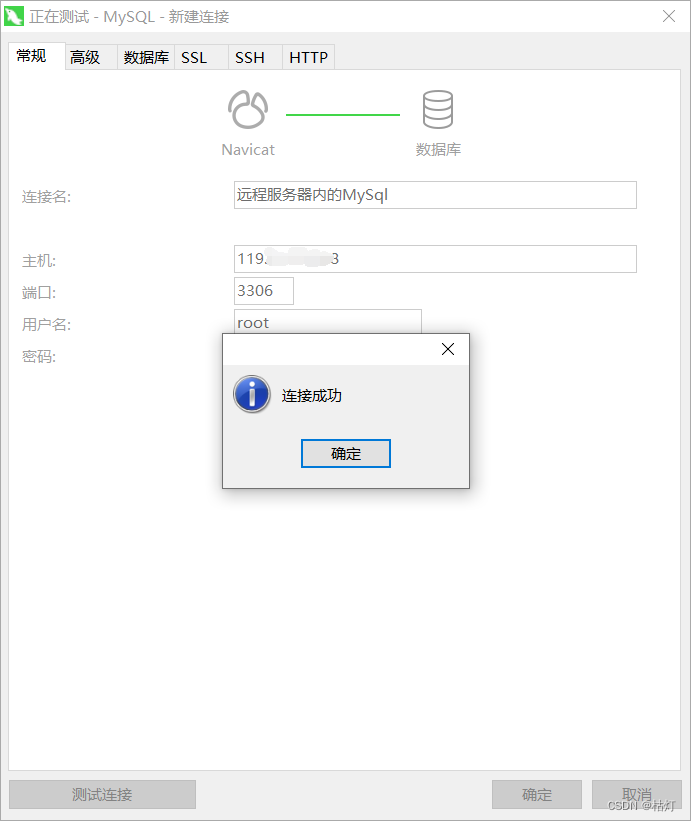
Debian 8 安装Mysql并在本地连接:
执行 apt-get install mysql-server出现以下错误:
Reading package lists... Done
Building dependency tree
Reading state information... Done
Package mysql-server is not available, but is referred to by another package.
This may mean that the package is missing, has been obsoleted, oris only available from another source
E: Package 'mysql-server' has no installation candidate
下载MySQL apt存储库
https://dev.mysql.com/downloads/repo/apt/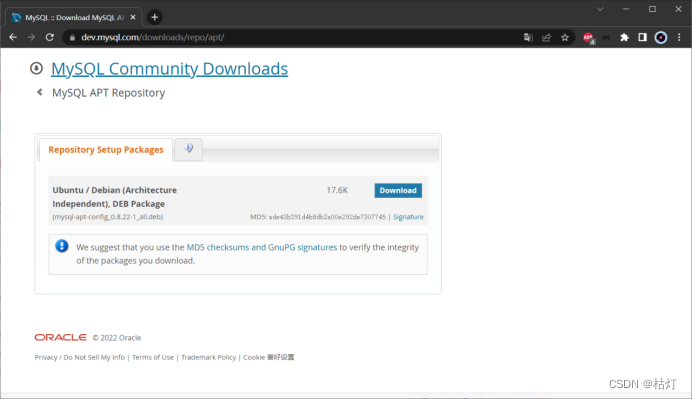
选择版本,执行以下命令:
wget https://dev.mysql.com/get/mysql-apt-config_0.8.22-1_all.deb
用以下命令安装下载的发布包
dpkg -i mysql-apt-config_0.8.22-1_all.deb
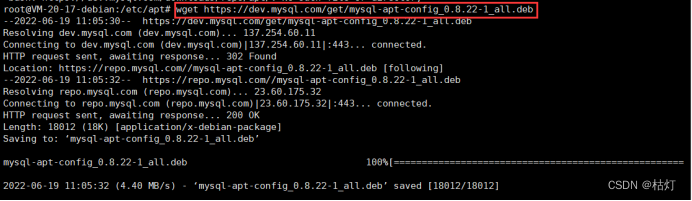
注:dpkg用于安装、删除和检查.deb软件包。该-i标志表示我们想从指定的文件安装在安装过程中会弹出一个配置框,可选择MySQL版本,默认安装最新版本,配置完选择OK按回车
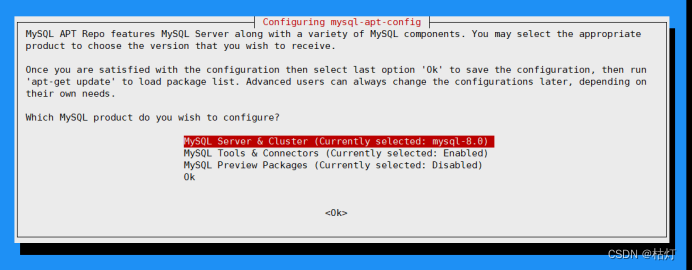
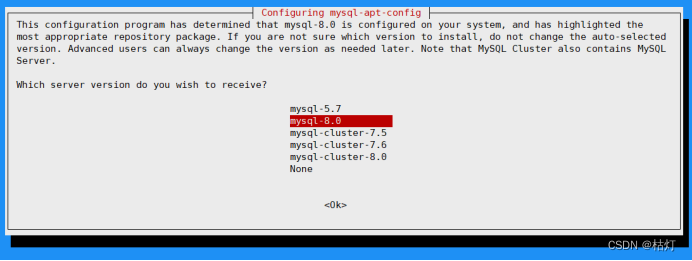
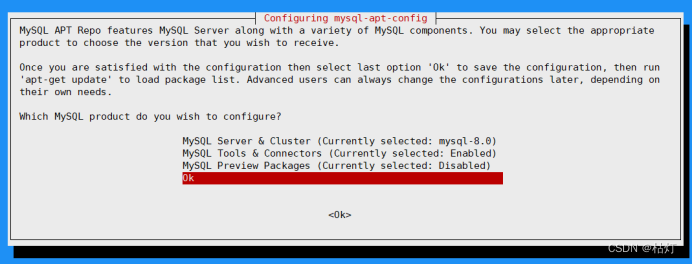
到此完成apt存储库的数据添加,刷新apt
apt update
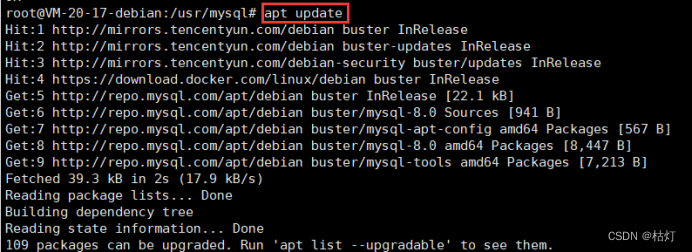
注:若想更新apt存储库中mysql的配置,可执行以下指令
sudo dpkg-reconfigure mysql-apt-config
更新后执行 apt-get update 刷新缓存包
安装 MySQL
- apt-get install mysql-server mysql-client libmysqlclient-dev
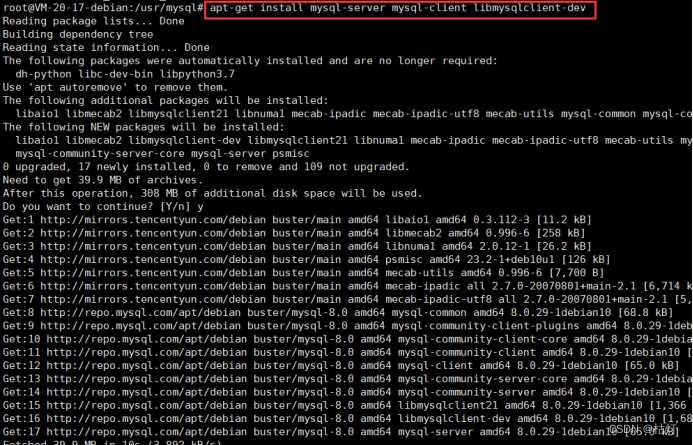
安装过程中系统会要求提供root用户的密码,此处密码尽量不要设置成root或123456
安装成功后MySQL服务器会自动启动
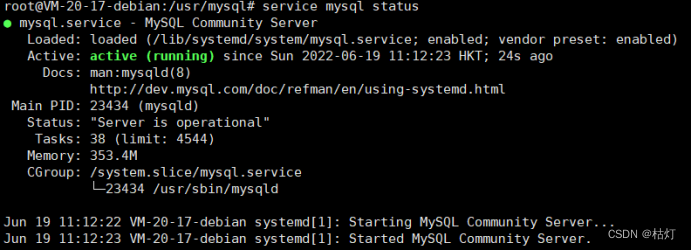
查看运行状态:service mysql status
停止MySQL服务: service mysql stop
启动MySQL服务:service mysql start
本地连接远程数据库:
- 输入以下命令进入MySQL
- mysql -u root -p
- 输入密码…
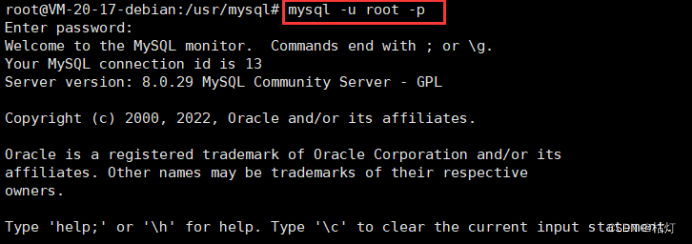
- 连接数据库
- use mysql

- 查看连接权限,Host为localhost时只运行本地连接
- select Host , User from user
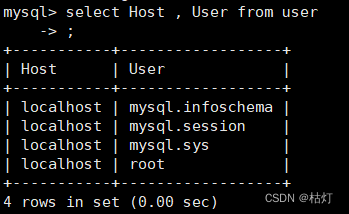
- 将root的连接权限改为可被客户端连接
- update user set Host=‘%’ where User=‘root’;

- 再次查看信息;
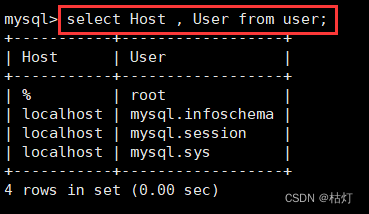
- 执行以下命令刷新数据库访问权限:
- flush privileges;
- 查看本地3306端口
- netstat -ntulp | grep 3306

- 最后将远程服务器3306的端口开放即可连接