element的table组件提供了排序方法,如果多列筛选,在日期列筛选的情况下点击姓名列筛选会导致日期列的样式丢失
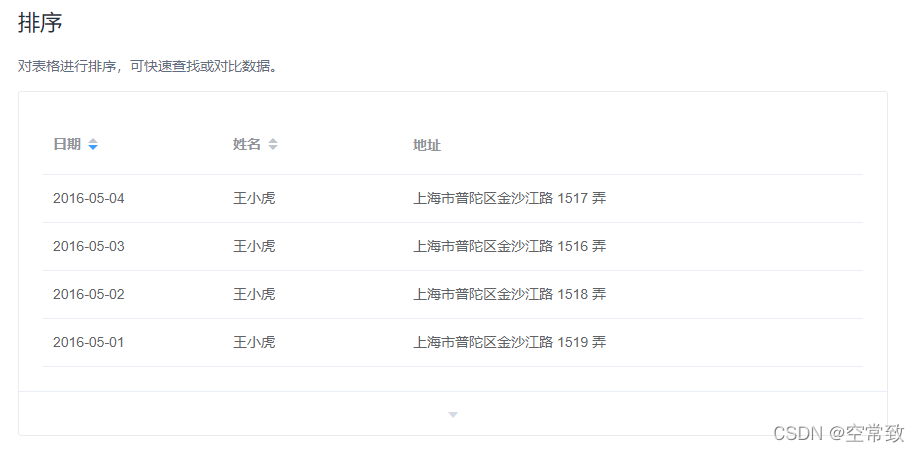
但是实现效果又需要多列这种情况可以在table组件添加了@sort-change后新增下方内方法
<el-table
      :header-cell-style="handleTheadStyle"
      v-loading="dataLoading"
      element-loading-text="正在处理,请稍等..."
      max-height="650"
      @sort-change="changeSort"
      :data="dataList"
      style="width: 100%"
    >
// 设置表头排序
handleTheadStyle({ row, column, rowIndex, columnIndex }) {
if (this.activeThead[column.property]) {
column.order = this.activeThead[column.property]
}
return this.$store.state.TABLEHEADERSTYLE
},// 改变岗位排序
changeSort(column) {
if (column.order) {
this.activeThead[column.prop] = column.order
} else if (!column.order) {
this.activeThead[column.prop] = ''
}
},记得在data中声明

版权声明:本文为m0_59462557原创文章,遵循CC 4.0 BY-SA版权协议,转载请附上原文出处链接和本声明。