1. 环境
python 3.8.32 ==> 后更换为python 3.6.8
win10 64x
本次安装使用的是tensorflow cpu版本,而非gpu版本
2. 安装numpy库
在命令行运行 pip install numpy
3. 安装pandas库
在命令行运行 pip install pandas
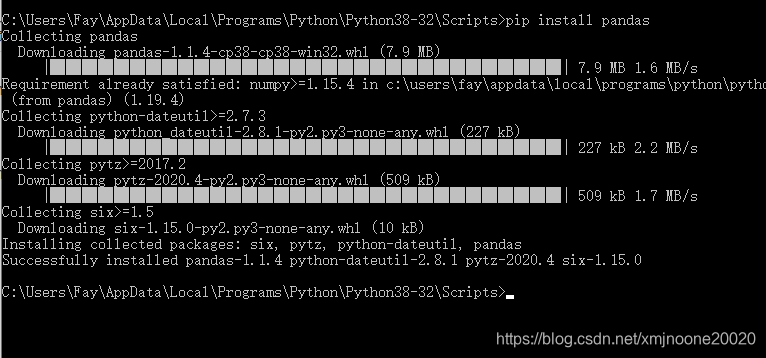
4. 安装tensorflow
通过命令行运行pip install tensorflow后,安装发生错误,提示如下:
ERROR: Could not find a version that satisfies the requirement tensorflow
ERROR: No matching distribution found for tensorflow
通过pip search tensorflow 搜索一下tensorflow的版本
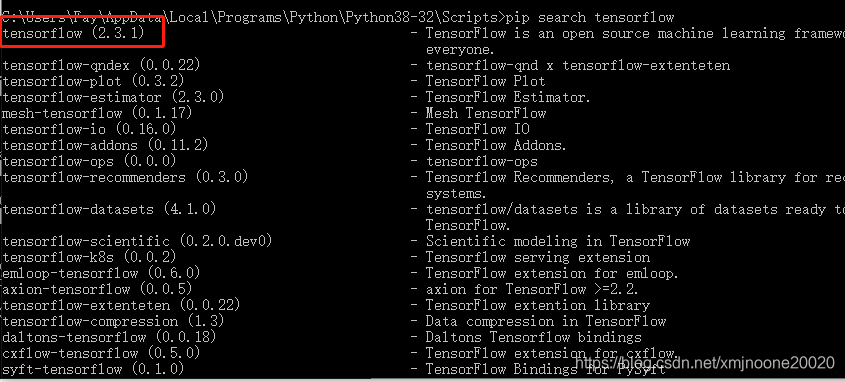
查阅资料后,发现应该是由于python版本问题引起的。
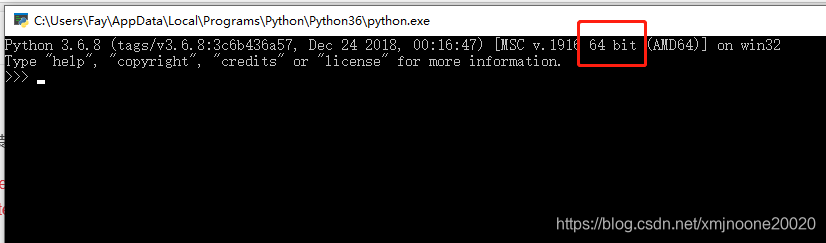
下载python3.6版本,并进行了安装。要注意的是,需要安装64位版本的python3.6
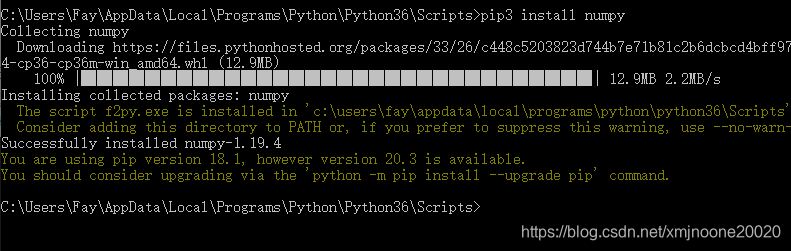
在python3.6下重新安装numpy库
在python3.6下重新安装pandas库
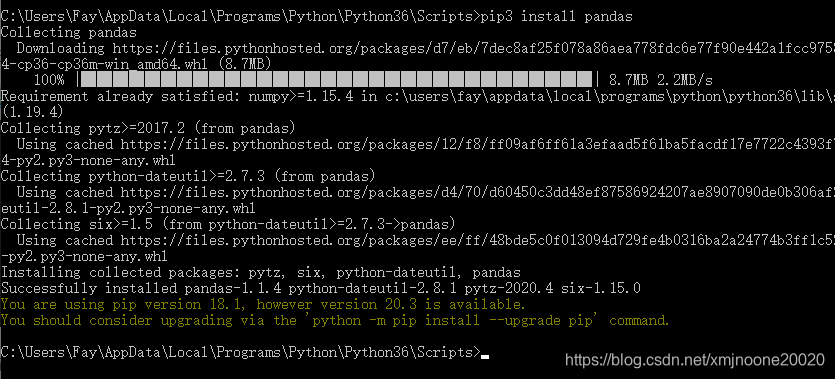
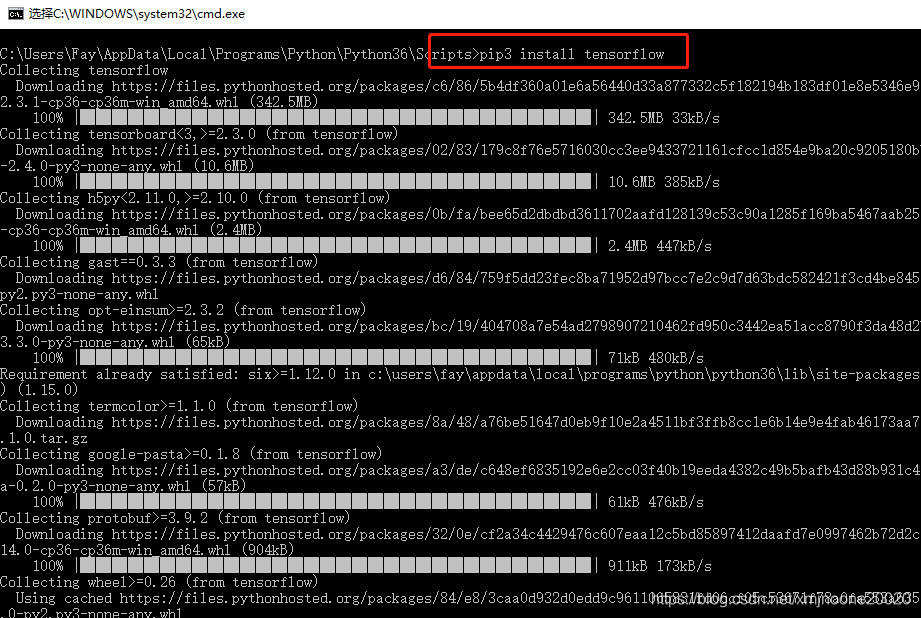
通过pip3 安装tensorflow
检查tensorflow的版本和安装位置
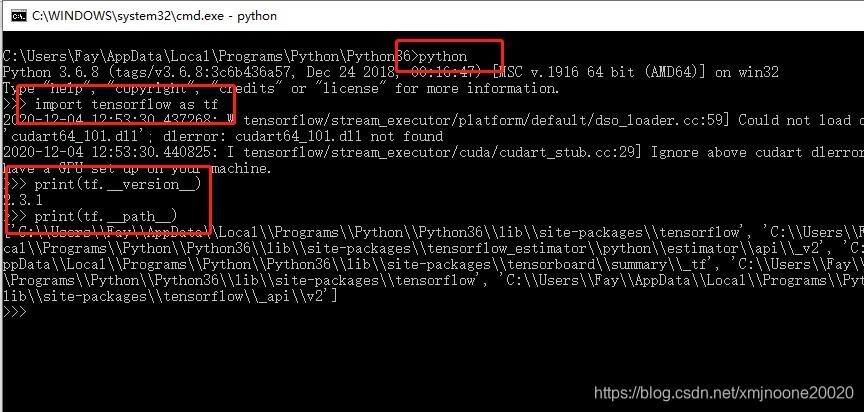
不使用GPU可以忽略import时的提示
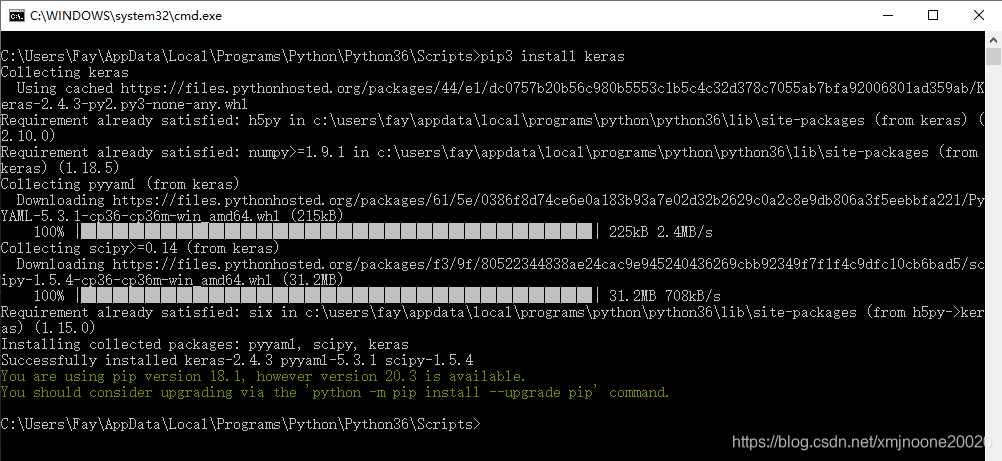
5.安装keras
通过pip 安装keras
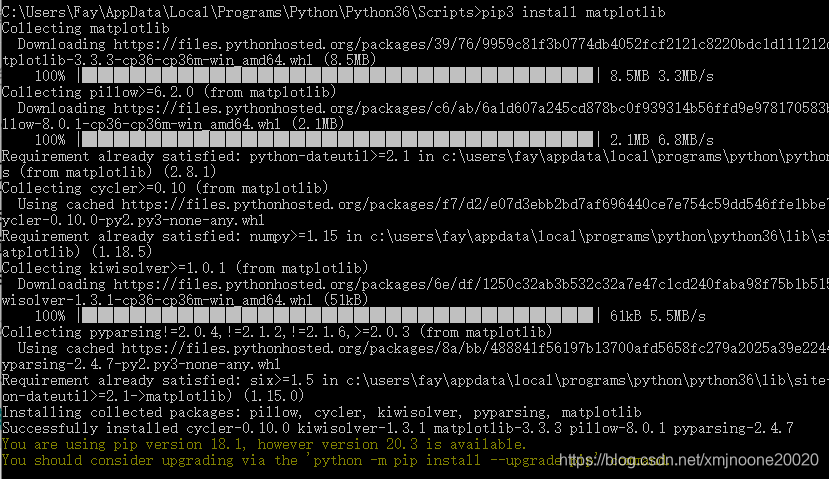
6.安装matplotlib
顺手把matplotlib也一起装上
结论
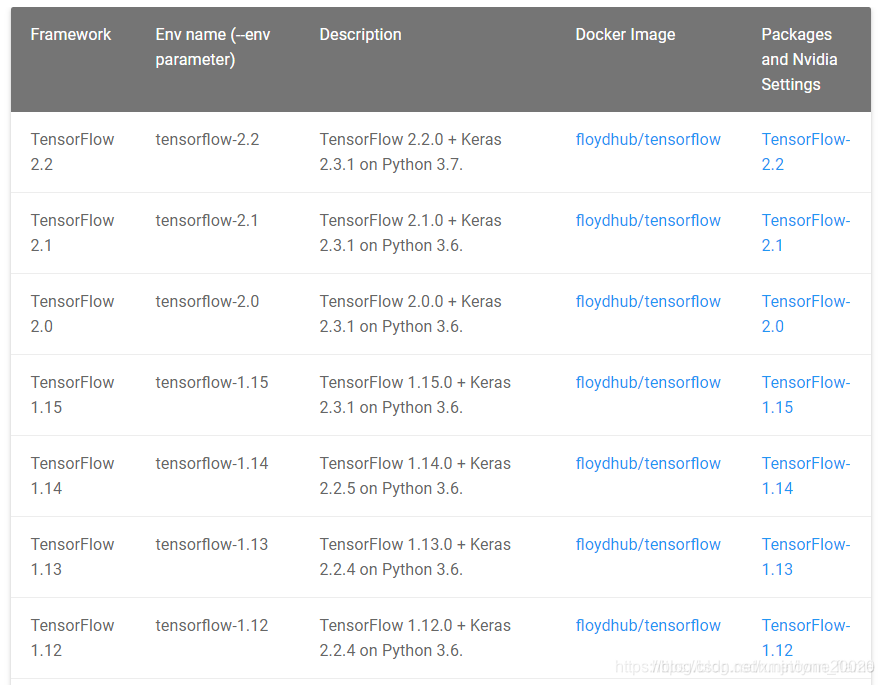
目前tensorflow 仅支持python3.6和3.7的版本(官网资料)
python 必须是64位版本的
安装环境时要注意版本号的问题
安装内容
numpy, pandas, matplotlib, tensorflow, keras
参考内容
版权声明:本文为xmjnoone20020原创文章,遵循CC 4.0 BY-SA版权协议,转载请附上原文出处链接和本声明。