大家好,今天来给大家分享一下
JavaScript的基本使用以及输出hello world
我们使用的工具:
IDEA
接下来看源码:
<!DOCTYPE html>
<html lang="en">
<head>
    <meta charset="UTF-8">
    <title>Title</title>
    <script>
        alert("hellp,world");
    </script>
</head>
<body>

</body>
</html>
显示结果:

看上面的代码讲几个注意点
1.要写在
 <script> </script>
 里面
2.alert(‘hellp,world’); 标准情况下,我们要加上分号 ;
3.下面这一块是重点:
 <script>
        alert("hellp,world");
    </script>
这一段也可以写在body(主体)当中
<!DOCTYPE html>
<html lang="en">
<head>
    <meta charset="UTF-8">
    <title>Title</title>
</head>
<body>
<script>
    alert("hellp,world");
//写在script当中
//    这一段也可以写在body(主体)当中


</script>
</body>
</html>
这样也是一样的效果:
我们刚刚在HTML 内部写了一堆在一块
当然,我们也可以使用引入外部的文件
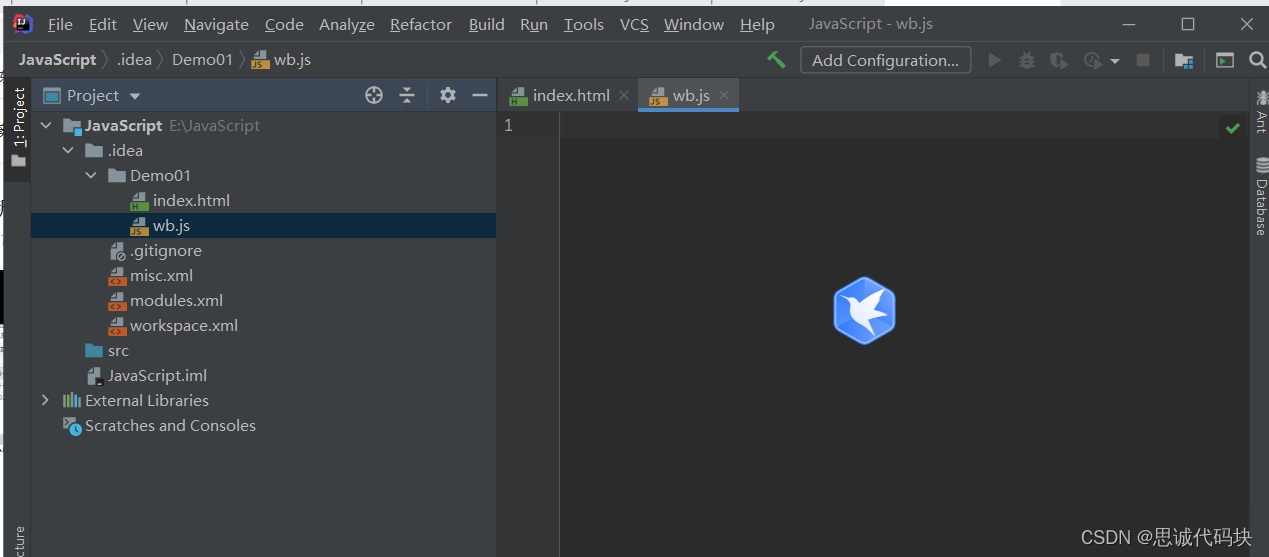
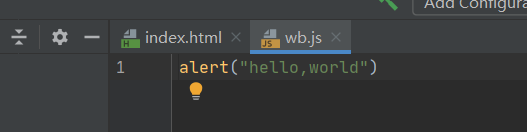
在wb.js文件中写
alert("hello,world")
在源码当中写
<!DOCTYPE html>
<html lang="en">
<head>
    <meta charset="UTF-8">
    <title>Title</title>
</head>
<body>

<script src="wb.js"></script>
</body>
</html>
看效果:
这就是外部引入的方式
注意:
<script src="wb.js"></script>
这个script必须成对出现
好了,有关JavaScript的基本使用以及输出hello world就到这里了,谢谢大家。
版权声明:本文为weixin_47556601原创文章,遵循CC 4.0 BY-SA版权协议,转载请附上原文出处链接和本声明。