问题描述:
在Eclipse的Web项目中创建index.jsp文件时,显示错误:The superclass “jakarta.servlet.http.HttpServlet” was not found on the Java Build Path
解决方案:
- 右键点击web项目目录选择Build Path下的Configure Build Path

- 添加库文件

- 添加至Server Runtime库
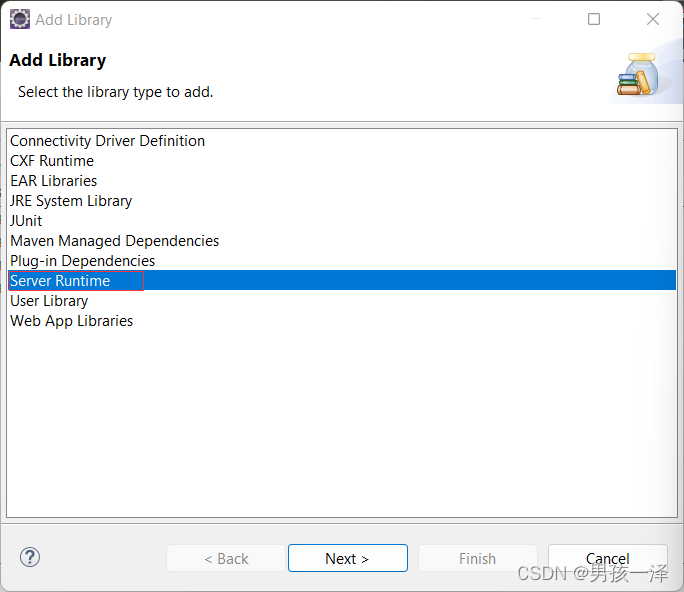
- 选择启动项目的Tomcat服务器,Finnish

- 重启打开文件即可,若还是不行,重新创建jsp文件就不会报错了

版权声明:本文为qq_43640212原创文章,遵循CC 4.0 BY-SA版权协议,转载请附上原文出处链接和本声明。