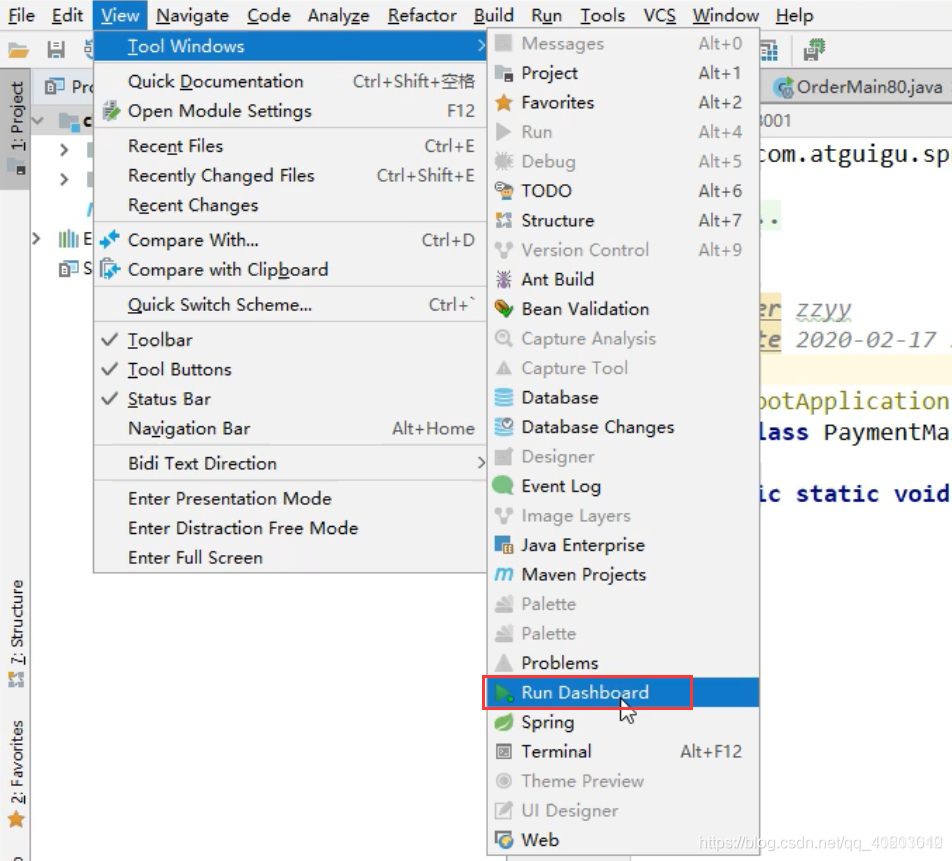
在多个微服务下开启IDEA的Services(Dashboard)窗口
通过修改idea的workspace.xml方式来快速打开Run DashBoard窗口
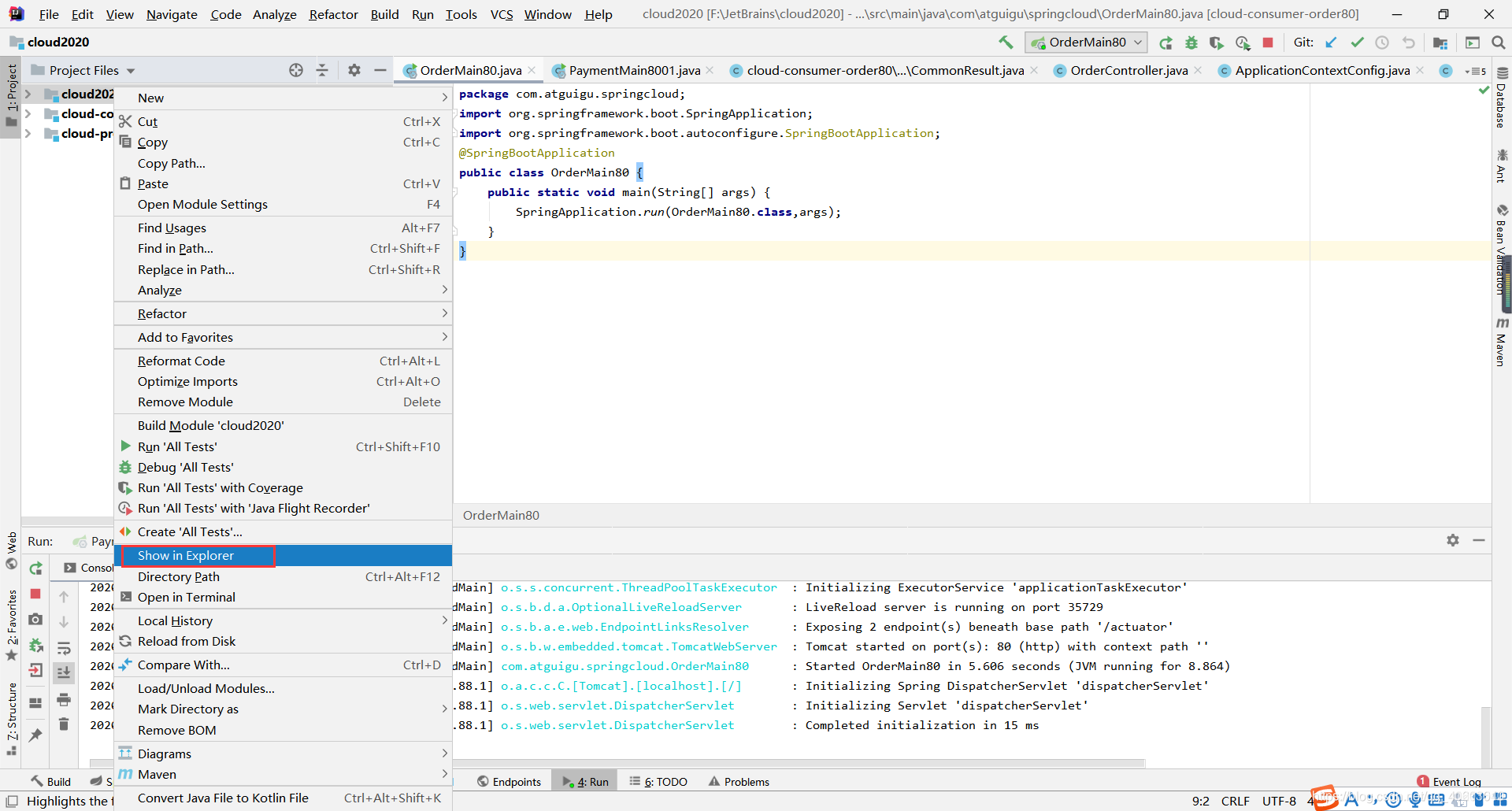
右击项目,选择Show in Explorer
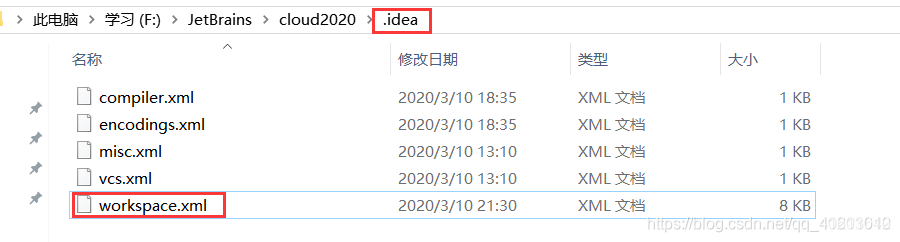
进入当前选中文件夹,并进入.idea文件夹,打开workspace.xml
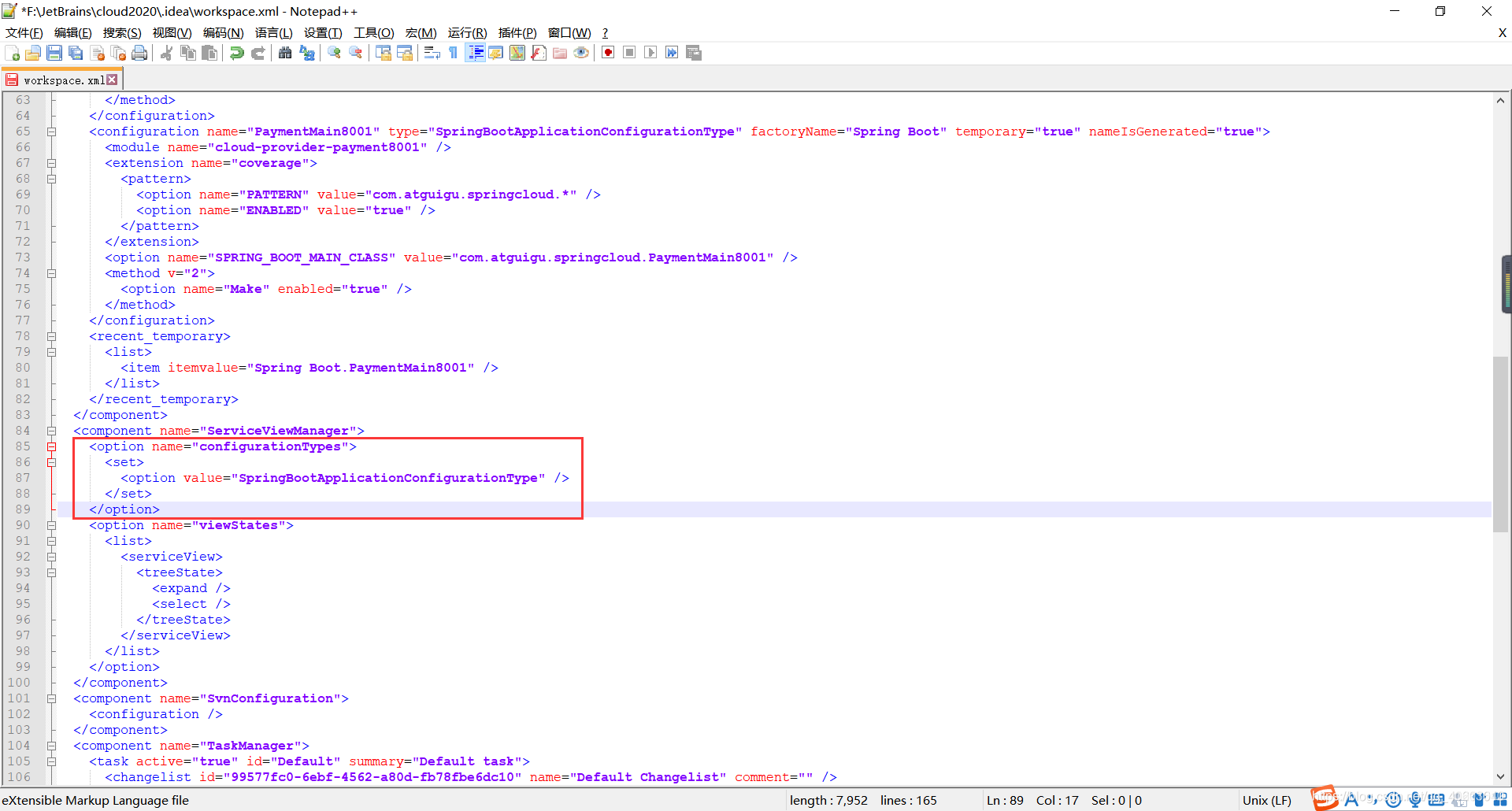
找到ServiceViewManager,添加如下代码:
<option name="configurationTypes">
     <set>
   	<option value="SpringBootApplicationConfigurationType" />
     </set>
</option>
- 关闭并重启IDEA,选择 View–>ToolWindows–>Services 开启即可。
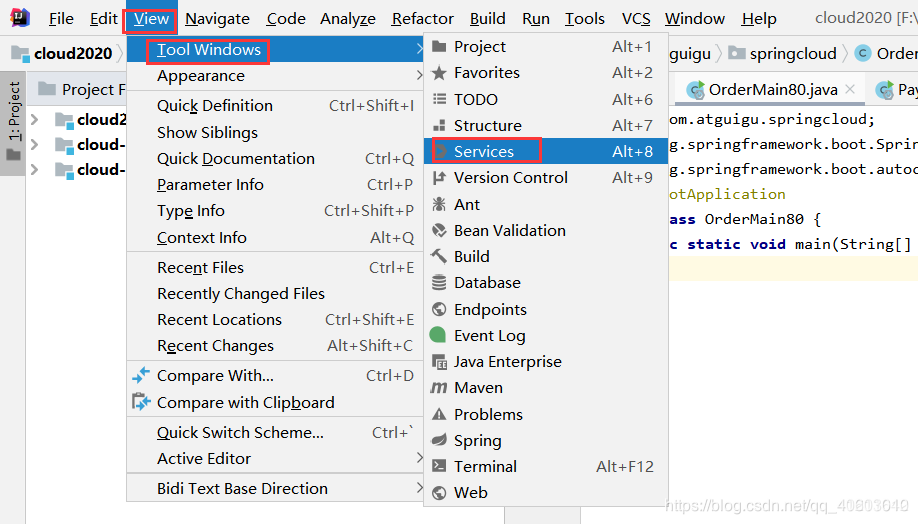
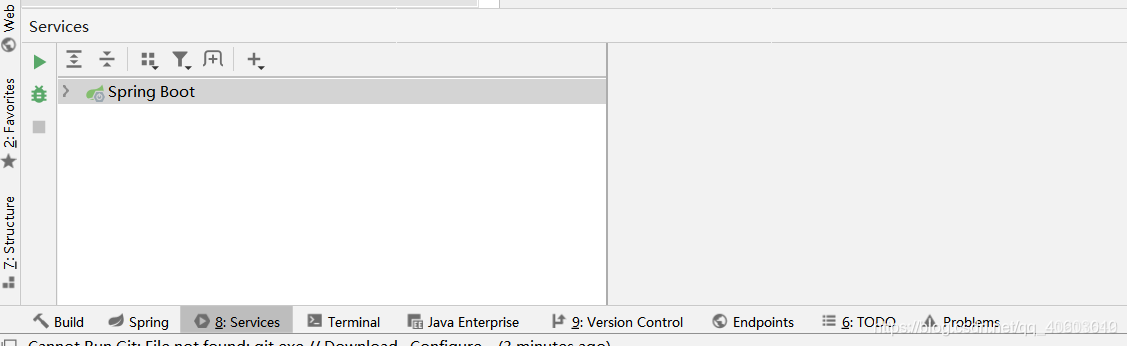
PS:我的这个IDEA版本是2019.3新版本的,如果是老一些的版本可以采用下面的方法:
workspace.xml 中插入代码的位置不是在ServiceViewManager而是RunDashboard
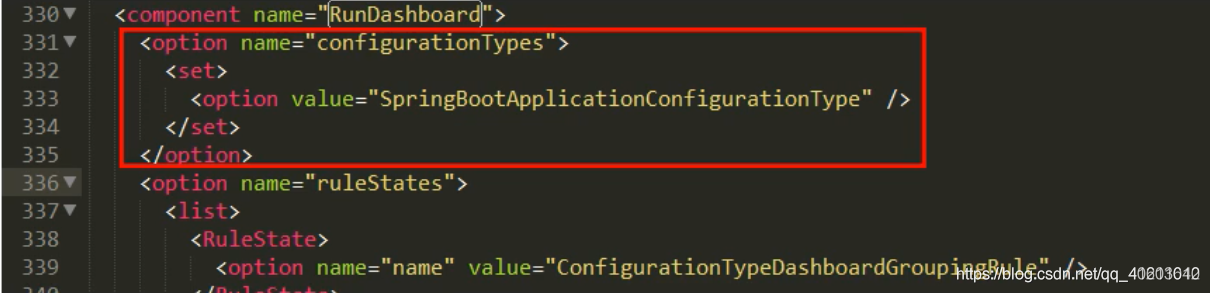
重启IDEA后,选择View–>ToolWindows–>Run Dashboard开启