python, opencv, 图片拼接, 视觉
作者:草小诚(wellsmile@foxmail.com)
转载请注原文地址:https://blog.csdn.net/cxcjoker7894/article/details/117438075
主要思路就是拿到两张图的尺寸,计算出拼接图尺寸(兼容尺寸不一致的情况),初始化矩阵后将图片填入即可。
另外支持在图片上添加文字批注。
先看效果:
左侧图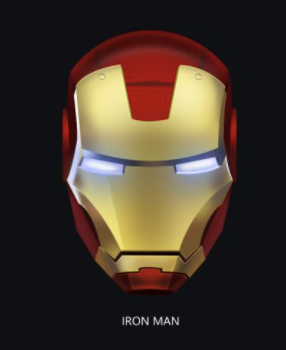
右侧图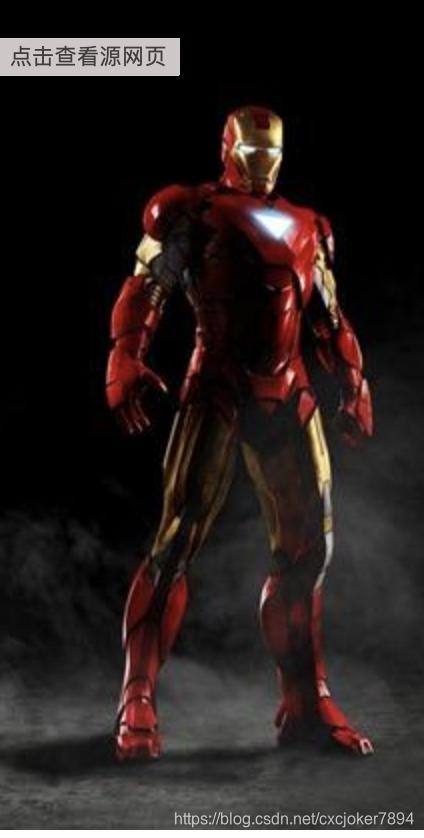
拼接结果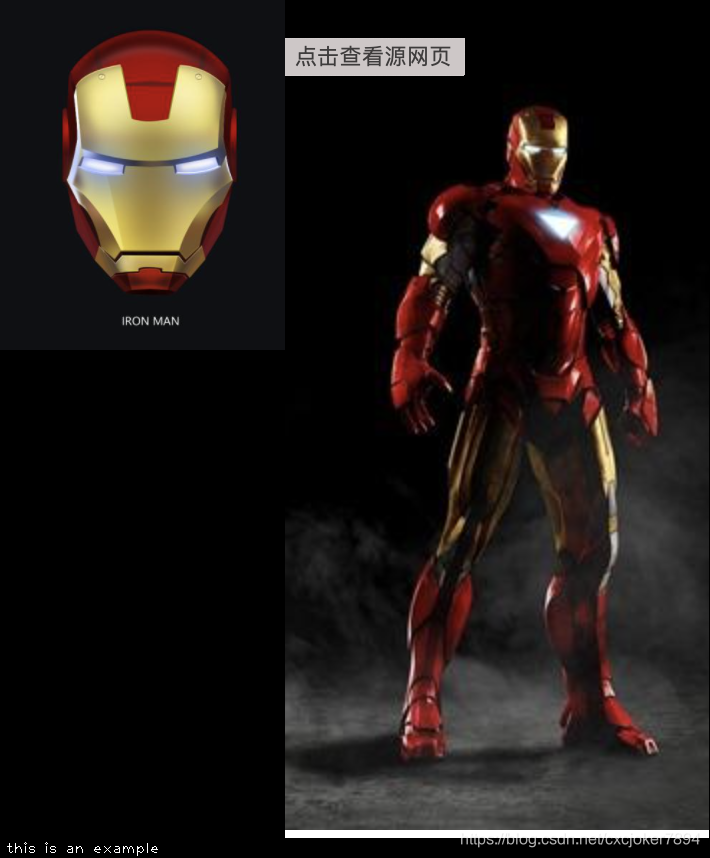
接下来上代码:
import numpy as np
import cv2

def images_concat(left_img_path, right_img_path, concat_image_path, text=None):
    '''
    :param left_img_path: 左侧图片本地路径
    :param right_img_path: 右侧图片本地路径
    :param concat_image_path: 拼接结果保存路径
    :param text: 批注文字
    :return: None
    '''
    if not left_img_path and not right_img_path:
        return
    w_final = h_final = h_left = w_left = h_right = w_right = 0
    if left_img_path:
        left_img = cv2.imread(left_img_path)
        h_left, w_left = left_img.shape[:2]
        w_final += w_left
    if right_img_path:
        right_img = cv2.imread(right_img_path)
        h_right, w_right = right_img.shape[:2]
        w_final += w_right
    h_final = max(h_left, h_right) # 以较大的图的高度为准
    if text: h_final += 20 # 为批注文字预留位置

    canvas = np.zeros([h_final, w_final, 3], np.uint8)
    # 填入像素,兼容图片为空的情况
    if left_img_path and right_img_path:
        canvas[0:h_left, 0:w_left] = left_img
        canvas[0:h_right, w_left-1:-1] = right_img
    elif left_img_path:
        canvas[0:h_left, 0:w_left] = left_img
    elif right_img_path:
        canvas[0:h_right, 0:w_right] = right_img

    if text: # 写入文字
        cv2.putText(canvas, text, (5, h_final-5), cv2.FONT_HERSHEY_PLAIN, 1, (255, 255, 255), 1)
    cv2.imwrite(concat_image_path, canvas)

if __name__ == '__main__':
    images_concat('/xxxxx/left.png', '/xxxxx/right.png', '/xxxxx/result.png', text='this is an example')
2021年10月14日更新:
按行拼接图片
def images_concat_lines(result_path, lines=[]):
    '''按行拼接图片'''
    final_weight, final_height = 0, 0
    lines_info = {}
    for line_index, line in enumerate(lines):
        line_weight, line_height = 0, 0
        for img in line:
            img_cvobj = cv2.imread(img)
            img_height, img_weight = img_cvobj.shape[:2]
            if img_height > line_height:
                line_height = img_height
            line_weight += img_weight
        if line_weight > final_weight:
            final_weight = line_weight
        final_height += line_height
        lines_info[line_index] = {'weight': line_weight, 'height': line_height}

    canvas = np.zeros([final_height, final_weight, 3], np.uint8)
    for line_index, line in enumerate(lines):
        line_weight, line_height = lines_info[line_index]['weight'], lines_info[line_index]['height']
        line_start_height = 0
        for i in range(line_index):
            line_start_height += lines_info[i]['height']
        img_start_weight = 0
        for img in line:
            img_cvobj = cv2.imread(img)
            img_height, img_weight = img_cvobj.shape[:2]
            start_height, end_height = line_start_height, line_start_height+img_height
            start_weight, end_weight = img_start_weight, img_start_weight+img_weight
            canvas[start_height: end_height , start_weight: end_weight] = img_cvobj
            img_start_weight += img_weight
    cv2.imwrite(result_path, canvas)
    ```
版权声明:本文为cxcjoker7894原创文章,遵循CC 4.0 BY-SA版权协议,转载请附上原文出处链接和本声明。