**完成了论文的文献的endnote插入。
需要把所有的文献转换为文本格式,
以便于小修改**
具体的方法如下:
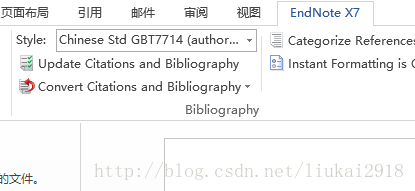
1 选择word 中endnote选项中的
choose **convert Citations and Bibliography
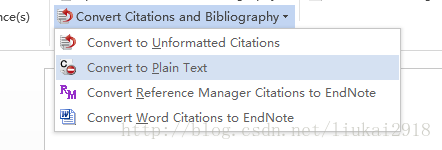
2 then choose *convert to plain text and the whold word will be changed a new another text*
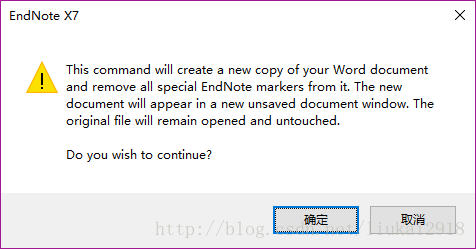
3 enter yes
4 new text based on your original word
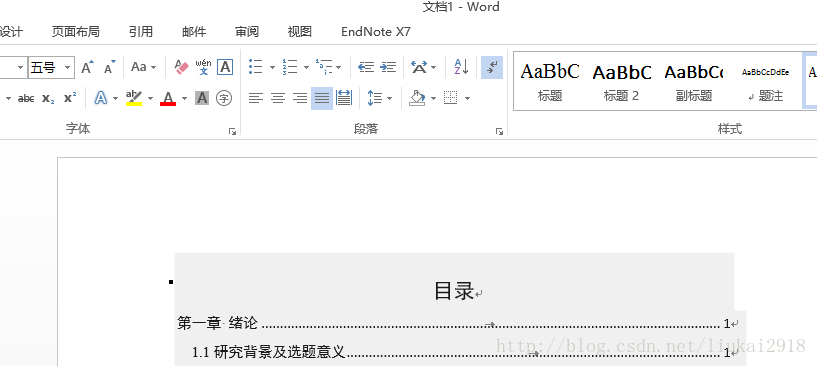
then you can edit your text in the new text.
All the commends were based on word 2013.
版权声明:本文为liukai2918原创文章,遵循CC 4.0 BY-SA版权协议,转载请附上原文出处链接和本声明。