报错界面忘记截图
大致长这样
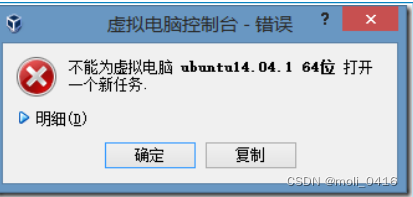
网上许多方法都没有改变这个错误
在解决Android studio本身自带模拟器运行不出来这个问题时无意间解决了这个问题
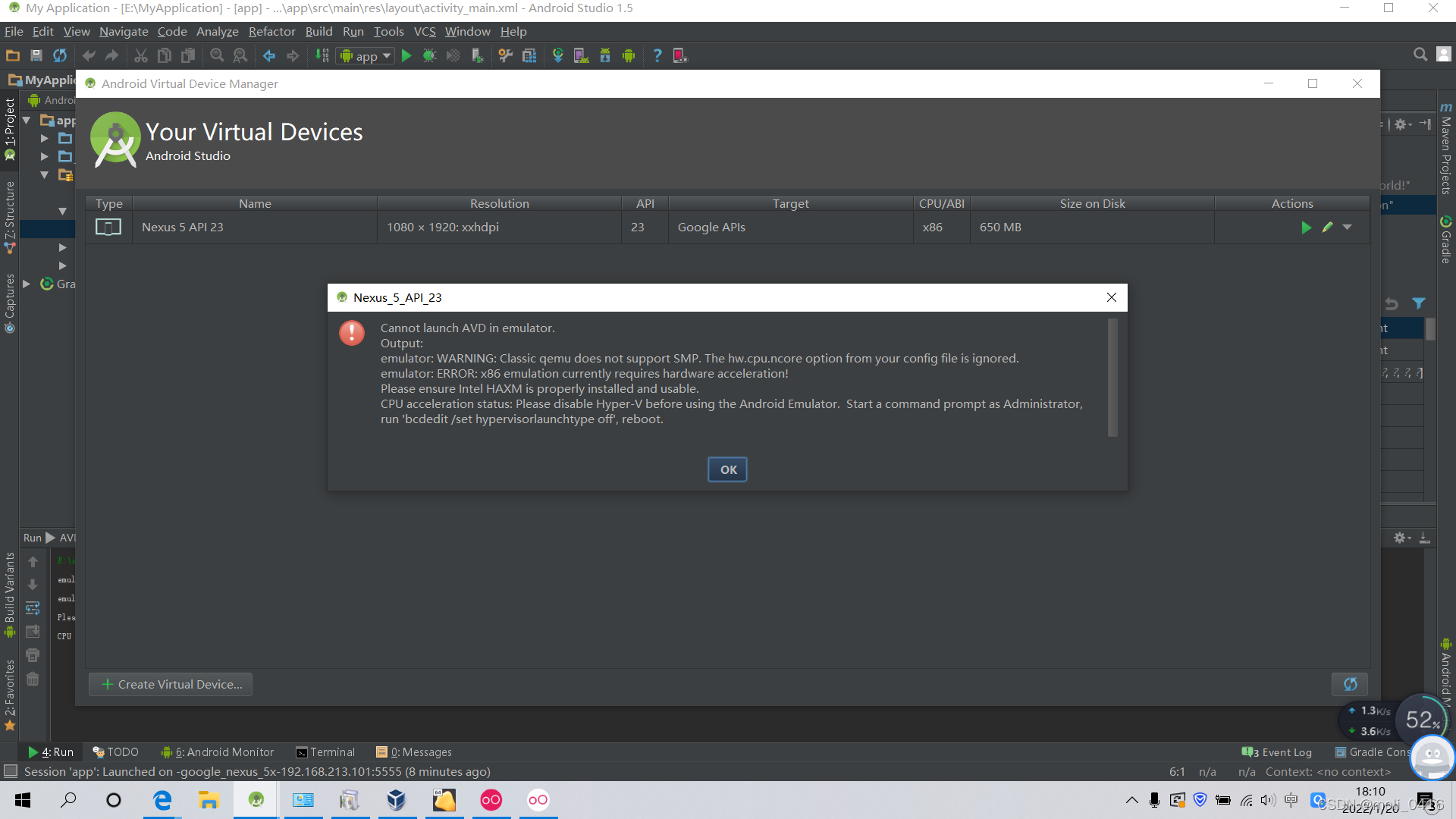
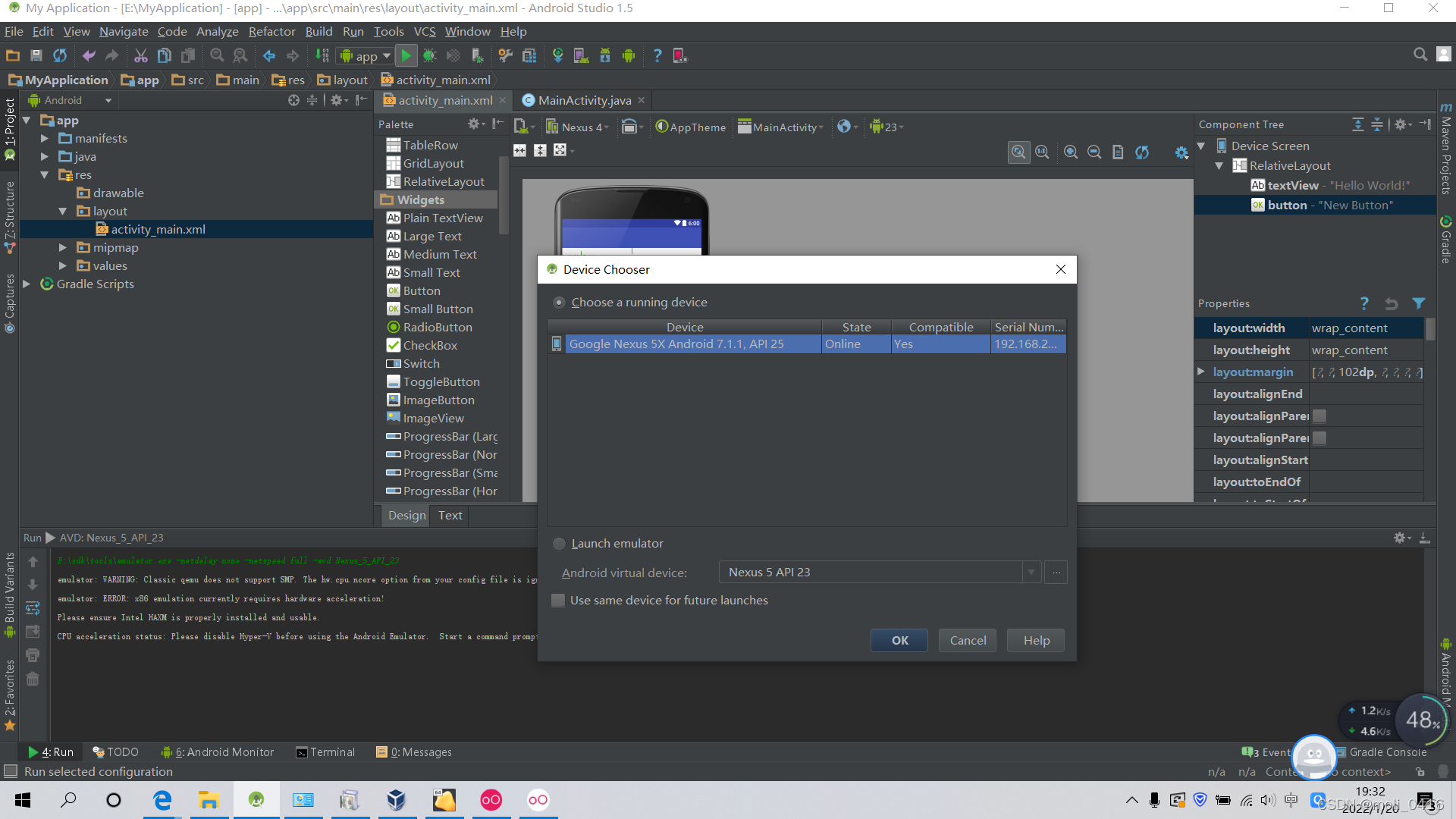
Cannot launch AVD in emulator.
Output:
emulator: WARNING: Crash service did not start
emulator: WARNING: Classic qemu does not support SMP. The hw.cpu.ncore option from your config file is ignored.
emulator: ERROR: x86 emulation currently requires hardware acceleration!
Please ensure Intel HAXM is properly installed and usable.
CPU acceleration status: Please disable Hyper-V before using the Android Emulator. Start a command prompt as Administrator, run 'bcdedit /set hypervisorlaunchtype off', reboot.
原因是下载完成后忘记打开虚拟化
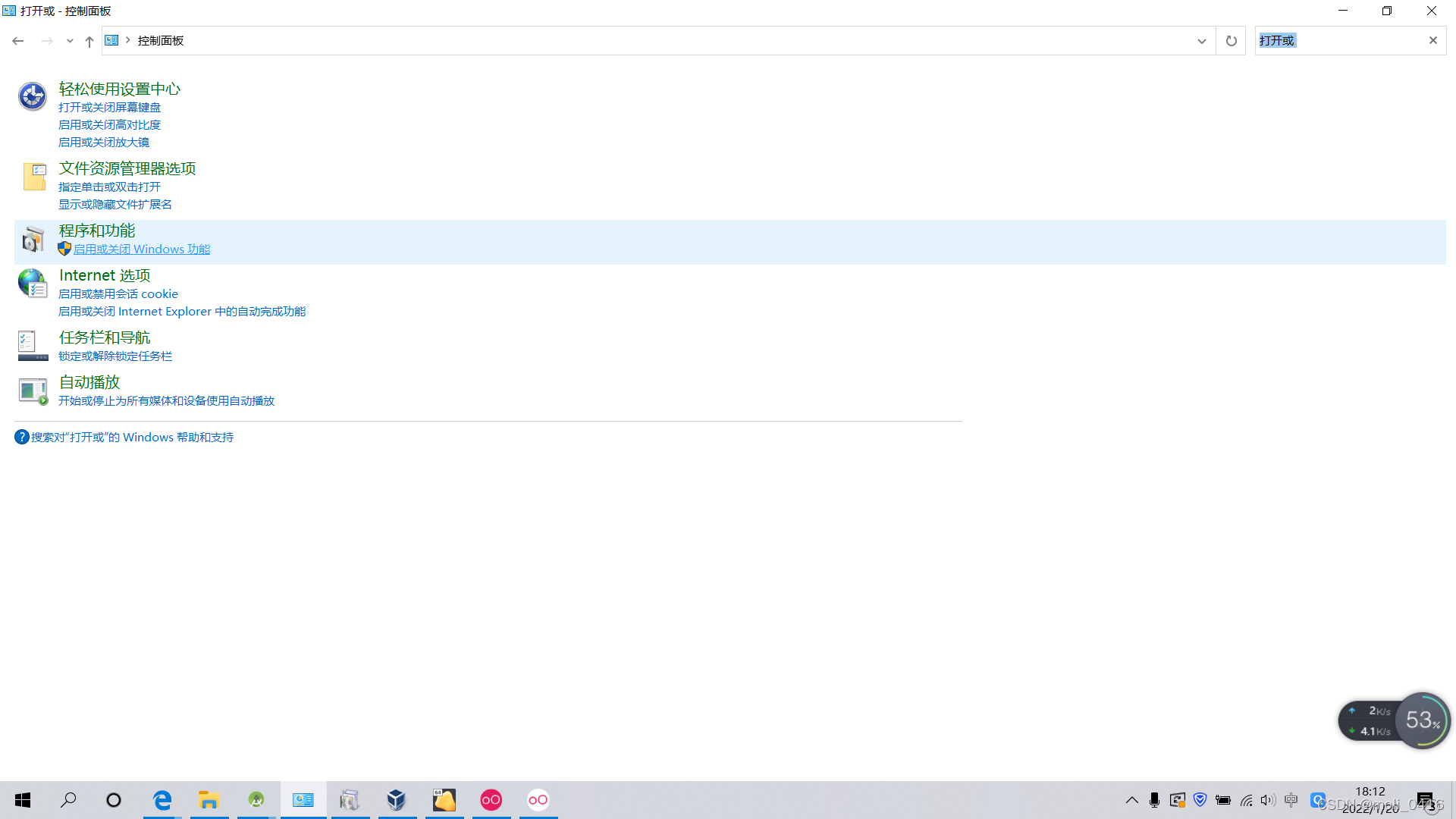
1、控制面板搜索应用或关闭Windows功能
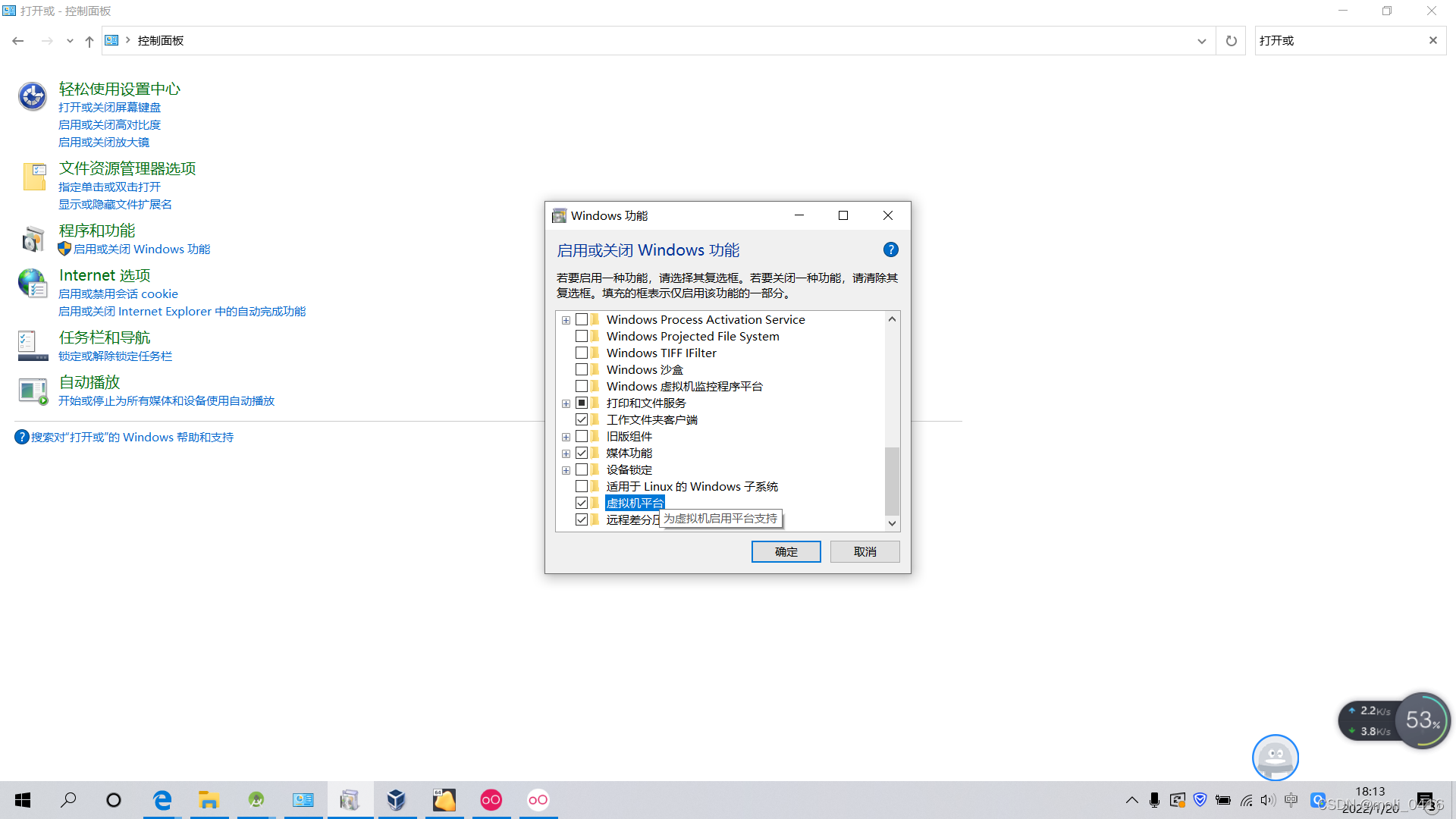
2、勾上虚拟化平台
3、Android studio->settings->plugins安装genymotion插件
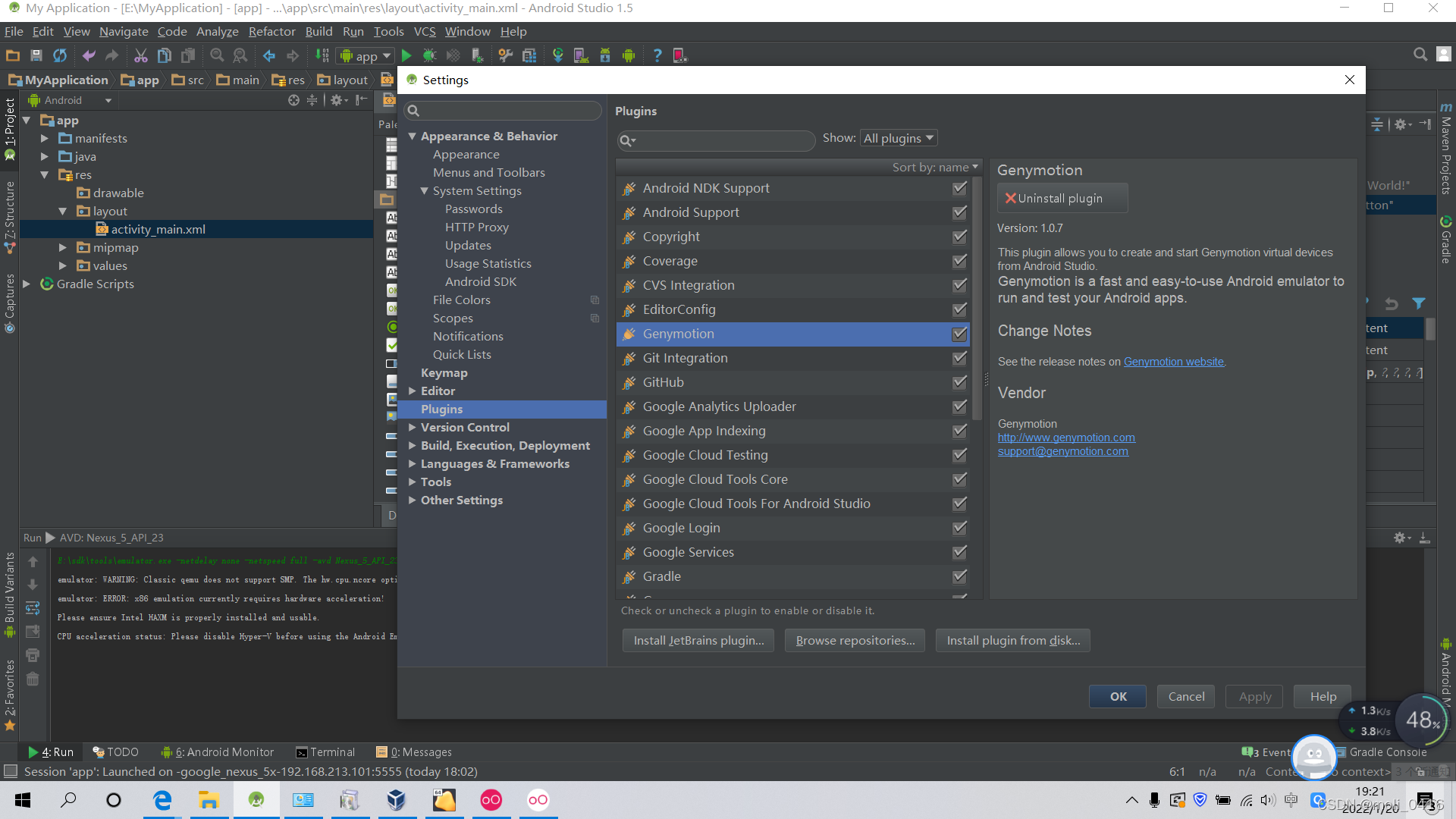
4、
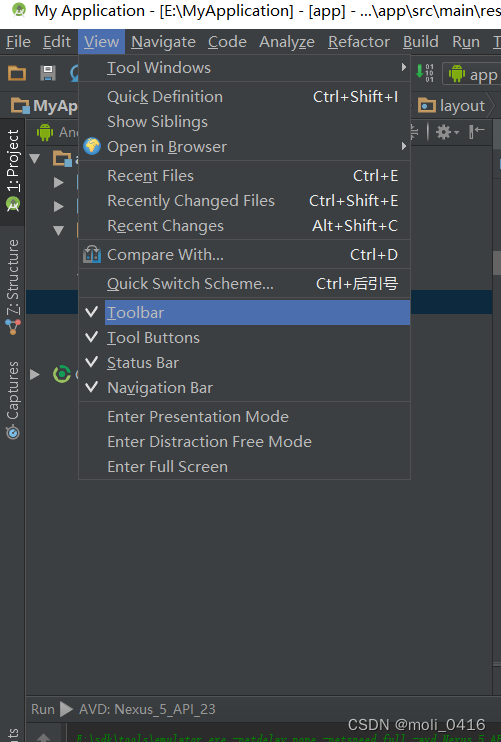
 若未出现这个工具,View->tiew->toolbar
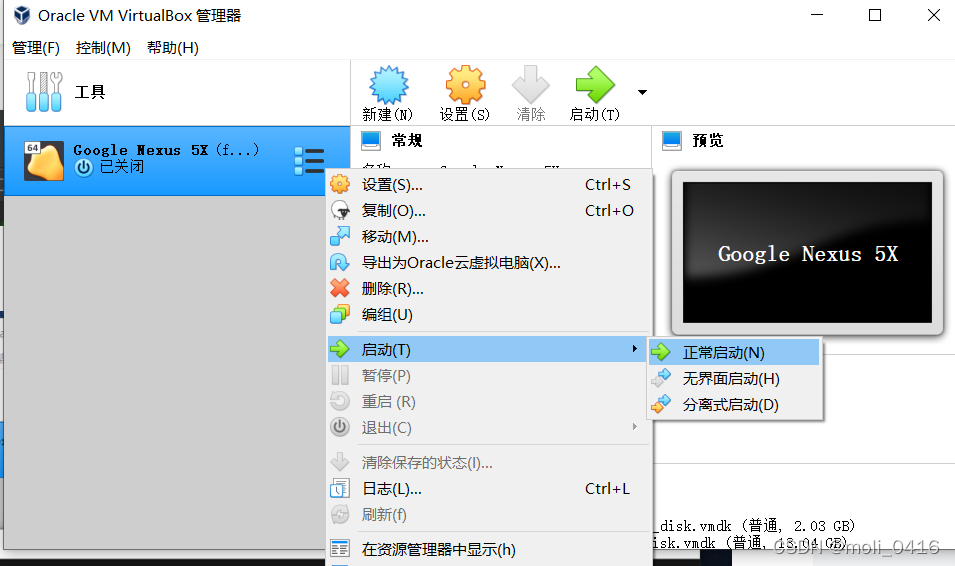
5、点击启动
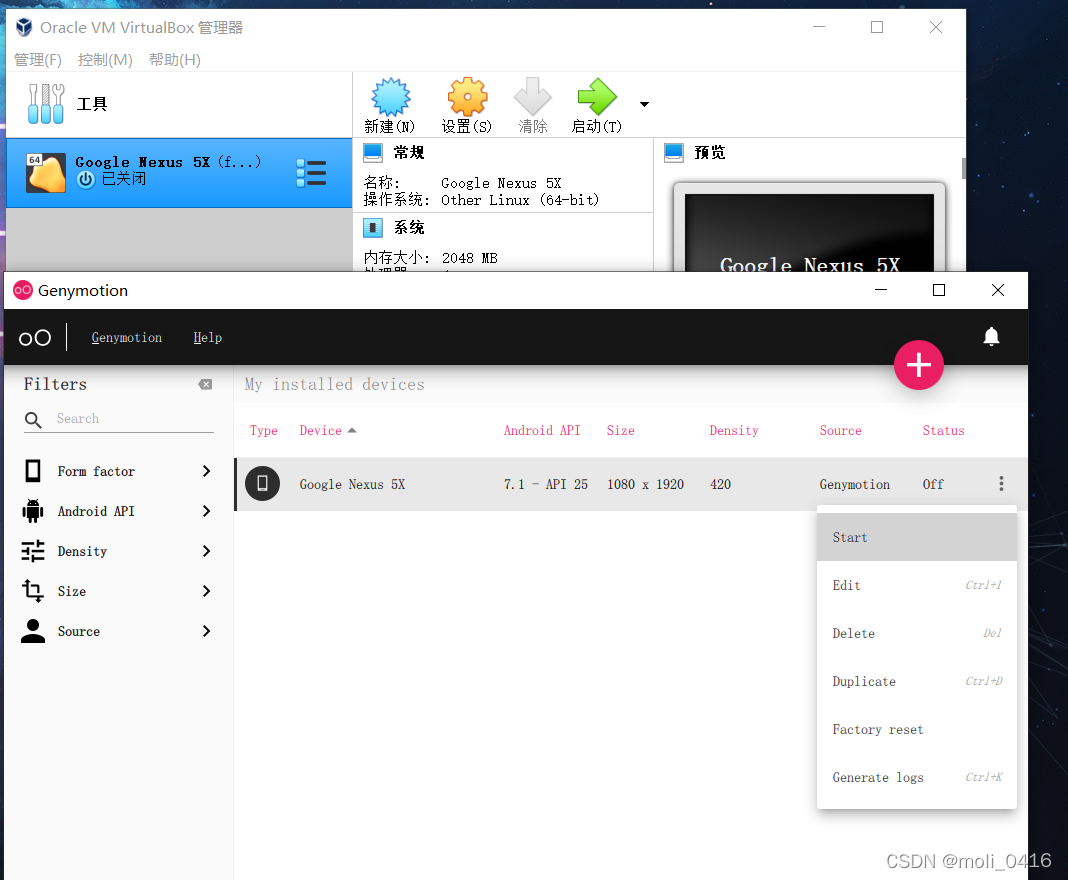
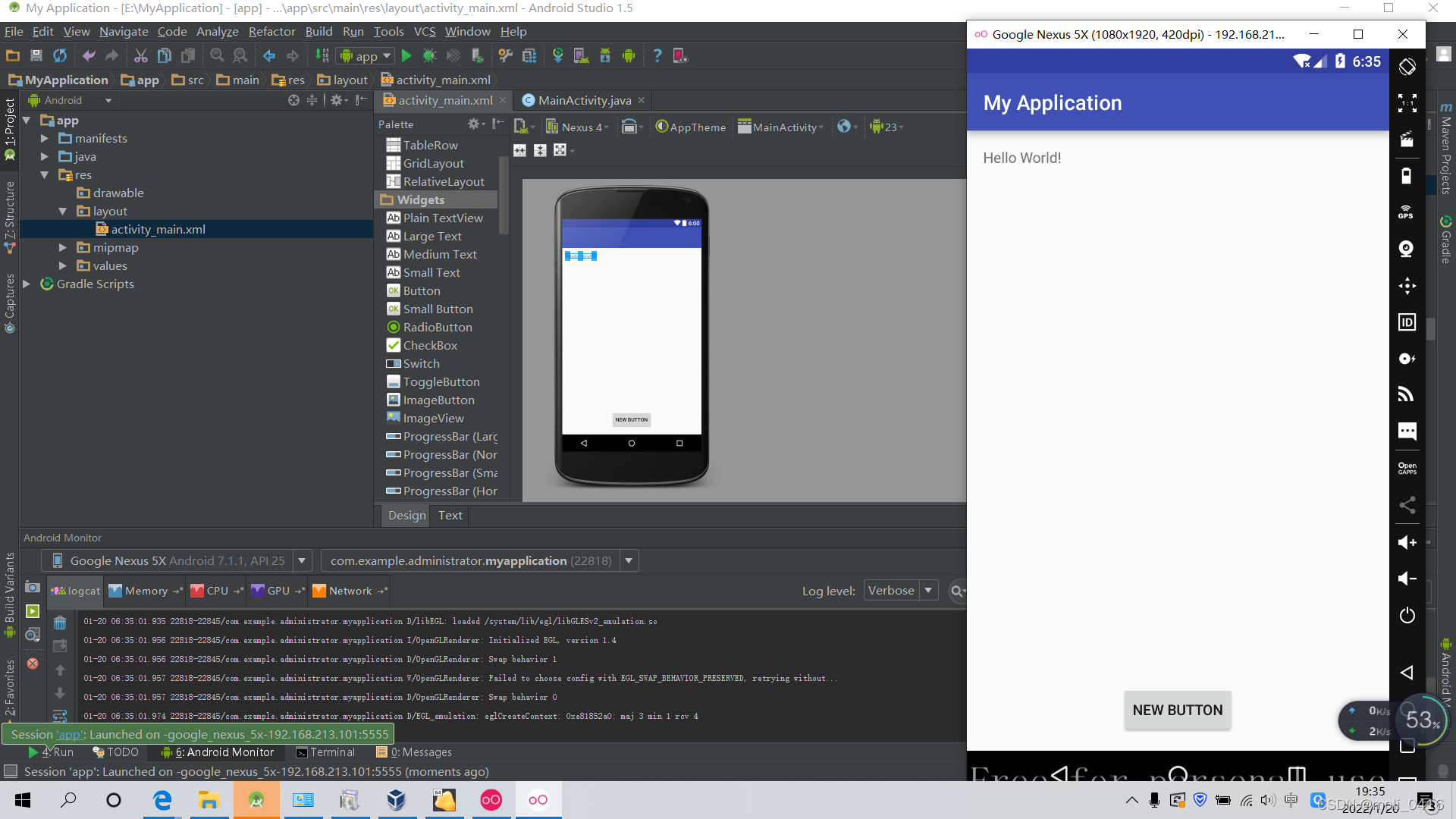
6、点击run,运行第一个Hellow World
版权声明:本文为weixin_45638534原创文章,遵循CC 4.0 BY-SA版权协议,转载请附上原文出处链接和本声明。