未经博主同意,不得以任何形式转载、复制、编辑或发布本文
目录结构
- VUE实战之通过脚手架搭建项目
- VUE实战之引入ElementUI
一、前言
本文在完成初始化的vue项目中引入ElementUI,vue项目的搭建过程请在目录中跳转相应页面。
二、安装和使用ElementUI
1.在控制台执执行安装命令
npm i element-ui -S
如图所示,则说明安装成功: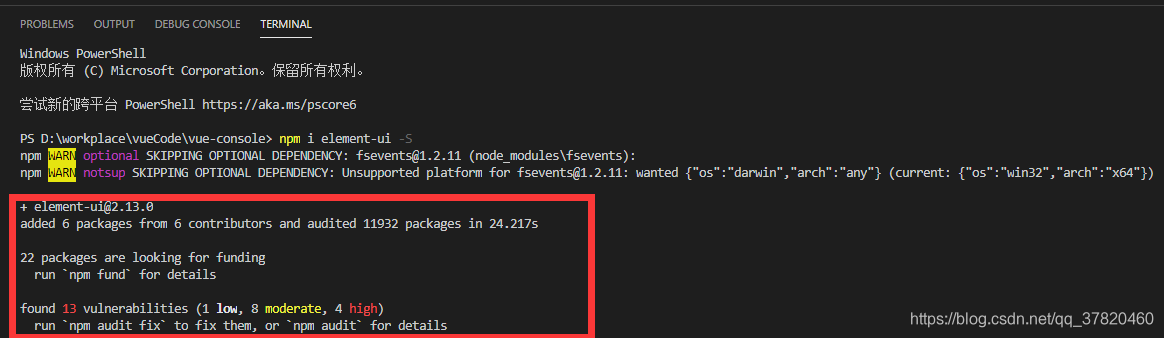
2.引入ElementUI
安装UI后需要引入,引入的方式多种多样,下面介绍一种常用的引入方式。
在main.js中加入下面三行代码
<!-- 引入element元素 -->
import Element from 'element-ui'
<!-- 引入element样式 -->
import 'element-ui/lib/theme-chalk/index.css'
<!-- 使用 -->
Vue.use(Element)
3.使用
直接在HelloWorld.vue中加入elementUI的标签。
粘贴上全部代码:
<template>
  <div class="hello">
    <!-- elementUI元素 -->
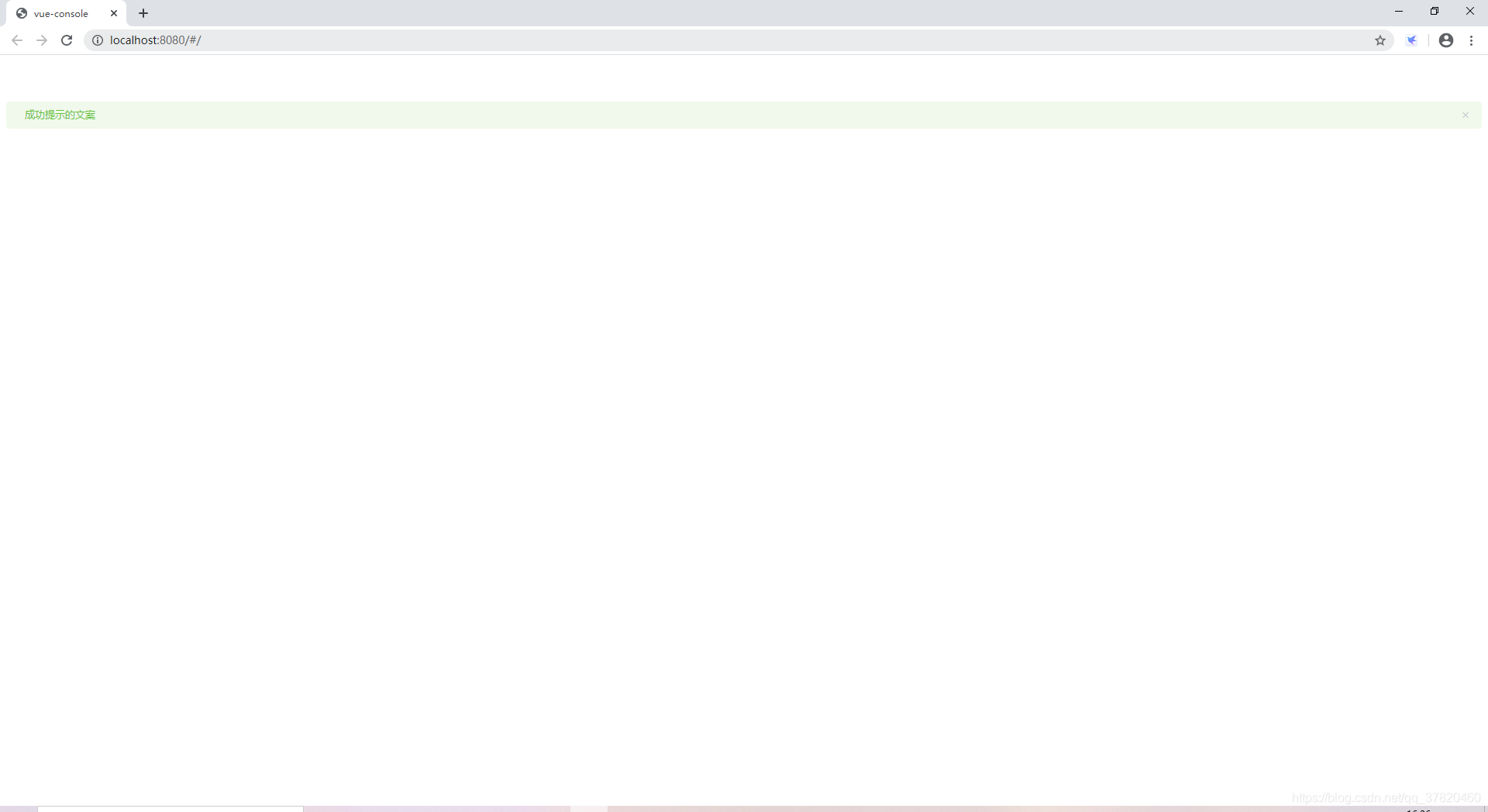
    <el-alert title="成功提示的文案" type="success"></el-alert>
  </div>
</template>

<script>
export default {
  name: "HelloWorld",
  data() {
    return {
      msg: "Welcome to Your Vue.js App"
    };
  }
};
</script>

<!-- Add "scoped" attribute to limit CSS to this component only -->
<style scoped>
h1,
h2 {
  font-weight: normal;
}
ul {
  list-style-type: none;
  padding: 0;
}
li {
  display: inline-block;
  margin: 0 10px;
}
a {
  color: #42b983;
}
</style>
4.效果展示
版权声明:本文为qq_37820460原创文章,遵循CC 4.0 BY-SA版权协议,转载请附上原文出处链接和本声明。