macOS 开发 — 读取文件/视频 信息
在开发过程中我们或许需要,在文件未打开的情况下读取文件信息。或者在视频加载前读取视频编码格式,以及视频的尺寸等等。以下提供三种Object-c macOS下的实现方法:
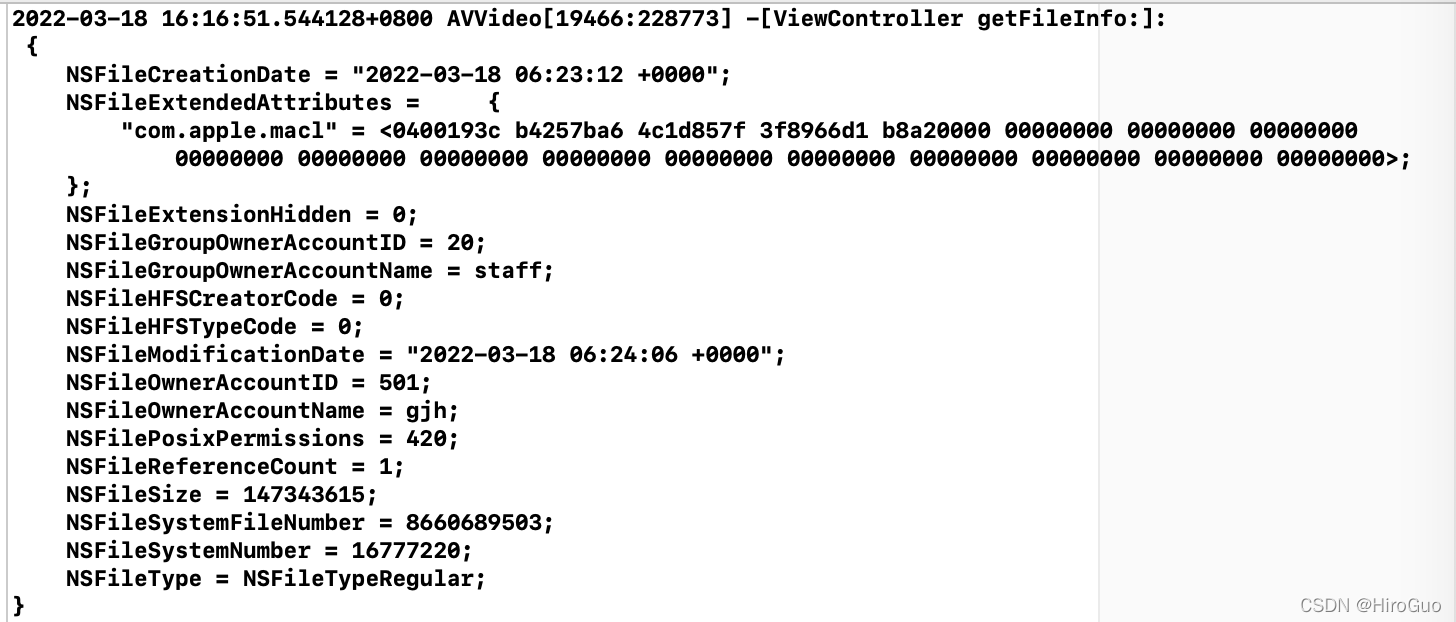
NSFileManager 读取文件信息
-(void)getFileInfo:(NSString *)path{
    NSFileManager *manger = [NSFileManager defaultManager];
    NSDictionary *dic= [manger attributesOfItemAtPath:path error:nil];
    NSLog(@"%s: \n %@",__func__,dic);
}
AVURLAsset 读取文件信息
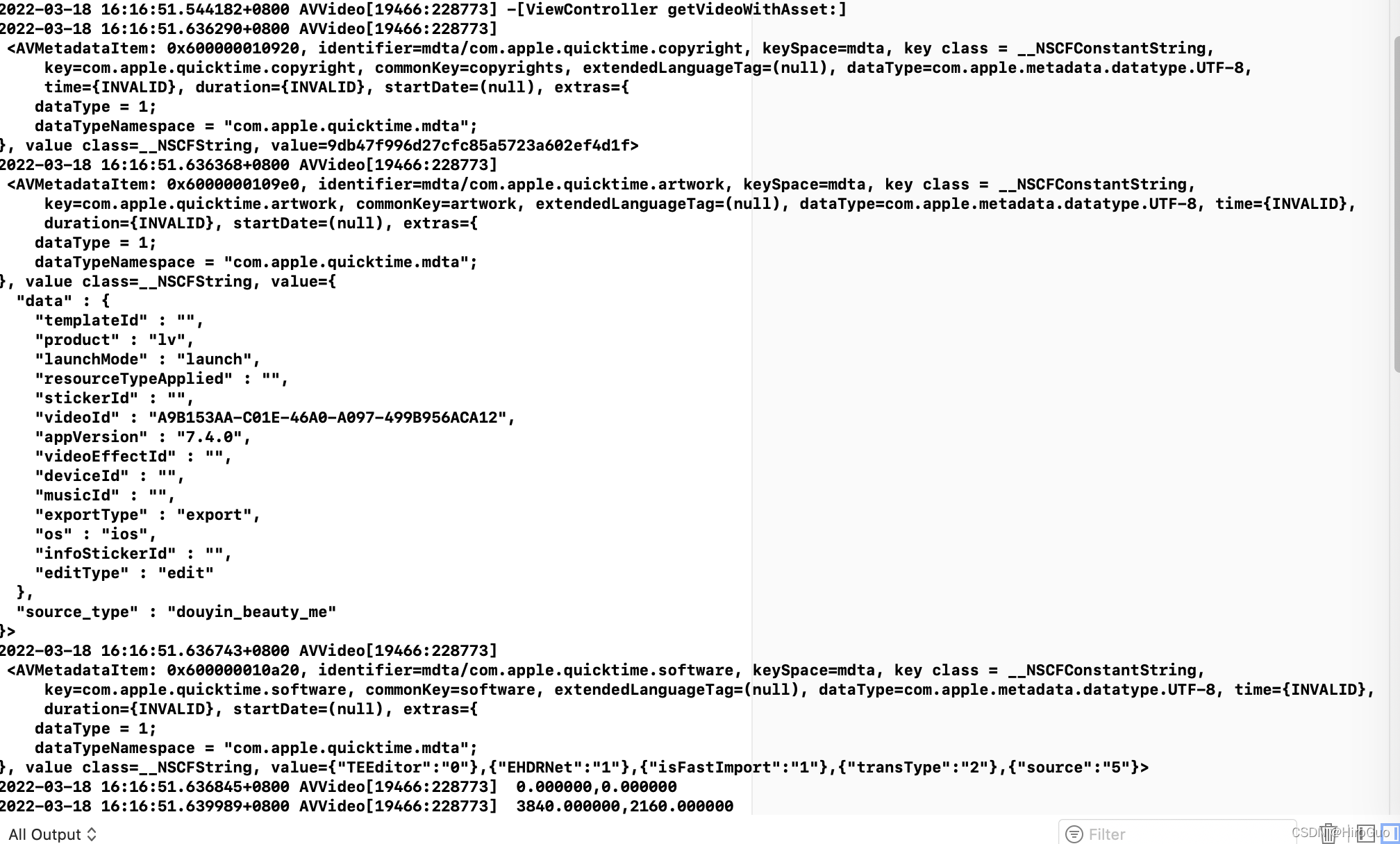
-(void)getVideoWithAsset:(NSString *)path
{
    NSLog(@"%s",__func__);
    AVURLAsset *asset = [[AVURLAsset alloc] initWithURL:[NSURL fileURLWithPath:path] options:nil];
    NSArray *metaArray = [asset commonMetadata];
    NSArray *assetTrack = [asset tracks];
    for ( AVMetadataItem *item in metaArray)
        NSLog(@"\n %@",item);

    for (AVAssetTrack *track in assetTrack) {
        NSLog(@" %f,%f",track.naturalSize.height,track.naturalSize.width);
    }
}
系统自带的 mdls 脚本 读取文件信息
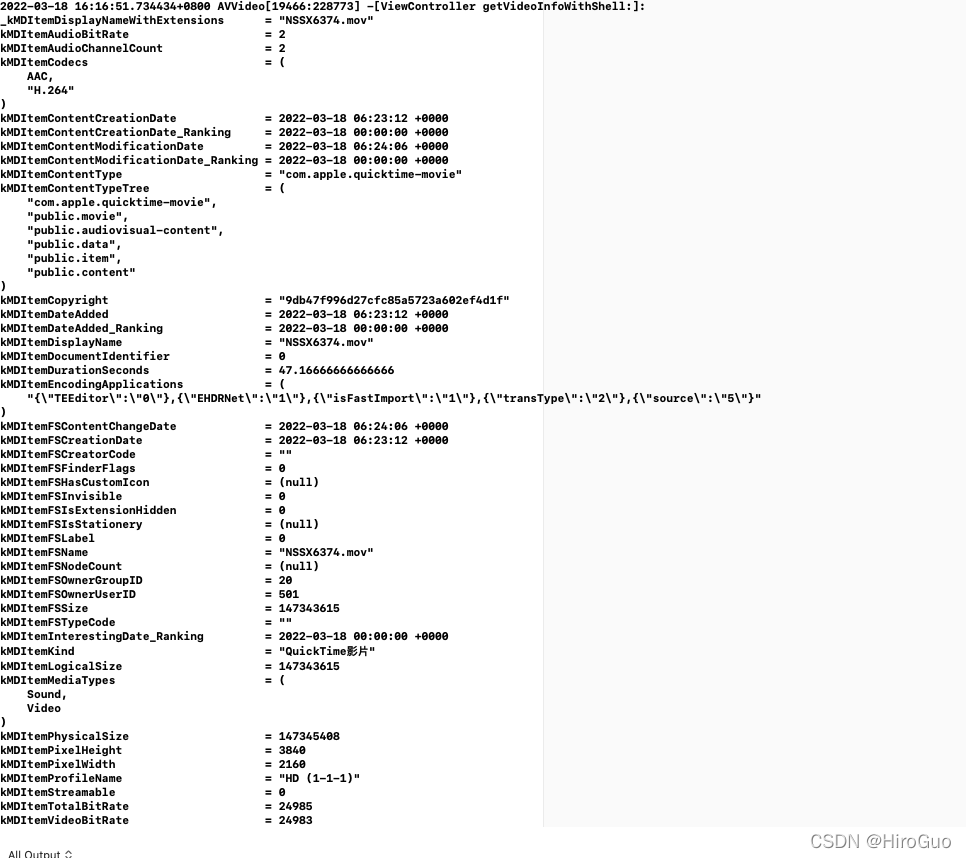
-(void)getVideoInfoWithShell:(NSString *)path{

    NSTask *task;
    task = [[NSTask alloc] init];
    [task setLaunchPath: @"/usr/bin/mdls"];

    NSArray *arguments;
    arguments = [NSArray arrayWithObjects:path, nil];
    [task setArguments: arguments];

    NSPipe *pipe;
    pipe = [NSPipe pipe];
    [task setStandardOutput: pipe];

    NSFileHandle *file;
    file = [pipe fileHandleForReading];

    [task launch];

    NSData *data;
    data = [file readDataToEndOfFile];

    NSString *string;
    string = [[NSString alloc] initWithData: data
                                   encoding: NSUTF8StringEncoding];
    NSLog (@"%s: \n%@",__func__, string);
}
版权声明:本文为HeroGuo_JP原创文章,遵循CC 4.0 BY-SA版权协议,转载请附上原文出处链接和本声明。