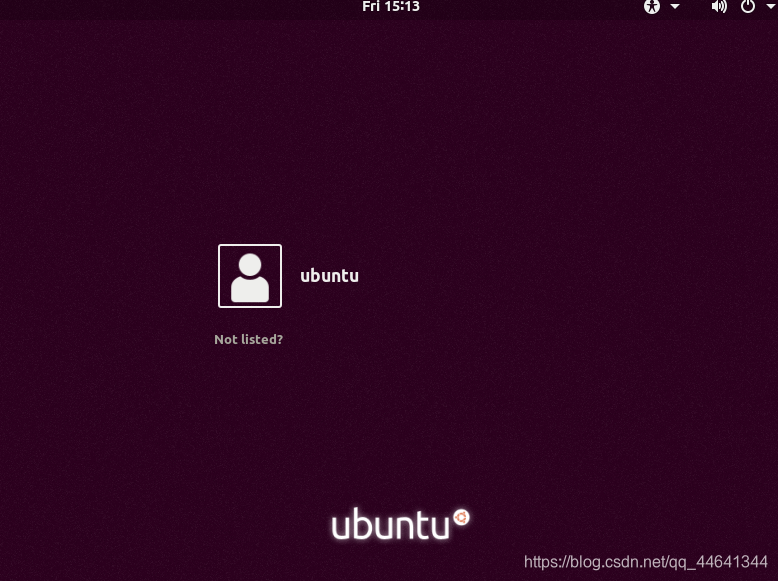
给Ubuntu服务器安装图形化界面
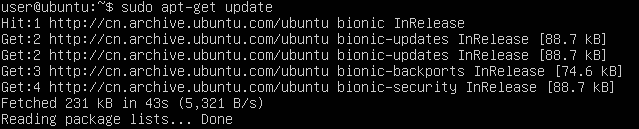
sudo apt-get update
sudo apt-get install ubuntu-desktop #安装桌面软件
reboot #重启
一直回车确认就行了
过程可能有点慢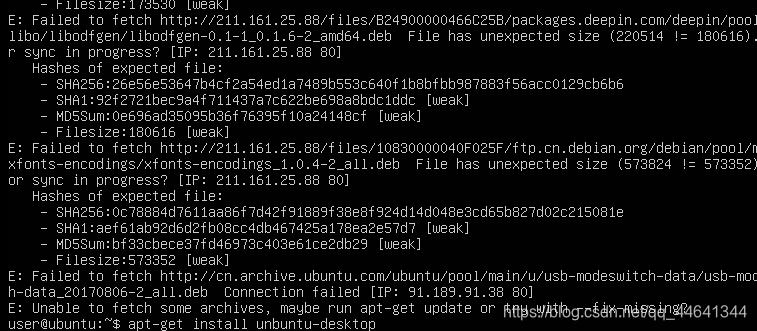
提示 apt-get update
重启 reboot
结果还是无法启动 图形界面
错误原因应该是apt的源不行
换成了apt阿里源
cd /etc/apt/

sudo vim sources.list
阿里源sources.list
deb http://mirrors.aliyun.com/ubuntu/ bionic main restricted universe
multiversedeb-src http://mirrors.aliyun.com/ubuntu/ bionic main restricted
universe multiversedeb http://mirrors.aliyun.com/ubuntu/ bionic-security main restricted
universe multiversedeb-src http://mirrors.aliyun.com/ubuntu/ bionic-security main
restricted universe multiversedeb http://mirrors.aliyun.com/ubuntu/ bionic-updates main restricted
universe multiversedeb-src http://mirrors.aliyun.com/ubuntu/ bionic-updates main
restricted universe multiversedeb http://mirrors.aliyun.com/ubuntu/ bionic-backports main restricted
universe multiversedeb-src http://mirrors.aliyun.com/ubuntu/ bionic-backports main
restricted universe multiversedeb http://mirrors.aliyun.com/ubuntu/ bionic-proposed main restricted
universe multiversedeb-src http://mirrors.aliyun.com/ubuntu/ bionic-proposed main
restricted universe multiverse
更新源
apt-get update
再次安装 重启
sudo apt-get install ubuntu-desktop
reboot
终于好了