1、修改密码
ERROR 1064 (42000): You have an error in your SQL syntax; check the manual that corresponds to your MySQL server version for the right syntax to use near ‘(‘123123’) where user=‘root’ and Host = ‘localhost’’ at line 1
注意你安装的版本
MySQL5.7版本修改密码:
update mysql.user set authentication_string=password(‘123qwe’) where user=‘root’ and Host = ‘localhost’;
MySQL5.7版本修改密码:
ALTER USER ‘root’@‘localhost’ IDENTIFIED WITH mysql_native_password BY ‘新密码’;
语法错误可自行检查
2、启动问题
‘mysql’ 不是内部或外部命令,也不是可运行的程序
或批处理文件。
需要在你安装MySQL的目录下
找到bin目录,在里边执行该命令
ERROR 2003 (HY000): Can’t connect to MySQL server on ‘localhost’ (10061)
无法连接MySQL服务器
至于要打开MySQL服务就好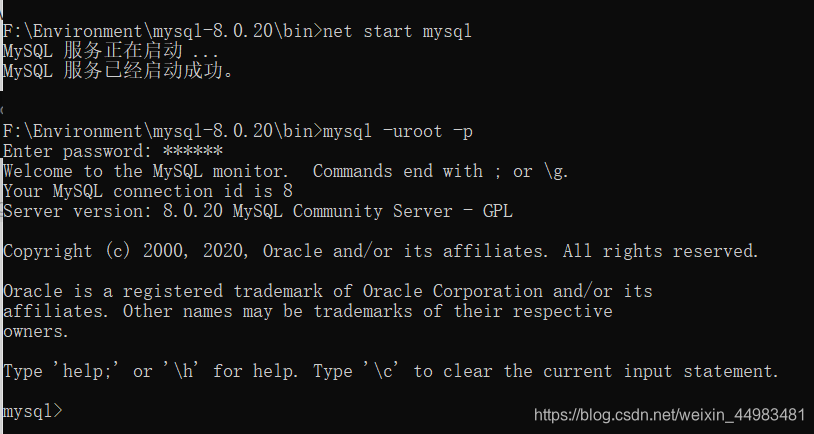
命令行变成mysql即成功连接
总结
小白一枚,欢迎补充
版权声明:本文为weixin_44983481原创文章,遵循CC 4.0 BY-SA版权协议,转载请附上原文出处链接和本声明。