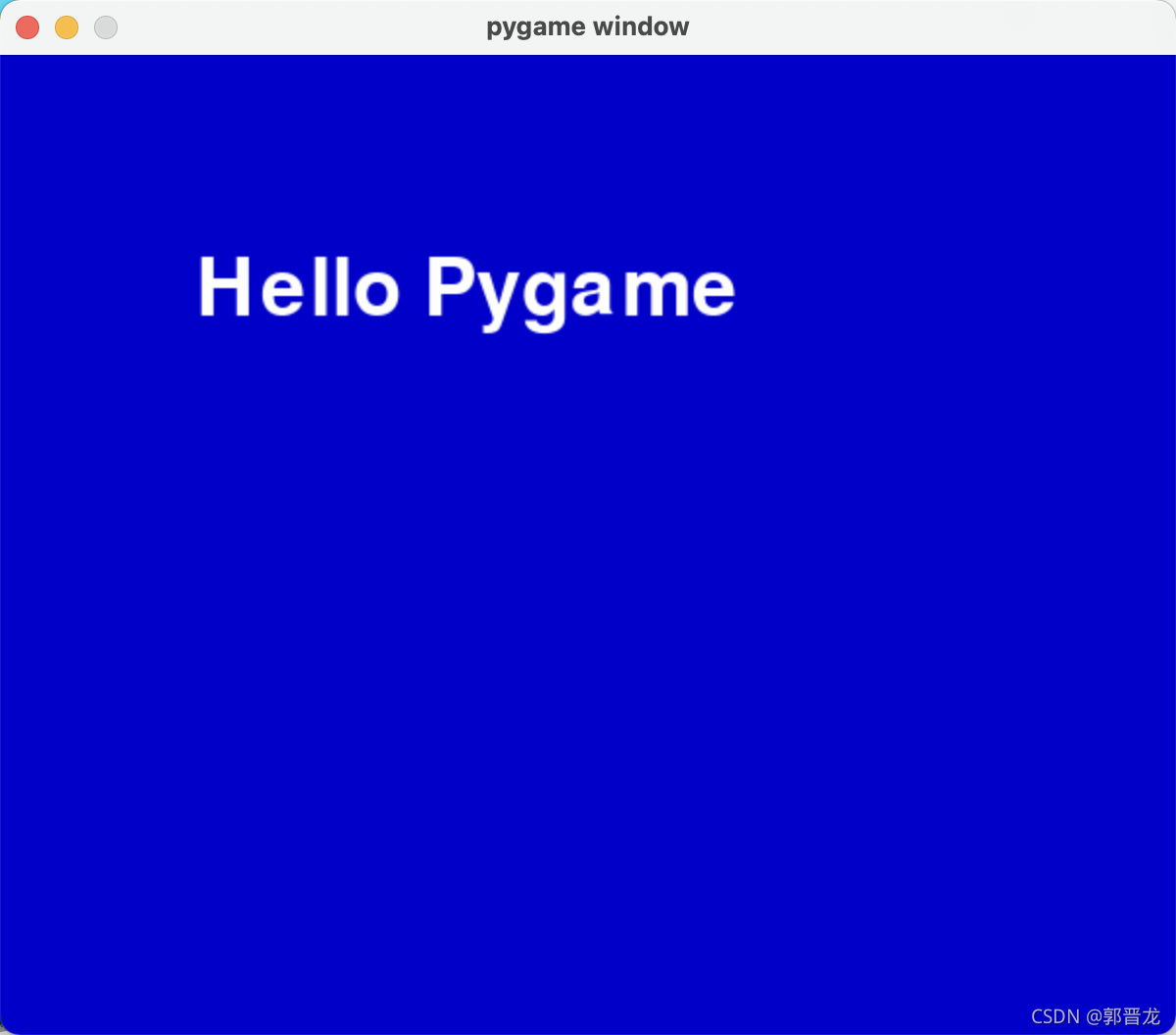
1.打印文字
import sys

import pygame
from pygame.locals import  *
white =255,255,255;
blue=0,0,200
pygame.init()
screen=pygame.display.set_mode((600,500))
myfont=pygame.font.Font(None,60)
textImage=myfont.render("Hello Pygame",True,white)
while True:
    for event in pygame.event.get():
        if event.type in (QUIT,KEYDOWN):
            sys.exit()
        screen.fill(blue)
        screen.blit(textImage,(100,100))
        pygame.display.update()
2.绘制圆形
import sys

import pygame
from pygame.locals import  *
white =255,255,255;
blue=0,0,200
pygame.init()
screen=pygame.display.set_mode((600,500))
pygame.display.set_caption("Drawing Circles")
myfont=pygame.font.Font(None,60)
textImage=myfont.render("Hello Pygame",True,white)
while True:
    for event in pygame.event.get():
        if event.type in (QUIT,KEYDOWN):
            sys.exit()
        screen.fill((0,0,200))

        #draw a circle
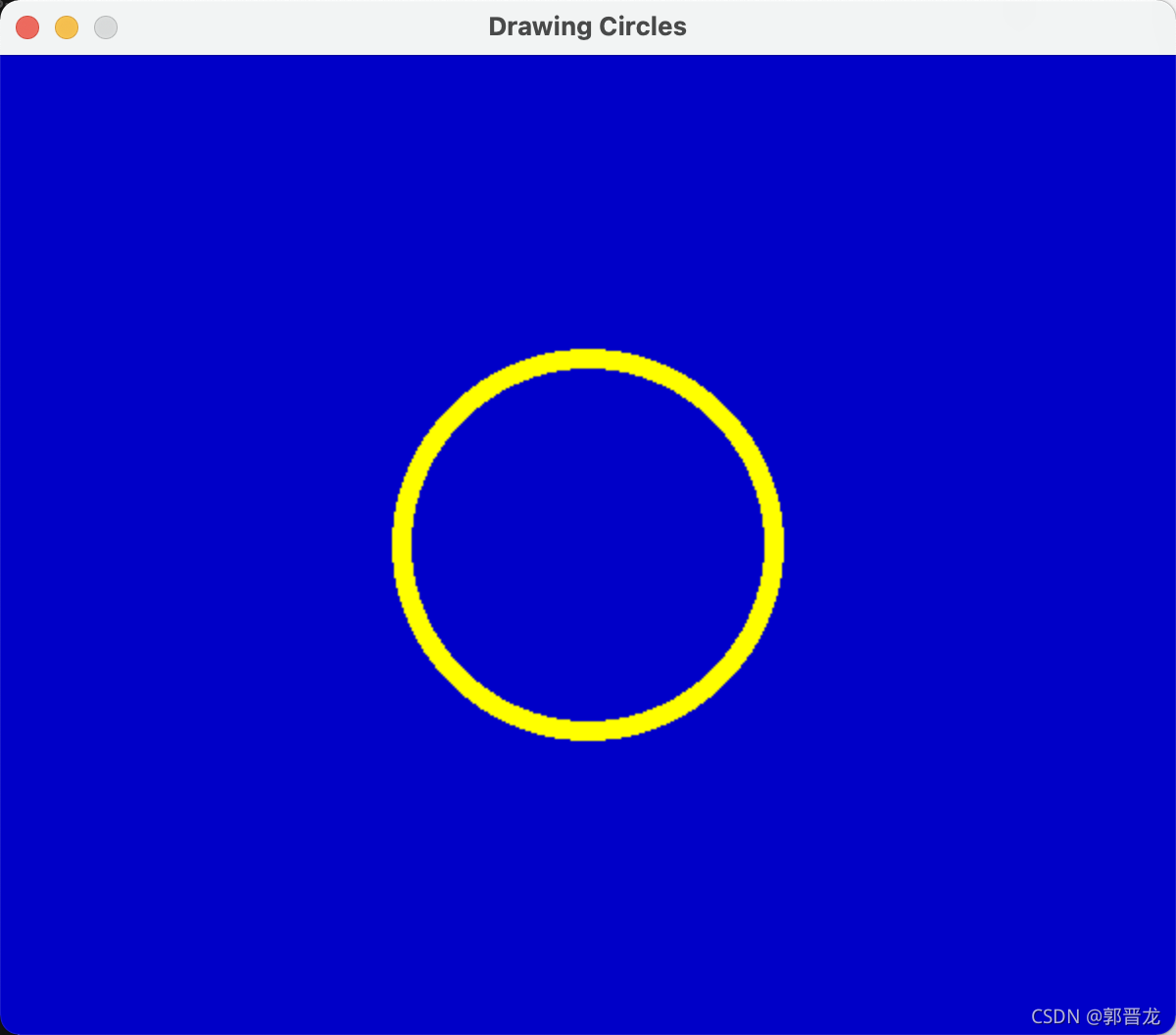
        color =255,255,0
        posotion=300,250
        radius=100
        width=10
        pygame.draw.circle(screen,color,posotion,radius,width)
        pygame.display.update()
3.可自由移动矩形
import sys

import pygame
from pygame.locals import  *
white =255,255,255;
blue=0,0,200
pygame.init()
screen=pygame.display.set_mode((600,500))
pygame.display.set_caption("Drawing Rectangles")
pos_x=300
pos_y=250
vel_x=2
vel_y=1
myfont=pygame.font.Font(None,60)
textImage=myfont.render("Hello Pygame",True,white)
while True:
    for event in pygame.event.get():
        if event.type in (QUIT,KEYDOWN):
            sys.exit()
        screen.fill((0,0,200))

        # #draw a circle
        # color =255,255,0
        # posotion=300,250
        # radius=100
        # width=10
        # pygame.draw.circle(screen,color,posotion,radius,width)
        # pygame.display.update()

        #move a rectangles
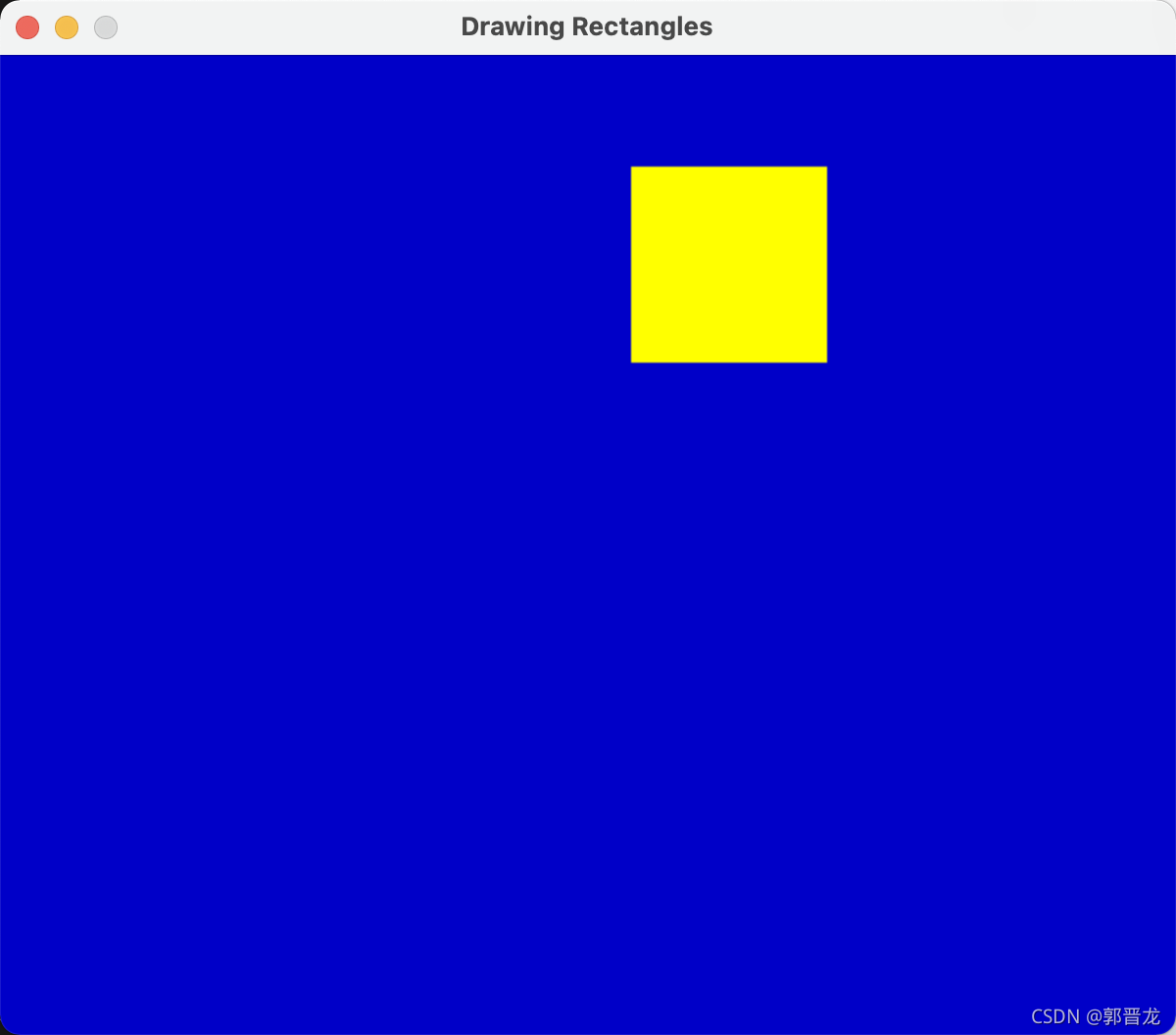
        pos_x+=vel_x
        pos_y+=vel_y

        #keep rectangle on the screen
        if pos_x>500 or pos_x<0:
            vel_x=-vel_x
        if pos_y>500 or pos_y<0:
            vel_y=-vel_y

        #draw the rectangle
        color=255,255,0
        width=0 #solid fill
        pos=pos_x,pos_y,100,100
        pygame.draw.rect(screen,color,pos,width)
        pygame.display.update()
4.绘制弧形
import sys
import  math
import pygame
from pygame.locals import  *
white =255,255,255;
blue=0,0,200
pygame.init()
screen=pygame.display.set_mode((600,500))
pygame.display.set_caption("Drawing Rectangles")
pos_x=300
pos_y=250
vel_x=2
vel_y=1
myfont=pygame.font.Font(None,60)
textImage=myfont.render("Hello Pygame",True,white)
while True:
    for event in pygame.event.get():
        if event.type in (QUIT,KEYDOWN):
            sys.exit()
        screen.fill((0,0,200))

        # #draw a circle
        # color =255,255,0
        # posotion=300,250
        # radius=100
        # width=10
        # pygame.draw.circle(screen,color,posotion,radius,width)
        # pygame.display.update()

        # #move a rectangles
        # pos_x+=vel_x
        # pos_y+=vel_y

        # #keep rectangle on the screen
        # if pos_x>500 or pos_x<0:
        #     vel_x=-vel_x
        # if pos_y>500 or pos_y<0:
        #     vel_y=-vel_y
        #
        # #draw the rectangle
        # color=255,255,0
        # width=0 #solid fill
        # pos=pos_x,pos_y,100,100
        # pygame.draw.rect(screen,color,pos,width)
        # pygame.display.update()


        #draw the arc
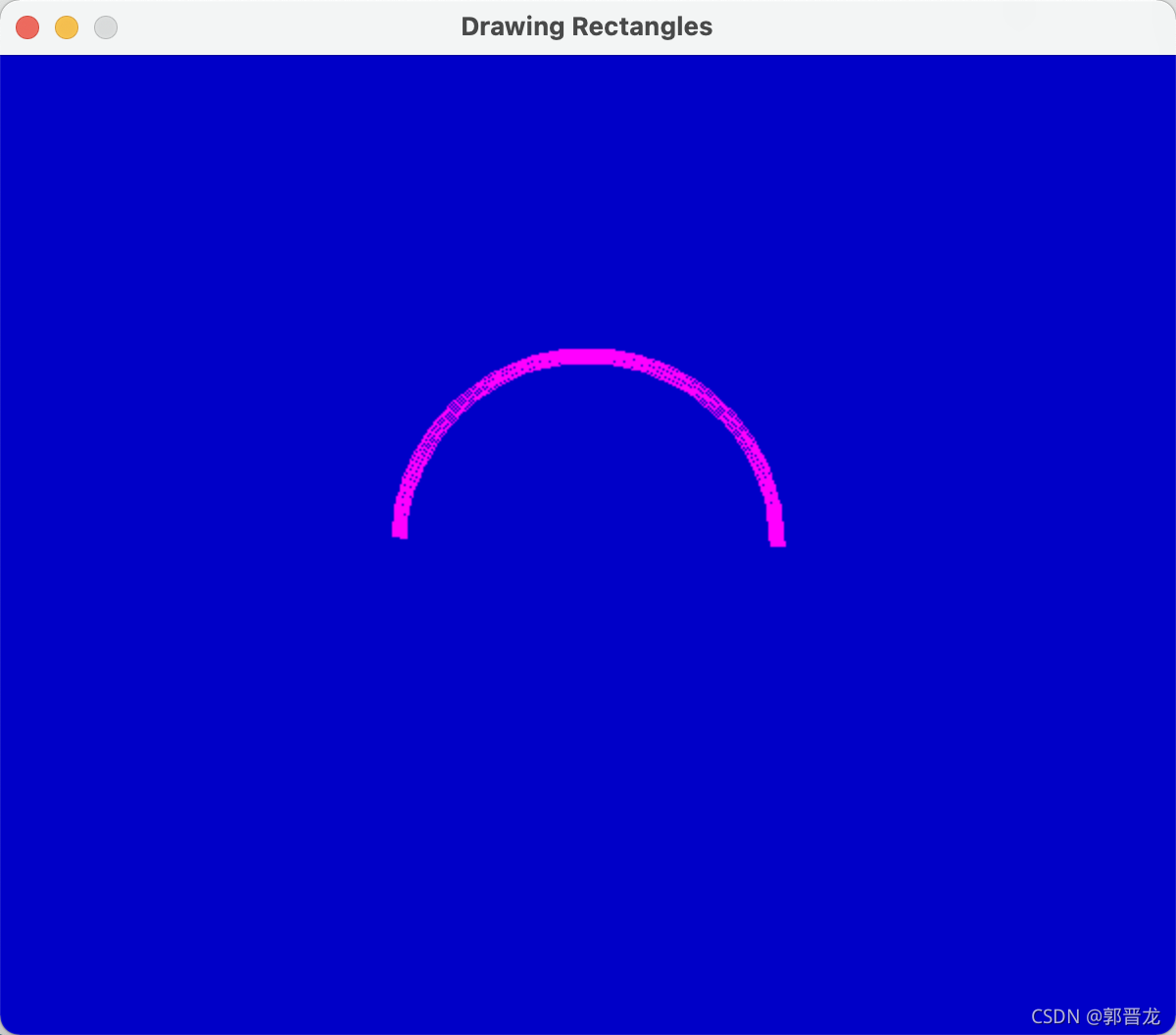
        color=255,0,255
        position=200,150,200,200
        start_angle=math.radians(0)
        end_angle=math.radians(180)
        width=8
        pygame.draw.arc(screen,color,position,start_angle,end_angle,width)
        pygame.display.update()
5.Pie游戏
import pygame
import math
import sys
from pygame.locals import *
pygame.init()
screen = pygame.display.set_mode((600, 500))
pygame.display.set_caption("The Pie Game - Press 1,2,3,4")
myfont = pygame.font.Font(None, 60)

color = 200, 80, 60
x = 300
y = 250
radius = 200
position = x-radius, y-radius, radius*2, radius*2
width = 8
pieces1 = False
pieces2 = False
pieces3 = False
pieces4 = False
start_angle1 = math.radians(0)
end_angle1 = math.radians(90)

start_angle2 = math.radians(90)
end_angle2 = math.radians(180)

start_angle3 = math.radians(180)
end_angle3 = math.radians(270)

start_angle4 = math.radians(270)
end_angle4 = math.radians(360)

while True:
    for event in pygame.event.get():
        if event.type == QUIT:
            sys.exit()
        elif event.type == KEYUP:
            if event.key == pygame.K_ESCAPE:
                sys.exit()
            elif event.key == pygame.K_1:
                pieces1 = True
            elif event.key == pygame.K_2:
                pieces2 = True
            elif event.key == pygame.K_3:
                pieces3 = True
            elif event.key == pygame.K_4:
                pieces4 = True
    # clear the screen
    screen.fill((0, 0, 200))

    # draw numbers
    text1 = myfont.render("1", True, color)
    screen.blit(text1, (x+radius/2, y-radius/2))
    text2 = myfont.render("2", True, color)
    screen.blit(text2, (x-radius/2, y-radius/2))
    text3 = myfont.render("3", True, color)
    screen.blit(text3, (x-radius/2, y+radius/2))
    text4 = myfont.render("4", True, color)
    screen.blit(text4, (x+radius/2, y+radius/2))

    # draw pieces
    if pieces1:
        pygame.draw.arc(screen, color, position, start_angle1, end_angle1, width)
        pygame.draw.line(screen, color, (x, y-radius), (x, y), width)
    if pieces2:
        pygame.draw.arc(screen, color, position, start_angle2, end_angle2, width)
        pygame.draw.line(screen, color, (x-radius, y), (x, y), width)
    if pieces3:
        pygame.draw.arc(screen, color, position, start_angle3, end_angle3, width)
        pygame.draw.line(screen, color, (x, y+radius), (x, y), width)
    if pieces4:
        pygame.draw.arc(screen, color, position, start_angle4, end_angle4, width)
        pygame.draw.line(screen, color, (x+radius, y), (x, y), width)

    if pieces1 and pieces2 and pieces3 and pieces4:
        color = 0, 255, 0

    pygame.display.update()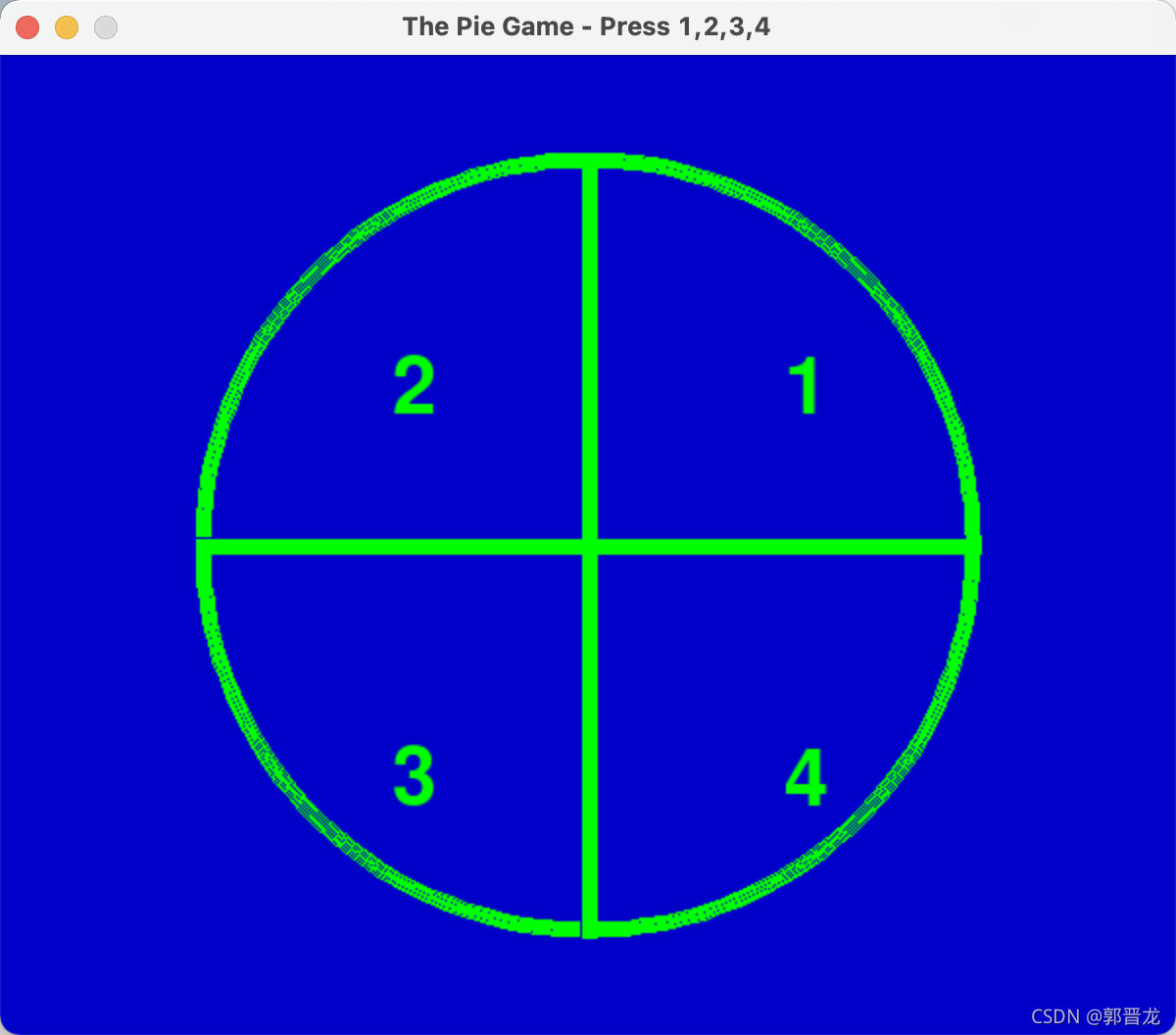
版权声明:本文为m0_57006708原创文章,遵循CC 4.0 BY-SA版权协议,转载请附上原文出处链接和本声明。