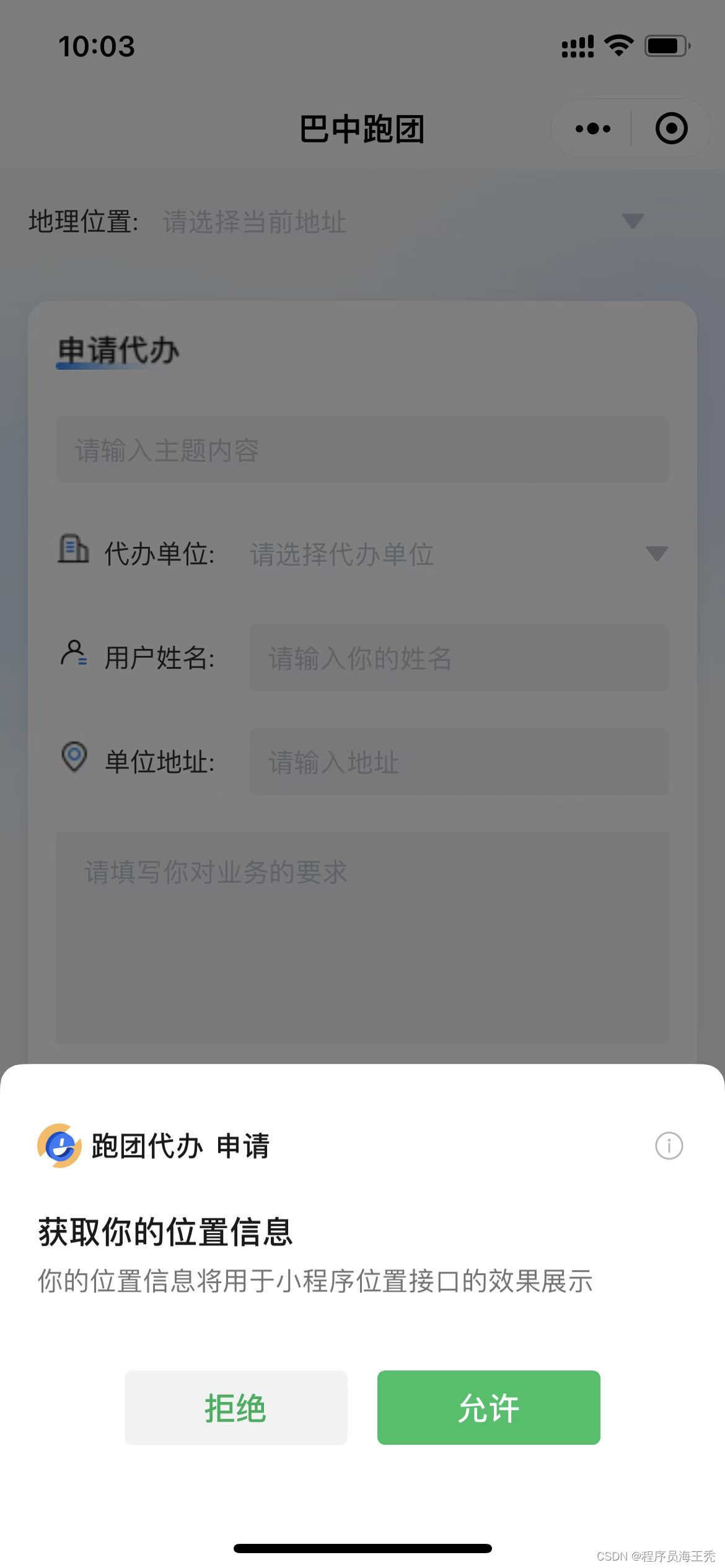
解决方法:设置引导页引导用户进行授权

代码实现:
 //获取城市详细位置
    mapSelect() {
      const that = this
      uni.getLocation({
        type: 'gcj02',
        isHighAccuracy: true,
        success: function (res) {
          console.log(res, 'getLocation')
          uni.chooseLocation({
            latitude: res.latitude,
            longitude: res.longitude,
            success: function (res) {
              // that.longitude = res.longitude
              // that.latitude = res.latitude
              console.log(res, 'chooseLocation')
            },
            complete(e) {
              if (e.name) {
                that.form.region = e.name
                that.userFrom.area = e.name
                // that.showToast(that.userFrom.area)
                console.log(that.userFrom.area, 5555555)
              }
            },
          })
        },
        fail: () => {
          this.getMapLocation()
        },
      })
    },
    getMapLocation() {
      uni.getSetting({
        success: (res) => {
          console.log(res)
          var status = res.authSetting
          if (!status['scope.userLocation']) {
            // 如果授权信息中没有地理位置的授权,则需要弹窗提示用户需要授权地理信息
            uni.showModal({
              title: '是否授权当前位置',
              content:
                '需要获取您的地理位置,请确认授权,否则地图功能将无法使用',
              success: (tip) => {
                if (tip.confirm) {
                  // 如果用户同意授权地理信息,则打开授权设置页面,判断用户的操作
                  uni.openSetting({
                    success: (data) => {
                      // 如果用户授权了地理信息在,则提示授权成功
                      if (data.authSetting['scope.userLocation'] === true) {
                        uni.showToast({
                          title: '授权成功',
                          icon: 'success',
                          duration: 1000,
                        })
                        // 授权成功后,然后再次chooseLocation获取信息
                        this.mapSelect()
                      } else {
                        uni.showToast({
                          title: '授权失败',
                          icon: 'none',
                          duration: 1000,
                        })
                      }
                    },
                  })
                }
              },
            })
          }
        },
        fail: (res) => {
          uni.showToast({
            title: '调用授权窗口失败',
            icon: 'none',
            duration: 1000,
          })
        },
      })
},版权声明:本文为weixin_53561783原创文章,遵循CC 4.0 BY-SA版权协议,转载请附上原文出处链接和本声明。