使用unity回去配置文件并给文字ui赋值,打包后可以直接在文件夹中修改的方法
一. 使用方法
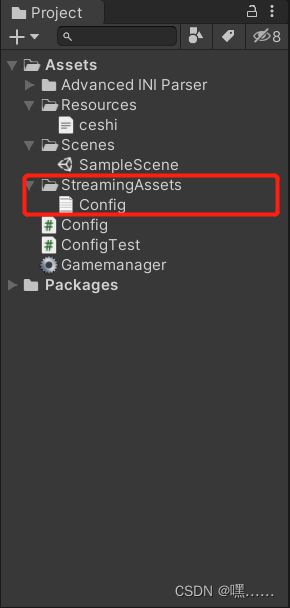
1.在project目录创建StreamingAssets文件,在StreamingAssets文件下创建Config文档

2.创建脚本ConfigTest
using UnityEngine;
using System.Collections;
using System.Collections.Generic;
using System.IO;
using UnityEngine.UI;


public class ConfigTest : MonoBehaviour
{
    public Dictionary<string, Dictionary<string, string>> dic;
    private string path;
    public string lines;
    public Text configtext;
    private void Awake()
    {
        //读取StreamingAssets文件下的文件路径
        path = Path.Combine(Application.streamingAssetsPath,"Config.txt");
        if (dic ==null)
        {
            dic = new Dictionary<string, Dictionary<string, string>>();
            LoadConfig();
        }
    }

    /// <summary>
    /// 读取所有数据
    /// </summary>
    public void LoadConfig()
    {
         lines = null;
        if (File.Exists(path))
        {
            lines = File.ReadAllText(path);
            configtext.text = lines.ToString();

        }
    }
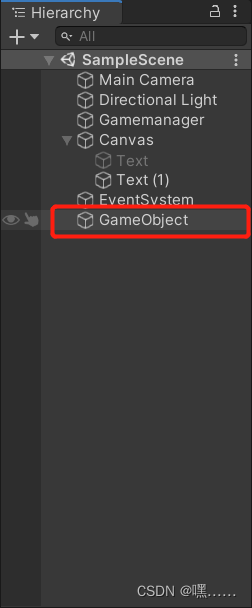
3.创建空物体,并将脚本添加到空物体
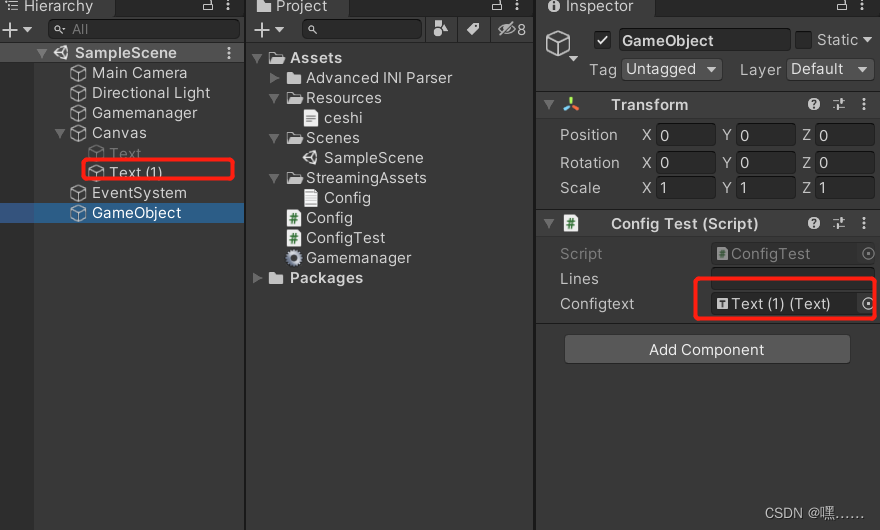
4.创建文字ui并给脚本赋值
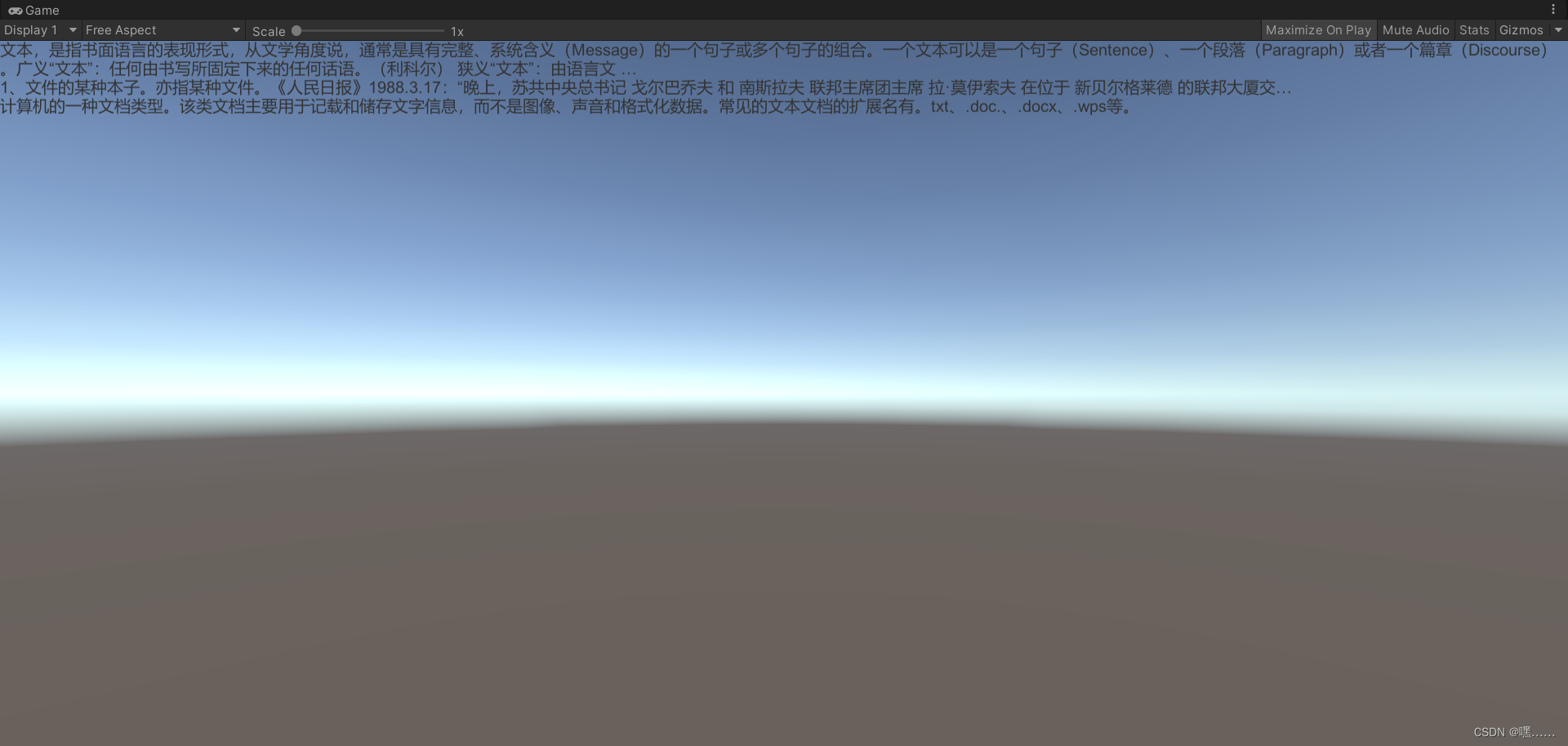
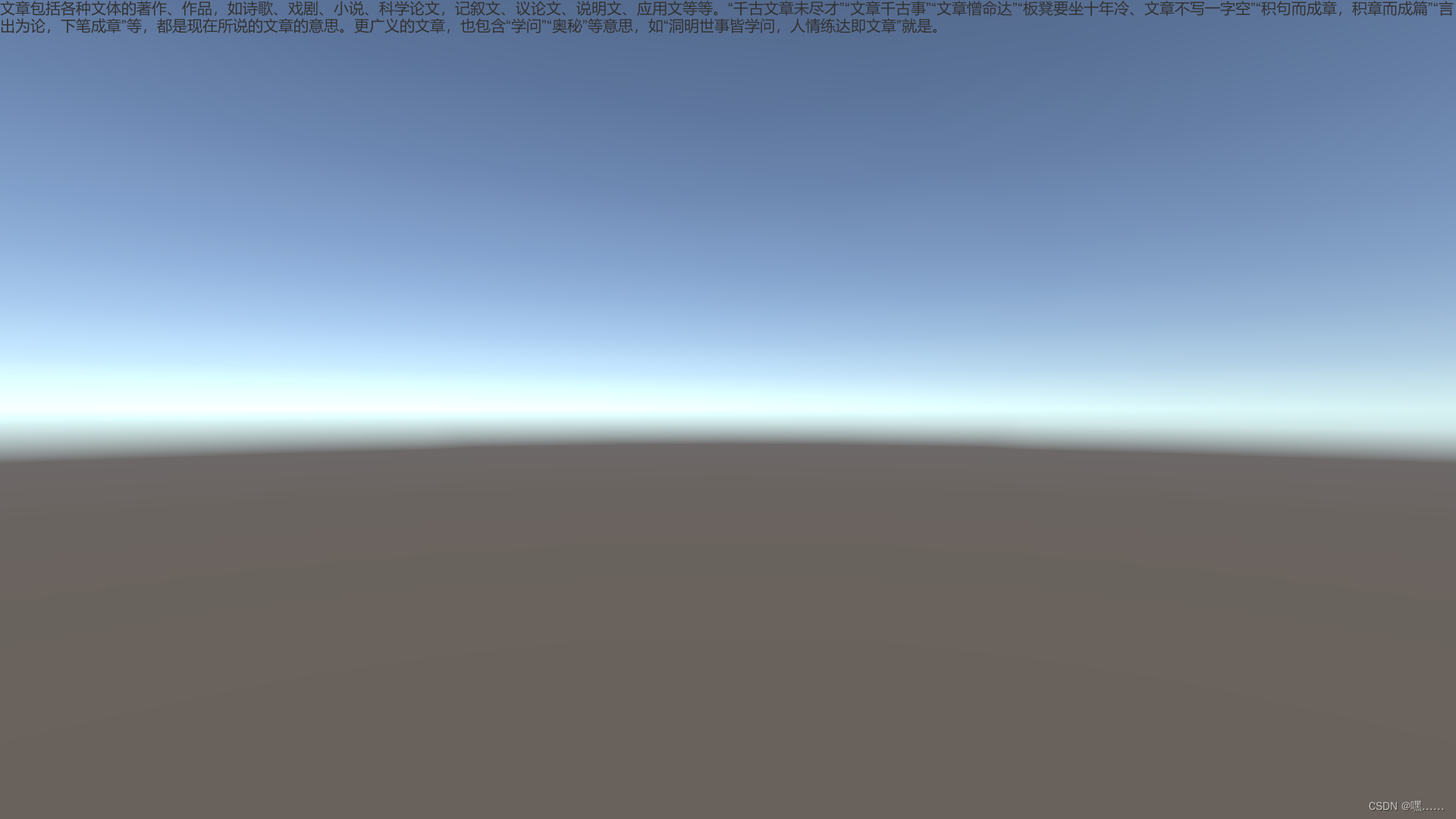
5.运行结果
二.在打包文件中更改文字
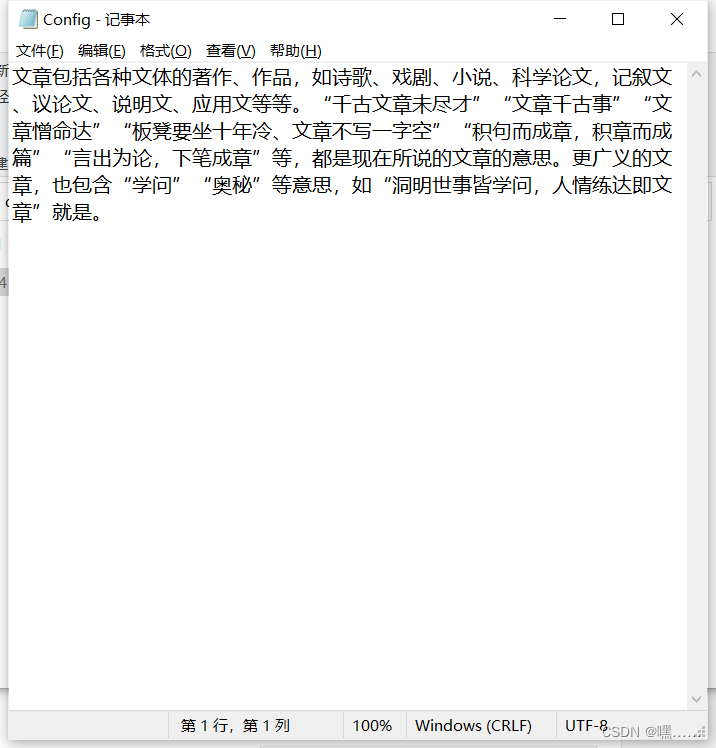
在打包的文件中找到config文本文档,打开文档修改文本保存即可

版权声明:本文为weixin_45431028原创文章,遵循CC 4.0 BY-SA版权协议,转载请附上原文出处链接和本声明。