Vue 2.x
Vue 3.x
一个 Vue 3 UI 框架 | Element Plus (gitee.io)
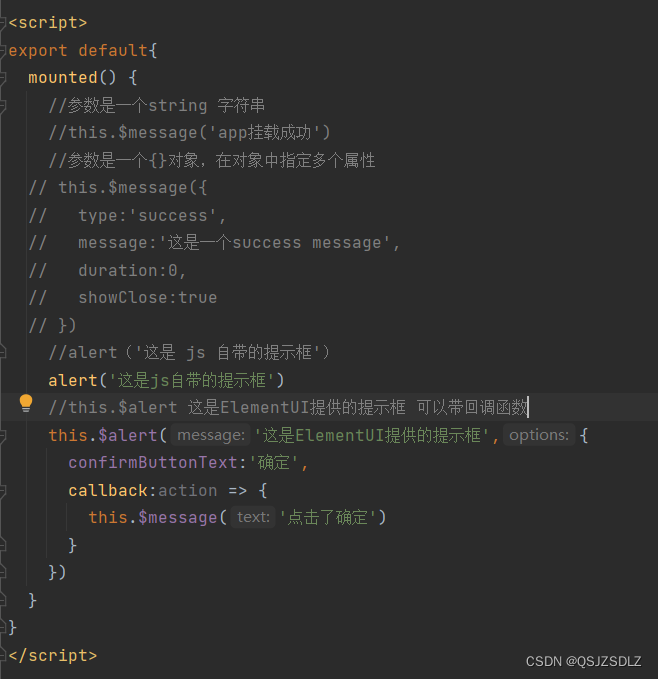
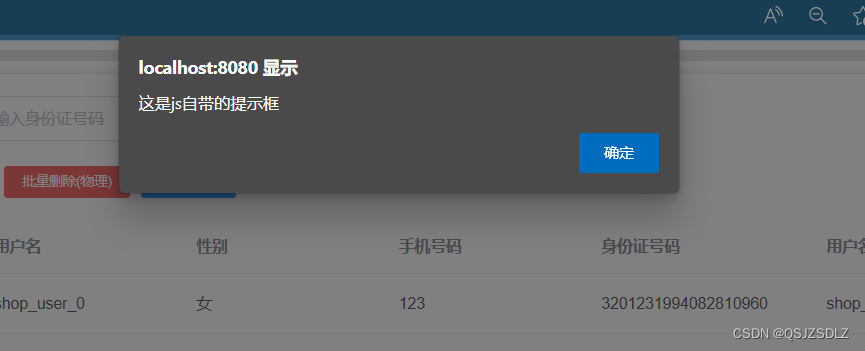
alert 和 this.$alert
// alert('这是 js 自带的提示框')
    alert('这是js自带的提示框')
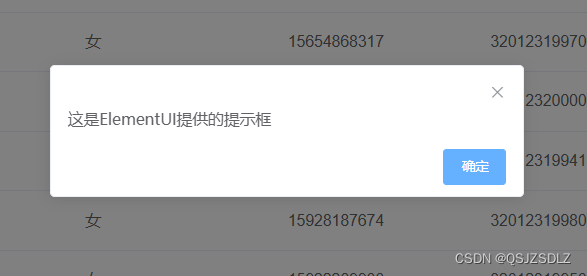
    //this.$alert 这是ElementUI提供的提示框 可以带回调函数
    this.$alert('这是ElementUI提供的提示框',{
      confirmButtonText:'确定',
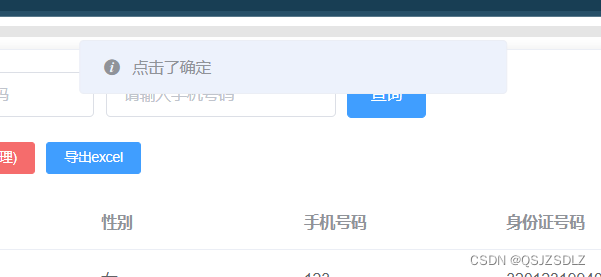
      callback:action => {
        this.$message('点击了确定')
      }
    })
alert
this.$alert
点击完后有回调函数
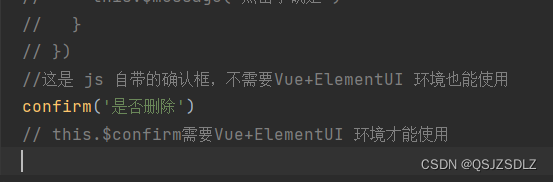
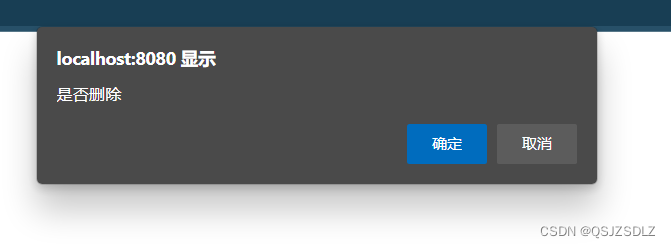
confirm 和 this.$confirm
//这是 js 自带的确认框,不需要Vue+ElementUI 环境也能使用
    confirm('是否删除')
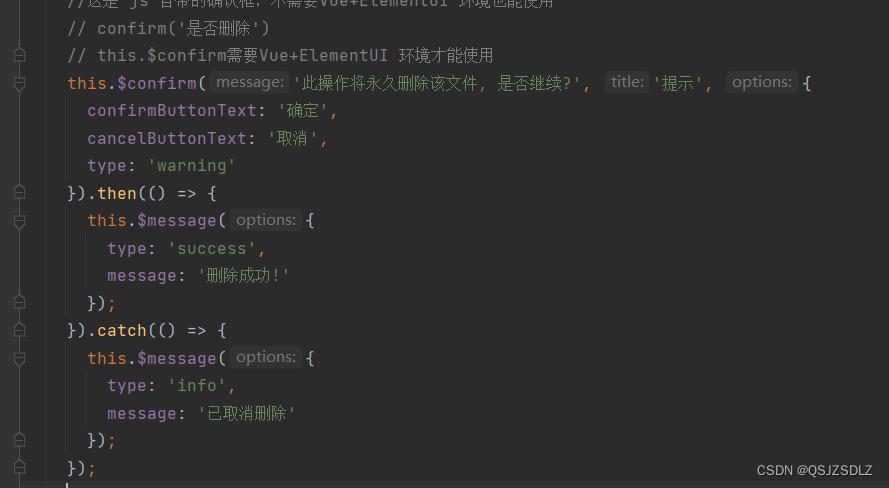
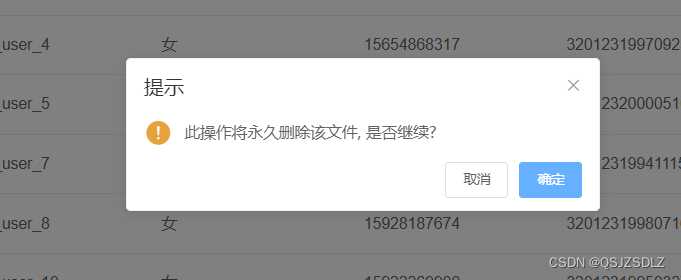
    this.$confirm需要Vue+ElementUI 环境才能使用
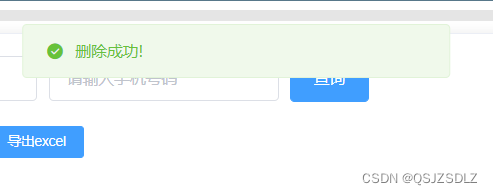
    this.$confirm('此操作将永久删除该文件, 是否继续?', '提示', {
      confirmButtonText: '确定',
      cancelButtonText: '取消',
      type: 'warning'
    }).then(() => {
      this.$message({
        type: 'success',
        message: '删除成功!'
      });
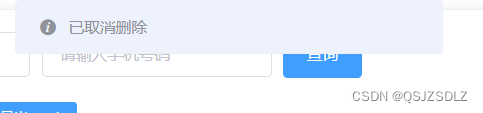
    }).catch(() => {
      this.$message({
        type: 'info',
        message: '已取消删除'
      });
    });
confirm
this.$confirm
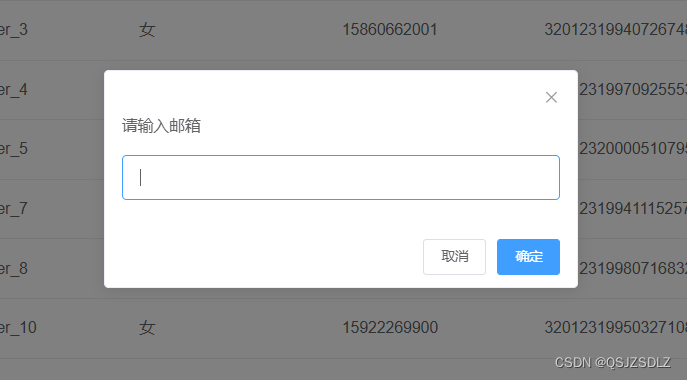
prompt 和 this.$prompt
//prompt 不需要 Vue+ElementUI 环境也能使用 返回值是输入的内容
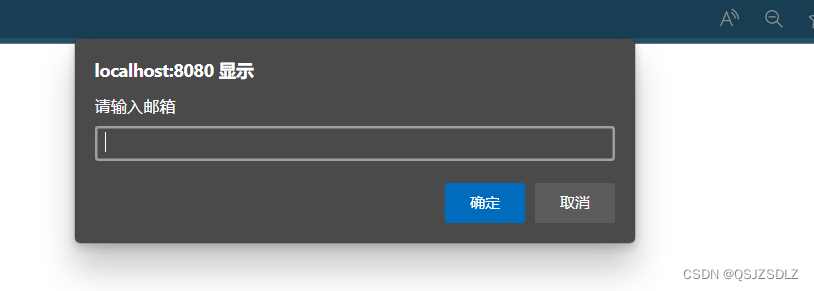
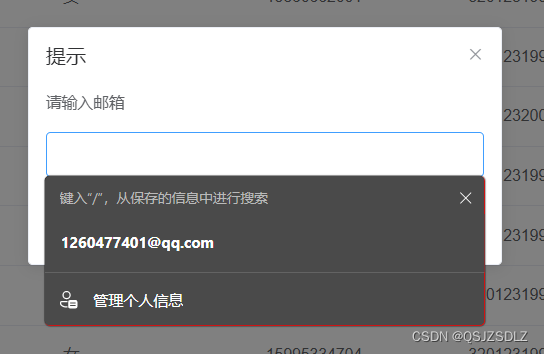
     prompt('请输入邮箱')

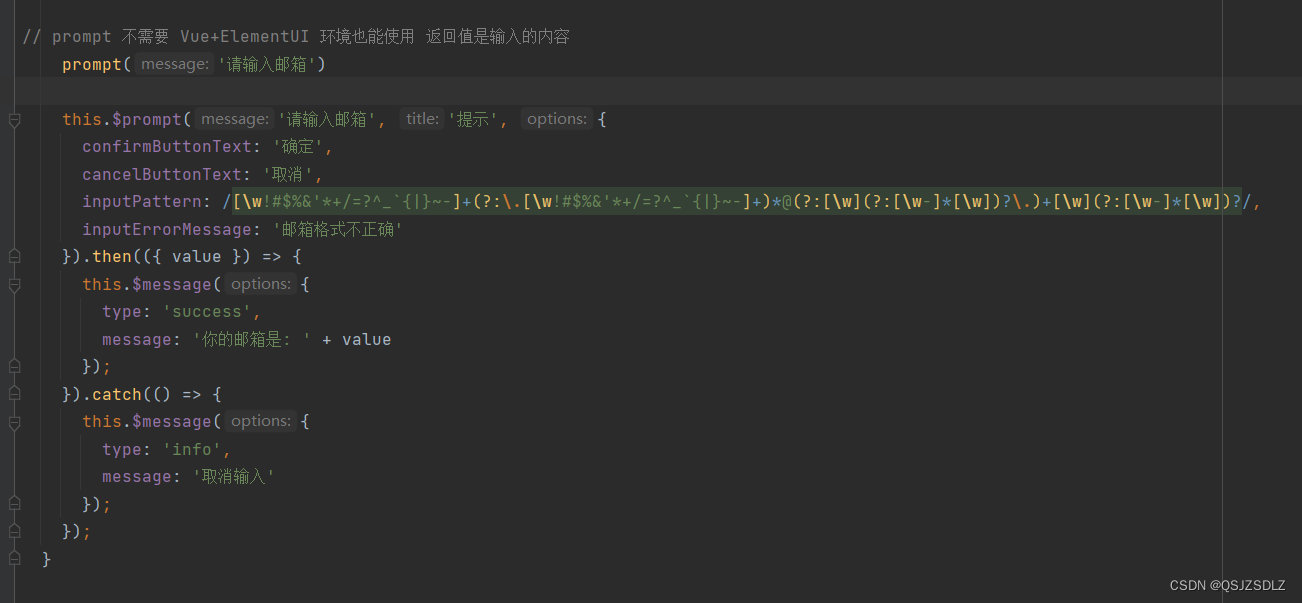
    this.$prompt('请输入邮箱', '提示', {
      confirmButtonText: '确定',
      cancelButtonText: '取消',
      inputPattern: /[\w!#$%&'*+/=?^_`{|}~-]+(?:\.[\w!#$%&'*+/=?^_`{|}~-]+)*@(?:[\w](?:[\w-]*[\w])?\.)+[\w](?:[\w-]*[\w])?/,
      inputErrorMessage: '邮箱格式不正确'
    }).then(({ value }) => {
      this.$message({
        type: 'success',
        message: '你的邮箱是: ' + value
      });
    }).catch(() => {
      this.$message({
        type: 'info',
        message: '取消输入'
      });
    });
prompt
this.$prompt
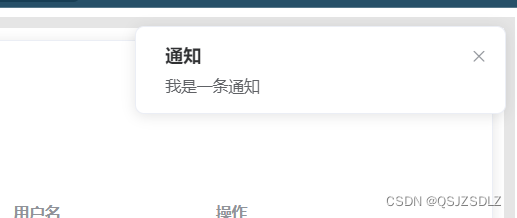
this.$notify
this.$notify({
      title:'通知',
      message:'我是一条通知'
    })
| 原生js自带 | Vue+ElementUI | |
外部引用
notify
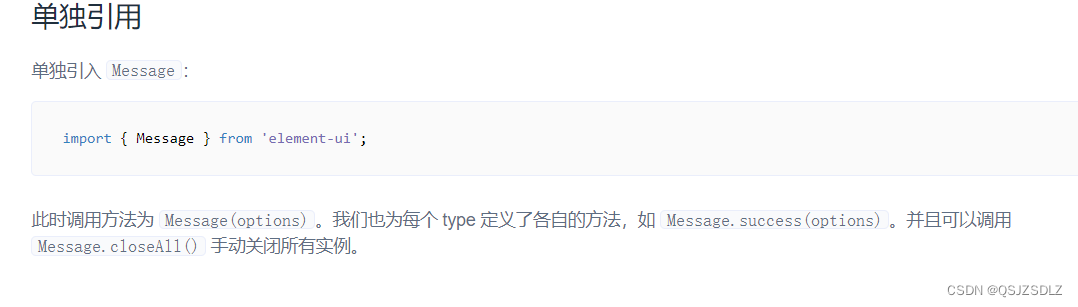
在普通文件中引用
Vue里面
<script>
import n from '@/notify'
export default {
  mounted() {
    n.a()
  }
}
</script>
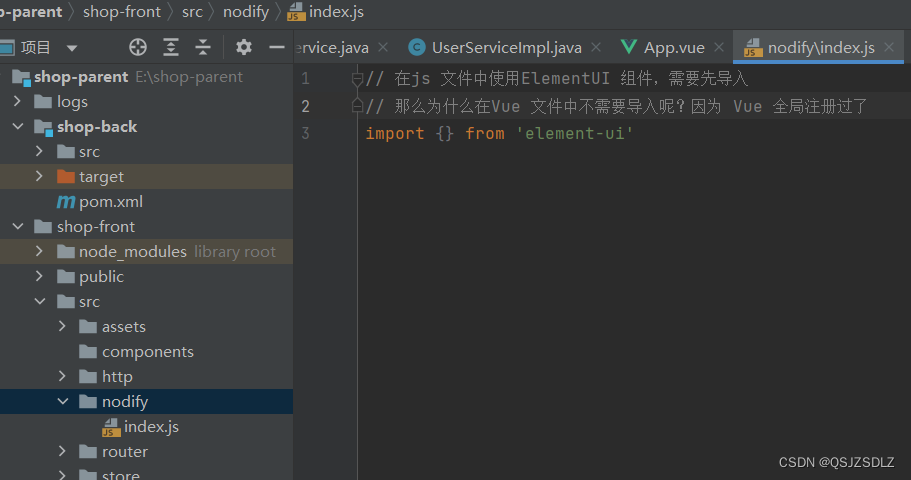
外部的js文件
// 在js 文件中使用ElementUI 组件,需要先导入
// 那么为什么在Vue 文件中不需要导入呢?因为 Vue 全局注册过了
import { Message } from 'element-ui'

const n={
    a:function (){
        Message({
            type:'success',
            message:'message'
        })
    }
}
export default n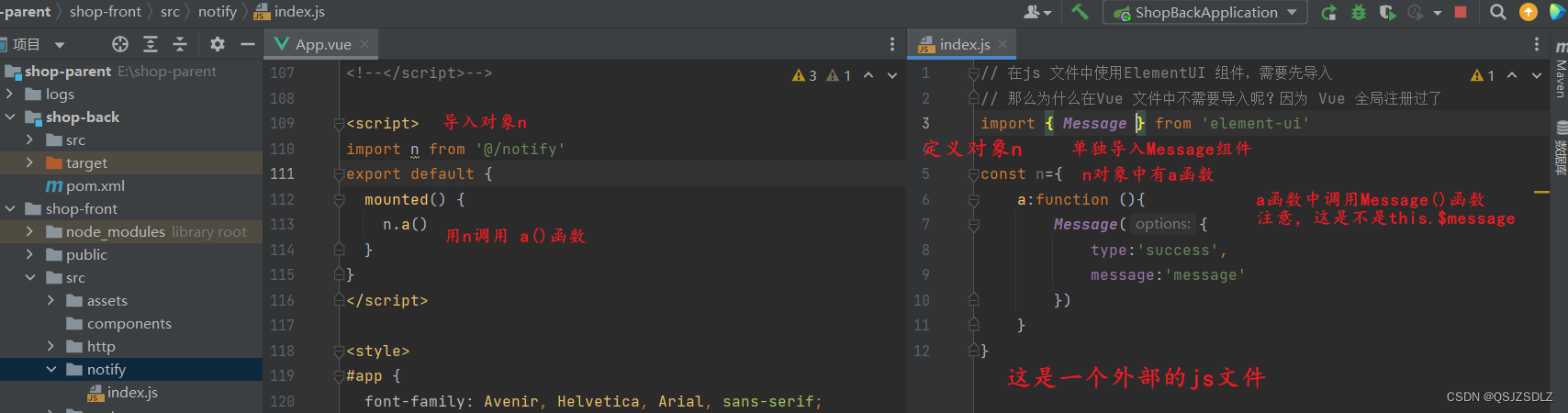
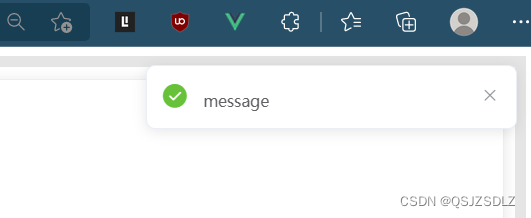
结果
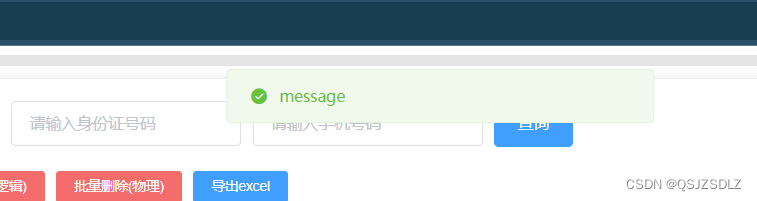
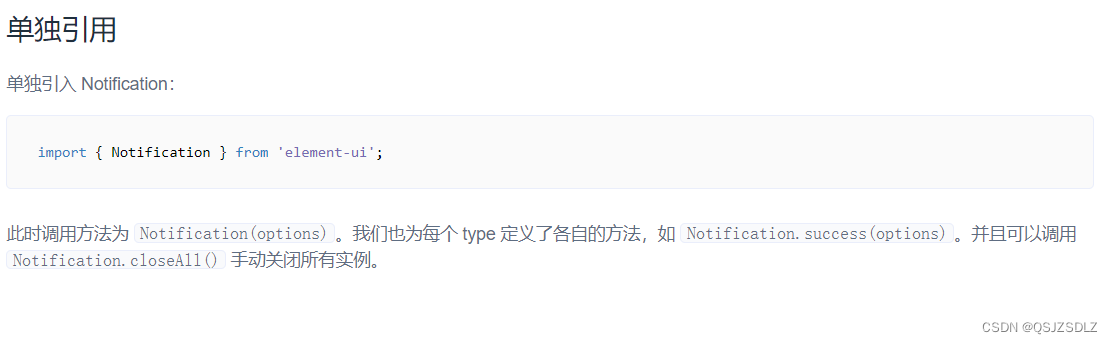
Notification
vue
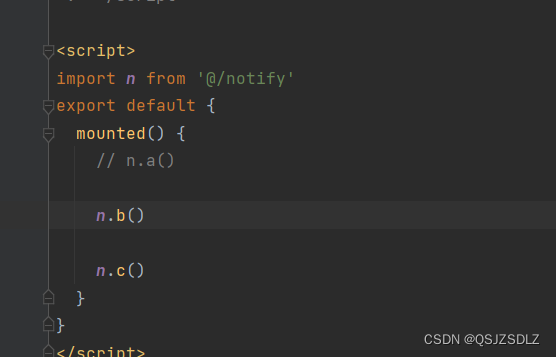
外部js文件
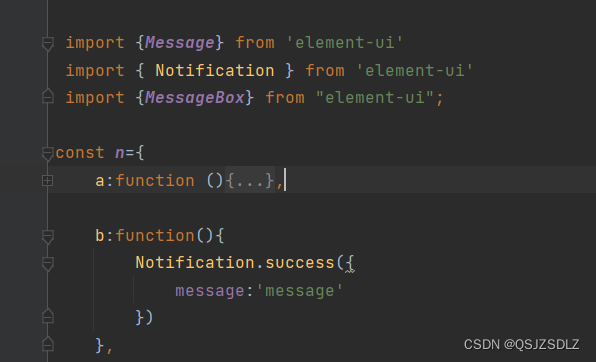
结果
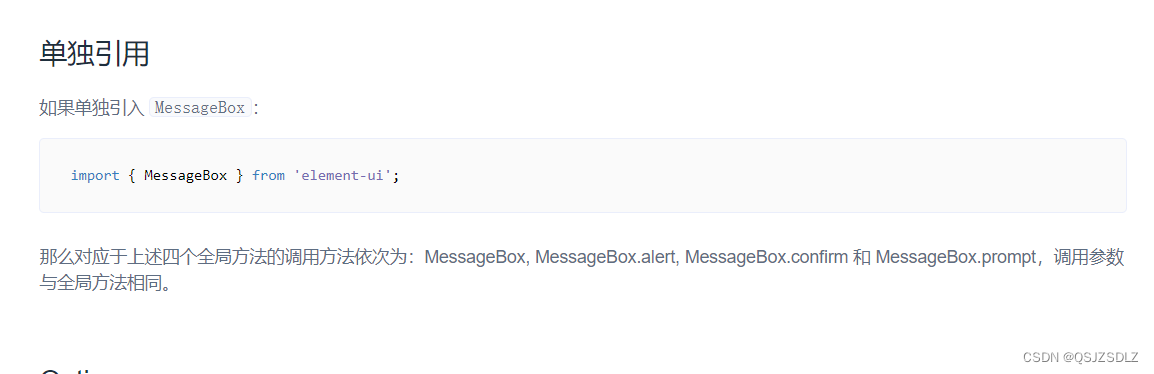
MessgeBox
vue
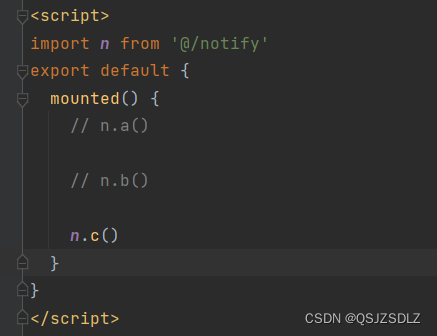
外部
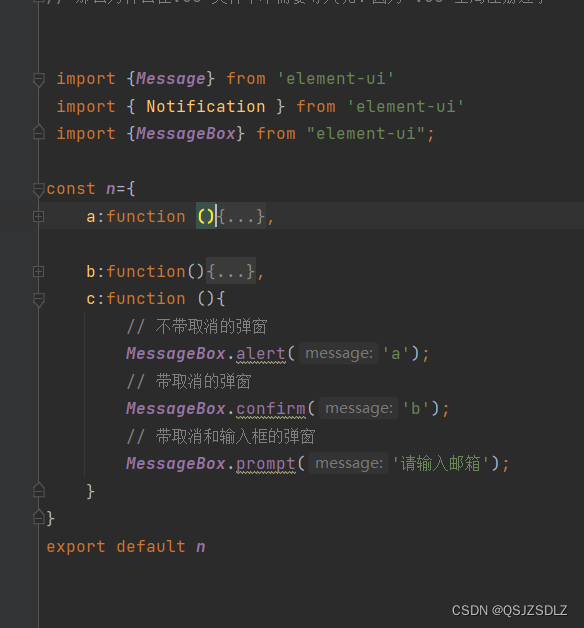
最后一个覆盖了前面的结果
Loading 加载
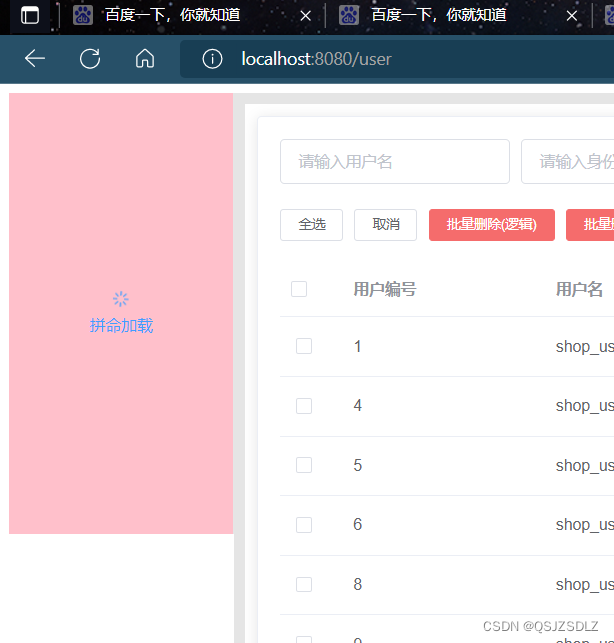
区域加载
在某一个区域指定加载状态
例如:此处是一个表格 el-table
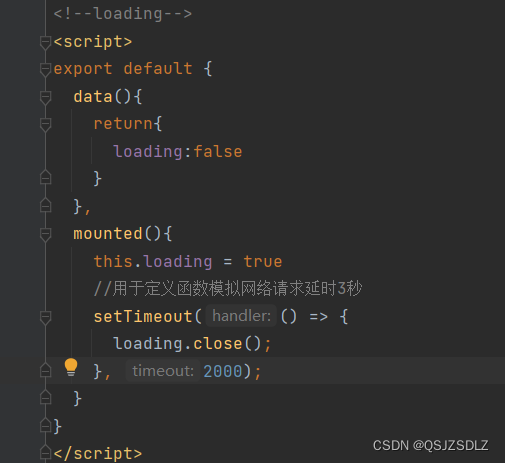
组件加载成功会发起 http 请求数据 在请求之前将 loading =true
当 http 响应回来将 loading= false
1.指令式(方便点)
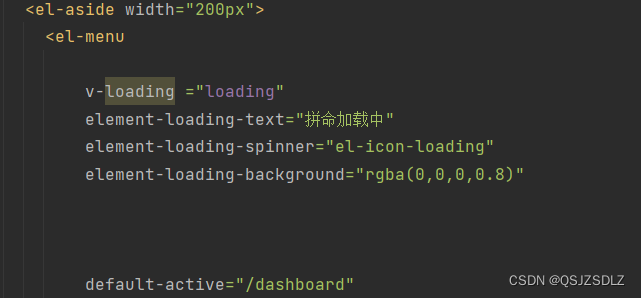
结果
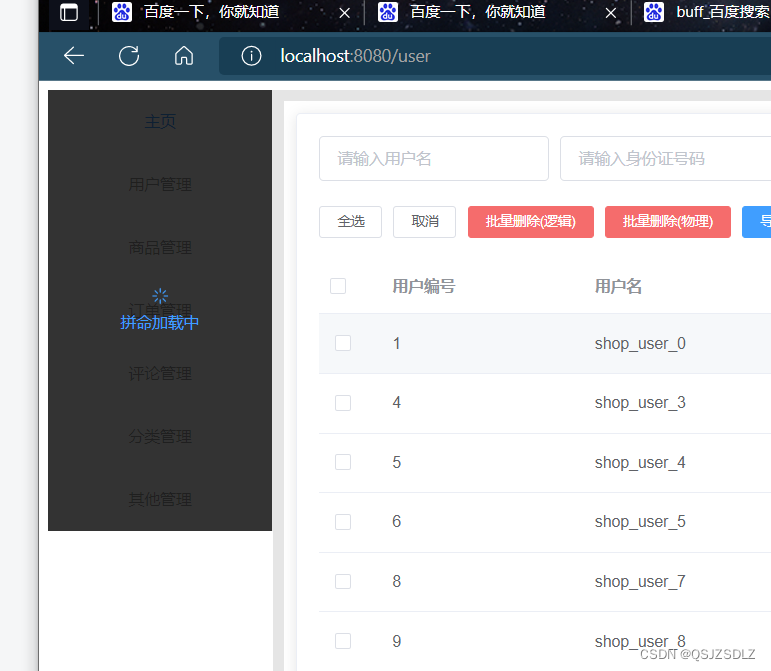
可以绑定不同的主件里面 (局部遮罩)
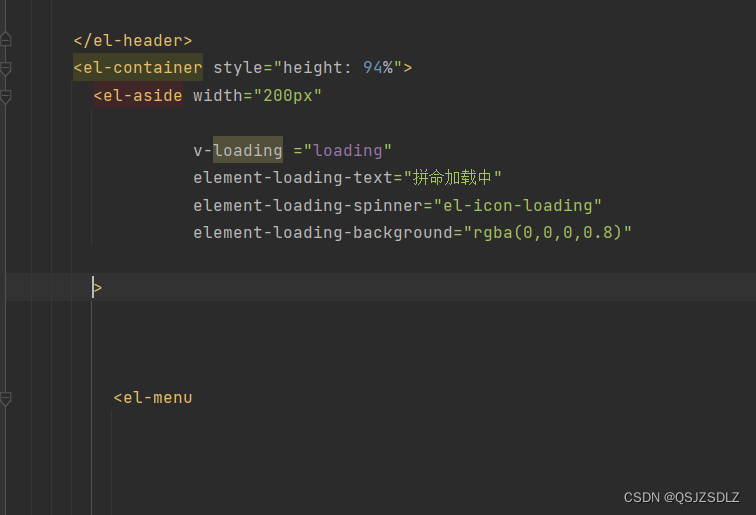
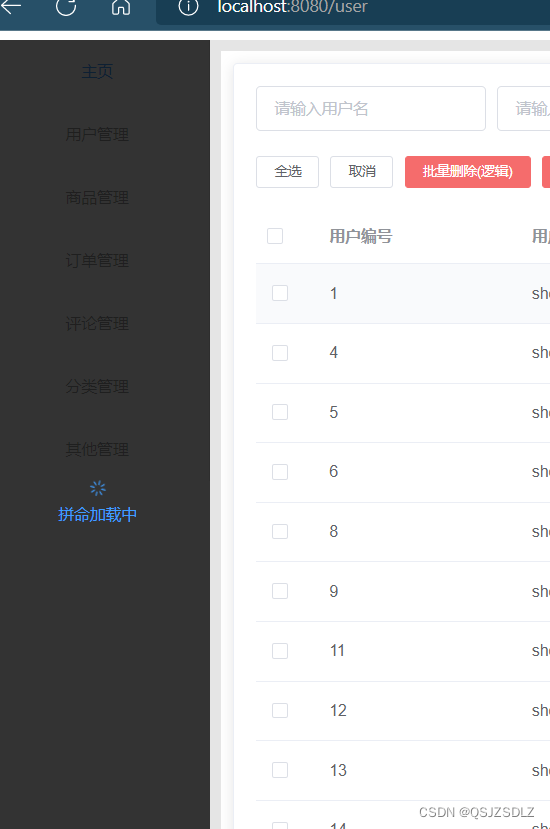
绑定 加载全部 (局部遮罩)
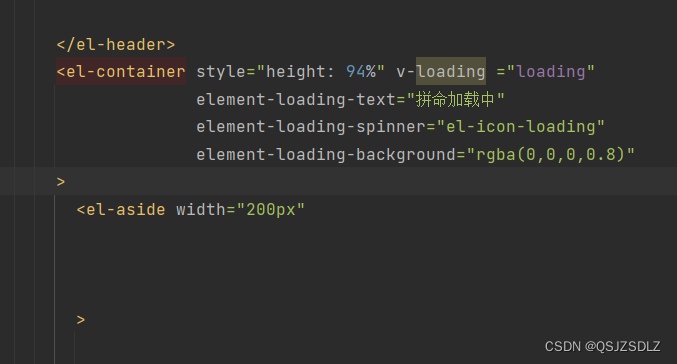
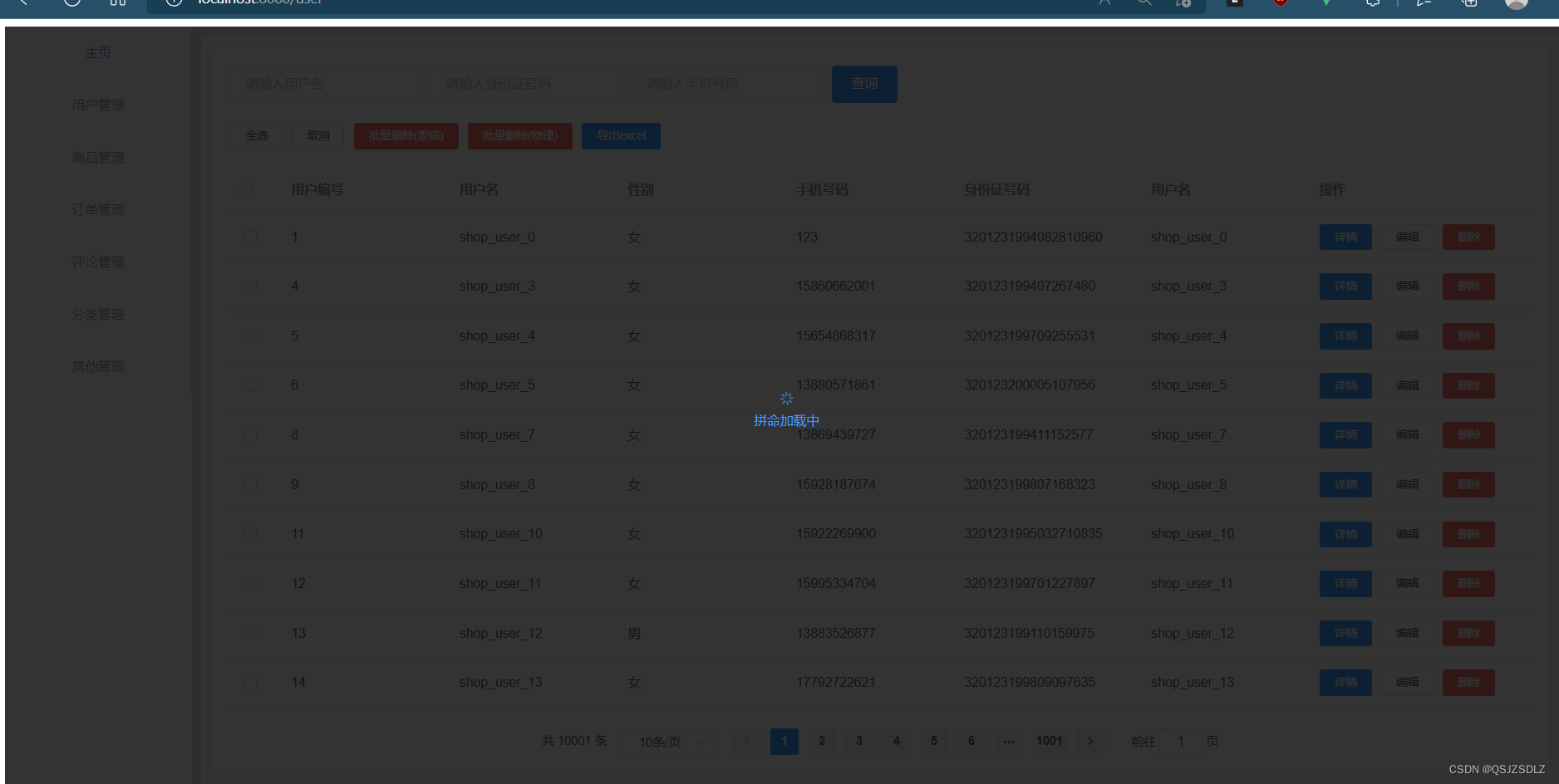
(全局遮罩)跟绑定任何主件没有关系
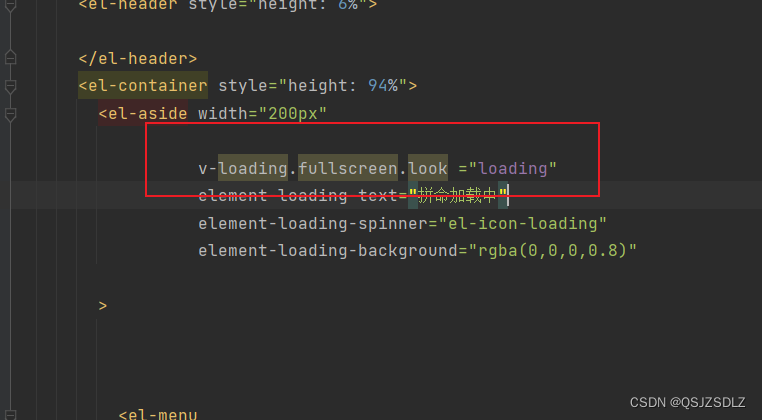
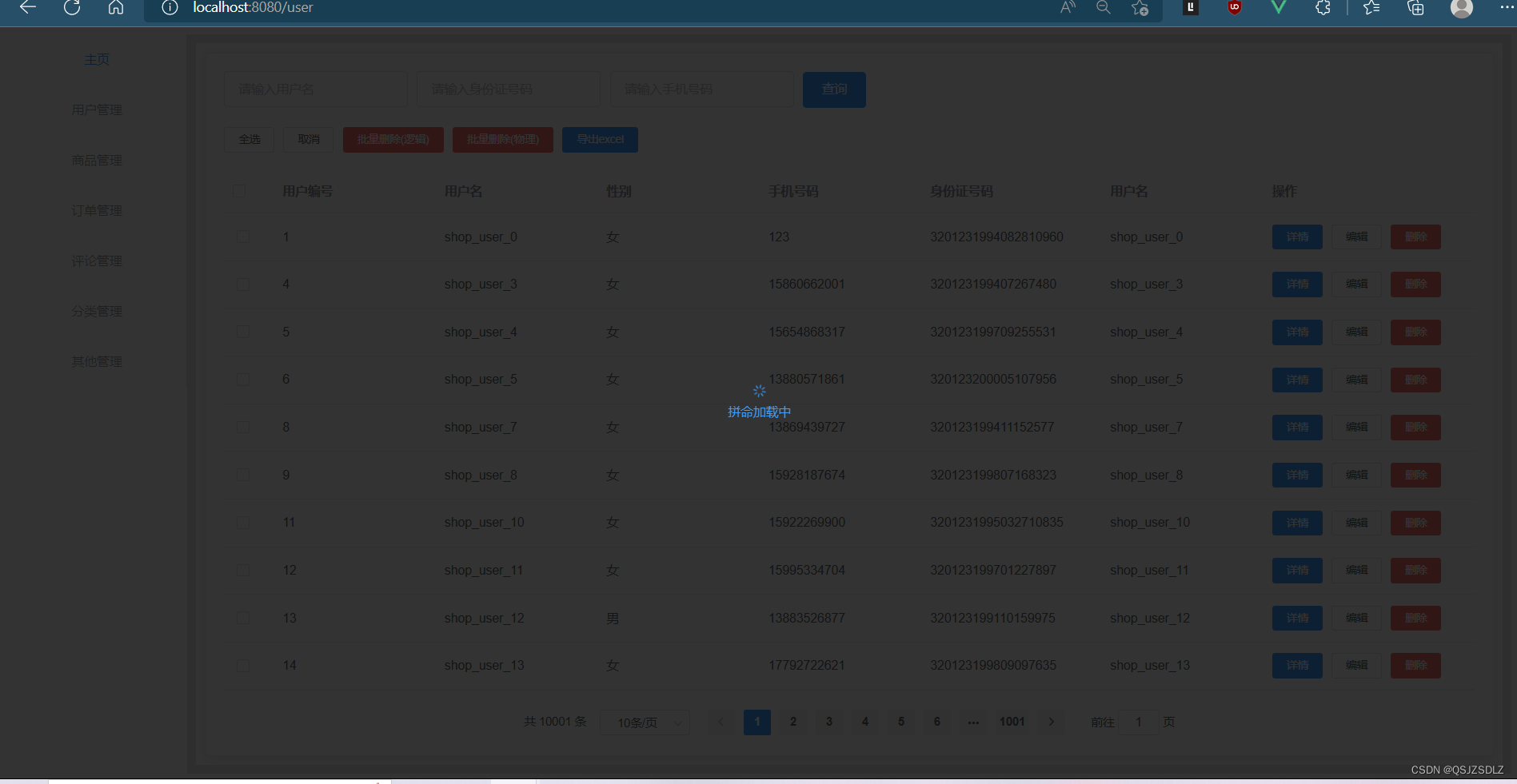
2.函数式
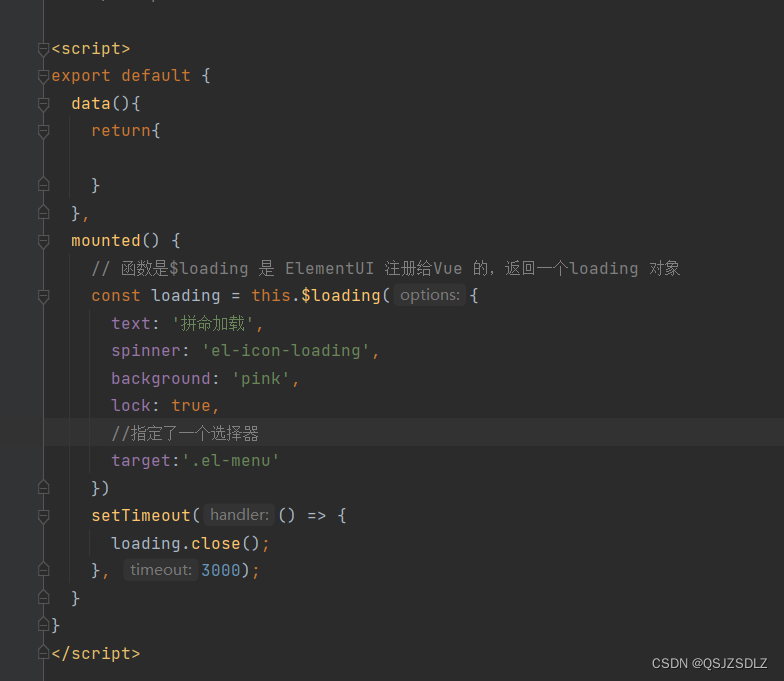
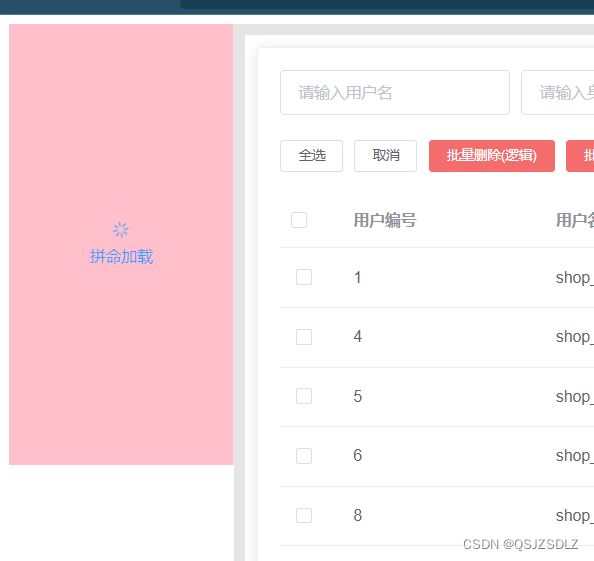
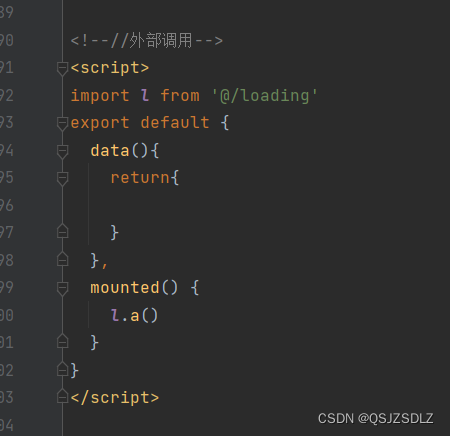
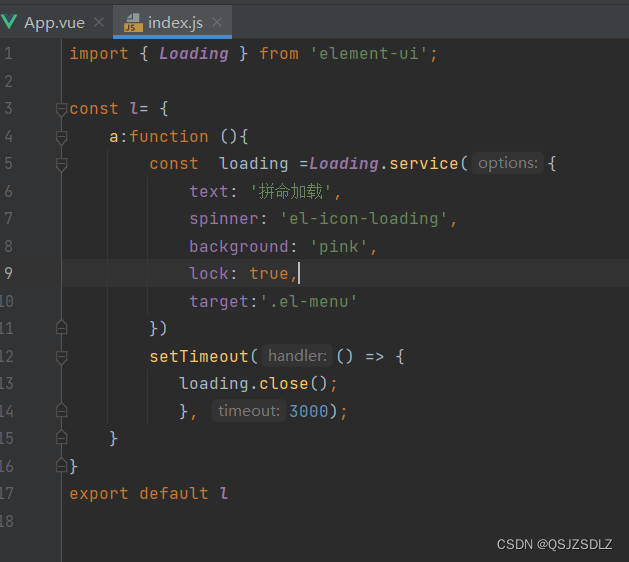
3.外部的js文件,不能使用指令式,只能 用 函数式
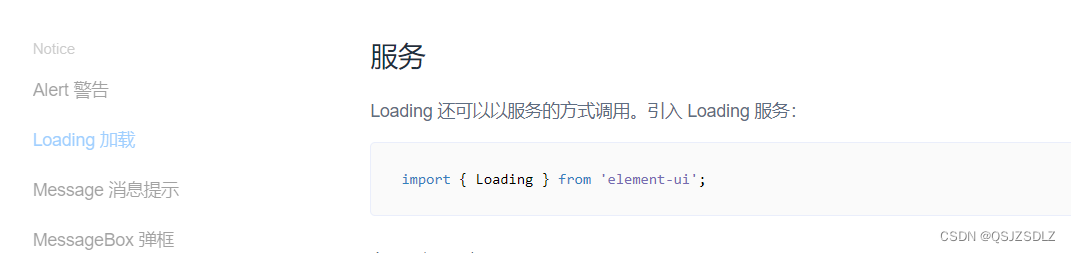
内部
外部
结果
版权声明:本文为ZSDLZ37原创文章,遵循CC 4.0 BY-SA版权协议,转载请附上原文出处链接和本声明。