项目采用vue3.0+ts+elementPlus去开发管理后台,但element没有提供表单拖拽的功能,这里可以借用第三方库(SortableJS)来实现次需求。
github地址:https://github.com/SortableJS/Sortable
中文文档:http://www.sortablejs.com/index.html#
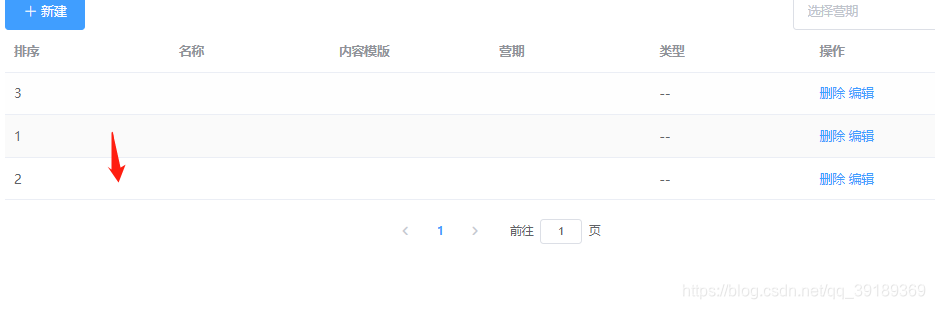
使用方式:
1. npm install sortablejs --save
2.在单页面使用 import Sortable from 'sortablejs';
3.核心代码是rowDrop
import {
    defineComponent,
    reactive,
    toRefs,
    onMounted,
    nextTick
} from 'vue';
export default defineComponent({

    setUp(){
        const state = reatcive({
            data:[{ sort:1,id: 1 },{ sort:2,id: 2 },{ sort:3,id: 3 }]
        })
        const rowDrop = () => {
            const tbody = document.querySelector('.el-table__body-wrapper tbody');
            Sortable.create(tbody, {
                onEnd({ newIndex, oldIndex }) {
                    console.log(newIndex,oldIndex);
                    state.data.splice(newIndex,0,state.data.splice(oldIndex,1)[0]);
                    const newArray=state.data.slice(0);
                    state.data= [];
                    nextTick(()=>{
                        state.data = newArray;
                    });
                }
            });
        };
        onMounted(()=>{
            rowDrop()
        })
        return {
            ...toRefs(state)
        }
    }
})
版权声明:本文为qq_39189369原创文章,遵循CC 4.0 BY-SA版权协议,转载请附上原文出处链接和本声明。