1. 新建场景,新建小球和平面,之间要有一段距离用于下落
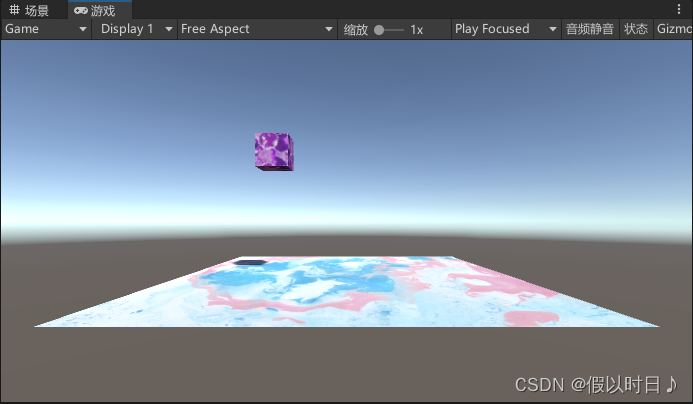
2. 通过脚本实现对象的下落
(1)添加刚体组件rigidbody
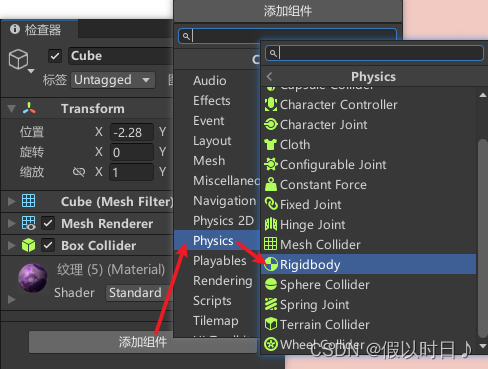
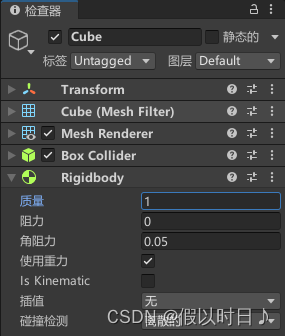
质量默认为1,可以修改
(2)创建并编写脚本实现小球下落
using System.Collections;
using System.Collections.Generic;
using UnityEngine;

public class move_force : MonoBehaviour
{
    private Rigidbody rd;
    public int force = 5;

    void Start () {
        rd = GetComponent<Rigidbody> ();
    }

    void Update () {
        rd.AddForce (new Vector3 (1, -1, 0)*force);
    }
}
脚本功能:
为刚体施加一个力,使刚体立方体移动(下落、在平面滚动)
使用脚本:
将脚本拖拽至立方体上
可以在检查器中修改脚本参数,力的大小倍数
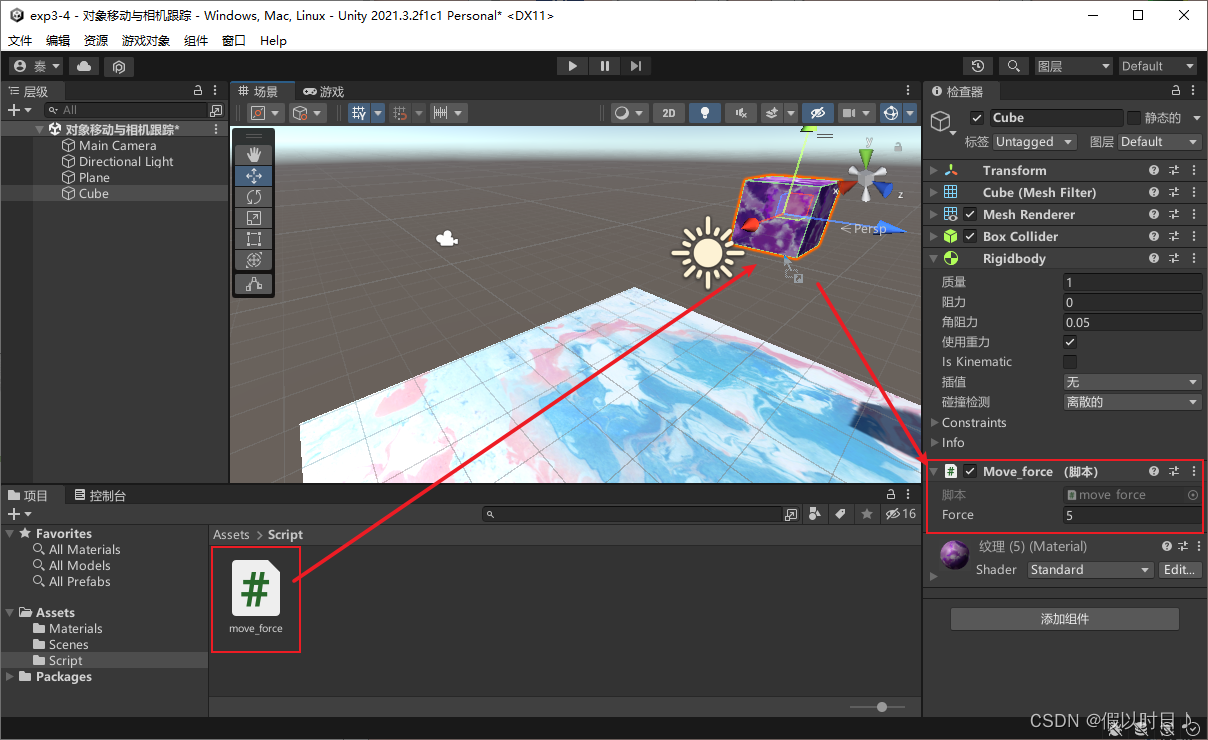
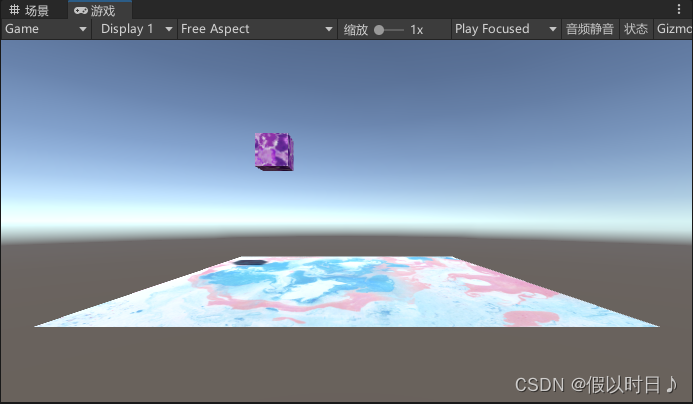
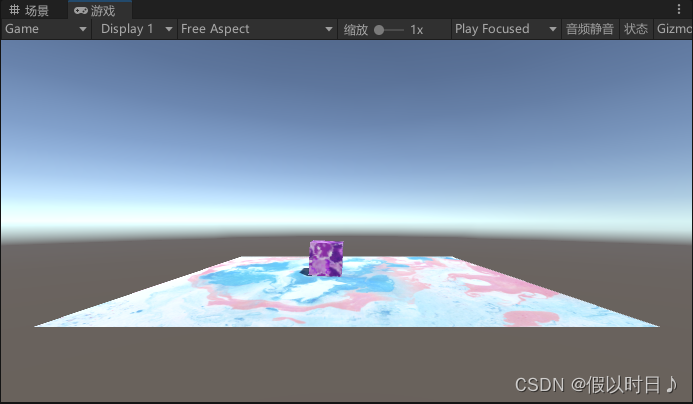
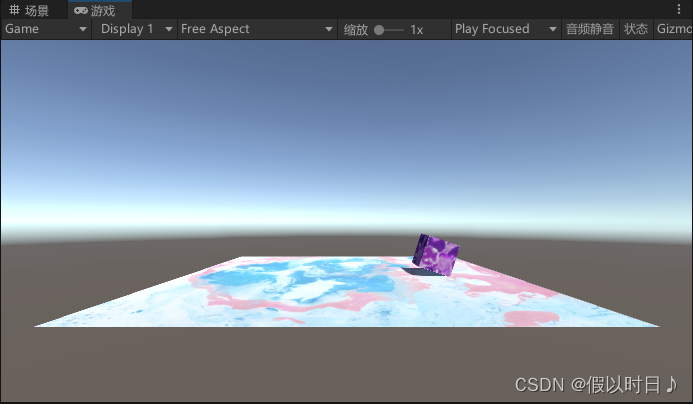
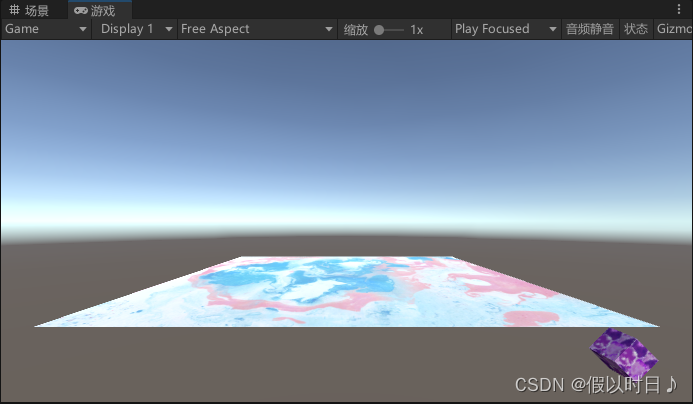
运行效果:
最初
下落至平面
滚动
滚离平面
3. 相机的跟踪
创建并编写脚本实现相机跟随
using System.Collections;
using System.Collections.Generic;
using UnityEngine;

public class camera_follow : MonoBehaviour
{
    public Transform PlayerTransform;
    private Vector3 offset;

    void Start () {
        offset = transform.position - PlayerTransform.position;
    }

    void Update () {
        transform.position = PlayerTransform.position + offset;
    }
}
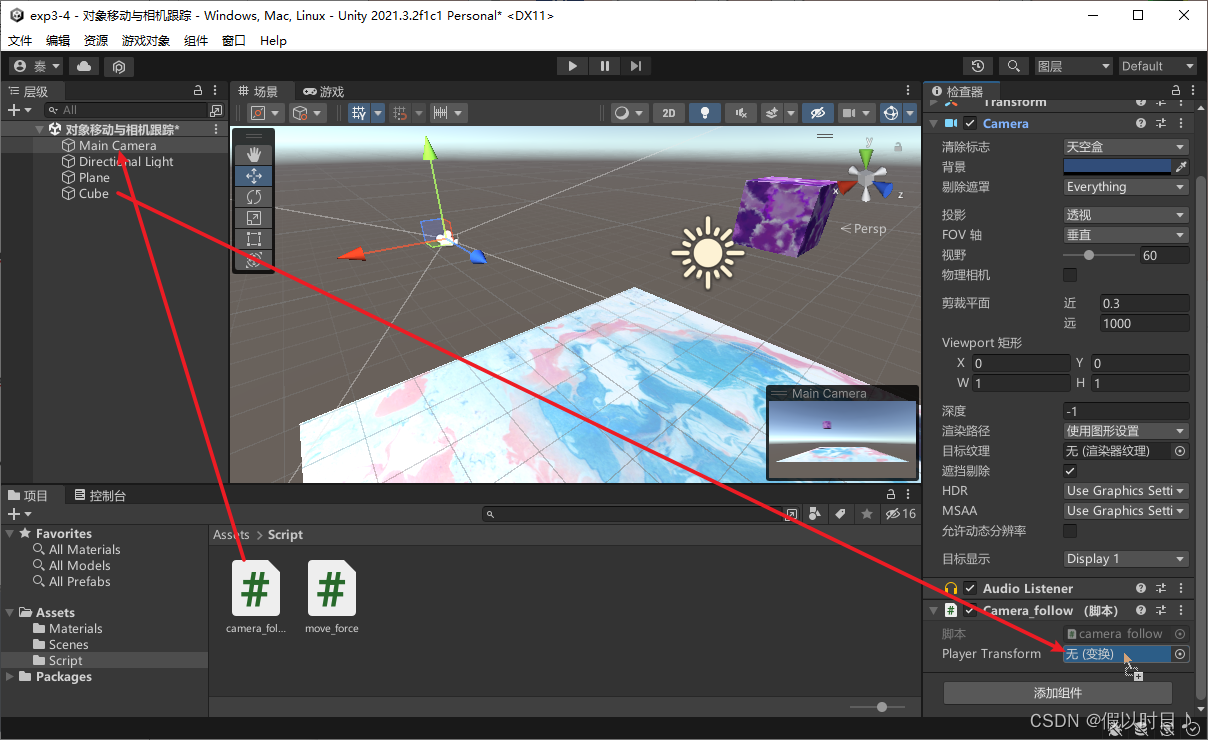
使用脚本:
将脚本拖拽挂在到主相机上
把层级中的Cube拖拽至主相机的监视窗口下的脚本组件中的Player Transform
运行效果:
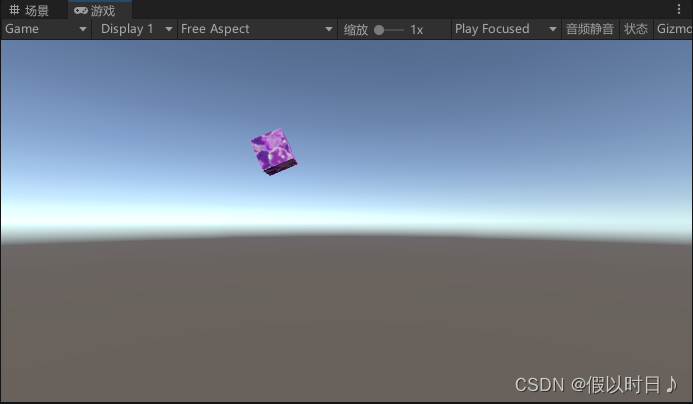
立方体下落离开平面后,相机跟随物体,平面已不在视野内
版权声明:本文为weixin_43895819原创文章,遵循CC 4.0 BY-SA版权协议,转载请附上原文出处链接和本声明。