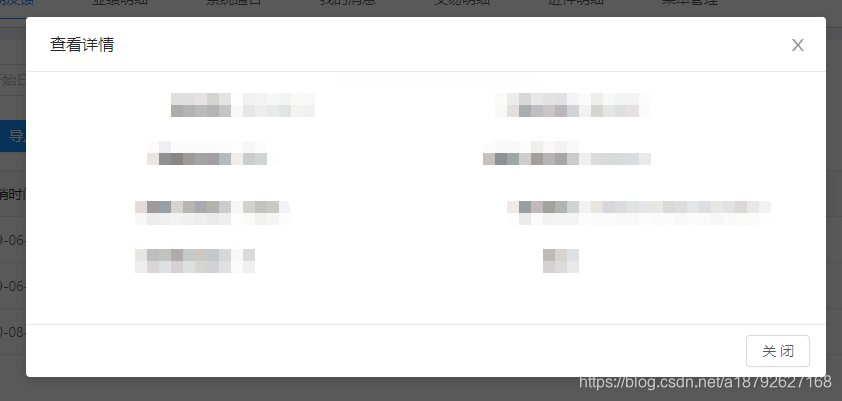
1.去除确认按钮
<template>
  <a-modal
    :title="title"
    :width="950"
    :visible="visible"
    :confirmLoading="confirmLoading"
    @ok="handleOk"
    @cancel="handleCancel"
    cancelText="关闭">

    <template slot="footer">
      <a-button @click="handleCancel">关闭</a-button>
    </template>

  </a-modal>
</template>
这个是只留下了关闭按钮,也可以换其他的,只留下确认按钮。
2.增加其他按钮
<template slot="footer">
  <a-button @click="handleCancel">取消</a-button>
  <a-button type="primary" @click="handleReject">驳回</a-button>
  <a-button type="primary" @click="handleOk">确定</a-button>
</template>
更换模态框内的template即可。
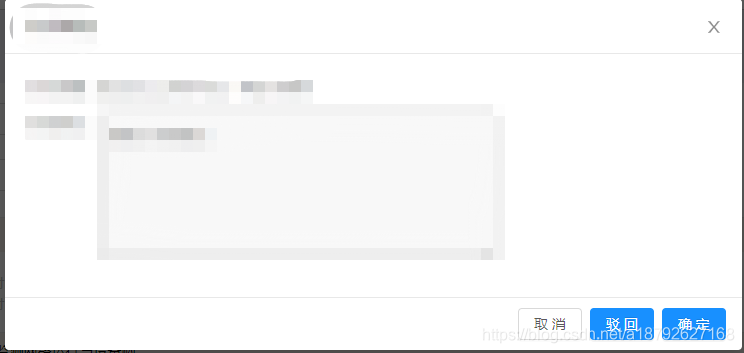
可以看到这个是三个按钮的。
2022年 4月12日 改正 必看
上述是一个例子,新版本内例子形式应该是没有变化。但是 slot 属性已被2.x版本弃用。
因之前开发版本较早,也未深究版本号
根据 @T+ 和 @ 我不会不会不会不会 发现2022年4月此时的 <template slot="footer"> 已被修改为
<template #footer>所以大家在开发时及时替换掉,之前的留下也是为了留个记录!
因最近版本我个人目前未使用,如果发现什么问题,欢迎大家留言,我会改正的!!!
再次谢谢两位朋友发现的问题。
版权声明:本文为a18792627168原创文章,遵循CC 4.0 BY-SA版权协议,转载请附上原文出处链接和本声明。