最终效果: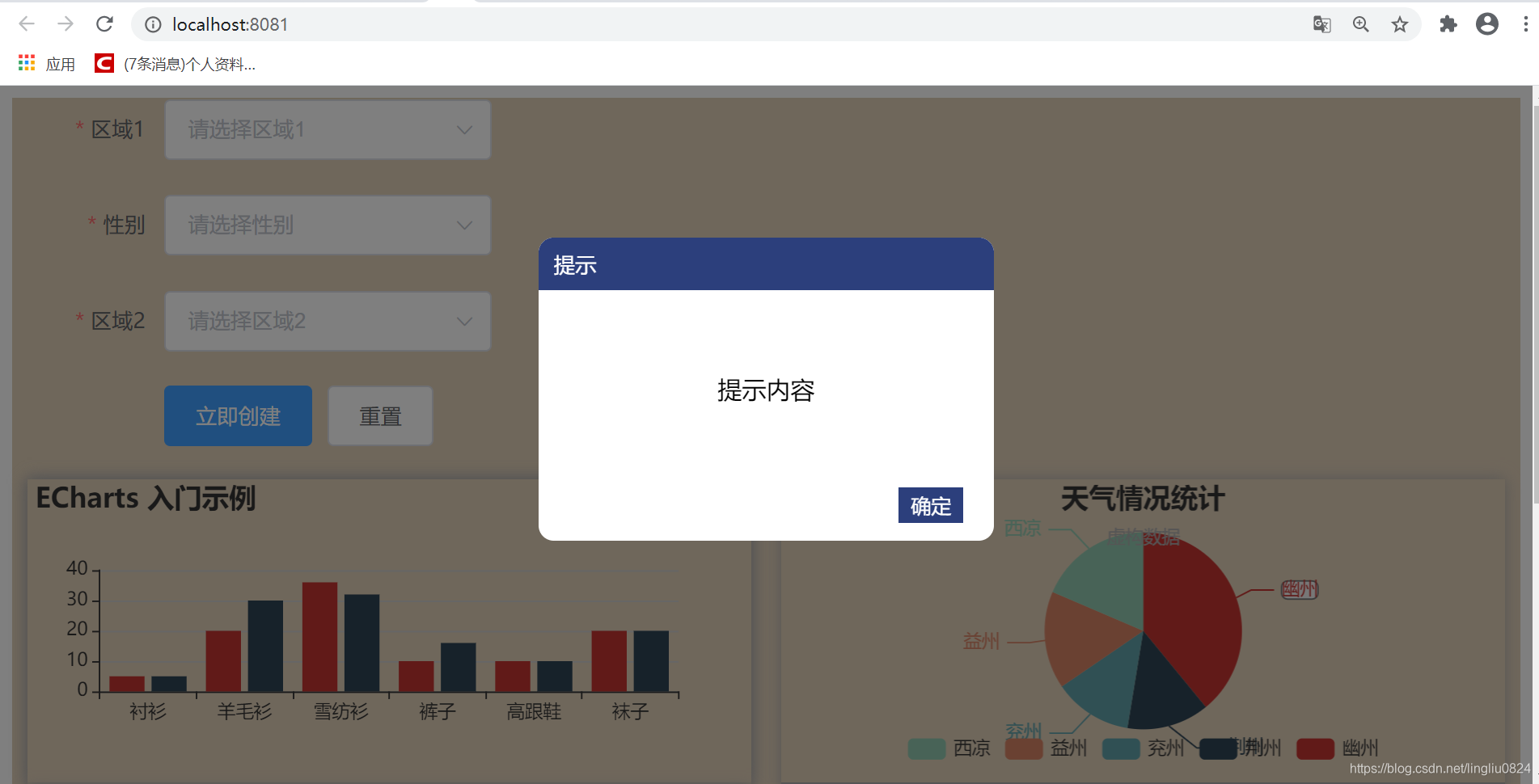
这里是在vue中实现的,如果没有使用框架可以直接把title和提示内容换成想要的内容即可。
主框架:
<template>
  <div class="popupbox">
    <div class="main">
      <div class="title">{{title}}</div>
      <div class="content">
        <div class="info">{{alertInfo}}</div>
      </div>
      <div class="btn">
        <button>确定</button>
      </div>
    </div>
  </div>
</template>

<script>
export default {
  props: {
    title: {
      type: String,
      default: "提示",
    },
    alertInfo: {
      type: String,
      default: "提示内容",
    },
  },
};
</script>
想要实现遮罩层覆盖整个屏幕,设置最外层元素position为fixed比较合适。
为了让遮罩层出现半透明的状态,这里使用了opacity属性: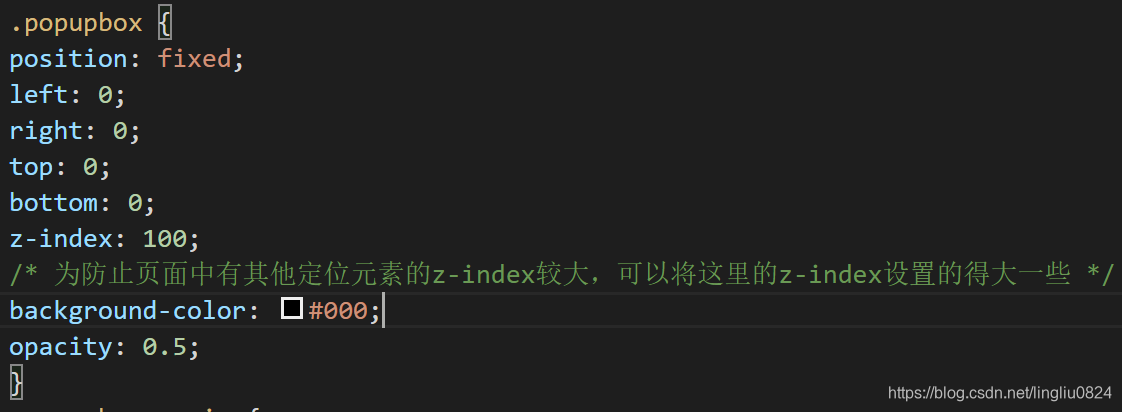
然后问题出现了: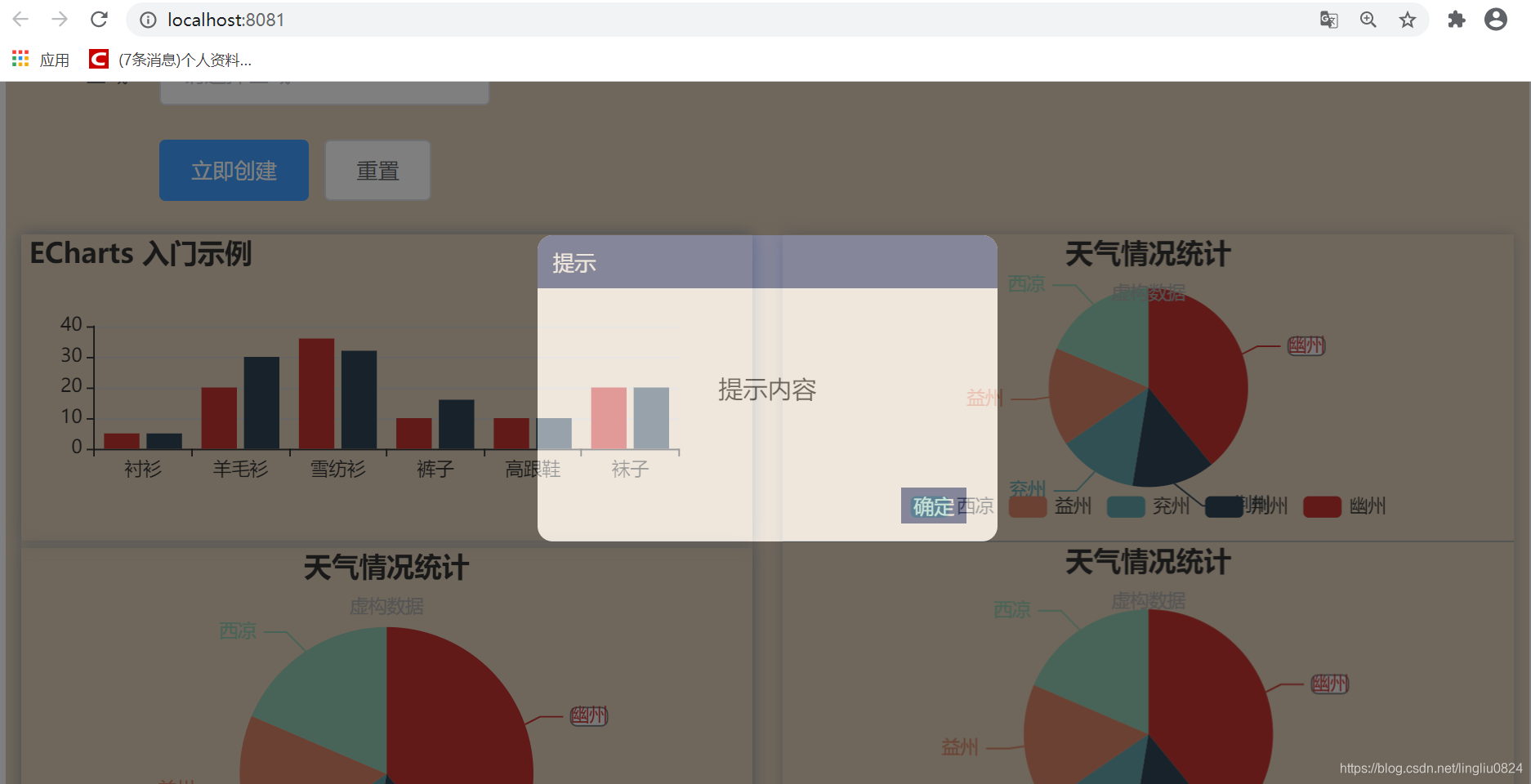
很明显,我们希望中间的提示框是不透明的,但是这里很明显受到了父元素opacity的影响。
那如果把子元素的opacity设置为1,是不是就可以解决了?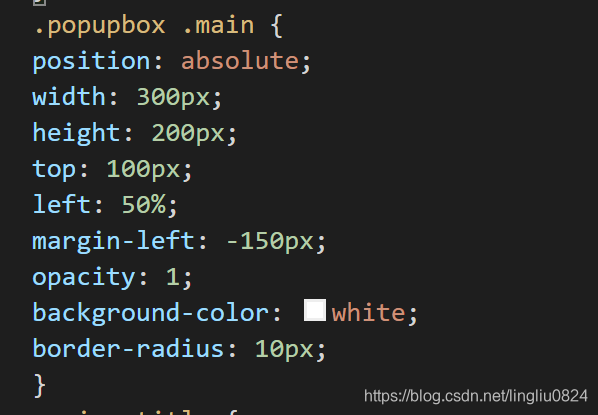
很遗憾,结果没有任何改变。后面查阅资料才发现,子元素会继承父元素的opacity属性,如果子元素单独设置了opacity那么其真正的结果值是子元素与父元素opacity值的乘积。
所以这里opacity设置为1,其透明度仍然是0.5*1=0.5,(注意opacity的值为0-1,所以不能通过设置opacity为2来使透明度为1)
解决方案:
父元素设置背景使用rgba的形式来代替背景色+opacity: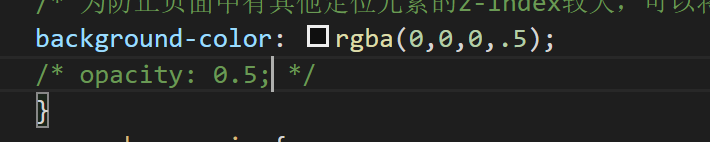
rgba()前三位用来指定颜色,最后一位指定透明度。
最终代码:
<template>
  <div class="popupbox">
    <div class="main">
      <div class="title">{{title}}</div>
      <div class="content">
        <div class="info">{{alertInfo}}</div>
      </div>
      <div class="btn">
        <button>确定</button>
      </div>
    </div>
  </div>
</template>

<script>
export default {
  props: {
    title: {
      type: String,
      default: "提示",
    },
    alertInfo: {
      type: String,
      default: "提示内容",
    },
  },
};
</script>

<style scoped>
    .popupbox {
    position: fixed;
    left: 0;
    right: 0;
    top: 0;
    bottom: 0;
    z-index: 100;
    /* 为防止页面中有其他定位元素的z-index较大,可以将这里的z-index设置的得大一些 */
    background-color: rgba(0,0,0,.5);
    /* opacity: 0.5; */

    }
    .popupbox .main {
    position: absolute;
    width: 300px;
    height: 200px;
    top: 100px;
    left: 50%;
    margin-left: -150px;
    background-color: white;
    border-radius: 10px;
    }
    .main .title {
    height: 35px;
    background-color: #2c3f7c;
    color: white;
    line-height: 35px;
    border-radius: 10px 10px 0 0;
    font-size: 14px;
    padding-left: 10px;
    }
    .main .content {
    width: 100%;
    height: 130px;
    display: flex;
    justify-content: center;
    align-items: center;
    }
    .main .btn{
        height: 35px;
        width: 100%;

    }
    .btn button{
        float: right;
        margin-right: 20px;
        background-color: #2c3f7c;
        outline: none;
        color: white;
        border: none;
        padding: 3px 8px;
    }
</style>
如果提示标题和内容确定可以直接把{{title}},{{alertinfo}}换成需要的内容即可,这样script标签可以去掉,template标签也可以去掉,在原生的html中使用
版权声明:本文为lingliu0824原创文章,遵循CC 4.0 BY-SA版权协议,转载请附上原文出处链接和本声明。