Mac 编译安装nginx
下载-解压
1 命令行下载nginx
curl -O https://nginx.org/download/nginx-1.22.0.tar.gz
1-1 解压
sudo tar -zxf nginx-1.22.0.tar.gz
1-2 [option]
ps:将nginx语法高亮放在vim里面
sudo cp -r contrib/vim/* ~/.vim/
安装
2 安装在指定的目录
ps: 安装在指定的目录,参数 --prefix=
sudo ./configure --prefix=/usr/local/nginx
2-1安装遇到问题,解决办法
./configure: error: the HTTP rewrite module requires the PCRE library.
You can either disable the module by using --without-http_rewrite_module
option, or install the PCRE library into the system, or build the PCRE library
statically from the source with nginx by using --with-pcre=<path> option.
ps: 需要下载 PCRE
⬇️下载地址
ps-1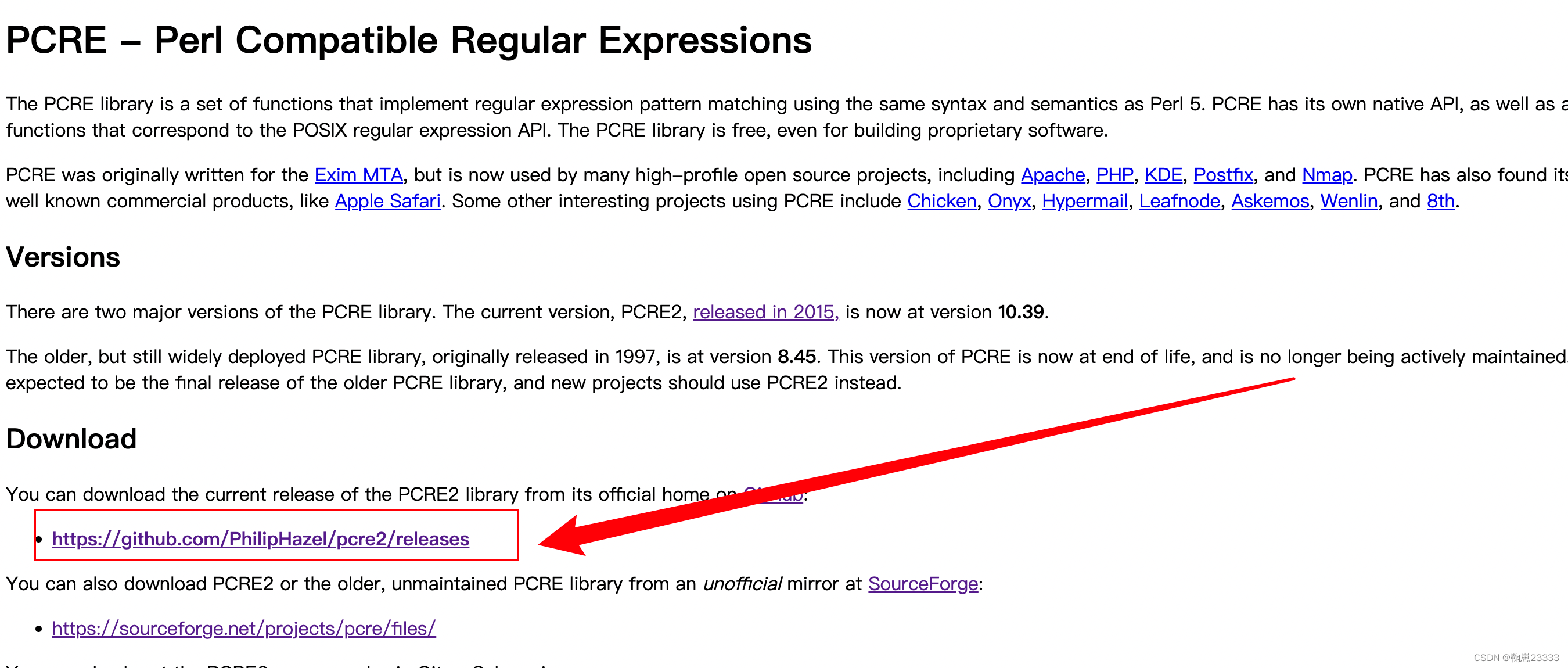
ps-2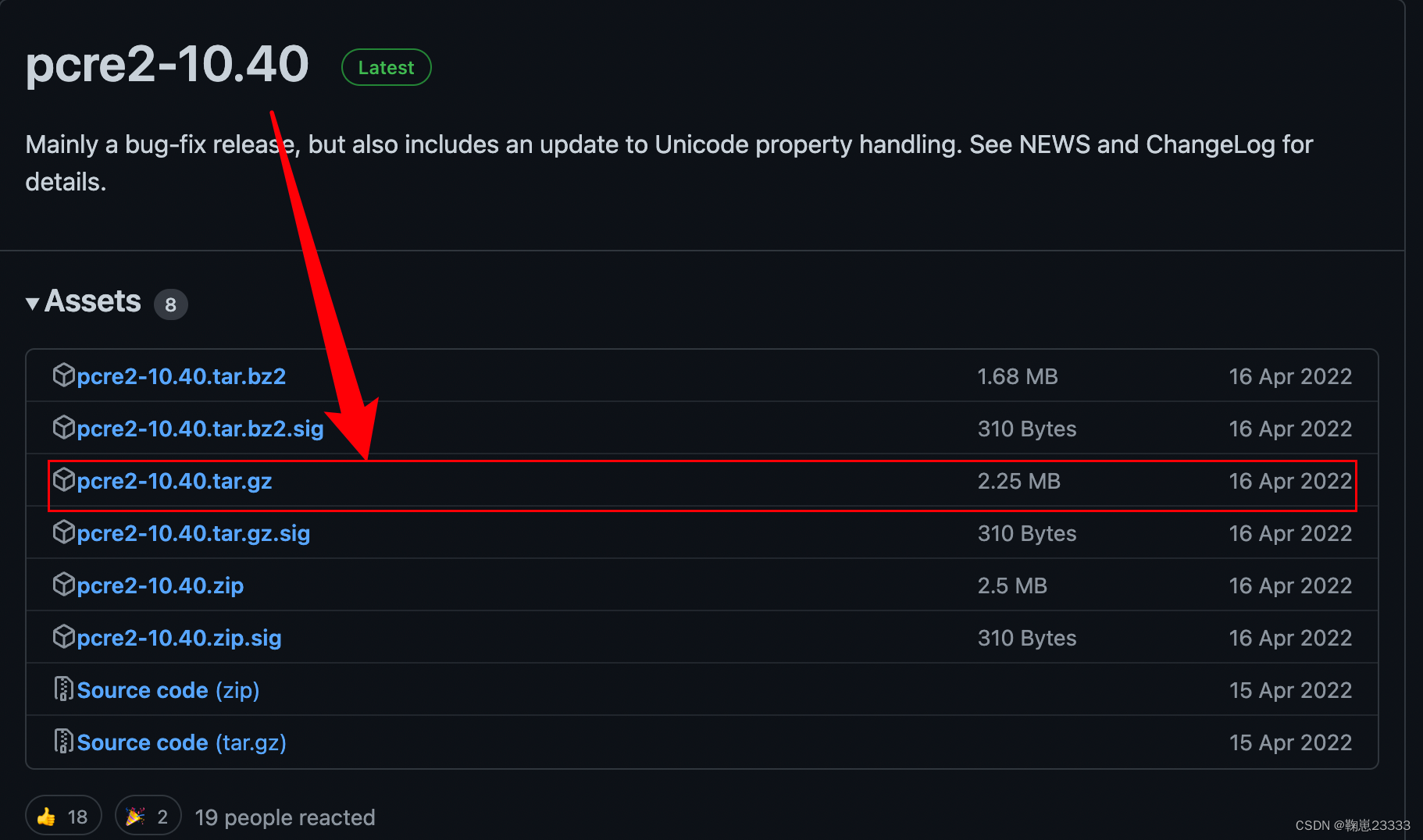
2-2 解压
ps:解压目录我的是在 /usr/local/
sudo tar -zxf pcre2-10.40.tar.gz
2-3 安装
ps: 在nginx安装目录,执行该命令~
sudo ./configure --prefix=/usr/local/nginx --with-pcre=/usr/local/pcre2-10.40
2-4 编译
ps: 在nginx安装目录,执行该命令~
sudo make
ps-1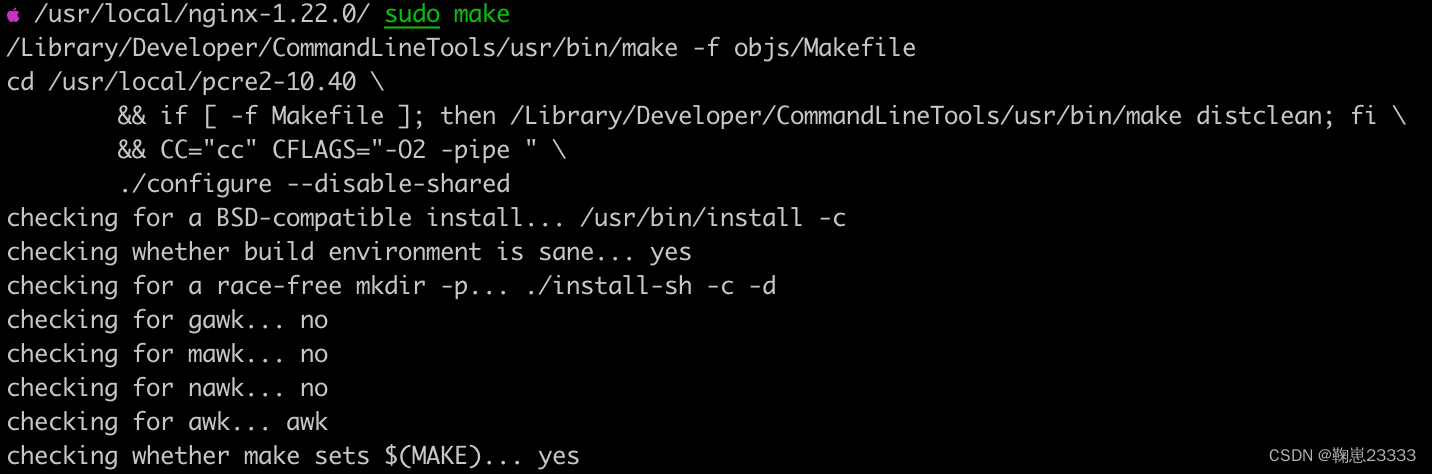
ps-2
编译并安装
ps: 会在/usr/local/nginx目录下生成目录
sudo make install
ps-3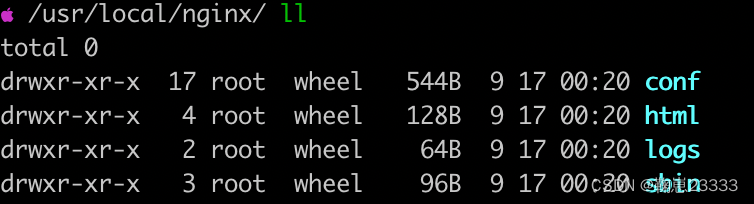
版权声明:本文为qq_41086359原创文章,遵循CC 4.0 BY-SA版权协议,转载请附上原文出处链接和本声明。