备份
先备份源文件:mv /etc/yum.repos.d/CentOS-Base.repo /etc/yum.repos.d/CentOS-Base.repo-backup
更换新源
在ssh界面执行以下命令即可一键更换yum源为CentOS的Vault源(包括CentOS官方和阿里云的源):
wget -O /etc/yum.repos.d/CentOS-Base.repo http://files.tttidc.com/centos6/Centos-6.repo
wget -O /etc/yum.repos.d/epel.repo http://files.tttidc.com/centos6/epel-6.repo
清理软件源
yum clean all
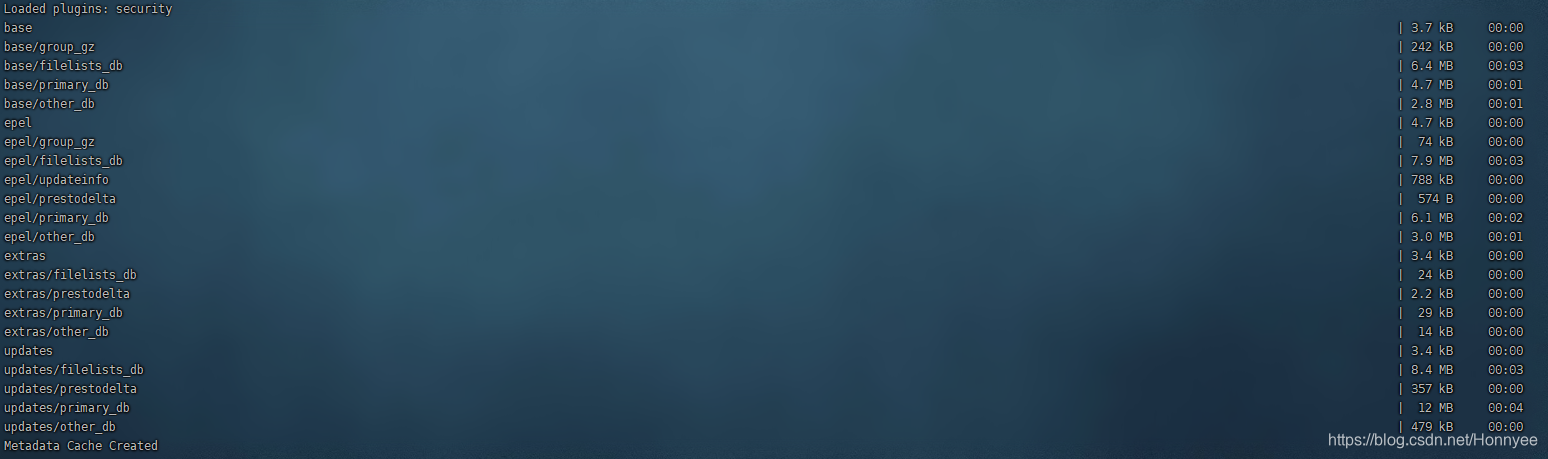
建立源数据缓存
yum makecache
效果如图