打开Vs Code 工具右下角设置 选中User Sinppets

选New Global Sinppets file...

输入代码片段:
"Print to console": {
"prefix": "b",
"body": [
"<template>",
" <div class='$2'>$5</div>",
"</template>",
"",
"<script>",
"export default {",
" components: {},",
" data() {",
" return {",
"",
" };",
" },",
" computed: {},",
"}",
"</script>",
"<style lang='scss' scoped>",
"$4",
"</style>"
],
"description": "Log output to console"
}
然后new一个vue文件:
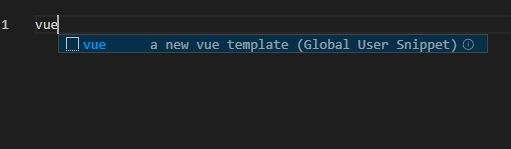
输入vue+Enter
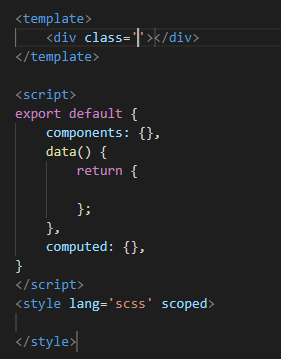
生成结果
版权声明:本文为myhelloooo原创文章,遵循CC 4.0 BY-SA版权协议,转载请附上原文出处链接和本声明。