转换结果
原图像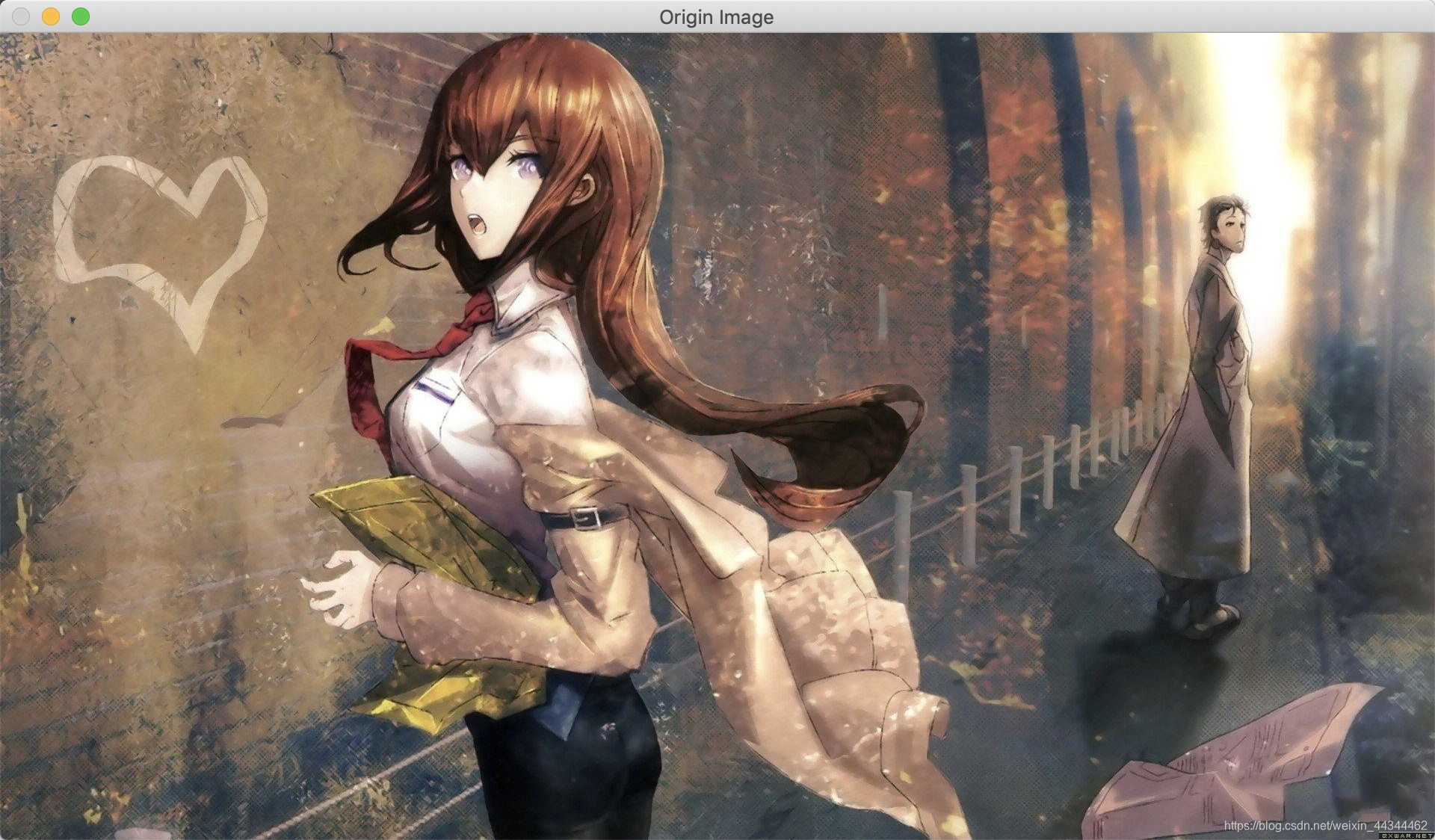
灰度图像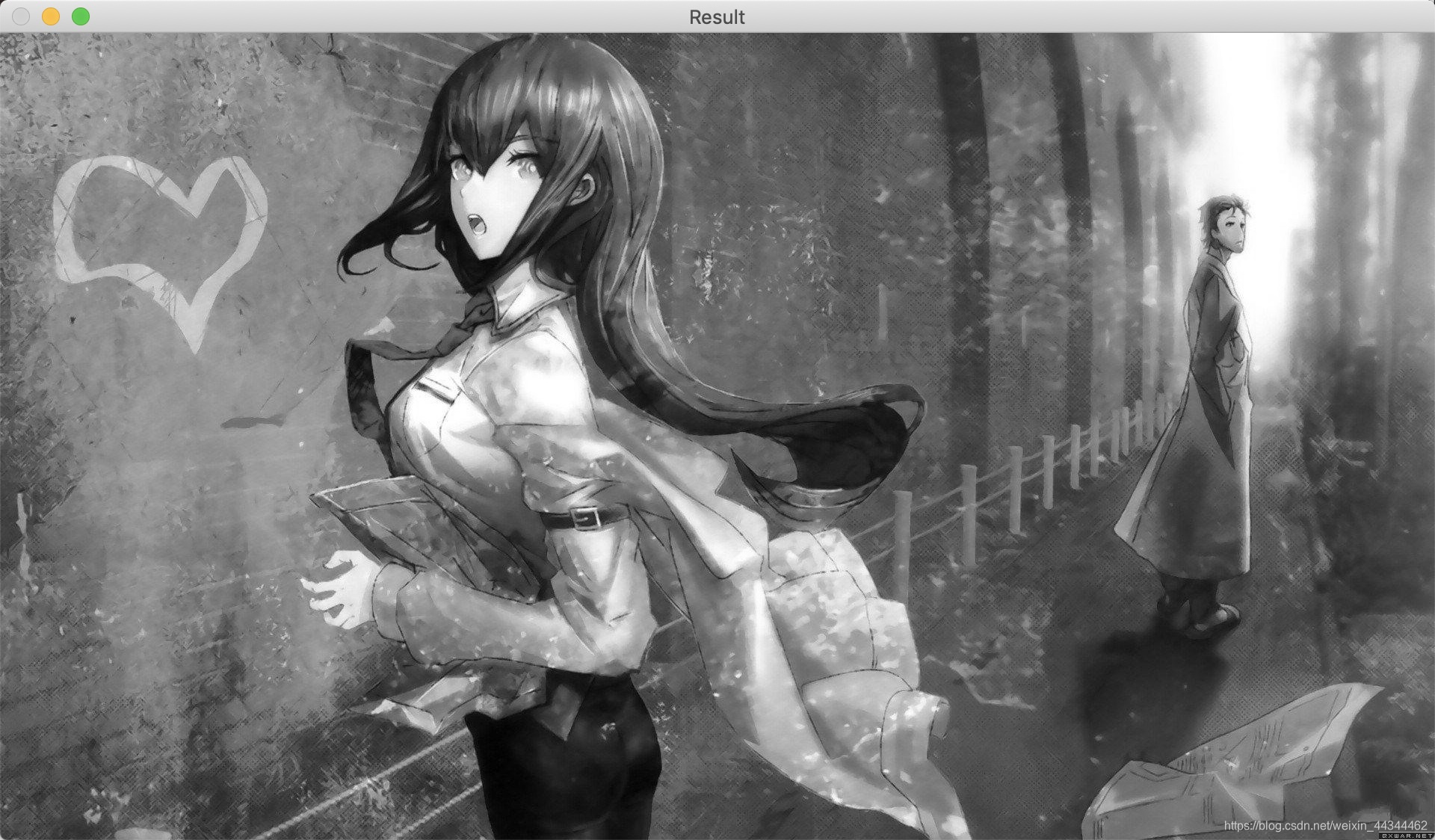
Show me the code
#include <iostream>
#include <string>
#include <opencv2/imgproc/imgproc.hpp>
#include <opencv2/highgui.hpp>

using namespace std;

int main() {
    // 图像路径
    const string fileName = "xxx.jpg";

    // 读取图像
    cv::Mat origin = cv::imread(fileName);

    // 开辟result存放结果
    cv::Mat result;

    // RGB转换成GRAY
    cv::cvtColor(origin,
                 result,
                 cv::COLOR_BGR2GRAY);

    // 显示原图像与结果
    cv::imshow("Origin Image", origin);
    cv::imshow("Result", result);

    cv::waitKey(0);
}
版权声明:本文为weixin_44344462原创文章,遵循CC 4.0 BY-SA版权协议,转载请附上原文出处链接和本声明。