EFK 是 Elasticsearch Filebeat Kibana 一套自动化收集日志的系统
更多资料见链接:Elastic 中国社区官方博客
EFK简介
旧称:Elasticsearch Logstash Kibana
全称:Elasticsearch Filebeat Kibana
用途:自动化日志收集系统
官网:The Elastic Stack
下载:Elasticsearch
Filebeat
Kibana
一.Elasticsearch
1.安装
# 1.解压并移动至安装目录
tar zxvf elasticsearch-8.2.2-linux-x86_64.tar.gz
mv elasticsearch-8.2.2 /usr/local/elasticsearch
# 2.修改配置文件
cd /usr/local/elasticsearch/
vi config/elasticsearch.yml
# 3.在配置文件末尾添加
cluster.name: moon_cluster #集群名称
node.name: node-1 #节点名称
network.host: 0.0.0.0 #允许外网访问
http.port: 9200 #服务端口
cluster.initial_master_nodes: ["node-1"] #初始化新的集群时需要此配置来选举master
# 4.启动(ES 不能用ROOT用户启动,新建用户)
useradd appadmin
chown -R appadmin:appadmin /usr/local/elasticsearch/*
# 5.修改appadmin用户最大可创建文件数,最大虚拟内存大小
vi /etc/security/limits.conf
vi /etc/security/limits.d/20-nproc.conf
# 6.在limits.conf 末尾追加以下信息并保存(用户打开最大文件数、最大进程数)
appadmin soft nproc 4096
appadmin hard nproc 4096
appadmin soft nofile 65536
appadmin hard nofile 65536
#   在20-nproc.conf 末尾追加以下信息并保存
appadmin soft nofile 65536
appadmin hard nofile 65536
# 7.修改最大虚拟内存
vi /etc/sysctl.conf
# 8.在sysctl.conf 末尾追加以下信息并保存
vm.max_map_count=655360
# 9.刷新
sysctl -p
# 10.切换用户并启动服务
su appadmin
bin/elasticsearch -d
# 11.为kibana生成Token
bin/elasticsearch-create-enrollment-token --scope kibana
# 12.设置密码
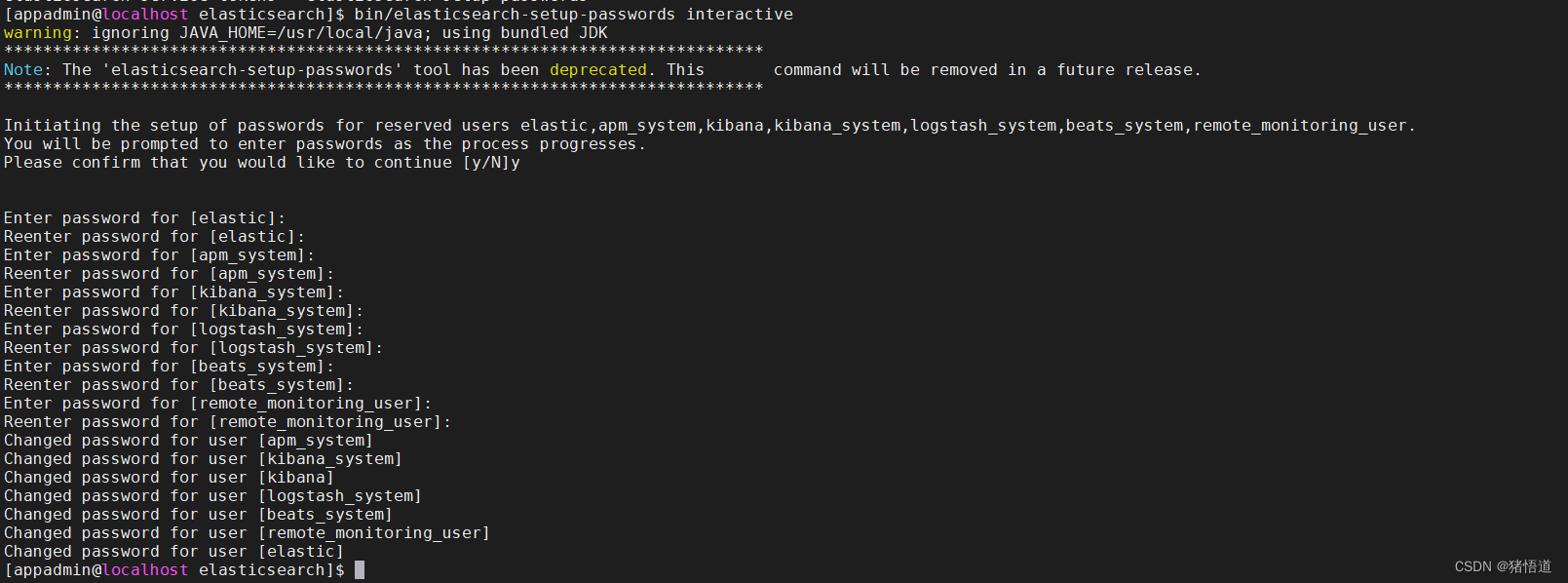
bin/elasticsearch-setup-passwords interactive

Token
密码
[appadmin@localhost elasticsearch]$ bin/elasticsearch-setup-passwords interactive
warning: ignoring JAVA_HOME=/usr/local/java; using bundled JDK
******************************************************************************
Note: The 'elasticsearch-setup-passwords' tool has been deprecated. This       command will be removed in a future release.
******************************************************************************

Initiating the setup of passwords for reserved users elastic,apm_system,kibana,kibana_system,logstash_system,beats_system,remote_monitoring_user.
You will be prompted to enter passwords as the process progresses.
Please confirm that you would like to continue [y/N]y


Enter password for [elastic]:
Reenter password for [elastic]:
Enter password for [apm_system]:
Reenter password for [apm_system]:
Enter password for [kibana_system]:
Reenter password for [kibana_system]:
Enter password for [logstash_system]:
Reenter password for [logstash_system]:
Enter password for [beats_system]:
Reenter password for [beats_system]:
Enter password for [remote_monitoring_user]:
Reenter password for [remote_monitoring_user]:
Changed password for user [apm_system]
Changed password for user [kibana_system]
Changed password for user [kibana]
Changed password for user [logstash_system]
Changed password for user [beats_system]
Changed password for user [remote_monitoring_user]
Changed password for user [elastic]
[appadmin@localhost elasticsearch]$
2.访问
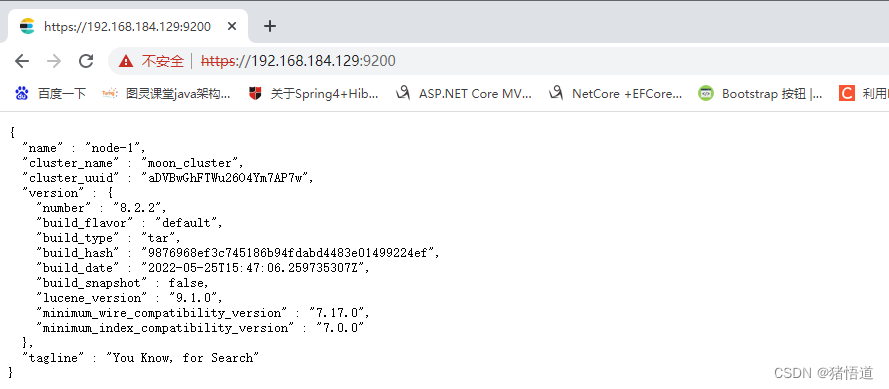
# https://ip:9200/
二.Filebeat
1.安装
# 1.解压和移动
tar zxvf filebeat-8.2.2-linux-x86_64.tar.gz
mv filebeat-8.2.2-linux-x86_64 /usr/local/filebeat
# 2.修改配置
cd /usr/local/filebeat/
vi filebeat.yml
# 3.启动服务
./filebeat -e -c filebeat.yml >/tmp/filebeat.log 2>&1 &
配置过滤的文件
- type: filestream

  # Unique ID among all inputs, an ID is required.
  id: my-filestream-id

  # Change to true to enable this input configuration.
  enabled: false

  # Paths that should be crawled and fetched. Glob based paths.
  paths:
    - /var/log/*.log
配置输出到 Elsticsearch(用户名、密码)
output.elasticsearch:
  # Array of hosts to connect to.
  hosts: ["localhost:9200"]

  # Protocol - either `http` (default) or `https`.
  #protocol: "https"

  # Authentication credentials - either API key or username/password.
  #api_key: "id:api_key"
  username: "elastic"
  password: "changeme"
三.kibana
1.安装
# 1.解压和移动
tar zxvf kibana-8.2.2-linux-x86_64.tar.gz
mv kibana-8.2.2 /usr/local/kibana
# 2.修改配置信息
cd /usr/local/kibana/
vi config/kibana.yml
# 3.在配置文件末尾添加
server.port: 5601 #服务端口
server.host: "0.0.0.0" #允许外网访问
server.name: "moon_kibana" #服务名称
elasticsearch.hosts: ["http://localhost:9200"] #对应elasticsearch服务地址
# 4.以ROOT用户权限启动
bin/kibana --allow-root >/tmp/kibana_start.log &
# 5.查看输出信息
cat /tmp/kibana_start.log
# 6.获取认证码
bin/kibana-verification-code

2.访问
http://192.168.184.129:5601/
初始化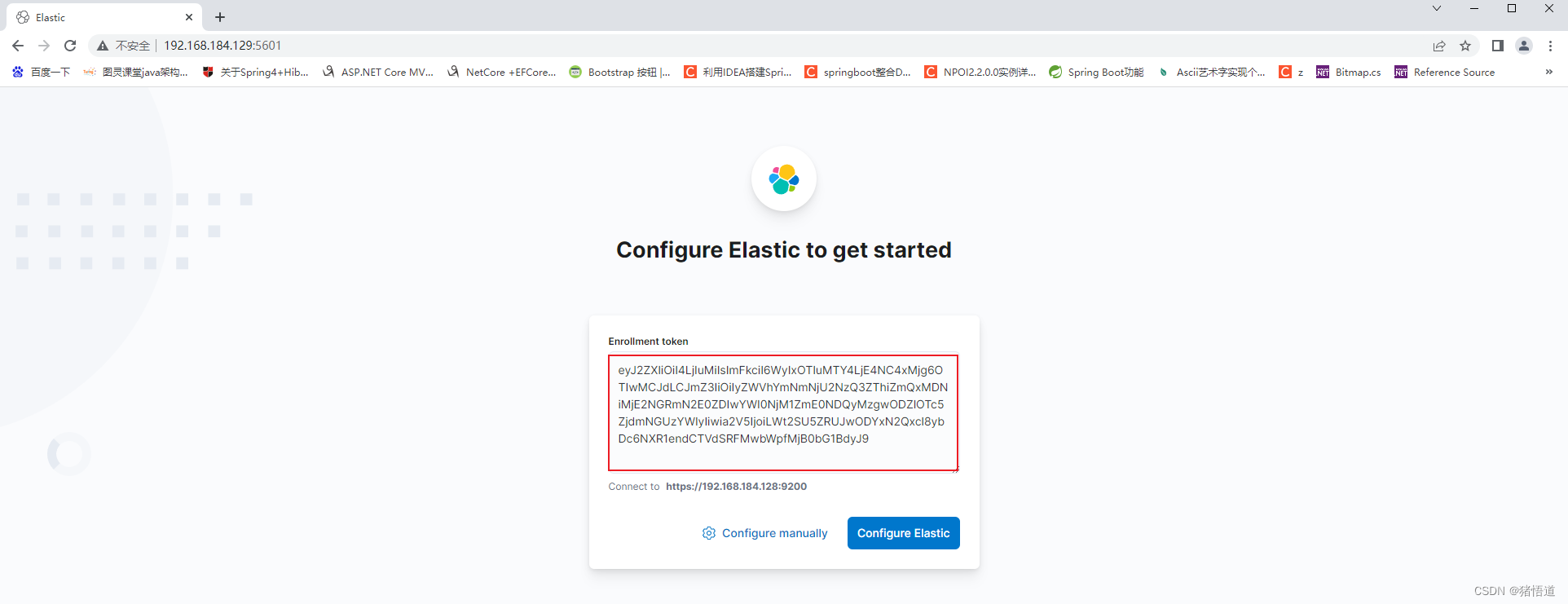
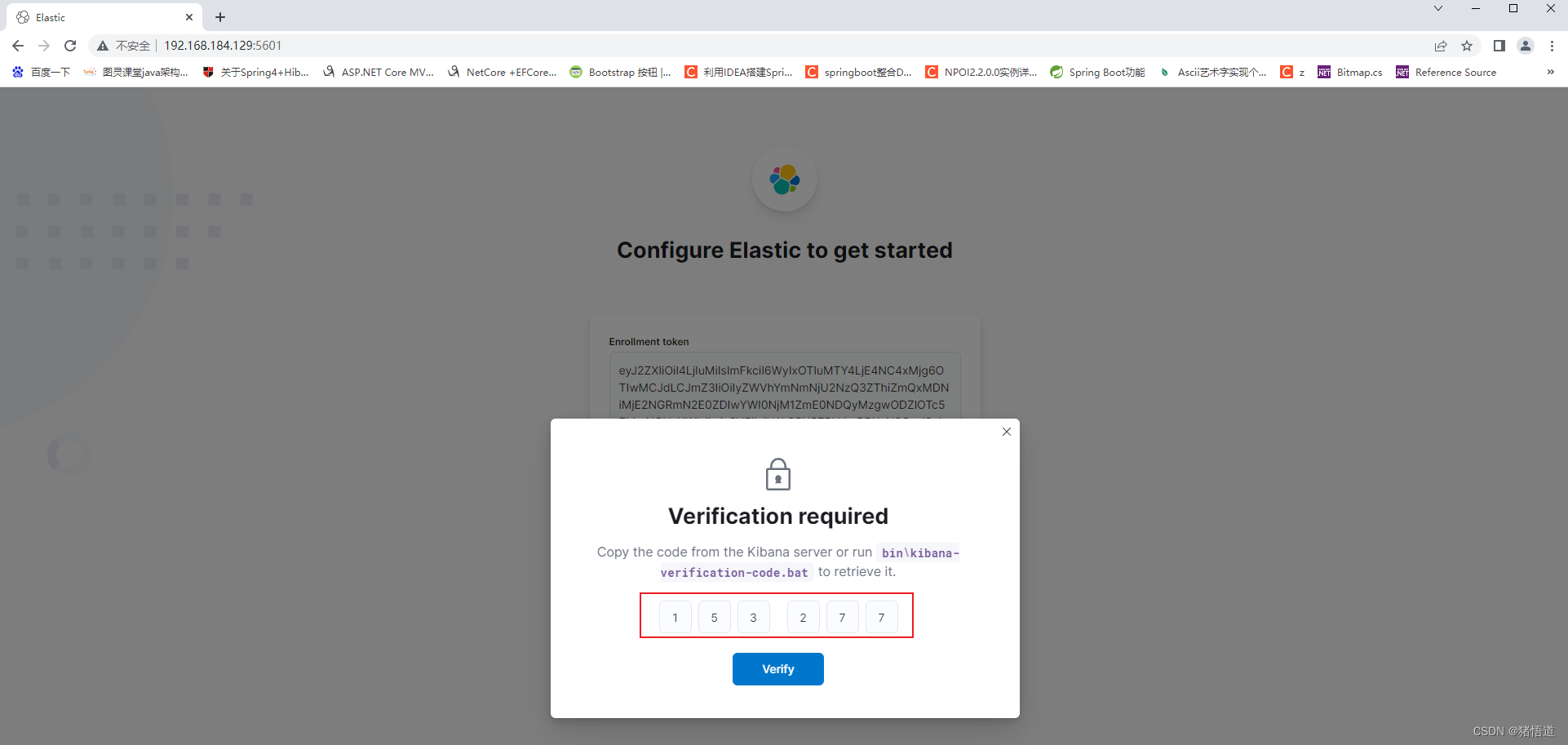
登录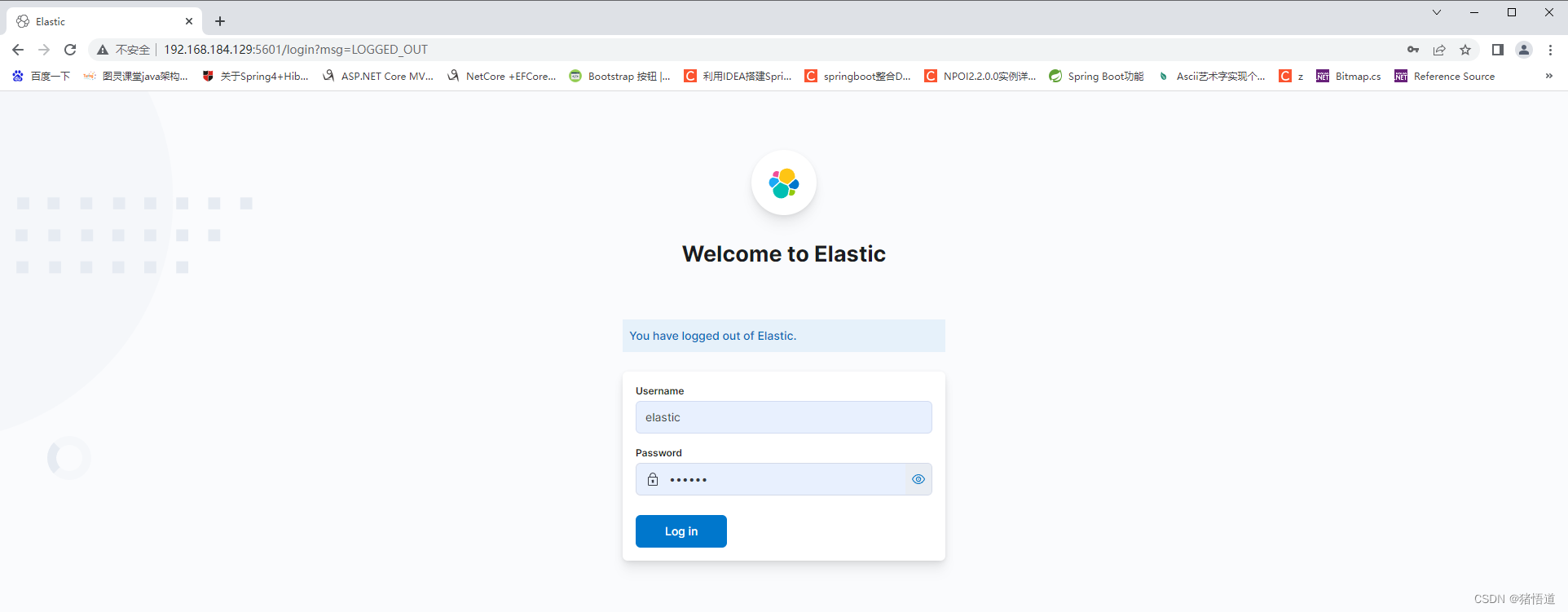
版权声明:本文为weixin_42176639原创文章,遵循CC 4.0 BY-SA版权协议,转载请附上原文出处链接和本声明。