项目地址: https://github.com/zhongyang219/TrafficMonitor
https://gitee.com/zhongyang219/TrafficMonitor
实时显示网速

实时显示CPU和内存信息
先结束程序,在程序目录下修改config配置文件,
将config.ini里[task_bar]下面的tbar_display_item的值改为15即可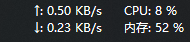
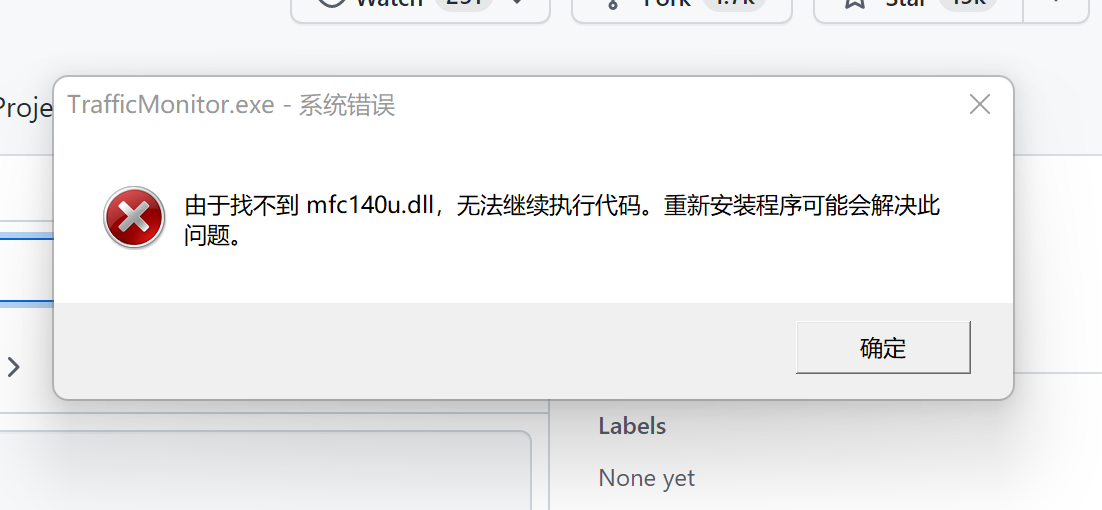
TrafficMonitor找不到mfc140u.dll
解决办法
参考: https://github.com/zhongyang219/TrafficMonitor/issues/927
安装Visual C++ Redistributable for Visual Studio 2015可以解决这个问题,注意要安装32位的才行。
https://www.microsoft.com/zh-CN/download/details.aspx?id=48145
将mfc140u.dll文件复制到主程序目录下重新运行即可。