直角坐标系图表–热力图
from pyecharts.charts import HeatMap
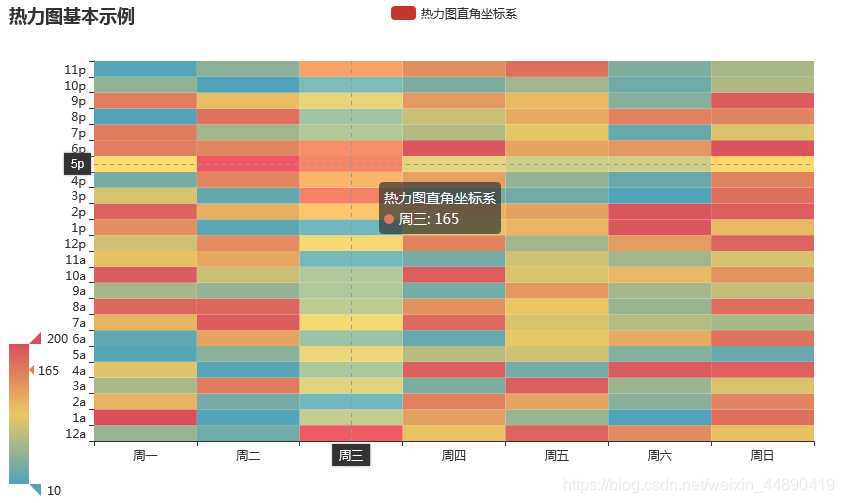
1、基本示例
from pyecharts import options as opts
from pyecharts.charts import HeatMap
from pyecharts.faker import Faker
import random

hm = HeatMap()
# 使用列表表达式创建7*24的二维列表
data = [[i,j,random.randint(10,200)] for i in range(7) for j in range(24)]
hm.add_xaxis(Faker.week)
hm.add_yaxis("热力图直角坐标系",Faker.clock,data)
hm.set_global_opts(
    title_opts=opts.TitleOpts(title="热力图基本示例"),
    tooltip_opts=opts.TooltipOpts(axis_pointer_type="cross"),# 指示器类型
    visualmap_opts=opts.VisualMapOpts(min_=10,max_=200)
)
hm.render("./html/heatmap_base.html")
2、显示标签
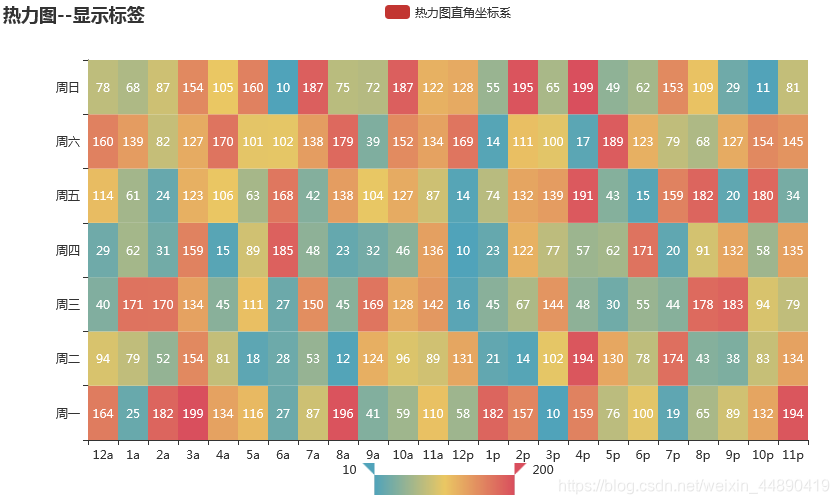
from pyecharts import options as opts
from pyecharts.charts import HeatMap
from pyecharts.faker import Faker
import random

hm = HeatMap()
# 使用列表表达式创建7*24的二维列表
data = [[i,j,random.randint(10,200)] for i in range(24) for j in range(7)]
hm.add_xaxis(Faker.clock)
hm.add_yaxis("热力图直角坐标系",Faker.week,data)
hm.set_global_opts(
    title_opts=opts.TitleOpts(title="热力图--显示标签"),
    visualmap_opts=opts.VisualMapOpts(
        min_=10,max_=200,
        orient="horizontal",  # 视觉映射组件水平放置
        pos_left="center"))  #居中
hm.set_series_opts(label_opts=opts.LabelOpts(is_show=True,position="inside"))
hm.render("./html/heatmap_label.html")
基本图表–日历图
from pyecharts.charts import Calendar
基本示例
from pyecharts import options as opts
from pyecharts.charts import Calendar
import pandas as pd
import random

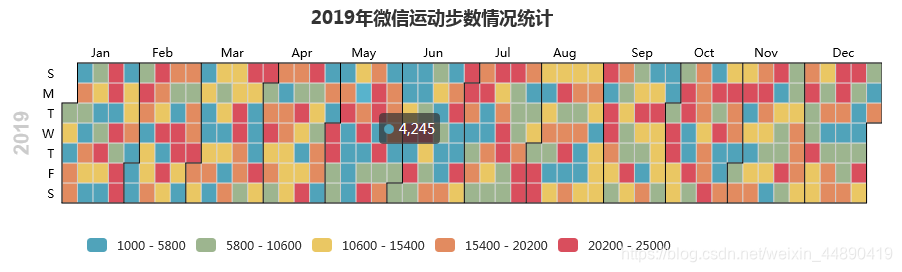
data = [[i.strftime('%Y-%m-%d'), random.randint(1000, 25000)]
        for i in pd.date_range('2019/1/1', '2019/12/31')]
calendar = Calendar()
calendar.add("",data,calendar_opts=opts.CalendarOpts(range_="2019"))
calendar.set_global_opts(
    title_opts=opts.TitleOpts(title="2019年微信运动步数情况统计", pos_left="center"),
    visualmap_opts=opts.VisualMapOpts(
        min_=1000,
        max_=25000,
        orient="horizontal",     # 水平放置visualMap组件
        is_piecewise=True,        # visualMap分段
        pos_left="100px",    # visualMap 组件离容器左侧的距离
        pos_top="230px"      # visualMap 组件离容器右侧的距离
    ))
calendar.render("./html/calendar_test.html")
版权声明:本文为weixin_44890419原创文章,遵循CC 4.0 BY-SA版权协议,转载请附上原文出处链接和本声明。