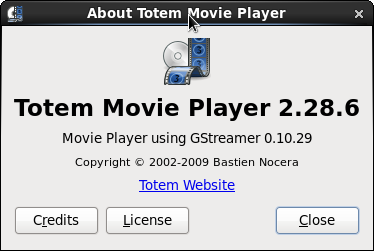
如下图,是redhat系统自带的播放器,打开后会提示缺少插件解码包等,无法播放
你需要安装如下rpm包:
a52dec-0.7.4-8.el6.rf.x86_64.rpm
amrwb-7.0.0.3-1.el6.rf.x86_64.rpm
cstream-2.7.4-3.el6.rf.x86_64.rpm
dirac-1.0.2-1.el6.rf.x86_64.rpm
faac-1.26-1.el6.rf.x86_64.rpm
faad2-2.7-1.el6.rf.x86_64.rpm
ffmpeg-0.6.5-1.el6.rf.x86_64.rpm
ffmpeg-libpostproc-0.6.5-1.el6.rf.x86_64.rpm
gstreamer-ffmpeg-0.10.11-1.el6.rf.x86_64.rpm
gstreamer-plugins-bad-0.10.19-3.el6.rf.x86_64.rpm
gstreamer-plugins-ugly-0.10.16-2.el6.rf.x86_64.rpm
lame-3.99.5-1.el6.rf.x86_64.rpm
lib64cppunit1.12_1-1.12.1-9-mdv2011.0.x86_64.rpm
libcdaudio-0.99.12p2-12.el6.rf.x86_64.rpm
libdca-0.0.5-1.el6.rf.x86_64.rpm
libid3tag-0.15.1b-7.el6.x86_64.rpm
libkate-0.3.7-1.el6.rf.x86_64.rpm
libmad-0.15.1b-4.el6.rf.x86_64.rpm
libmms-0.5-1.el6.rf.x86_64.rpm
libmodplug-0.8.7-1.el6.rf.x86_64.rpm
libmpeg2-0.5.1-2.el6.rf.x86_64.rpm
libquicktime-1.2.4-1.el6.rf.x86_64.rpm
librtmp-2.3-1.el6.rf.x86_64.rpm
libsidplay-1.36.60-1.el6.rf.x86_64.rpm
libva-1.0.6-1.el6.rf.x86_64.rpm
mjpegtools-1.9.0-1.el6.rf.x86_64.rpm
opencore-amr-0.1.2-1.el6.rf.x86_64.rpm
orc-0.4.11-1.el6.rf.x86_64.rpm
schroedinger-1.0.10-1.el6.rf.x86_64.rpm
SDL_gfx-2.0.23-1.el6.rf.x86_64.rpm
twolame-0.3.13-1.el6.rf.x86_64.rpm
vstream-client-1.2-2.el6.rf.x86_64.rpm
vstream-client-devel-1.2-2.el6.rf.x86_64.rpm
x264-0.0.0-0.4.20101111.el6.rf.x86_64.rpm
xvidcore-1.2.2-1.el6.rf.x86_64.rpm
至于这些rpm包和安装过程中的依赖性问题,可以到rpmfind.net和rpmsearch这两个网站去下载相应的rpm包。
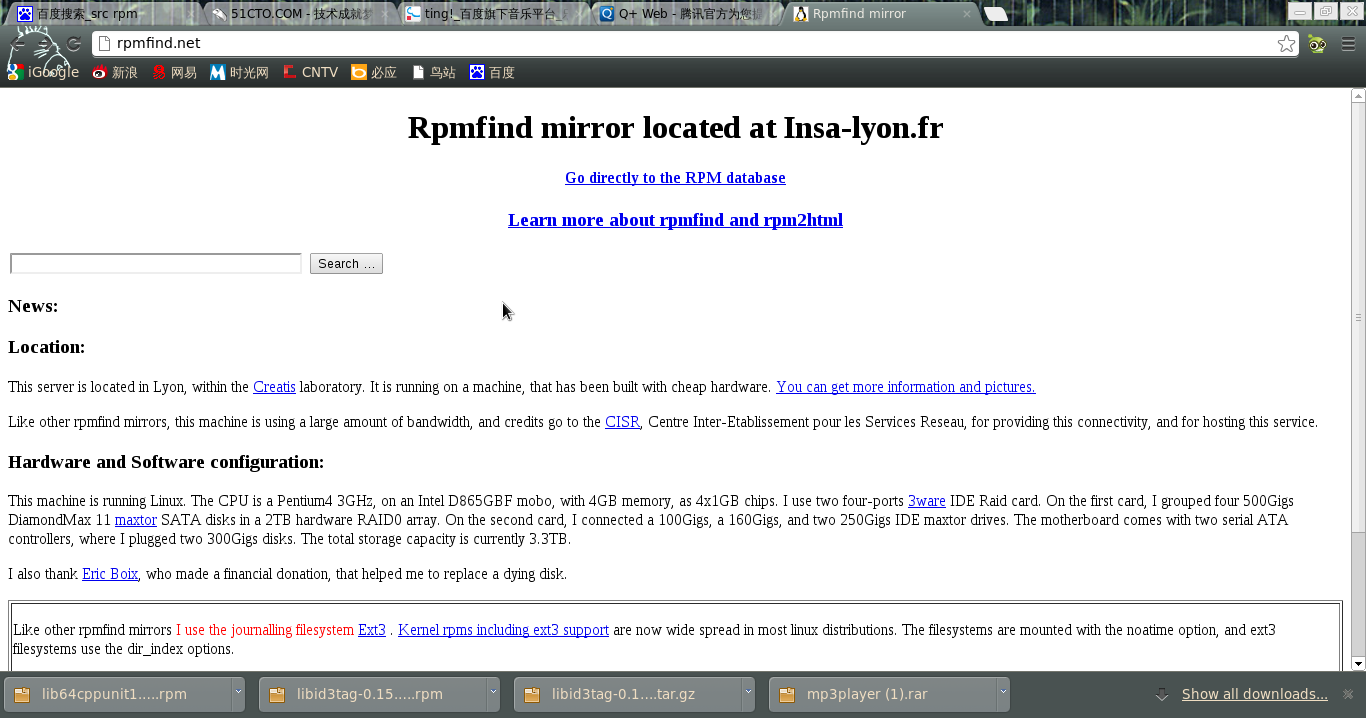
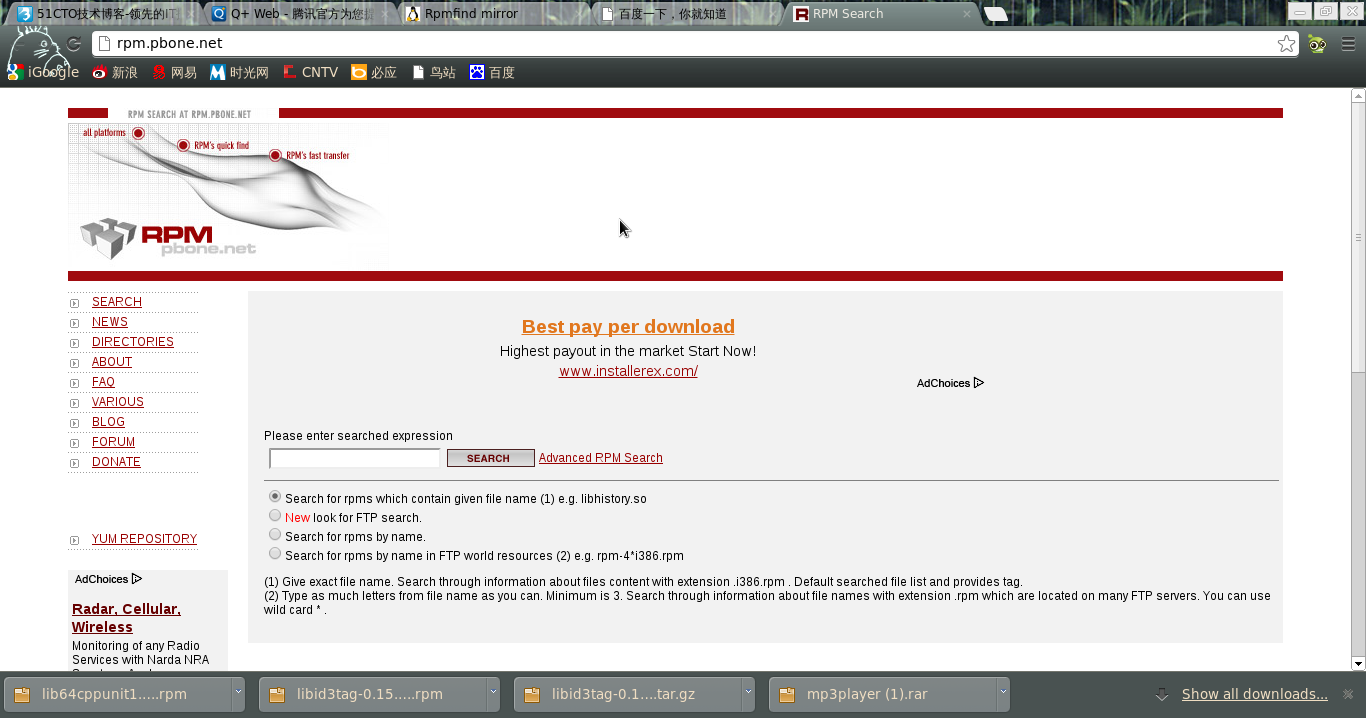
尤其是rpmfind这个网站很吊,将这些rpm包下载到一个目录中,然后执行
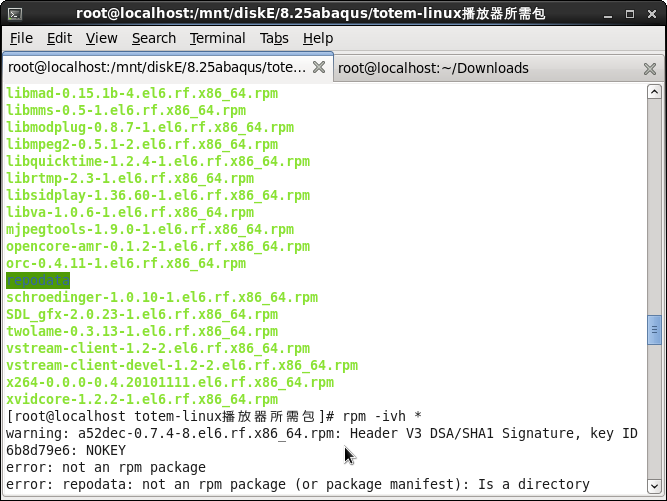
yum local install *
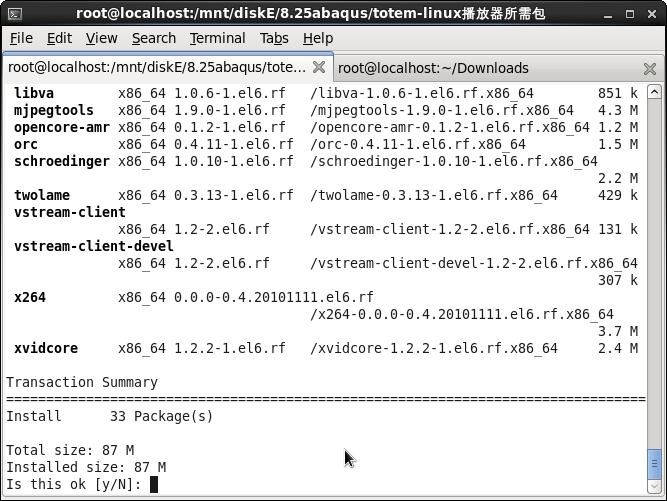
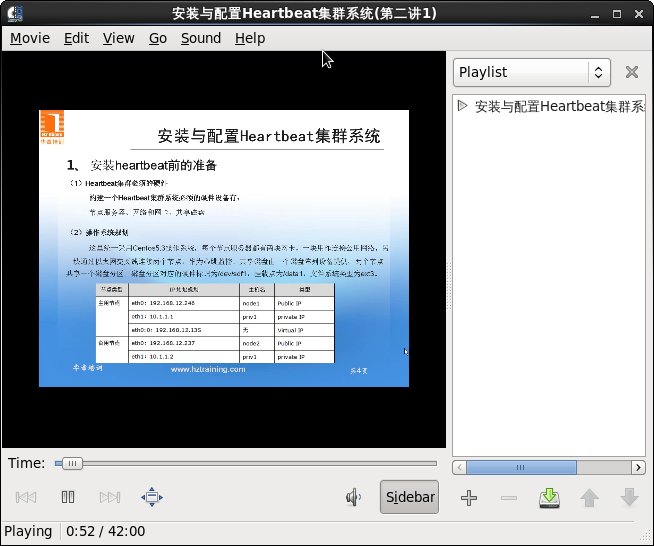
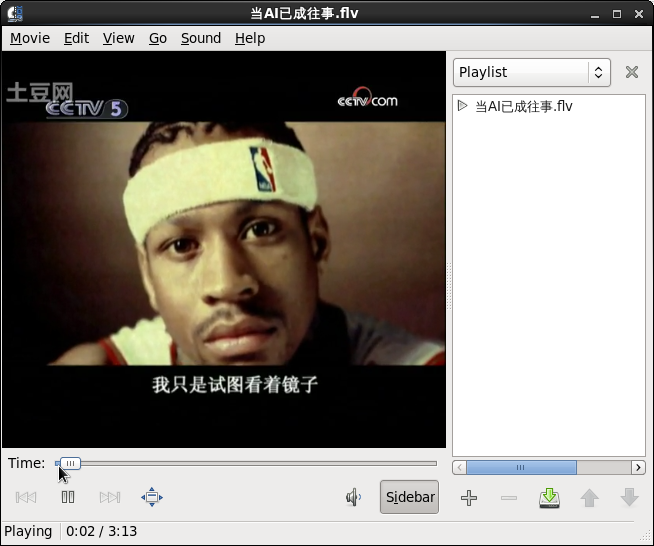
安装完毕后,重新启动totem播放器。点击movie--open,然后选择要播放的文件。
附两张图让大家看看效果:
^_^赶紧找包吧。。。