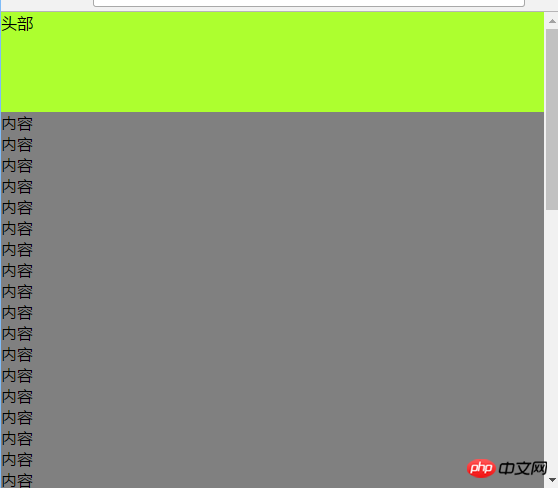
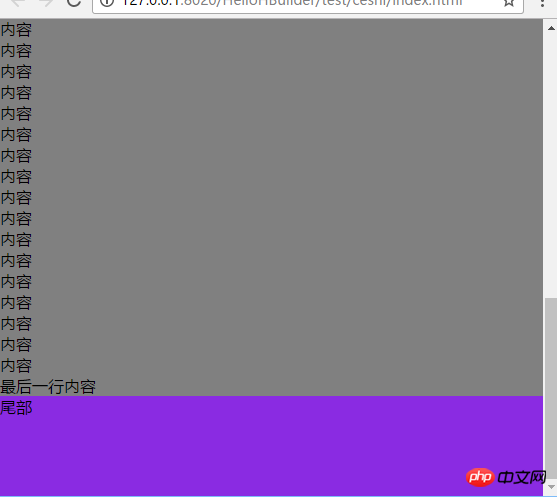
上次说把网页的头部和尾部分离出来作为一个单独的文件,所有网页共用,这样比较方便修改,然而,,,我发现某些方法里尾部会紧跟在头部后面,把内容挤在下面。。而且有的页面内容少的话不能把尾部挤到最下面,所以,这次来研究一下怎么能让尾部一直在下面。。
先把html代码放出来:
内容
内容
内容
内容
同上,以下省略N行。。。
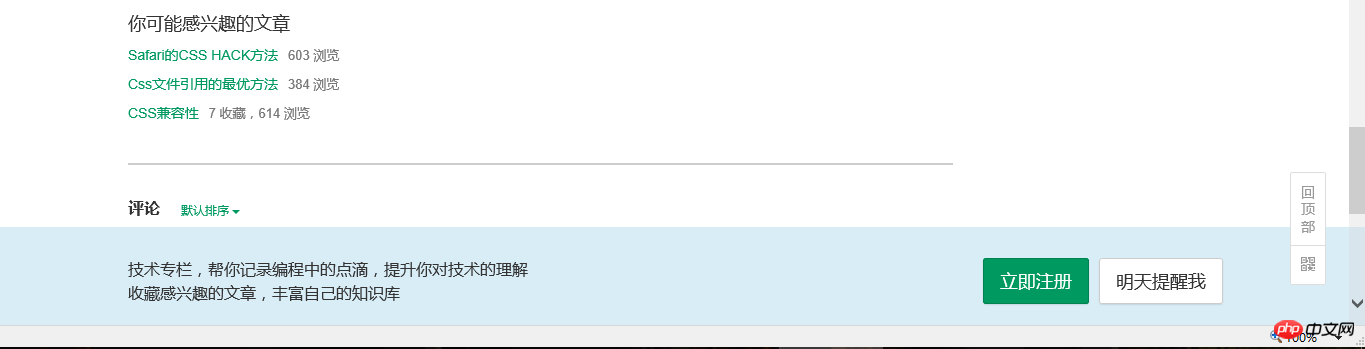
方法一:其实这个应该是始终位于浏览器窗口底部的方法,而不是位于网页底部的方法,就像是在浏览某些网页在未登录或者注册的时候下面始终有一行提示信息的样式,大概就和回到顶部按钮是一样的。。
上个图:大概就是这样的
CSS代码:body{position:relative;height:100%;}
.content{background-color: gray;padding-bottom: 100px;}
.footer{height: 100px;width: 100%;background-color: blueviolet;position: fixed;left: 0;bottom: 0;}
需要给footer设置固定高度
方法二:这个是让footer位于网页底部的方法 固定footer高度+绝对定位body{position:relative;height:100%;}
.content{background-color: gray;padding-bottom: 100px;}
.footer{height: 100px;width: 100%;background-color: blueviolet;position: absolute;left: 0;bottom: 0;}
在中间的内容部分加上padding-bottom是为了让内容能够完全显示不被footer覆盖,同时也要给footer设置固定高度
方法三:固定footer高度+margin负值
html代码有所不同:
头部
内容
内容
内容
内容
同上,以下省略N行。。。
CSS代码:body{height: 100%;}
.wrap{min-height: 100%;}
.header{height: 100px;background-color: greenyellow;}
.content{background-color: gray;padding-bottom: 100px;}
.footer{height: 100px;width: 100%;background-color: blueviolet;margin-top: -100px;}
内容里加padding-bottom同上
附图:
内容较少的时候:
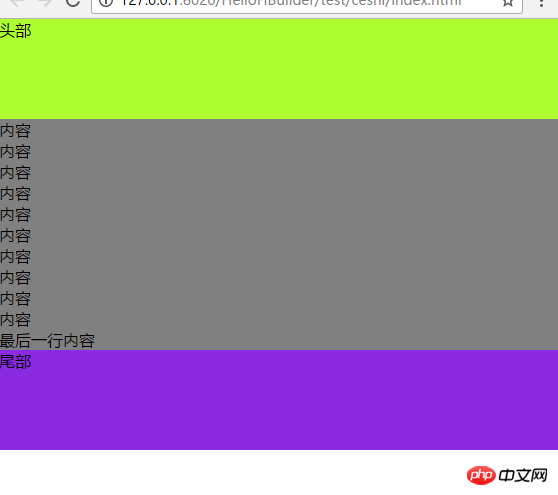
内容多的时候: