今天帮师姐解决一个bug,测试了Python图像resize前后颜色不一致问题。
代码片段执行的功能:图像指定倍数超分辨率,输入为[0-1] float型数据,输出为格式不限的图像
bug:输入图像与输出图像颜色不一致
一、把产生bug的功能片段做分离测试:
1 importh5py2 importnumpy as np3 importmatplotlib.pyplot as plt4 from PIL importImage5 from scipy importmisc6
7
8 defget_result_array():9 file_name = "./butterfly_GT.bmp"
10 img_no_expand = misc.imread(file_name, flatten=False, mode=‘YCbCr‘)11 img_no_expand = img_no_expand / 255.0
12 #img_no_expand = np.uint8(img_no_expand*255)
13 h, w = img_no_expand.shape[:2]14 print(img_no_expand.shape)15 h *= 2
16 w *= 2
17 data =list()18
19 data.append(misc.imresize(img_no_expand[:, :, 0], [h, w], ‘bicubic‘)[:,:,None])20 data.append(misc.imresize(img_no_expand[:, :, 1], [h, w], ‘bicubic‘)[:,:,None])21 data.append(misc.imresize(img_no_expand[:, :, 2], [h, w], ‘bicubic‘)[:,:,None])22 data_out = np.concatenate(data, axis=2)23 img = misc.toimage(arr=data_out, mode="YCbCr")24 img.save("out_3.jpg")25
26
27 if __name__==‘__main__‘:28 get_result_array()
运行代码:
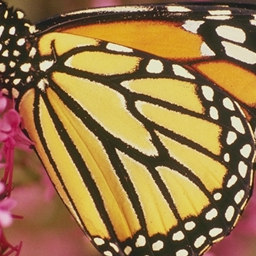

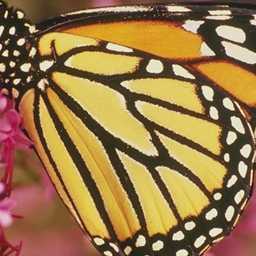
左图为输入图像,右图为输出图像。为了便于对比,把输出图像缩放至与输入图像一致,由图可见,输出图像色彩严重失真。
二、在pycharm中,Ctrl+B 查看源码:
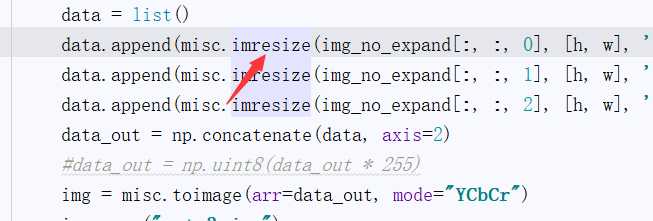
三、发现可以选择模式,猜想可能是模式有误:
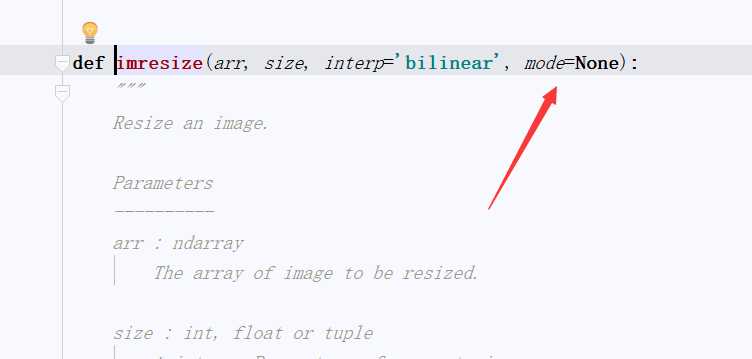
四、在函数的实现的第一行,初始化Image类,猜想初始化参数设置错误。
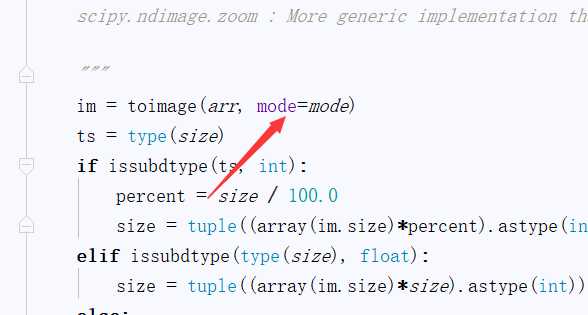
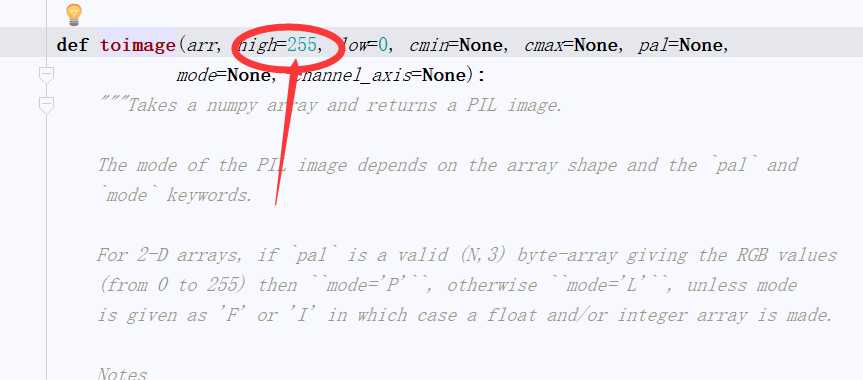
五、在类的初始化过程中,默认图像的最大值为255,而实际输入是0-1的float型数据。找到了错误之处。
六、仔细查看文档,mode可以修改。0-1float型数据对应mode=“F”:
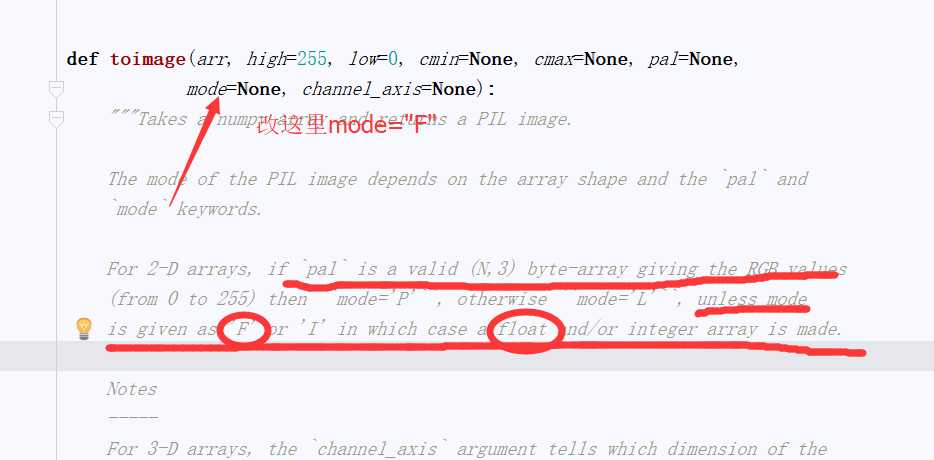
七、于是,在代码中加入参数:

八、最终代码如下:
1 importh5py2 importnumpy as np3 importmatplotlib.pyplot as plt4 from PIL importImage5 from scipy importmisc6
7
8 defget_result_array():9 file_name = "./butterfly_GT.bmp"
10 img_no_expand = misc.imread(file_name, flatten=False, mode=‘YCbCr‘)11 img_no_expand = img_no_expand / 255.0
12 #img_no_expand = np.uint8(img_no_expand*255)
13 h, w = img_no_expand.shape[:2]14 print(img_no_expand.shape)15 h *= 2
16 w *= 2
17 data =list()18 data.append(misc.imresize(img_no_expand[:, :, 0], [h, w], ‘bicubic‘, mode="F")[:,:,None])19 data.append(misc.imresize(img_no_expand[:, :, 1], [h, w], ‘bicubic‘, mode="F")[:,:,None])20 data.append(misc.imresize(img_no_expand[:, :, 2], [h, w], ‘bicubic‘, mode="F")[:,:,None])21 data_out = np.concatenate(data, axis=2)22 img = misc.toimage(arr=data_out, mode="YCbCr")23 img.save("out_4.jpg")24
25
26 if __name__==‘__main__‘:27 get_result_array()
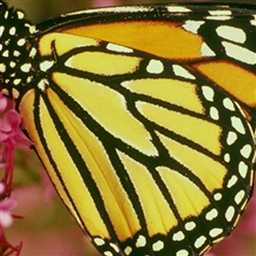
九、实际测试,输入输出对比图如下所示:

嗯,又解决了一个bug,坐等师姐请吃饭,哈哈
原文:http://www.cnblogs.com/nwpuxuezha/p/7236155.html