现在我们打开App,几乎绝大多数App都会在进入主页之前有一个启动图的展示,基本上都是一些广告,App背后的公司通过App启动页面展示广告来赚取广告费用。
比如我打开微博,微博App的启动页面有化妆品的广告。
那么今天要实现的功能就是如何给App添加启动页面,并且在启动页面实现一些自定义的逻辑。
这里有三种方法实现启动图的闪屏逻辑。
第一种:Launch Screen
这是系统级的闪屏逻辑,实现非常简单,但是时间段,App的加载资源准备好后就会立即消失。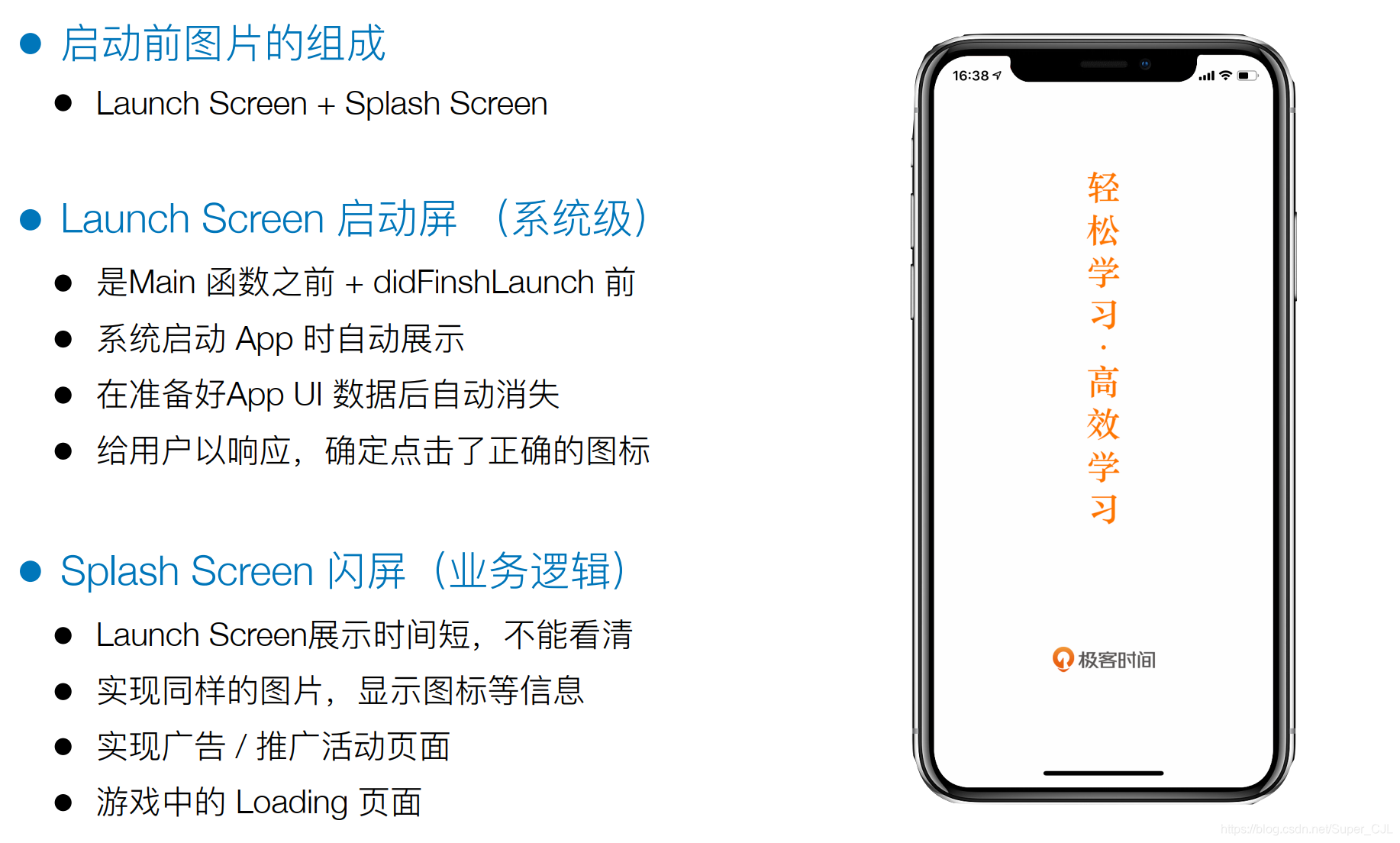
第二种方法:Assets实现
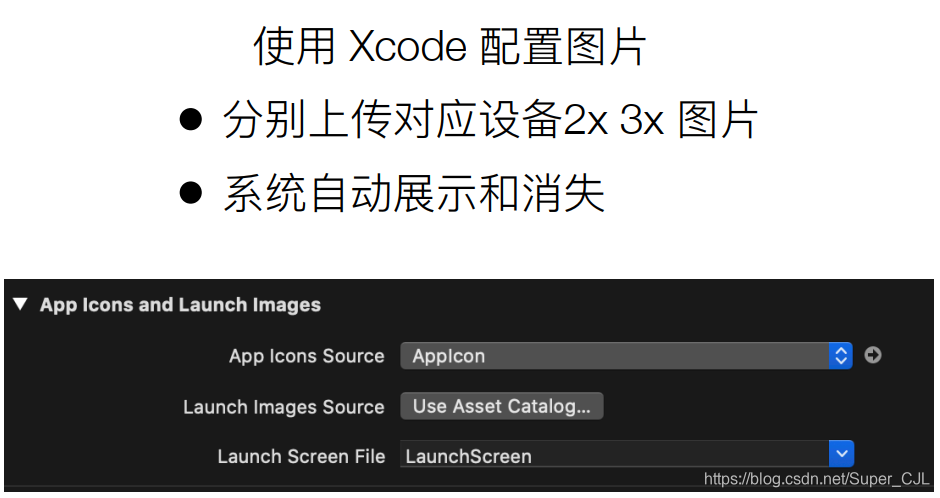
然后我们在LaunchImage中拖入不同分辨力的启动图片就可以了。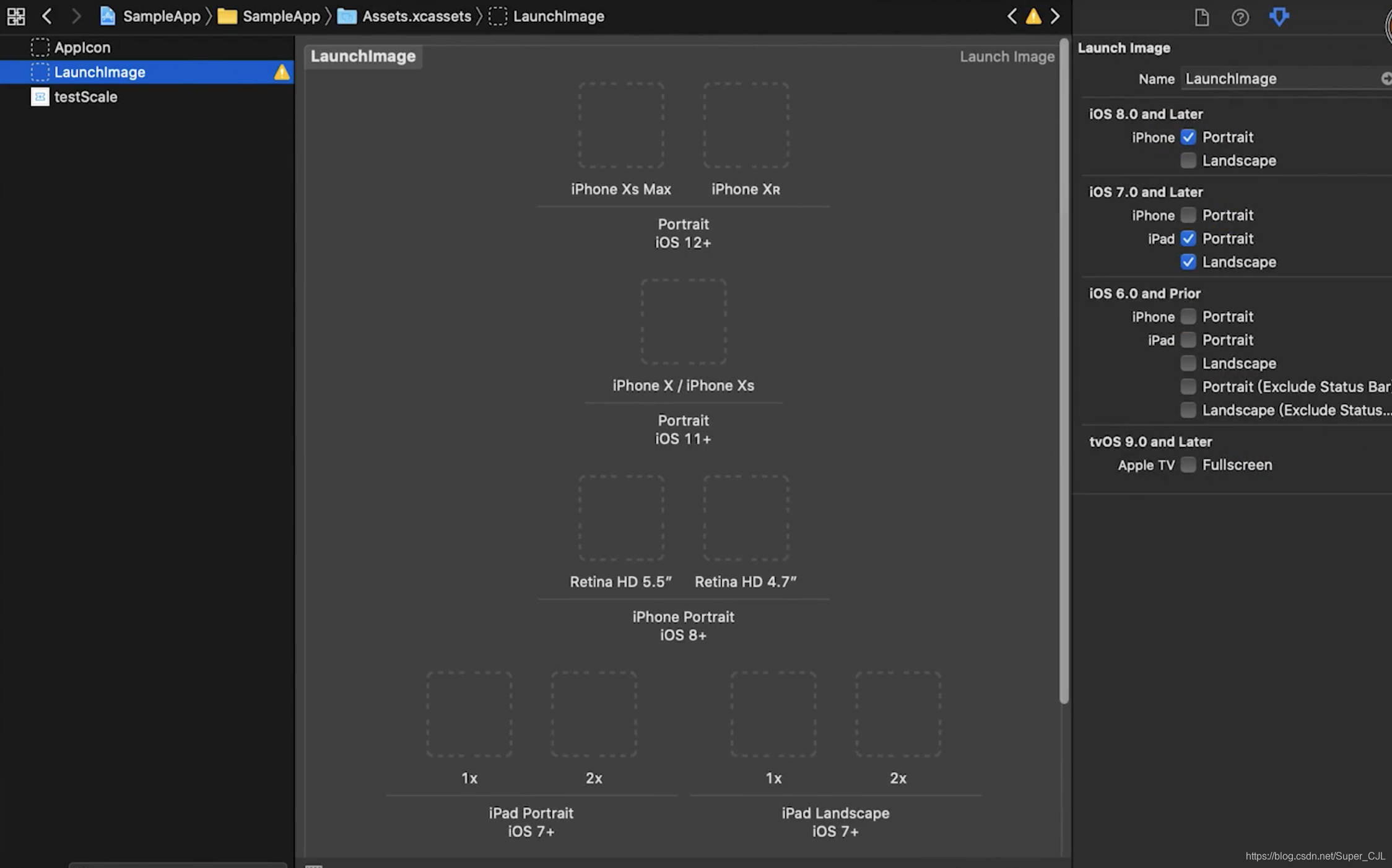
方法三:在主window中加入子view
首先,我需要自己实现以下这个子视图,即闪屏视图的业务逻辑。
#import "GTSplashView.h"
#import "GTScreen.h" //使用屏幕适配的逻辑

@interface GTSplashView ()

//添加一个按钮,让用户手动的消失闪屏图片
@property(nonatomic, strong, readwrite) UIButton *button;

@end


@implementation GTSplashView

//在初始化逻辑中添加闪屏图片
-(instancetype) initWithFrame:(CGRect)frame{
    self = [super initWithFrame:frame];
    if(self){
        self.image = [UIImage imageNamed:@"icon.bundle/beauty.jpeg"];
        //加入“跳过”button按钮并添加手势
        [self addSubview:({
            _button = [[UIButton alloc] initWithFrame:UIRect(330, 100, 60, 40)];
            _button.backgroundColor = [UIColor lightGrayColor];
            [_button setTitle:@"跳过" forState:UIControlStateNormal];  //设置文字
            //设置点击事件
            [_button addTarget:self action:@selector(_removeSplashView) forControlEvents:UIControlEventTouchUpInside];
            _button;
        })];
        self.userInteractionEnabled = YES;  //允许点击
    }
    return self;
}

#pragma mark - 点击事件
- (void)_removeSplashView{
    [self removeFromSuperview];  //移除视图
}

@end
逻辑实现完,然后在Appdelegate中didFinishLaunchingWithOptions中加入该视图即可。
    //加入自己的闪屏逻辑
    [self.window addSubview:({
        GTSplashView *splashView = [[GTSplashView alloc] initWithFrame:self.window.bounds];
        splashView;
    })];
字自此,我们实现了自定义的闪屏逻辑,运行如下(这里我随便放了一张风景图)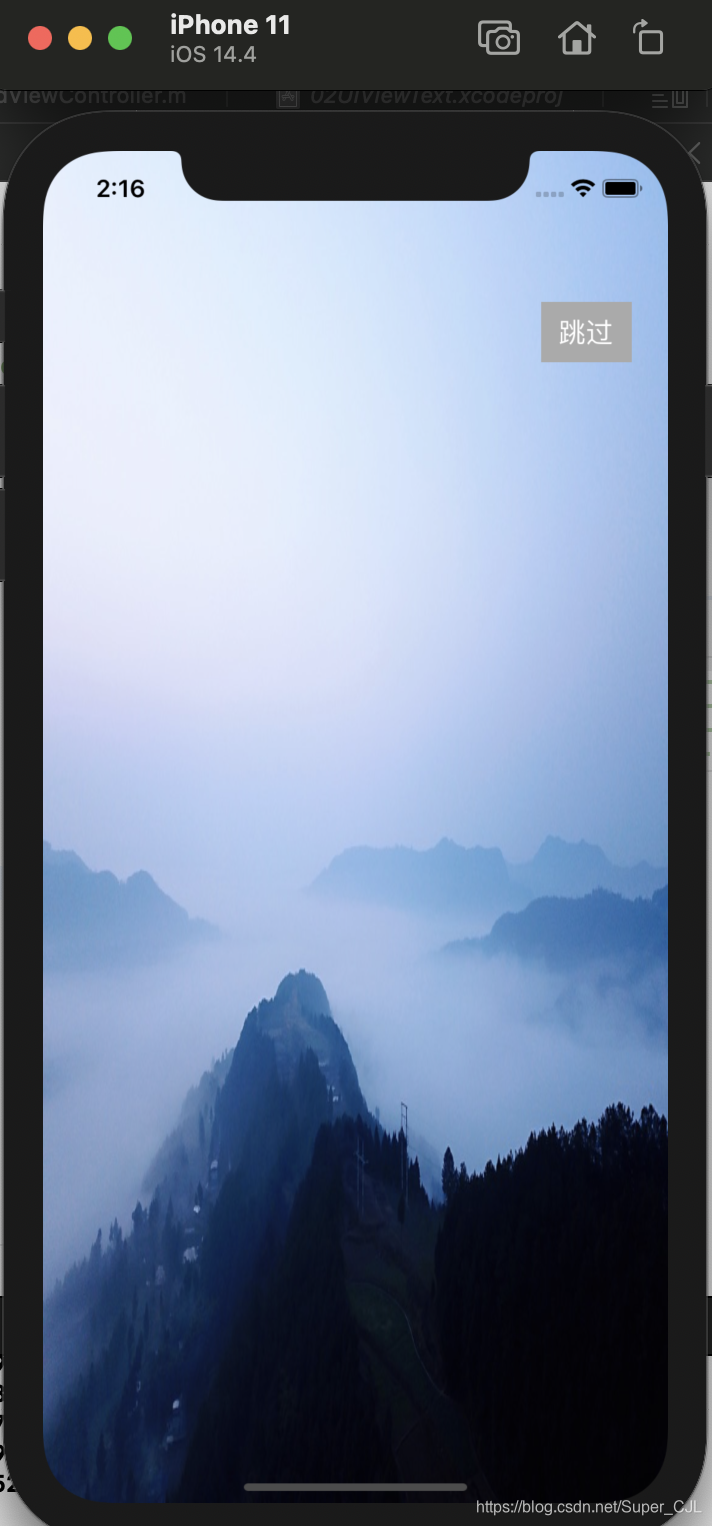
当我点击跳过按钮,就会进入App的主页面,移除当前闪屏视图。
版权声明:本文为Super_CJL原创文章,遵循CC 4.0 BY-SA版权协议,转载请附上原文出处链接和本声明。