生成公私钥流程,看到拷贝
公钥成功就行,如果本机已经有公私钥,只需要直接看拷贝公钥即可。点击
头像,找到设置(settings)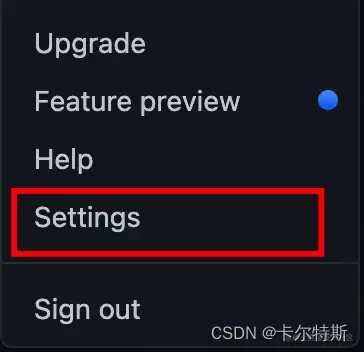
找到
SSH配置,添加SSH Keys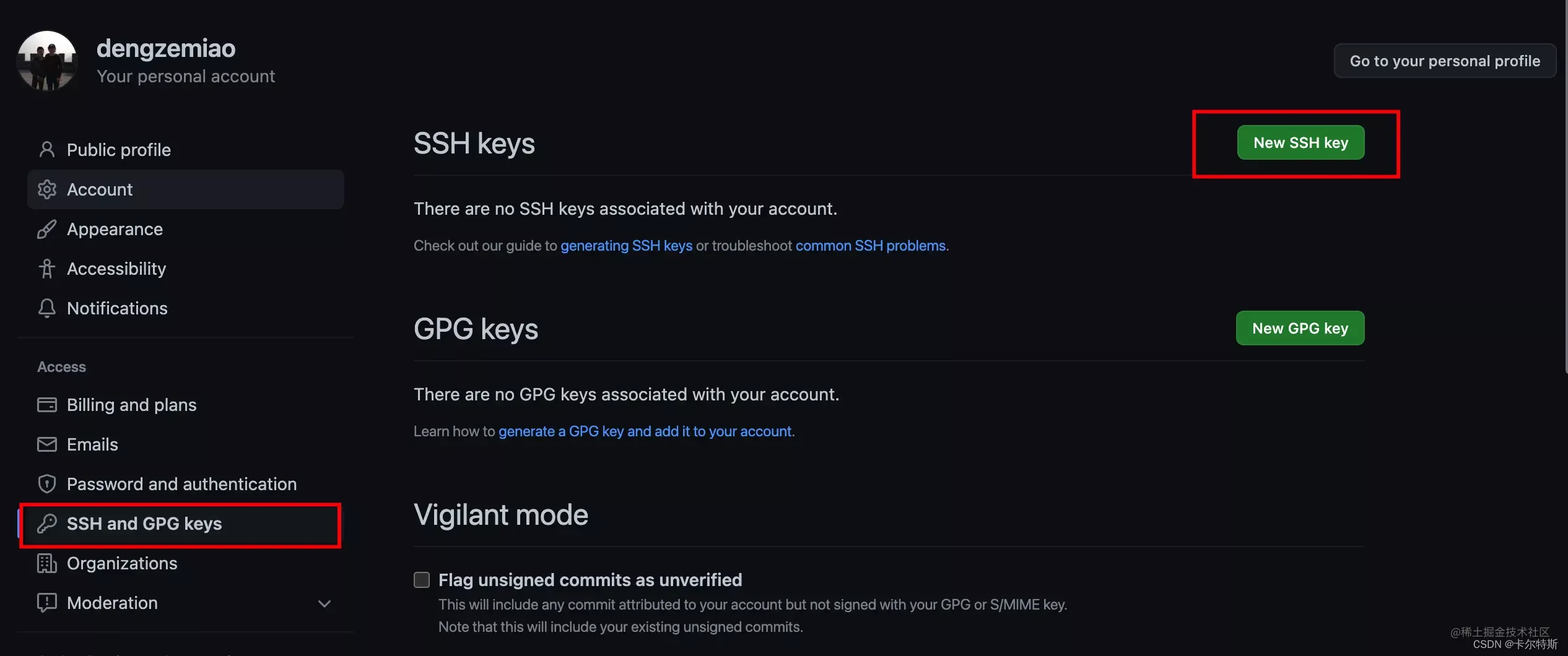
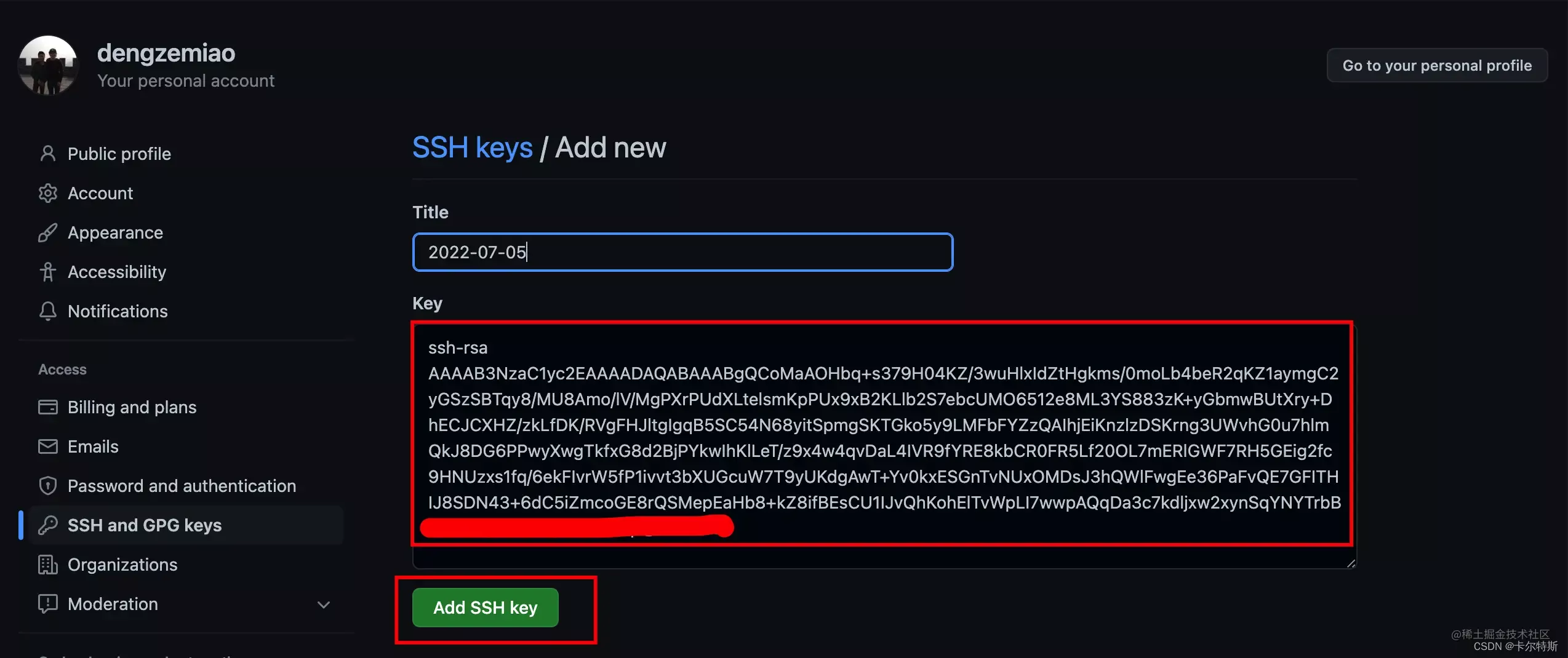
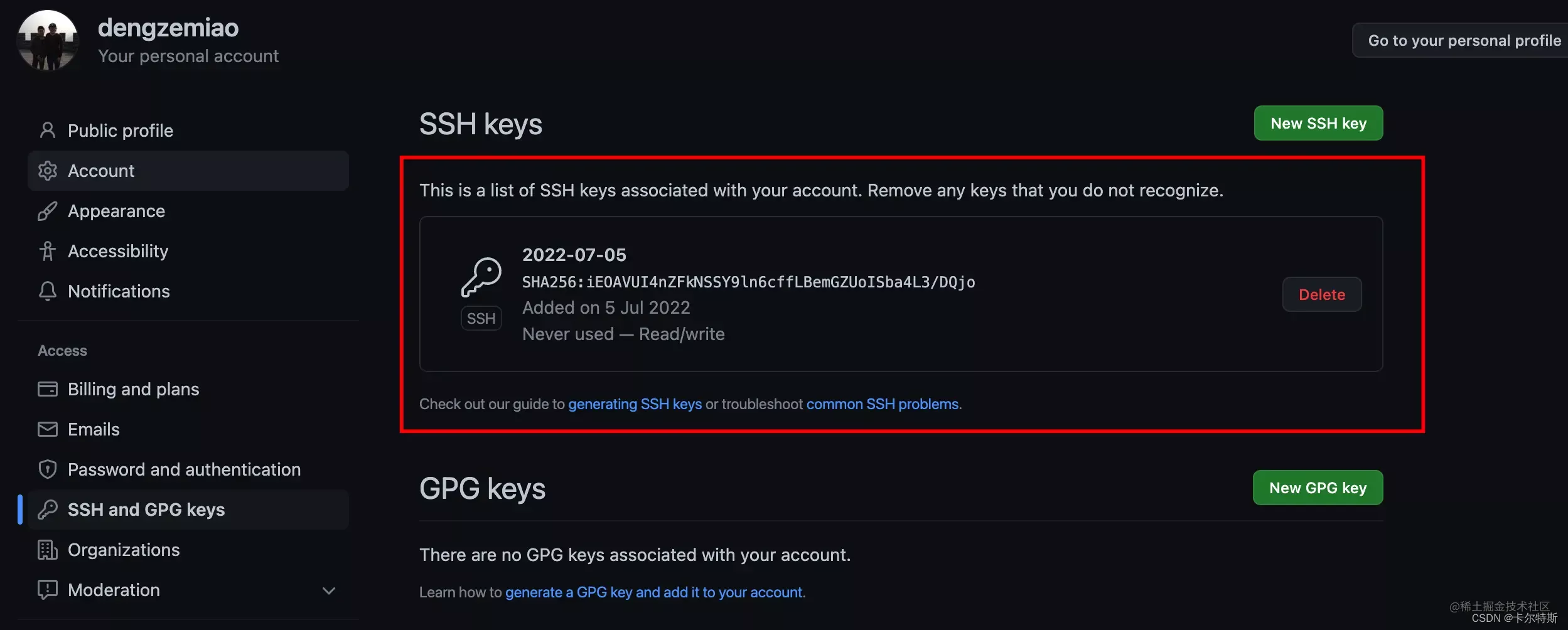
校验是否成功
$ ssh -T git@github.comThe authenticity of host 'github.com (140.82.112.4)' can't be established. ED25519 key fingerprint is SHA256:+DiY3wvvV6TuJJhbpZisF/zLDA0zPMSvHdkr4UvCOqU. This key is not known by any other names # 询问是否确定连接,输入 yes Are you sure you want to continue connecting (yes/no/[fingerprint])? yes Warning: Permanently added 'github.com' (ED25519) to the list of known hosts. # 提示连接成功 Hi dengzemiao! You've successfully authenticated, but GitHub does not provide shell access.注意:之后在
clone仓库的时候要使用ssh的url,而不是https!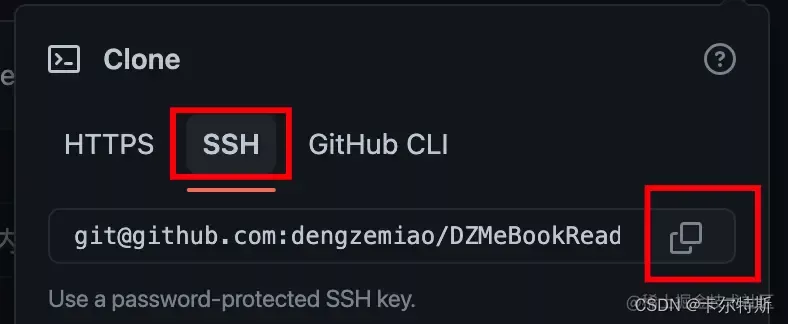
版权声明:本文为zz00008888原创文章,遵循CC 4.0 BY-SA版权协议,转载请附上原文出处链接和本声明。