1.思路:
1.1:先获取数据进行页面渲染
先写一个menuInfo接收菜谱的详细信息
export default {
  components: {DetailHeader, DetailContent, Comment},
  data(){
    return {
    menuInfo:{
      }
    }
  },
1.2:拿到menuId后有两种情况if判断一下有就是正常的发送请求,如果不存在发送重进进入
watch:{
  $route:{
   handler(){

      let {menuId} = this.$route.query;

      if(menuId){//3.1
      menuInfo({menuId}).then(({data}) =>{
       console.log(data)
       this.menuInfo = data.info;
     })
      }else{
        this.$message({
          message:"重进进入",
          type:"warrning"
        })
      }
   },
   immediate:true
  }
  }
}
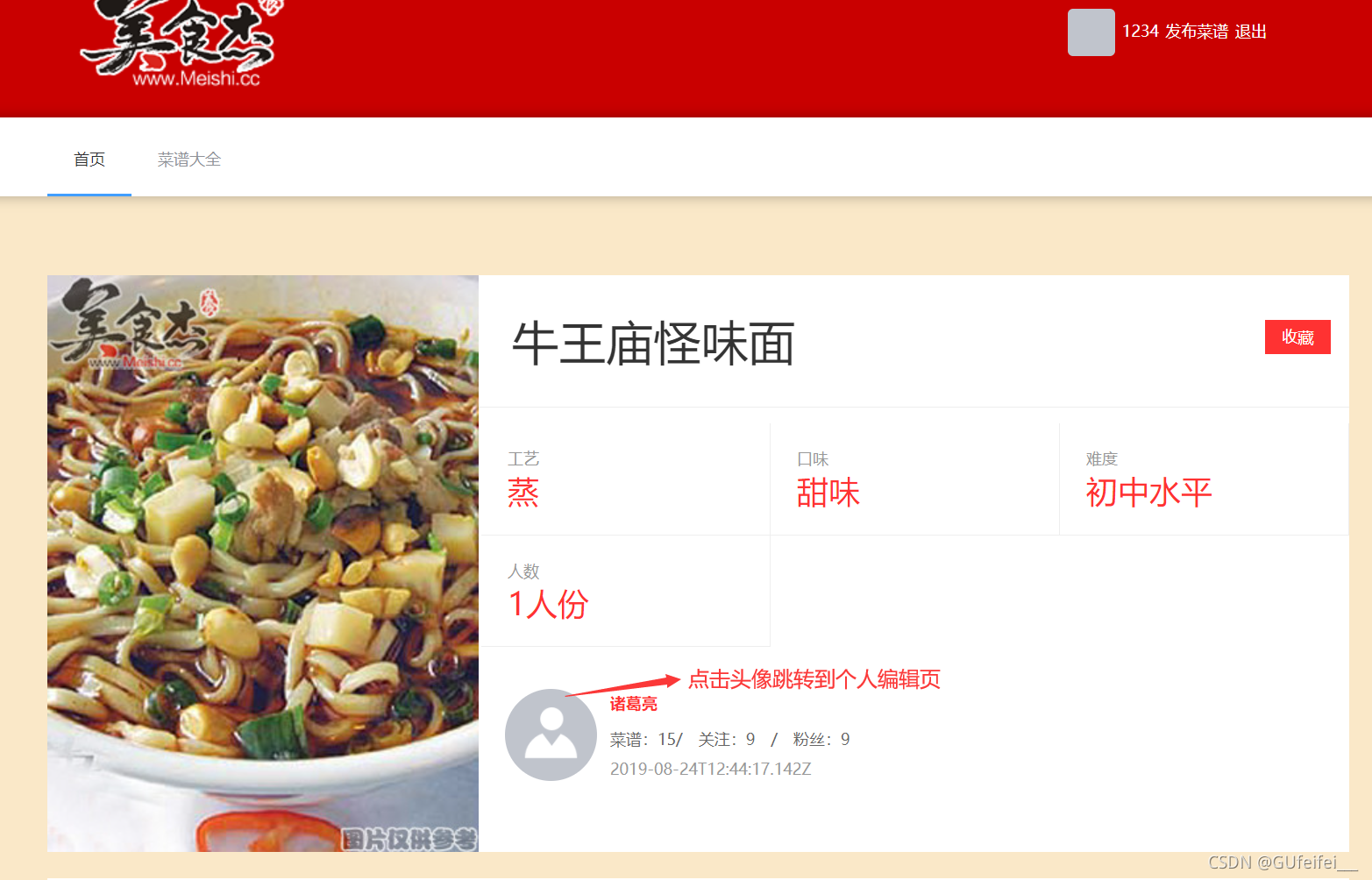
效果展示:
1.3:详细代码
<template>
  <div class="menu-detail">
    <detail-header :info="menuInfo"></detail-header>
    <detail-content :info="menuInfo"></detail-content>
    <Comment :info="menuInfo"></Comment>
  </div>
</template>
<script>
import DetailHeader from './detail-header'
import DetailContent from './detail-content'
import Comment from './comment'
import {menuInfo} from '@/service/api';
export default {
  components: {DetailHeader, DetailContent, Comment},
  data(){
    return {
    menuInfo:{
      userInfo:{

      },
      raw_material:{
       main_material:[],
       accessories_material:[]
      },
      steps:[]
    } //1.接收菜谱的详细信息
    }
  },
  watch:{
  $route:{
   handler(){
     //2.menuId从query里面去拿
      let {menuId} = this.$route.query;
      //3.拿到menuId后有两种情况if判断一下//有就是正常的
      if(menuId){//3.1发送请求
      menuInfo({menuId}).then(({data}) =>{
       console.log(data)
       this.menuInfo = data.info;
     })
      }else{//4.如果不存在发送重进进入
        this.$message({
          message:"重进进入",
          type:"warrning"
        })
      }
   },
   immediate:true
  }
  }
}
</script>
2.进行渲染,点击头像跳转到个人编辑页,及点击收藏显示已收藏
2.1完成页面渲染
<template>
  <section class="detail-header">
    <img class="detail-img" :src="info.product_pic_url" />
    <div class="detail-header-right">
      <div class="detail-title clearfix">
          <h1 class="title">{{info.title}}</h1>
          <div class="detail-collection" v-if="!isOnwer">
            <!-- no-collection-at灰色 -->
            <!-- collection-at 红色 -->
            <a
              href="javascript:;"
              class="collection-at"
              :class="{ 'no-collection-at' :info.isCollection}"
              @click="toggleCollection"
            >
             {{
               info.isCollection ? "已收藏" : "收藏"
             }}
            </a>
          </div>
      </div>

      <ul class="detail-property clearfix">
        <li v-for="item in info.properties_show" :key="item.type">
          <strong>{{item.parent_name}}</strong>
          <span>{{item.name}}</span>
        </li>
      </ul>
      <div class="user">
        <!-- //点击头像进行跳转到个人空间 -->
        <router-link
        id="tongji_author_img"
        class="img"
        :to="{name:'space',query:{userId:info.userInfo.userId}}"
        >
          <img :src="info.userInfo.avatar">
        </router-link>
        <div class="info">
          <h4>
            <!-- //点击名字进行跳转 -->
            <router-link id="tongji_author"  :to="{name:'space',query:{userId:info.userInfo.userId}}">
           {{info.userInfo.name}}
            </router-link>
          </h4>
          <span>菜谱:{{info.userInfo.work_menus_len}}/ 关注:{{info.userInfo.following_len}} / 粉丝:{{info.userInfo.follows_len}}</span>
          <strong>{{info.userInfo.createdAt}}</strong>
        </div>
      </div>
    </div>
  </section>
</template>
2.2点击头像进行跳转到个人空间把a标签换成router-link,绑定to属性进行
路由跳转 :to="{name:'space',query:{userId:info.userInfo.userId}}"点击名字跳转也是一样
效果展示: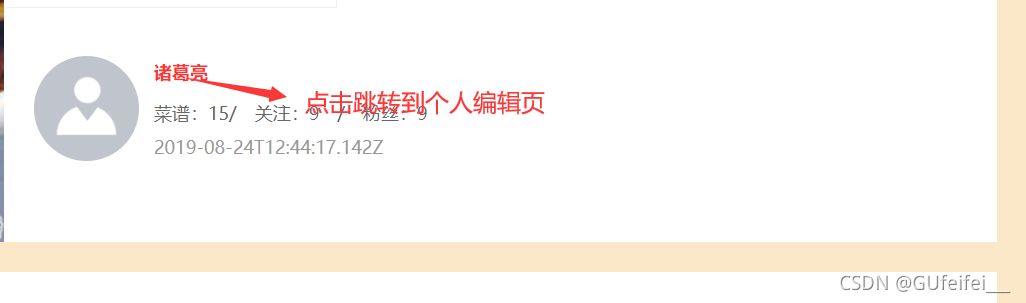
        <router-link
        id="tongji_author_img"
        class="img"
        :to="{name:'space',query:{userId:info.userInfo.userId}}"
        >
 <!-- //点击名字进行跳转 -->
            <router-link id="tongji_author"  :to="{name:'space',query:{userId:info.userInfo.userId}}">
           {{info.userInfo.name}}
     </router-link>
2.3点击收藏有两种情况:
1.这个菜谱是当前用户发布的,不显示
<!-- v-if="!isOnwer" 判断是当前用户不显示,不是则显示 -->

```go
  computed: {
    isOnwer(){
      //判断菜谱是否收藏,this.info.userInfo.userId当前用户信息菜谱,和存放数据是否一致
      return this.info.userInfo.userId === this.$store.state.userInfo.userId
    }
  },
2.不是个人页展示 “已收藏” : "收藏"后端返回一个是否收藏的字段,绑定一个点击事件 @click="toggleCollection",no-collection-at灰色, collection-at 红色
 <a
  href="javascript:;"
      class="collection-at"
      :class="{ 'no-collection-at' :info.isCollection}"
      @click="toggleCollection"
    >


 <!--
            1. 不显示,这个菜谱是当前用户发布的
            2. 显示,展示 "已收藏" : "收藏"后端返回一个是否收藏的字段
          -->
          <!-- v-if="!isOnwer" 判断是当前用户不显示,不是则显示 -->
          <div class="detail-collection" v-if="!isOnwer">
            <!-- collection-at  no-collection-at-->
            <!-- //绑定一个点击事件  @click="toggleCollection" -->
            <!-- no-collection-at灰色 -->
            <!-- collection-at 红色 -->
            <a
              href="javascript:;"
              class="collection-at"
              :class="{ 'no-collection-at' :info.isCollection}"
              @click="toggleCollection"
            >
             {{
               info.isCollection ? "已收藏" : "收藏"
             }}
            </a>
          </div>
      </div>
3.判断是否登录未登录不能点击收藏
  methods:{
    async toggleCollection(){
      if(!this.$store.getters.isLogin){
        this.$message({
          showClose:true,
          message:'请登录在收藏',
          type:'warning'
        });
        return;
      }
      //点击收藏菜品的接口
        const data=await toggleCollection({menuId:this.info.menuId});
        //返回值:true未收藏转为收藏
        //false 已收藏
         this.info.isCollection=data.data.isCollection
    }

  }
}
3.实现发布评论,展示评论的效果
<template>
  <div class="comment-box">
    <h2>{{info.title}}的讨论</h2>
    <div class="comment-text">
      <a href="javascript:;" class="useravatar">
        <img :src="userInfo.avatar">
      </a>
      <div  v-if="!isLogin">请先登录后,再评论<router-link to="">登录</router-link></div>
      <!-- 输入内容需要做一个双向数据绑定 -->
      <div class="comment-right">
        <el-input
          type="textarea"
          :rows="5"
          :cols="50"
          placeholder="请输入内容"
          v-model="commentText"
        >
        </el-input>
        <!-- 给提交写一个点击事件 -->
        <div class="comment-button" >
          <el-button
            class="send-comment"
            type="primary"
            size="medium"
            @click="send"
          >提交</el-button>
        </div>
      </div>
    </div>
    <div class="comment-list-box">
      <ul class="comment-list">
        <li v-for="item in comments" :key="item.commentId">
          <a target="_blank" href="https://i.meishi.cc/cook.php?id=14026963" class="avatar">

          </a>
          <router-link :to="{name:'space',query:{userId:item.userInfo.userId}}" class="avatar">
            <img :src="item.userInfo.avatar">
            <h5>{{item.userInfo.name}}</h5>
          </router-link>
          <div class="comment-detail">
            <p class="p1">{{item.commentText}}</p>
            <div class="info clearfix">
              <span style="float: left;">{{item.createdAt}}</span>
            </div>
          </div>
        </li>
      </ul>
    </div>
  </div>
</template>
<script>
import {getComments,postComment} from '@/service/api';
export default {
  name: 'Comment',
  props:{
    info:{
      type: Object,
      default: () => ({})
    }
  },
  data(){
    return {
      comments:[],
      commentText:''
    }
  },
  computed: {
     userInfo(){
       return this.$store.state.userInfo
     },
       isLogin(){
        return this.$store.getters.isLogin;
     }
  },
  async mounted(){
    //向后端请求数据(评论的内容)
    //有两种情况
    let {menuId}=this.$route.query;
    if(menuId){
      let data=await getComments({menuId:menuId})
      this.comments=data.data.comments
    }
  },
  methods:{
     async send(){{
         //  console.log(111)
         let data=await postComment({menuId:this.info.menuId,commentText:this.commentText})
        //  console.log(data)
        this.comments.unshift(data.data.comments)
        // 写完评论后,文本为空
        this.commentText=''

     }

     }
  }
}
</script>
版权声明:本文为GUfeifei___原创文章,遵循CC 4.0 BY-SA版权协议,转载请附上原文出处链接和本声明。