一、需求分析
在工作中遇到的项目中,大部分软件是处于全屏运行状态,这时候就需要在软件的界面上加上日期时间那些,方便用户查看当前时间。
二、功能实现
这里的实现方法也很简单,大致就是自定义一个控件,然后加上文本框显示时间信息,然后后台通过一个定时器,定时去获取系统的时间,然在显示在文本框上。
1、创建自定义控件
给工程新建一个用户控件,然后添加上文本框,这里我添加了三个,分别对应年月日,星期,时间
<UserControl x:Class="ButtonDemo.Control.MyTime"
             xmlns="http://schemas.microsoft.com/winfx/2006/xaml/presentation"
             xmlns:x="http://schemas.microsoft.com/winfx/2006/xaml"
             xmlns:mc="http://schemas.openxmlformats.org/markup-compatibility/2006"
             xmlns:d="http://schemas.microsoft.com/expression/blend/2008"
             xmlns:local="clr-namespace:ButtonDemo.Control"
             mc:Ignorable="d"
             d:DesignHeight="60" d:DesignWidth="500" Loaded="UserControl_Loaded">
    <Grid>
        <StackPanel Orientation="Horizontal" VerticalAlignment="Center" HorizontalAlignment="Center">
            <TextBlock x:Name="tbDate" Text="2021-09-22" Foreground="White" FontSize="26" FontWeight="Bold"/>
            <TextBlock x:Name="tbWeek" Text="星期三" Margin="10,0,0,0" Foreground="White" FontSize="24" FontWeight="Bold"/>
            <TextBlock x:Name="tbTime" Text="03:51:00" Margin="10,0,0,0" Foreground="White" FontSize="26" FontWeight="Bold"/>
        </StackPanel>
    </Grid>
</UserControl>
2、后台逻辑添加
这里添加了一个定时器,然后通过定时器每秒获取一下系统的时间,然后再格式化后呈现在界面上即可,这里我没有添加一些自定义属性,直接简单粗暴可用即可。有需要的可以自己定义一些属性,比如说字体颜色、字体大小等等
public partial class MyTime : UserControl
{
    public MyTime()
    {
        InitializeComponent();
    }

    DispatcherTimer freshDateTimeTimer = new DispatcherTimer();//计时器

    private void UserControl_Loaded(object sender, RoutedEventArgs e)
    {
        freshDateTimeTimer.Tick += FreshDateTimeTimer_Tick;
        freshDateTimeTimer.Interval = TimeSpan.FromSeconds(1);
        FreshDateTimeTimer_Tick(null, null);
        freshDateTimeTimer.Start();
    }

    private void FreshDateTimeTimer_Tick(object sender, EventArgs e)
    {
        DateTime dt = DateTime.Now;
        txtTime.Text = dt.ToString("HH:mm:ss");
        txtDate.Text = dt.ToString("yyyy-MM-dd");
        txtWeek.Text = dt.ToString("dddd");
    }
}
3、测试
在主界面上添加定义好的控件,然后手动生成一下解决方案,可以看到控件正常可用
<Grid Background="#333">
	<my:MyTime/>
</Grid>
最终效果如下: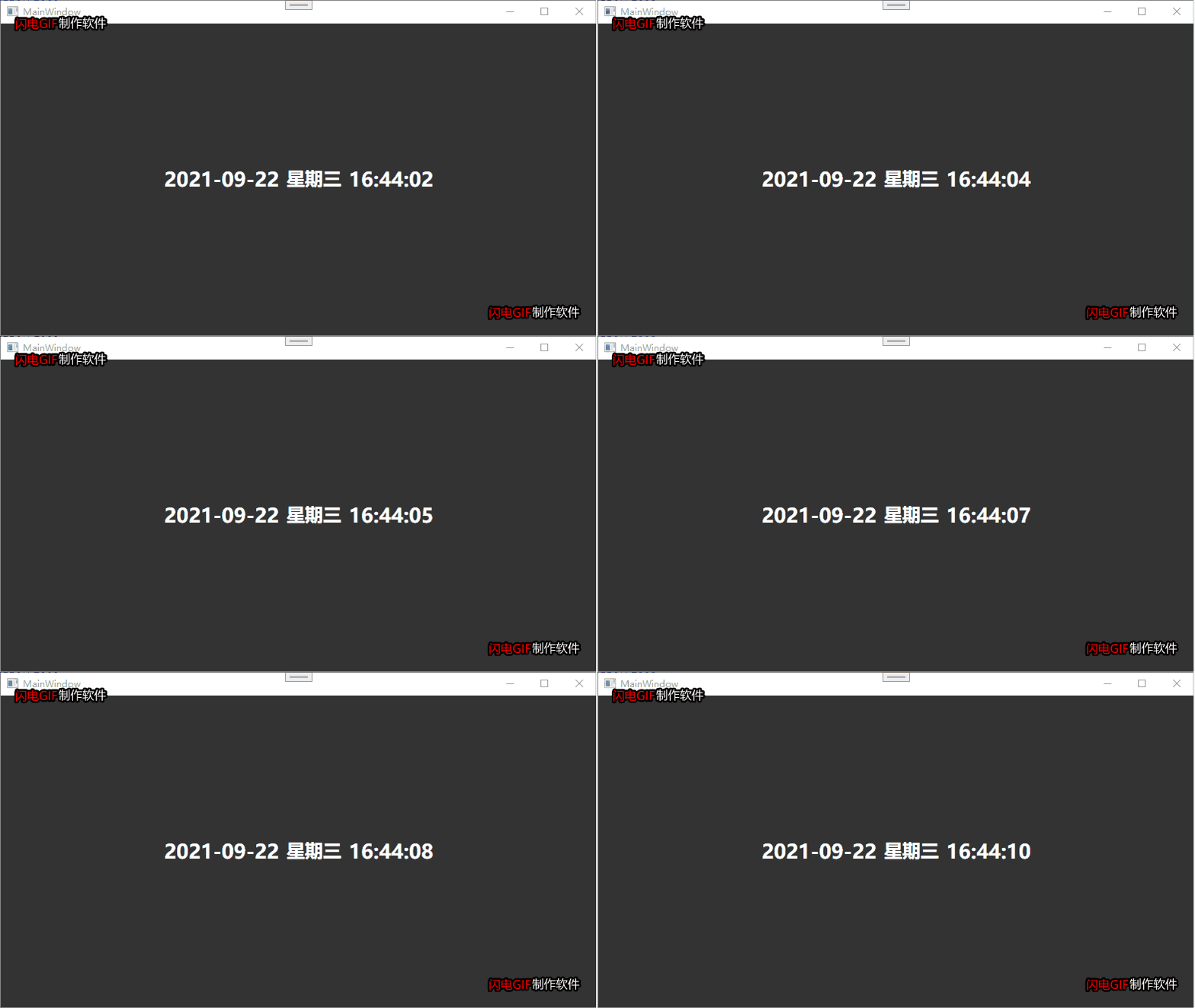
版权声明:本文为weixin_42846398原创文章,遵循CC 4.0 BY-SA版权协议,转载请附上原文出处链接和本声明。