安装好tesseract后,在cmd可以运行。如下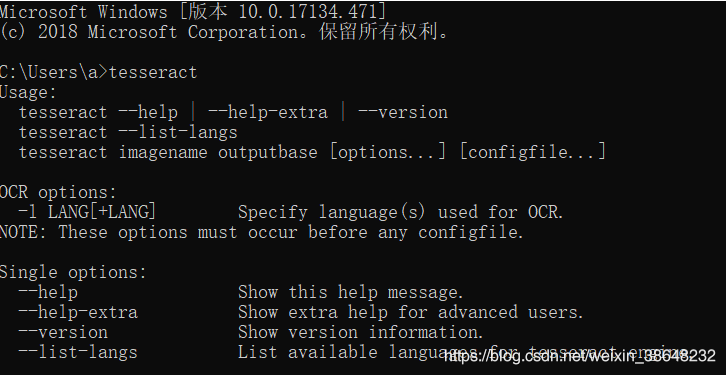
之后在pycharm中运行时,出现报错:
pytesseract.pytesseract.TesseractNotFoundError: tesseract is not installed or it's not in your path
解决方法:在pytesseract.py中,将tesseract_cmd = 'tesseract'
改为tesseract_cmd = r'C:\Program Files (x86)\Tesseract-OCR\tesseract.exe'
pytesseract.py会在错误提示中,直接点击进入文件,然后查找cmd就能找到。
之后运行即可。
版权声明:本文为weixin_38648232原创文章,遵循CC 4.0 BY-SA版权协议,转载请附上原文出处链接和本声明。