目录
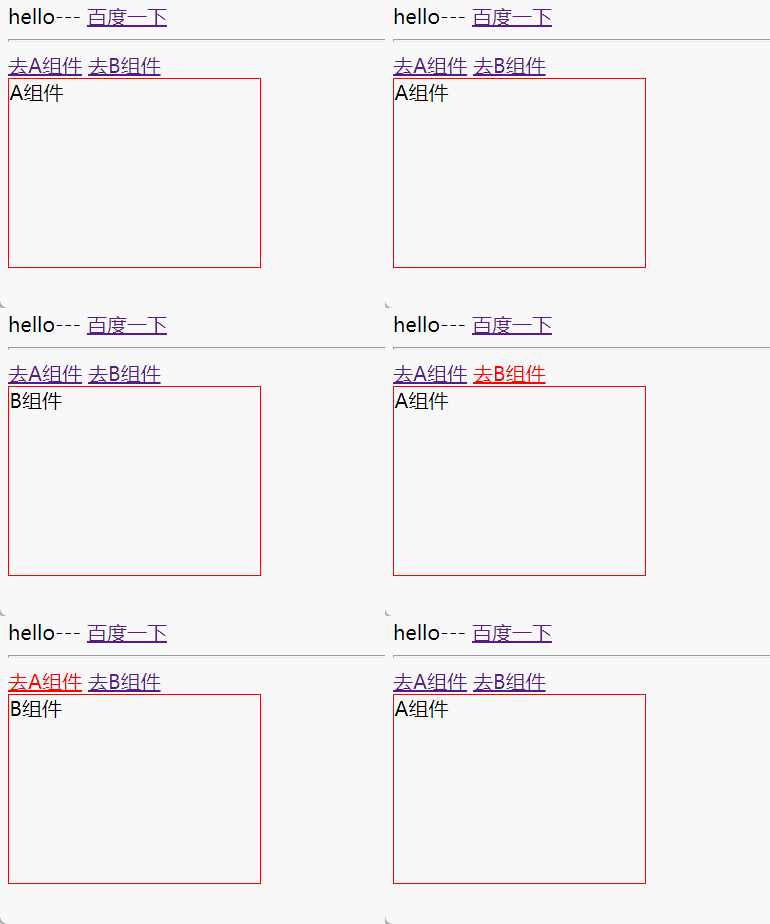
Vue中的路由
<!DOCTYPE html>
<html lang="en">
  <head>
    <meta charset="UTF-8" />
    <meta http-equiv="X-UA-Compatible" content="IE=edge" />
    <meta name="viewport" content="width=device-width, initial-scale=1.0" />
    <title>Vue的数据模型</title>
    <script src="../js/vue.js"></script>
    <script src="../js/vue-router.js"></script>
    <style>
      .box {
        border: 1px solid red;
        width: 200px;
        height: 150px;
      }
    </style>
  </head>
  <body>
    <!-- 容器 -->
    <div id="app">
      {{msg}}---
      <a href="http://www.baidu.com">百度一下</a>
      <hr />
      <div>
        <router-link to="/a">去A组件</router-link>
        <router-link to="/b">去B组件</router-link>
      </div>
      <div class="box">
        <!-- 路由对应的组件显示的位置 -->
        <router-view></router-view>
      </div>
    </div>
    <script>
      /*
        //1.声明路由对象
        let routes=[{

        }] */

      let comA = {
        template: `<div>A组件</div>`,
      };

      let comB = {
        template: `<div>B组件</div>`,
      };
      // 定义路由
      let router = new VueRouter({
        routes: [
          //默认根路径显示组件
          //   { path: "/", component: comA },
          //路由重定向
          // { path: "/", redirect: "/a" },
          //第二种路由重定向
          { path: "/", redirect: { name: "coma" } },
          { path: "/a", name: "coma", alias: "aaaa", component: comA },
          { path: "/b", name: "comb", component: comB },
        ],
      });

      // 整个页面只能有一个Vue实例对象
      let vm = new Vue({
        el: "#app",
        data: {
          msg: "hello",
        },
        methods: {},
        router: router,
      });
    </script>
  </body>
</html>
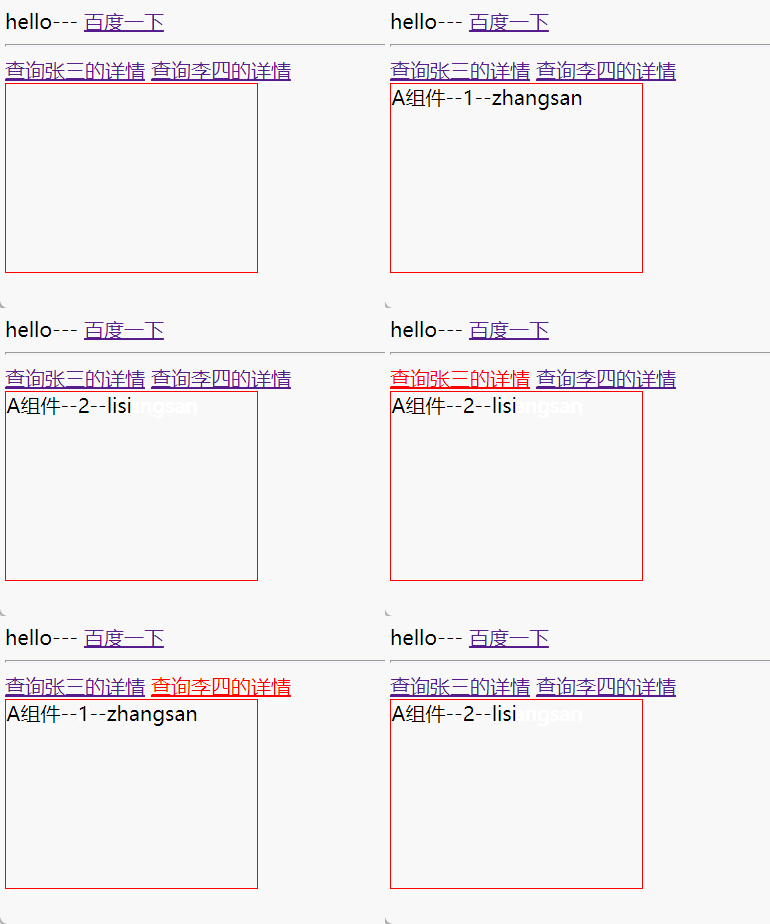
Vue中的动态路由
<!DOCTYPE html>
<html lang="en">
  <head>
    <meta charset="UTF-8" />
    <meta http-equiv="X-UA-Compatible" content="IE=edge" />
    <meta name="viewport" content="width=device-width, initial-scale=1.0" />
    <title>Vue的数据模型</title>
    <script src="../js/vue.js"></script>
    <script src="../js/vue-router.js"></script>
    <style>
      .box {
        border: 1px solid red;
        width: 200px;
        height: 150px;
      }
    </style>
  </head>
  <body>
    <!-- 容器 -->
    <div id="app">
      {{msg}}---
      <a href="http://www.baidu.com">百度一下</a>
      <hr />
      <div>
        <router-link to="/a/1/zhangsan">查询张三的详情</router-link>
        <router-link to="/a/2/lisi">查询李四的详情</router-link>
      </div>
      <div class="box">
        <!-- 路由对应的组件显示的位置 -->
        <router-view></router-view>
      </div>
    </div>
    <script>
      let comA = {
        template: `<div>A组件--{{stuInfo.id}}--{{stuInfo.username}}</div>`,
        data() {
          return {
            stuInfo: {},
          };
        },
        created() {
          console.log(111, this.$route.params);
          //可以发送  ajax  请求  查询内容放入stuInfo数组
          this.stuInfo = this.$route.params;
        },
        /*
        //通过监听方式  观察路由变化
        watch: {
          // name(newValue,oldValue){}

          //   to:去的地方  from:来的地方
          $route(to, from) {
            console.log(222, to, from);
            this.stuInfo = to.params;
          },
        }, */

        //通过  路由守卫   监听路由的变化
        beforeRouteUpdate(to, from, next) {
          console.log("from", from);
          console.log("to", to);
          this.stuInfo = to.params;
          //next();  放行   next(false);  阻断   不写next(); 默认阻断
          next();
        },
      };

      // 定义路由
      let router = new VueRouter({
        routes: [{ path: "/a/:id/:username", name: "coma", component: comA }],
      });

      // 整个页面只能有一个Vue实例对象
      let vm = new Vue({
        el: "#app",
        data: {
          msg: "hello",
        },
        methods: {},
        router: router,
      });
    </script>
  </body>
</html>
Vue中的路由守卫
<!DOCTYPE html>
<html lang="en">
  <head>
    <meta charset="UTF-8" />
    <meta http-equiv="X-UA-Compatible" content="IE=edge" />
    <meta name="viewport" content="width=device-width, initial-scale=1.0" />
    <title>Vue的数据模型</title>
    <script src="../js/vue.js"></script>
    <script src="../js/vue-router.js"></script>
    <style>
      .box {
        border: 1px solid red;
        width: 200px;
        height: 150px;
      }
    </style>
  </head>
  <body>
    <!-- 路由守卫分为三种: 1.路由器上的  全局守卫  2.路由对象上的 独享守卫 3.组件内部的  组件守卫 -->
    <!-- 容器 -->
    <div id="app">
      {{msg}}---
      <a href="http://www.baidu.com">百度一下</a>
      <hr />
      <div>
        <router-link to="/a">去A组件</router-link>
        <router-link to="/b">去B组件</router-link>
      </div>
      <div class="box">
        <!-- 路由对应的组件显示的位置 -->
        <router-view></router-view>
      </div>
    </div>
    <script>
      let comA = {
        template: `<div>A组件--{{stuInfo.id}}--{{stuInfo.username}}</div>`,
        data() {
          return {
            stuInfo: {},
          };
        },
        created() {
          console.log(111, this.$route.params);
          //可以发送  ajax  请求  查询内容放params入stuInfo数组
          this.stuInfo = this.$route.params;
        },
        /*
          //通过监听方式  观察路由变化
          watch: {
            // name(newValue,oldValue){}

            //   to:去的地方  from:来的地方
            $route(to, from) {
              console.log(222, to, from);
              this.stuInfo = to.params;
            },
          }, */

        //通过  路由守卫   监听路由的变化
        //组件内部的路由守卫
        beforeRouteEnter(to, from, next) {
          //enter 阶段不可以使用this,update和leave阶段可以使用
        },
        beforeRouteUpdate(to, from, next) {
          console.log("from", from);
          console.log("to", to);
          this.stuInfo = to.params;
          //next();  放行   next(false);  阻断   不写next(); 默认阻断
          next();
        },
        beforeRouteLeave(to, from, next) {},
      };

      let comB = {
        template: `<div>B组件</div>`,
      };
      // 定义路由
      let router = new VueRouter({
        routes: [
          { path: "/a", name: "coma", component: comA },
          {
            path: "/b",
            name: "comb",
            component: comB,
            //独享守卫
            beforeEnter: (to, from, next) => {
              console.log(222, to, from);
              next();
            },
          },
        ],
      });

      //全局守卫  前置  后置
      router.beforeEach((to, from, next) => {
        console.log(333, to, from);
        next();
      });

      router.afterEach((to, from, next) => {
        console.log(444, to, from);
        next();
      });
      // 整个页面只能有一个Vue实例对象
      let vm = new Vue({
        el: "#app",
        data: {
          msg: "hello",
        },
        methods: {},
        router: router,
      });
    </script>
  </body>
</html>
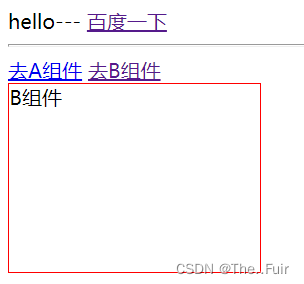
Vue中的嵌套路由
<!DOCTYPE html>
<html lang="en">
  <head>
    <meta charset="UTF-8" />
    <meta http-equiv="X-UA-Compatible" content="IE=edge" />
    <meta name="viewport" content="width=device-width, initial-scale=1.0" />
    <title>Vue的数据模型</title>
    <script src="../js/vue.js"></script>
    <script src="../js/vue-router.js"></script>
    <style>
      .box {
        border: 1px solid red;
        width: 200px;
        height: 150px;
        float: right;
      }
      .box {
        border: 1px solid blue;
        width: 100px;
        height: 100px;
        float: right;
      }
    </style>
  </head>
  <body>
    <!-- 容器 -->
    <div id="app">
      <hr />
      <div style="float: left">
        <router-link to="/student">学生管理</router-link>
        <br />
        <router-link to="/course">课程管理 </router-link>
      </div>
      <div class="box">
        <!-- 路由对应的组件显示的位置 -->
        <router-view></router-view>
      </div>
    </div>
    <script>
      /*
        //1.声明路由对象
        let routes=[{

        }] */

      let Student = {
        template: `
        <div>学生管理</div>
        `,
      };

      let Course = {
        template: `
        <div>课程管理
            <router-link to="/course/garde">成绩</router-link>
            <router-link to="/course/plan">课程</router-link>
            <div class="box1">
            <!-- 路由对应的组件显示的位置 -->
                <router-view></router-view>
             </div>
        </div>
        `,
      };

      let Grade = {
        template: `
        <div>成绩组件内容</div>
        `,
      };
      let Plan = {
        template: `
        <div>课程组件内容</div>
        `,
      };

      // 定义路由
      let router = new VueRouter({
        routes: [
          { path: "/student", component: Student },
          {
            path: "/course",
            redirect: "/course/gender",
            component: Course,
            children: [
              { path: "grade", name: "grade", component: Grade },
              { path: "plan", name: "plan", component: Plan },
            ],
          },
        ],
      });

      // 整个页面只能有一个Vue实例对象
      let vm = new Vue({
        el: "#app",
        data: {
          msg: "hello",
        },
        methods: {},
        router: router,
      });
    </script>
  </body>
</html>
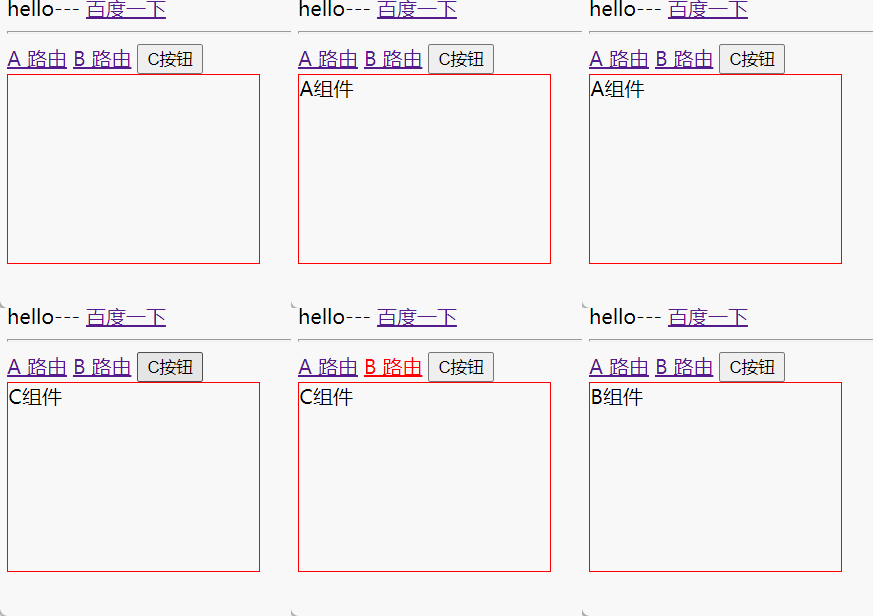
Vue中的路由跳转
<!DOCTYPE html>
<html lang="en">
  <head>
    <meta charset="UTF-8" />
    <meta http-equiv="X-UA-Compatible" content="IE=edge" />
    <meta name="viewport" content="width=device-width, initial-scale=1.0" />
    <title>Vue的数据模型</title>
    <script src="../js/vue.js"></script>
    <script src="../js/vue-router.js"></script>
    <style>
      .box {
        border: 1px solid red;
        width: 200px;
        height: 150px;
      }
    </style>
  </head>
  <body>
    <!-- 容器 -->
    <div id="app">
      {{msg}}---
      <a href="http://www.baidu.com">百度一下</a>
      <hr />
      <div>
        <router-link to="/a">A 路由</router-link>
        <router-link to="/b">B 路由</router-link>
        <button @click="clickBtnA">C按钮</button>
      </div>
      <div class="box">
        <!-- 路由对应的组件显示的位置 -->
        <router-view></router-view>
      </div>
    </div>
    <script>
      /*
        //1.声明路由对象
        let routes=[{

        }] */

      let comA = {
        template: `<div>A组件</div>`,
      };

      let comB = {
        template: `<div>B组件</div>`,
      };

      let comC = {
        template: `<div>C组件</div>`,
      };

      // 定义路由
      let router = new VueRouter({
        routes: [
          { path: "/a", name: "coma", component: comA },
          { path: "/b", name: "comb", component: comB },
          { path: "/c", name: "comc", component: comC },
        ],
      });

      // 整个页面只能有一个Vue实例对象
      let vm = new Vue({
        el: "#app",
        data: {
          msg: "hello",
        },
        methods: {},
        router: router,
        methods: {
          clickBtnA() {
            //window.history.go()  以前的方法  作用:往后退一步
            /*  //历史路由操作  作用:回退一步
            this.$router.go(-1);
            //回退跳转替换到指定页面
            this.$router.replace("/list"); */


            //   this.$route 获取当前路径
            // this.$router.push("/c");   //跳转到c路径下

            this.$router.push({
              //通过path跳转  但是拿不到params的内容  params传递的参数拿不到
              //   path: "/c",

              //通过nane跳转   可以拿到params的内容  params传递的参数能拿到
              //params 参数是一次性携带,刷新会消失,query刷新不会消失
              name: "comc",
              params: {
                name: "zhangsan",
              },
              query: {
                gender: "男",
              },
            });
          },
        },
      });
    </script>
  </body>
</html>

版权声明:本文为qq_51066068原创文章,遵循CC 4.0 BY-SA版权协议,转载请附上原文出处链接和本声明。