目录
效果演示
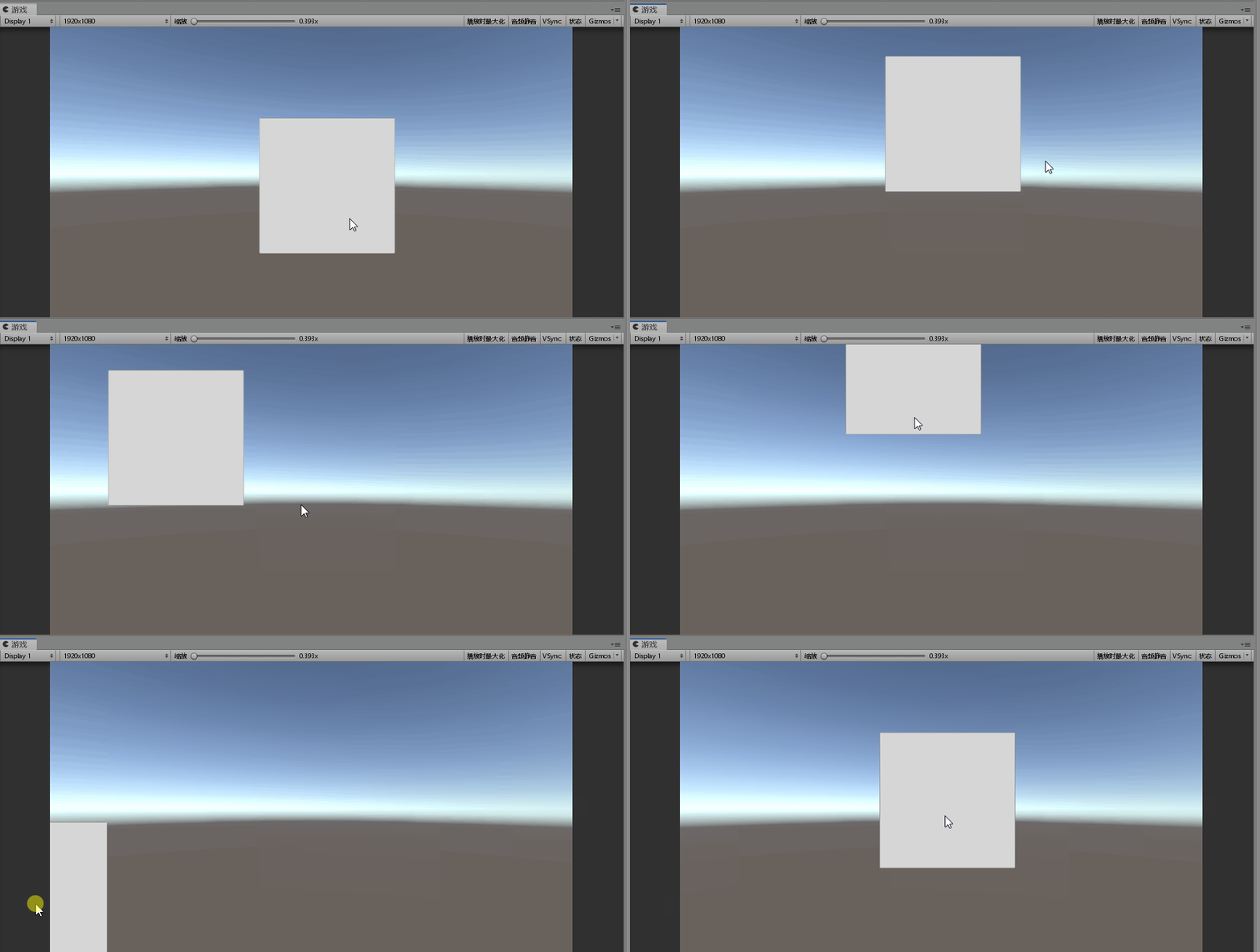


拖拽功能的实现
我们只需要在拖拽时,将鼠标的位置坐标赋给UI即可
using System.Collections;
using System.Collections.Generic;
using UnityEngine;
using UnityEngine.EventSystems;

public class Demo1 : MonoBehaviour, IDragHandler
{
    RectTransform rt;

    void Start()
    {
        rt = GetComponent<RectTransform>();
    }

    public void OnDrag(PointerEventData eventData)
    {
        // 将屏幕空间上的点转换为位于给定RectTransform平面上的世界空间中的位置
        if (RectTransformUtility.ScreenPointToWorldPointInRectangle(rt, eventData.position, eventData.pressEventCamera, out Vector3 globalMousePos))
        {
            rt.position = globalMousePos;
        }
    }
}
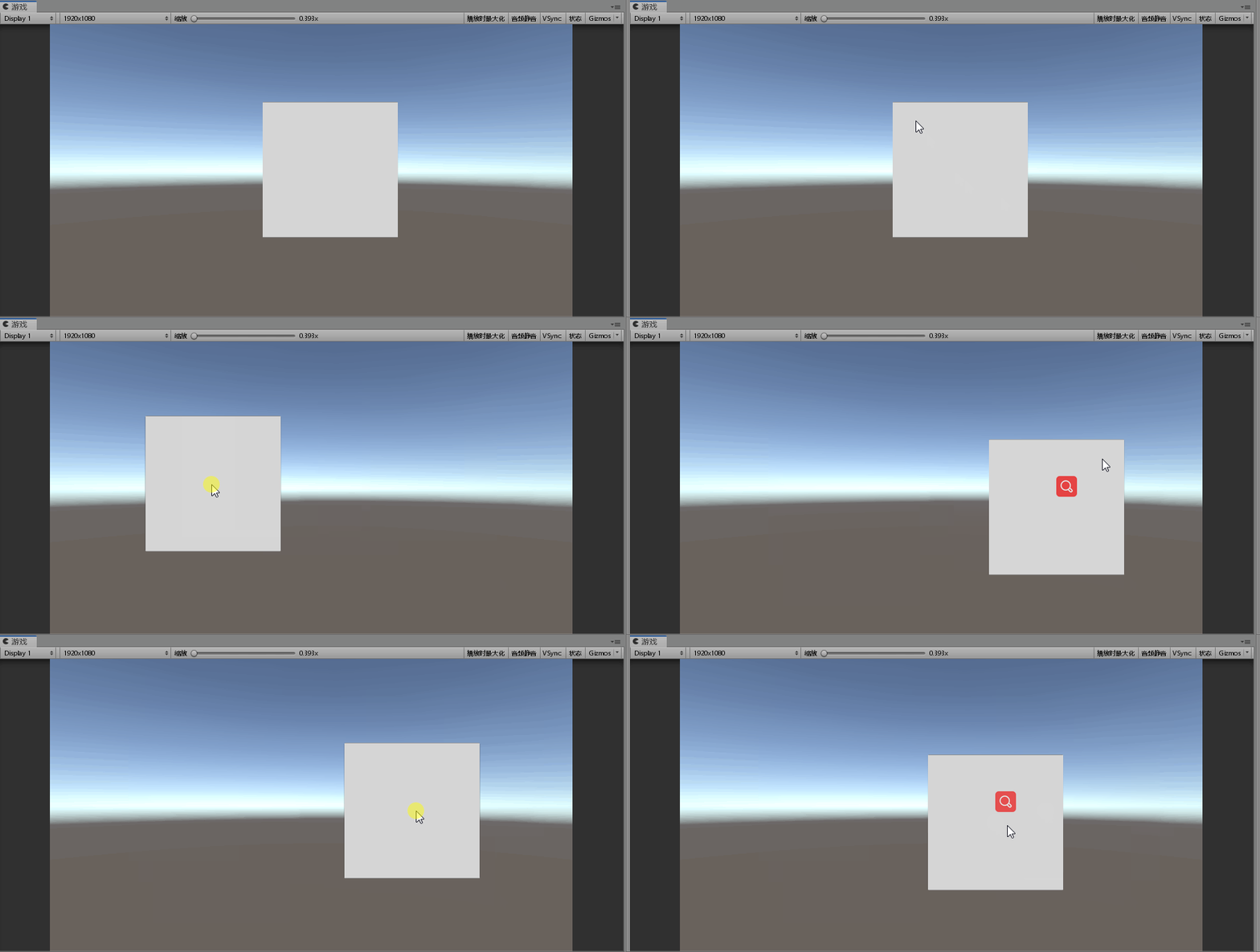
可以看到现在已经可以完成拖拽了,不过这明显不是我们想要的效果。我们希望鼠标和UI的相对位置在拖拽的过程中保持固定,
所以我们需要在开始拖拽时算出UI和鼠标之间的位置偏移量,以后就可以通过鼠标的位置加上偏移量来保证它们的相对位置不变。
using System.Collections;
using System.Collections.Generic;
using UnityEngine;
using UnityEngine.EventSystems;

public class Demo1 : MonoBehaviour, IBeginDragHandler, IDragHandler
{
    RectTransform rt;

    // 位置偏移量
    Vector3 offset = Vector3.zero;

    void Start()
    {
        rt = GetComponent<RectTransform>();
    }

    public void OnBeginDrag(PointerEventData eventData)
    {
        if (RectTransformUtility.ScreenPointToWorldPointInRectangle(rt, eventData.position, eventData.enterEventCamera, out Vector3 globalMousePos))
        {
            // 计算偏移量
            offset = rt.position - globalMousePos;
        }
    }

    public void OnDrag(PointerEventData eventData)
    {
        // 将屏幕空间上的点转换为位于给定RectTransform平面上的世界空间中的位置
        if (RectTransformUtility.ScreenPointToWorldPointInRectangle(rt, eventData.position, eventData.pressEventCamera, out Vector3 globalMousePos))
        {
            // 加上偏移量保证相对位置不变
            rt.position = globalMousePos + offset;
        }
    }
}
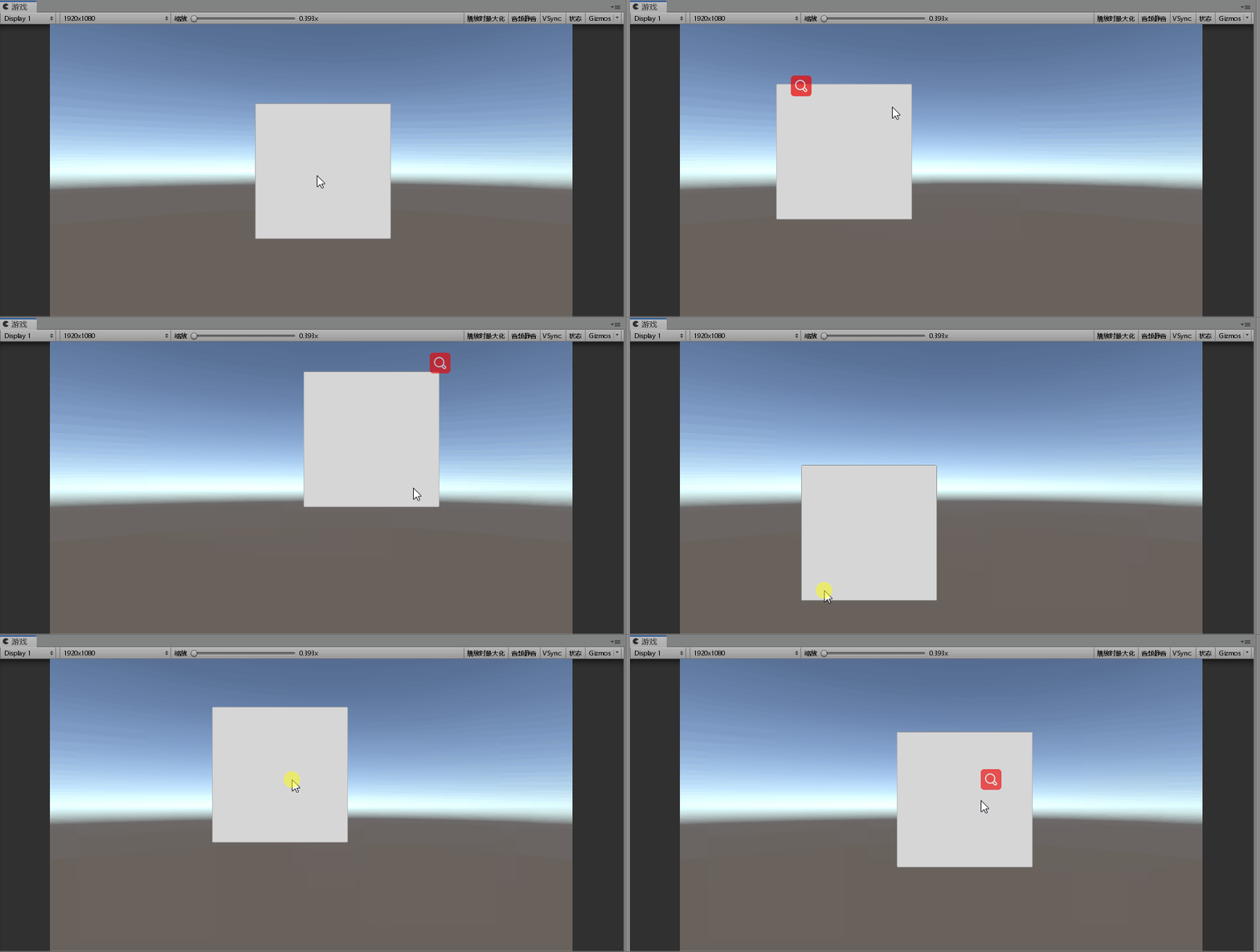
这样,简单的拖拽功能就实现好了。
拖拽范围限制的实现
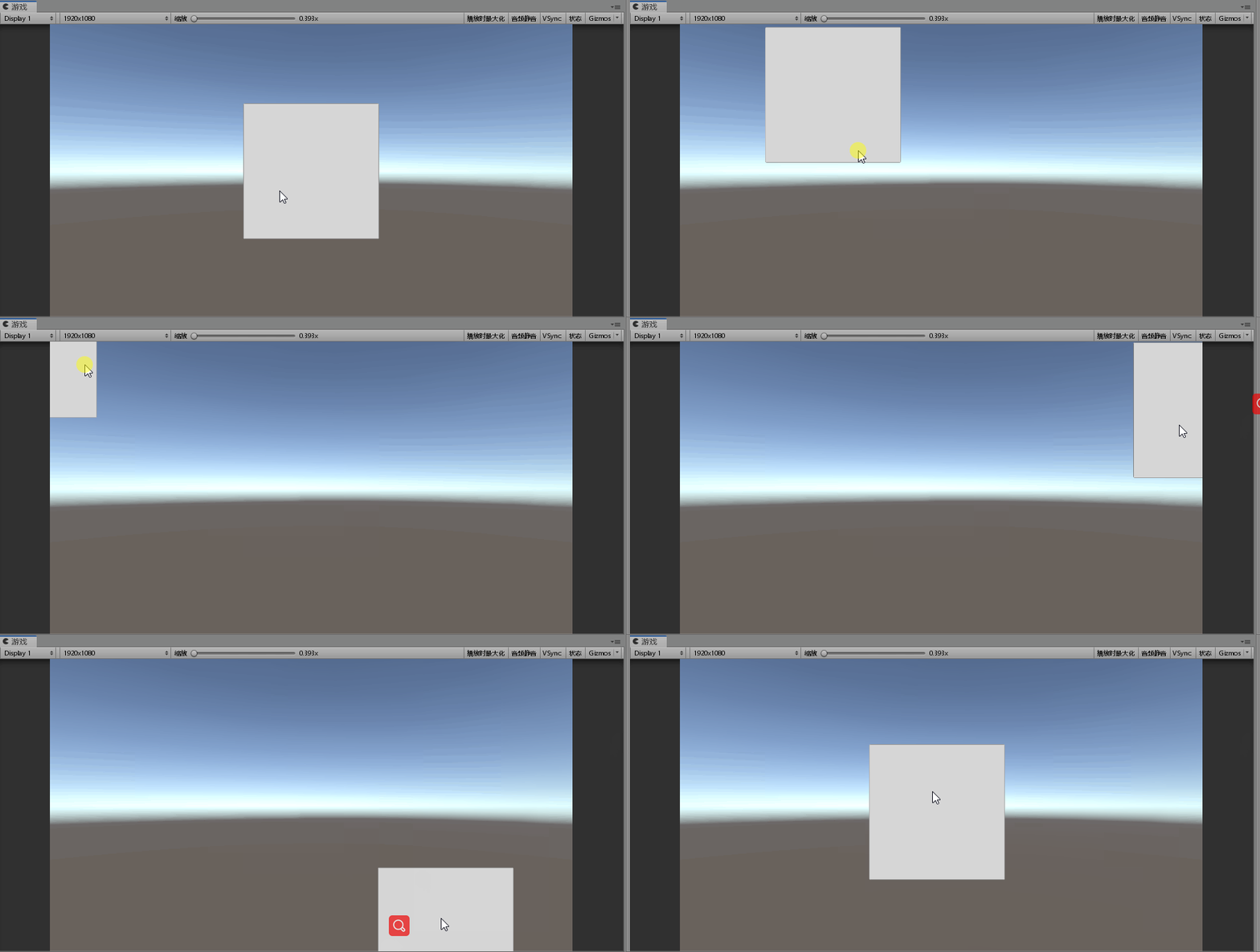
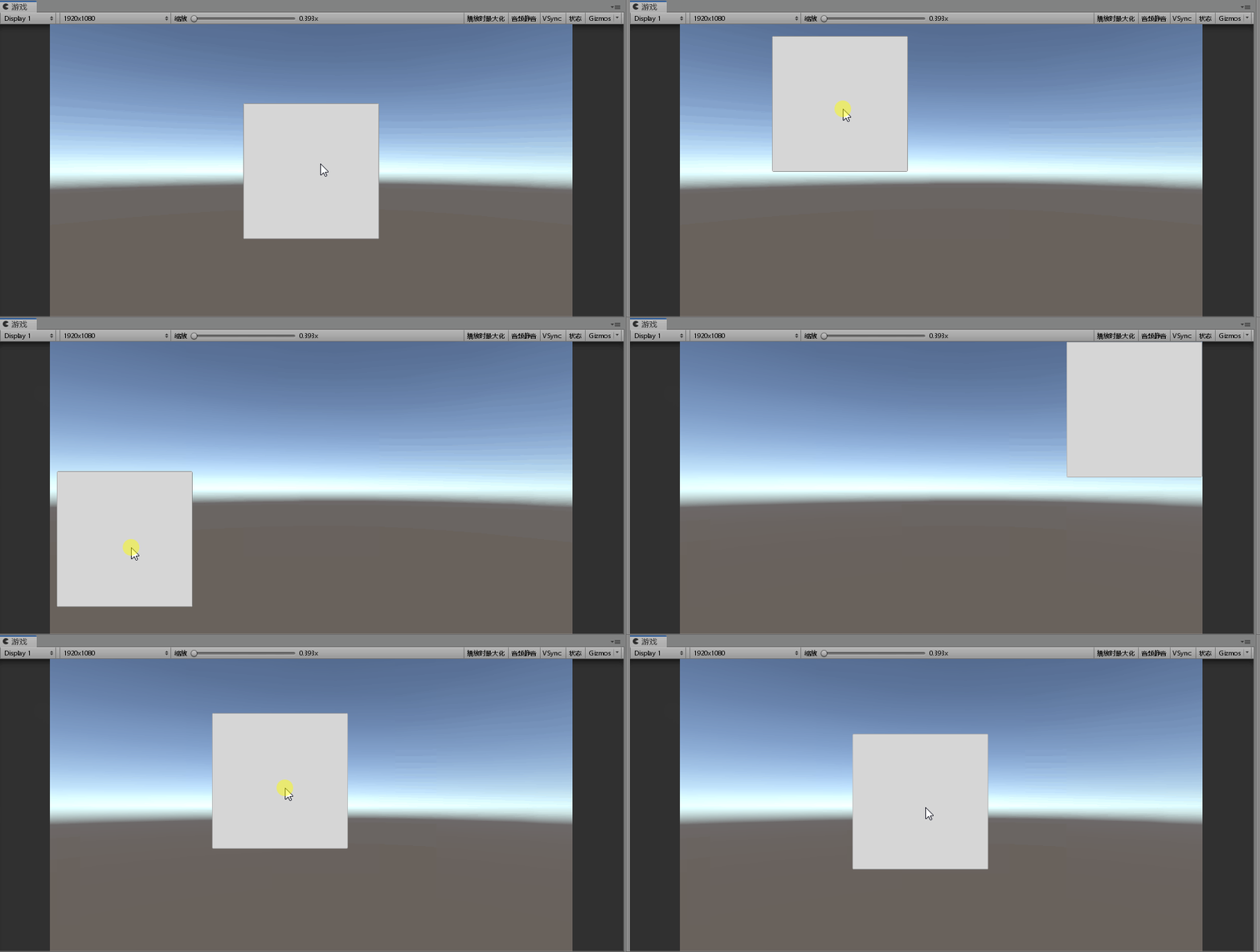
可以看到,由于没有对UI的拖拽范围做任何的限制,所以现在可以将UI的一部分或者全部拖出屏幕,这当然不是什么好的体验,所以在有些情况下我们需要对UI的拖拽范围做一些限制,我们先从将UI限制在屏幕范围内开始。
将拖拽范围限制在屏幕内
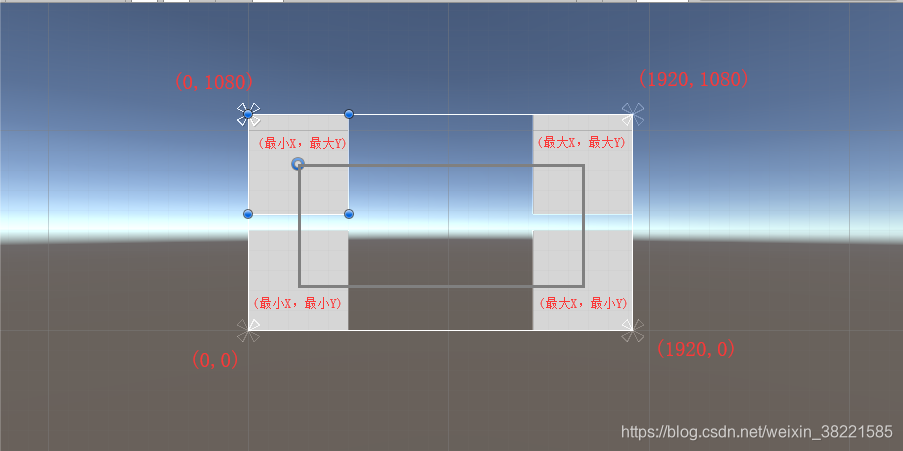
拖拽的本质就是改变UI的位置坐标,所以如果我们想将UI限制在屏幕范围内,只需要算出X,Y坐标的最大值和最小值,然后将UI的X和Y坐标限制在最大、最小值之间就可以了。
using System.Collections;
using System.Collections.Generic;
using UnityEngine;
using UnityEngine.EventSystems;

public class Demo1 : MonoBehaviour, IBeginDragHandler, IDragHandler
{
    RectTransform rt;

    // 位置偏移量
    Vector3 offset = Vector3.zero;
    // 最小、最大X、Y坐标
    float minX, maxX, minY, maxY;

    void Start()
    {
        rt = GetComponent<RectTransform>();
    }

    public void OnBeginDrag(PointerEventData eventData)
    {
        if (RectTransformUtility.ScreenPointToWorldPointInRectangle(rt, eventData.position, eventData.enterEventCamera, out Vector3 globalMousePos))
        {
            // 计算偏移量
            offset = rt.position - globalMousePos;
        }
    }

    public void OnDrag(PointerEventData eventData)
    {
        // 将屏幕空间上的点转换为位于给定RectTransform平面上的世界空间中的位置
        if (RectTransformUtility.ScreenPointToWorldPointInRectangle(rt, eventData.position, eventData.pressEventCamera, out Vector3 globalMousePos))
        {
            // 设置拖拽范围
            SetDragRange();
            rt.position = DragRangeLimit(globalMousePos + offset);
        }
    }

    // 设置最大、最小坐标
    void SetDragRange()
    {
        minX = rt.rect.width / 2;
        maxX = Screen.width - minX;
        minY = rt.rect.height / 2;
        maxY = Screen.height - minY;
    }

    // 限制坐标范围
    Vector3 DragRangeLimit(Vector3 pos)
    {
        pos.x = Mathf.Clamp(pos.x, minX, maxX);
        pos.y = Mathf.Clamp(pos.y, minY, maxY);
        return pos;
    }
}
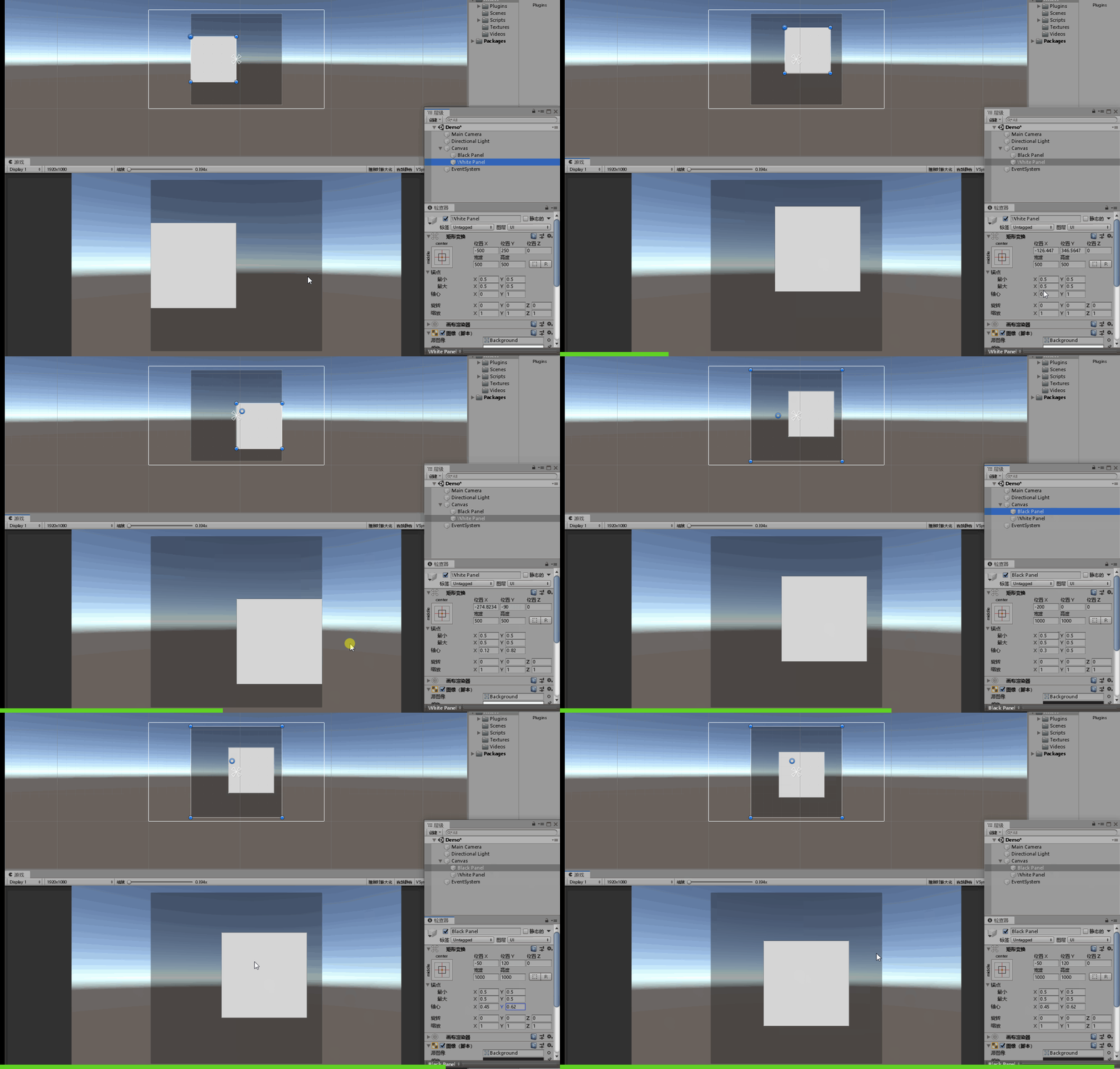
这里需要注意,这种计算最大、最小坐标的方法,只有当UI的枢轴(pivot)是(0.5,0.5)时才可以使用,否则计算出的范围是有问题的
例如将UI的枢轴(pivot)改为(0,1)就会出现这样的情况:
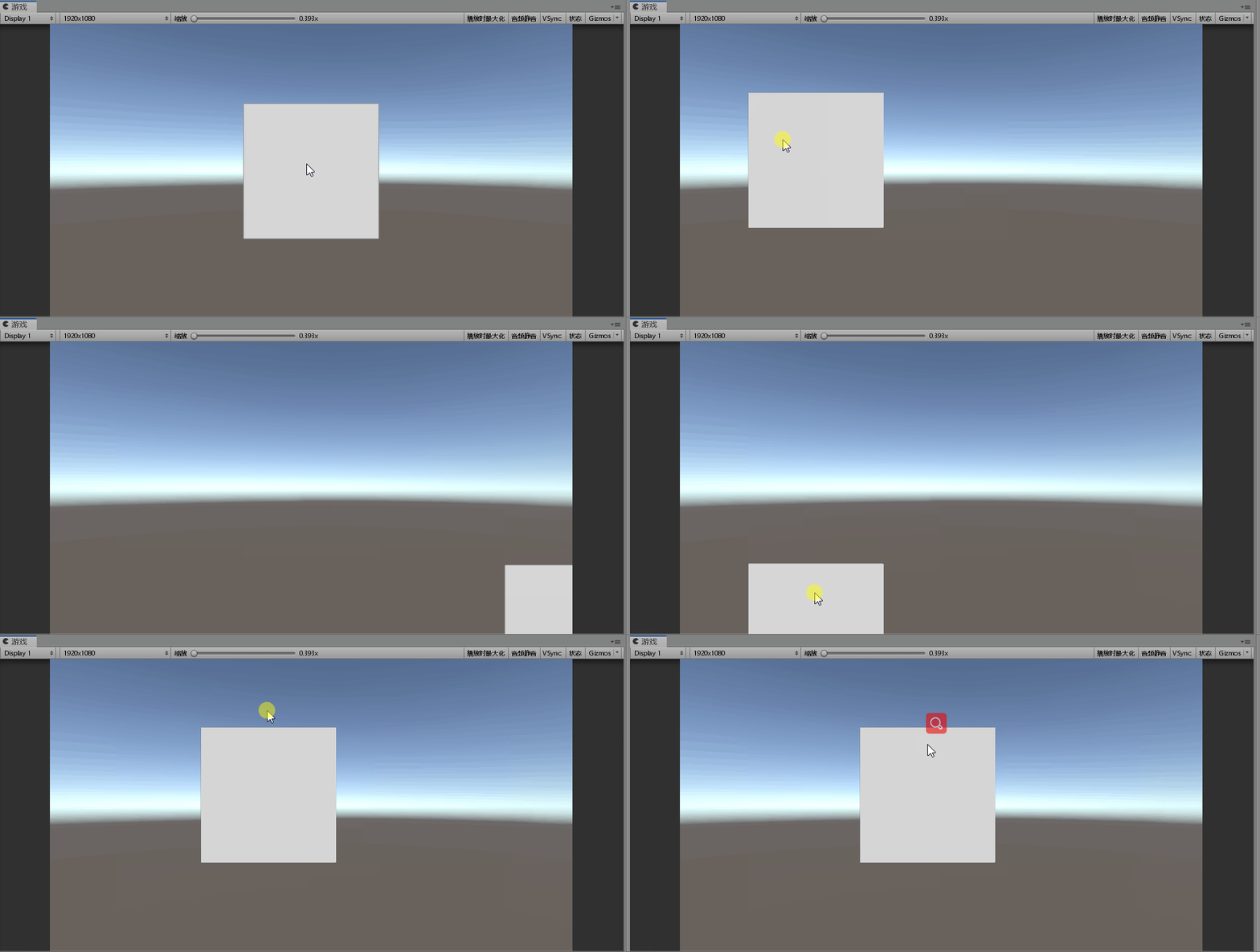
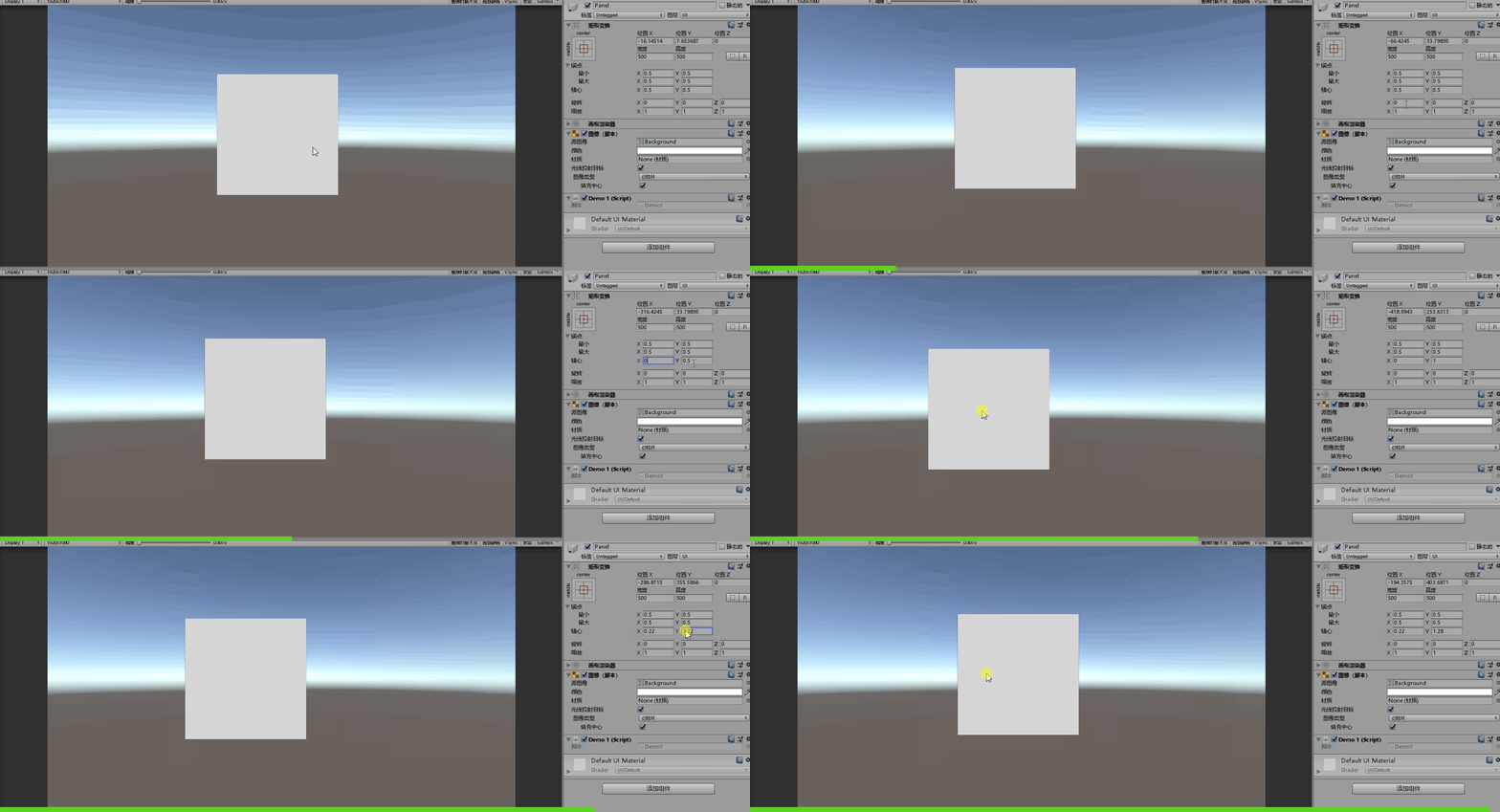
所以,考虑到通用性,在计算的时候就必须考虑枢轴的问题,正确的计算方式应该是这样:
// 设置最大、最小坐标
    void SetDragRange()
    {
        minX = rt.rect.width * rt.pivot.x;
        maxX = Screen.width - rt.rect.width * (1 - rt.pivot.x);
        minY = rt.rect.height * rt.pivot.y;
        maxY = Screen.height - rt.rect.height * (1 - rt.pivot.y);
    }
这样就能保证无论UI的枢轴如何变化,都可以正确将UI限制在屏幕范围内
将UI限制在另一个UI内(不受pivot影响)
using System.Collections;
using System.Collections.Generic;
using UnityEngine;
using UnityEngine.EventSystems;

public class Demo1 : MonoBehaviour, IBeginDragHandler, IDragHandler
{
    // 另一个UI
    public RectTransform container;

    RectTransform rt;

    // 位置偏移量
    Vector3 offset = Vector3.zero;
    // 最小、最大X、Y坐标
    float minX, maxX, minY, maxY;

    void Start()
    {
        rt = GetComponent<RectTransform>();
    }

    public void OnBeginDrag(PointerEventData eventData)
    {
        if (RectTransformUtility.ScreenPointToWorldPointInRectangle(rt, eventData.position, eventData.enterEventCamera, out Vector3 globalMousePos))
        {
            // 计算偏移量
            offset = rt.position - globalMousePos;
            // 设置拖拽范围
            SetDragRange();
        }
    }

    public void OnDrag(PointerEventData eventData)
    {
        // 将屏幕空间上的点转换为位于给定RectTransform平面上的世界空间中的位置
        if (RectTransformUtility.ScreenPointToWorldPointInRectangle(rt, eventData.position, eventData.pressEventCamera, out Vector3 globalMousePos))
        {
            rt.position = DragRangeLimit(globalMousePos + offset);
        }
    }

    // 设置最大、最小坐标
    void SetDragRange()
    {
        // 最小x坐标 = 容器当前x坐标 - 容器轴心距离左边界的距离 + UI轴心距离左边界的距离
        minX = container.position.x
            - container.pivot.x * container.rect.width
            + rt.rect.width * rt.pivot.x;

        // 最大x坐标 = 容器当前x坐标 + 容器轴心距离右边界的距离 - UI轴心距离右边界的距离
        maxX = container.position.x
            + (1 - container.pivot.x) * container.rect.width
            - rt.rect.width * (1 - rt.pivot.x);

        // 最小y坐标 = 容器当前y坐标 - 容器轴心距离底边的距离 + UI轴心距离底边的距离
        minY = container.position.y
            - container.pivot.y * container.rect.height
            + rt.rect.height * rt.pivot.y;

        // 最大y坐标 = 容器当前x坐标 + 容器轴心距离顶边的距离 - UI轴心距离顶边的距离
        maxY = container.position.y
            + (1 - container.pivot.y) * container.rect.height
            - rt.rect.height * (1 - rt.pivot.y);
    }

    // 限制坐标范围
    Vector3 DragRangeLimit(Vector3 pos)
    {
        pos.x = Mathf.Clamp(pos.x, minX, maxX);
        pos.y = Mathf.Clamp(pos.y, minY, maxY);
        return pos;
    }
}
版权声明:本文为weixin_38221585原创文章,遵循CC 4.0 BY-SA版权协议,转载请附上原文出处链接和本声明。