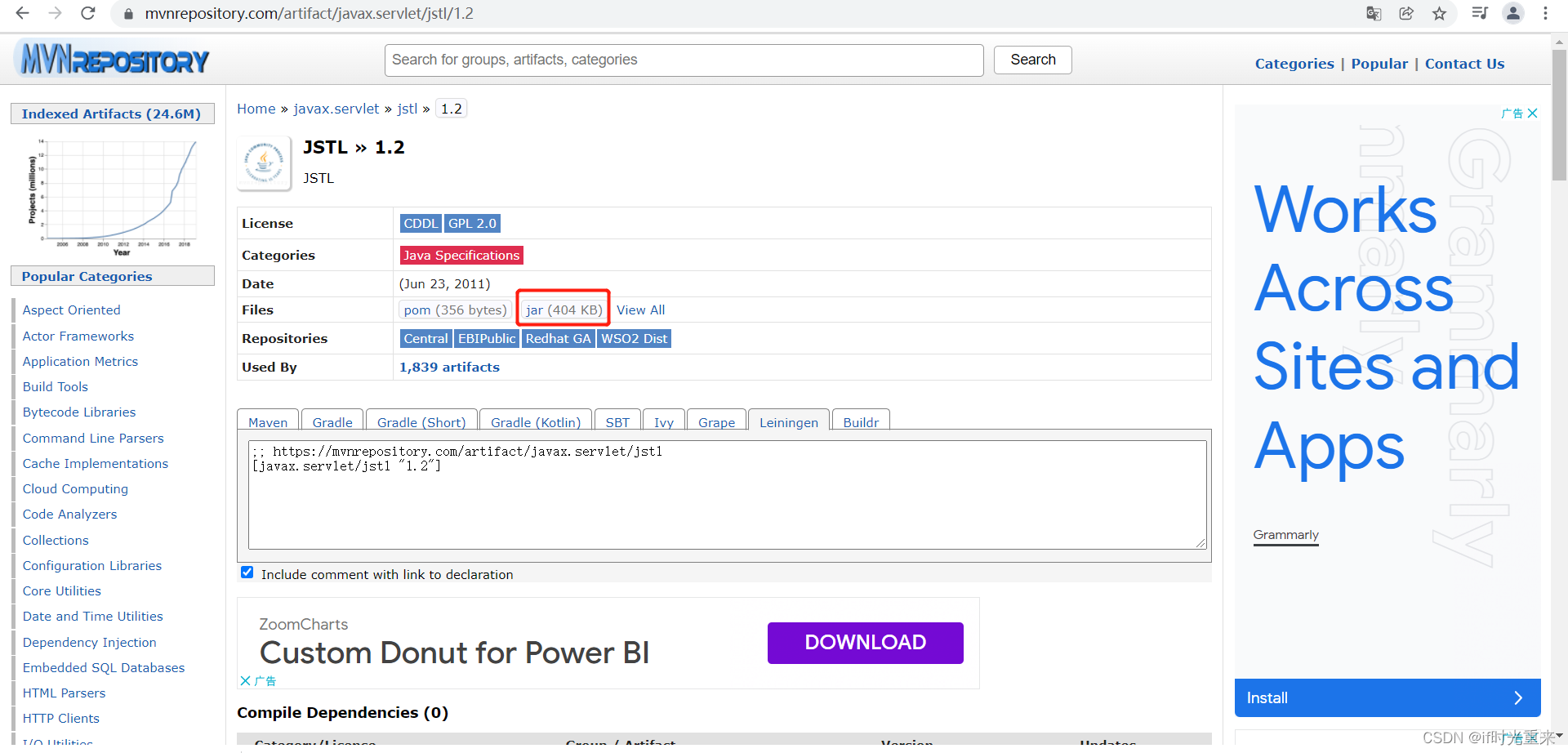
1.jstl-1.2.jar下载地址
https://mvnrepository.com/artifact/javax.servlet/jstl/1.2
2.在项目中引用
1.将下载好的jstl-1.2.jar文件复制到项目根目录后右键点击项目,选择Build Path -> 选择第一个(将该包添加到项目)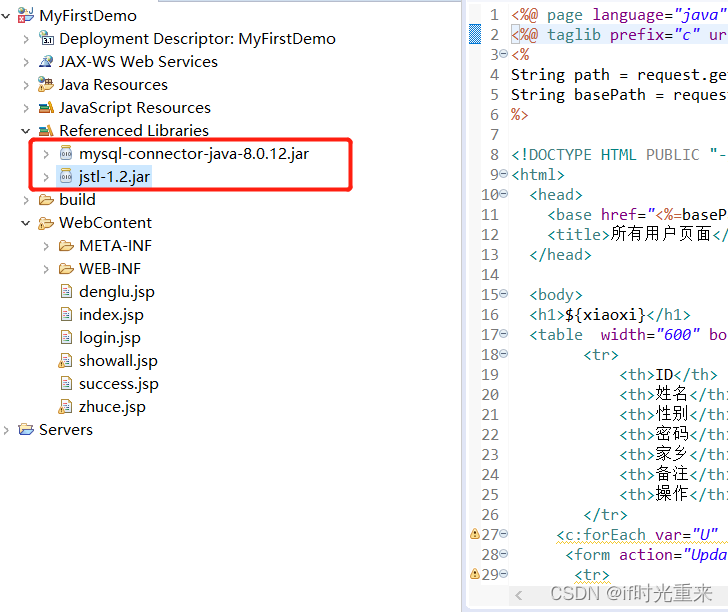
2. 复制jstl-1.2.jar文件到WebContent/WEB-INF/lib/下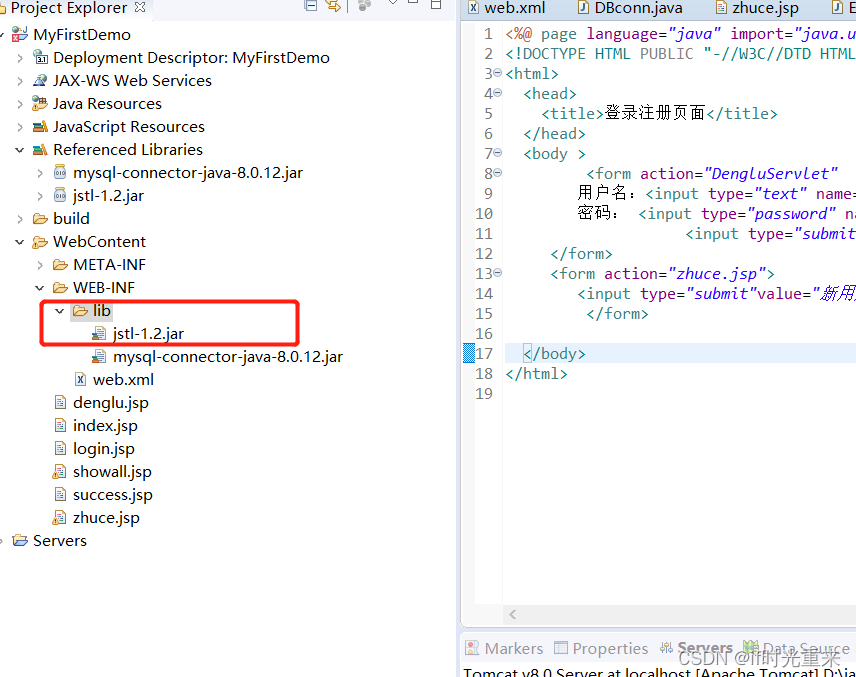
3.使用
<%@ taglib prefix="c" uri="http://java.sun.com/jsp/jstl/core"%>
<%@ page language="java" import="java.util.*" pageEncoding="UTF-8"%>
<%@ taglib prefix="c" uri="http://java.sun.com/jsp/jstl/core"%>
<%
String path = request.getContextPath();
String basePath = request.getScheme()+"://"+request.getServerName()+":"+request.getServerPort()+path+"/";
%>

<!DOCTYPE HTML PUBLIC "-//W3C//DTD HTML 4.01 Transitional//EN">
<html>
  <head>
    <base href="<%=basePath%>">
    <title>所有用户页面</title>
  </head>

  <body>
  <h1>${xiaoxi}</h1>
  <table  width="600" border="1" cellpadding="0" >
  		<tr>
  			<th>ID</th>
	  		<th>姓名</th>
	  		<th>性别</th>
	  		<th>密码</th>
	  		<th>家乡</th>
	  		<th>备注</th>
	  		<th>操作</th>
  		</tr>
     <c:forEach var="U" items="${userAll}"  >
      <form action="UpdateServlet" method="post">
       <tr>
	       <td><input type="text" value="${U.id}" name="id" ></td>
	       <td><input type="text" value="${U.name}" name="name"></td>
	       <td><input type="text" value="${U.sex}" name="sex"></td>
	       <td><input type="text" value="${U.pwd}" name="pwd"></td>
	       <td><input type="text" value="${U.home}" name="home"></td>
	       <td><input type="text" value="${U.info}" name="info"></td>
	       <td><a href="DeleteServlet?id=${U.id}">删除</a>  <input type="submit" value="更新"/></td>
	   </tr>
    </form>
    </c:forEach>
    </table>
  </body>
</html>
参考:https://blog.csdn.net/weixin_39549656/article/details/79195765
版权声明:本文为admin_web原创文章,遵循CC 4.0 BY-SA版权协议,转载请附上原文出处链接和本声明。