随便找一个git项目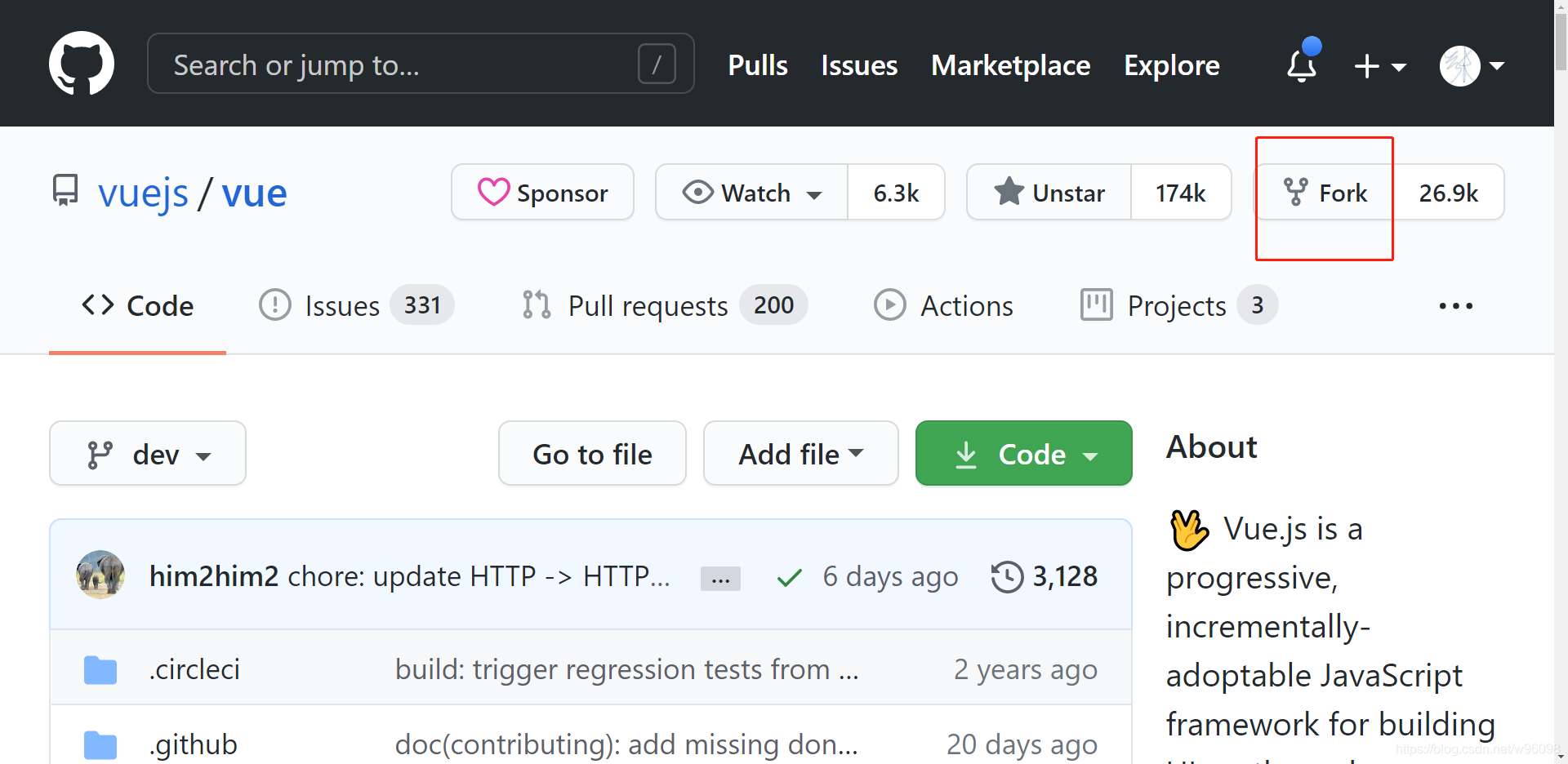
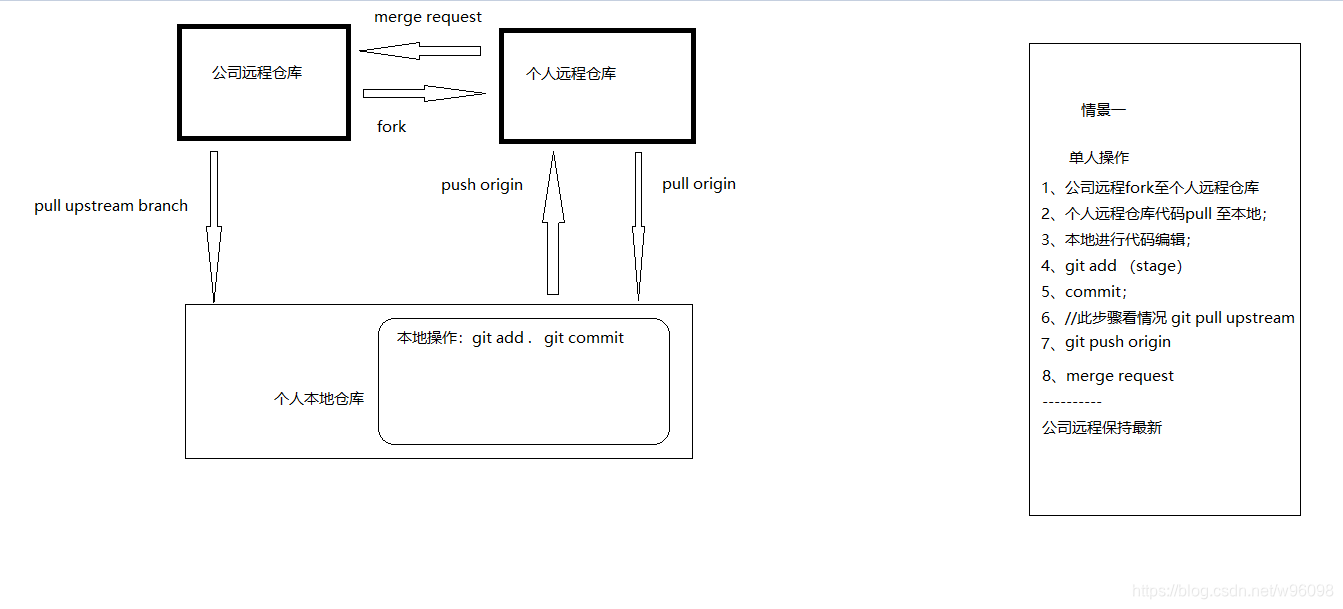
fork之后代码就跑到你自己的git仓库中了;然后把它拉取到自己的本地仓库----然后就是正常的操作
···················································································································
下面就是关于fork–upstream的操作;
//添加远程fork;(只有拉取的权限)
git remote add upstream https://github.com/ORIGINAL_OWNER/ORIGINAL_REPOSITORY.git
//查看关联情况;
git remote -v
origin    https://github.com/YOUR_USERNAME/YOUR_FORK.git (fetch)
origin    https://github.com/YOUR_USERNAME/YOUR_FORK.git (push)
upstream  https://github.com/ORIGINAL_OWNER/ORIGINAL_REPOSITORY.git (fetch)
upstream  https://github.com/ORIGINAL_OWNER/ORIGINAL_REPOSITORY.git (push)
常规操作指令;
//本地新建对应upstream的分支;
git checkout -b 本地分支名 upstream/远程分支名

//git pull upstream
//git pull upstream bluetheme
git rebase upstream/master
//有冲突就解决冲突,解决后直接git add . 再git rebase --continue

git push origin
//请求合并;
版权声明:本文为w96098原创文章,遵循CC 4.0 BY-SA版权协议,转载请附上原文出处链接和本声明。