element-plus el-loading 图标修改
css
.el-loading-spinner .circular {
  display: none !important;
}
.el-loading-spinner {
  background: url('./assets/images/loading.gif') no-repeat;
  background-size: 100px 100px;
  width: 100%;
  height: 200%;
  position: absolute !important;
  left: 48%;
  top: 40% !important;
  text-align: center;
}
拦截器配置
 ElLoading.service({
          fullscreen: true,
          lock: true,
          text: '',
          spinner: '',
          background: 'rgba(255,255,255,0.5)'
 })
预览
Snipaste_2022-07-20_18-58-53.png · zqf2/tc - 码云 - 开源中国 (gitee.com)
[外链图片转存失败,源站可能有防盗链机制,建议将图片保存下来直接上传(img-xy8grDpm-1658314873146)(C:\Users\A\AppData\Roaming\Typora\typora-user-images\image-20220720190040390
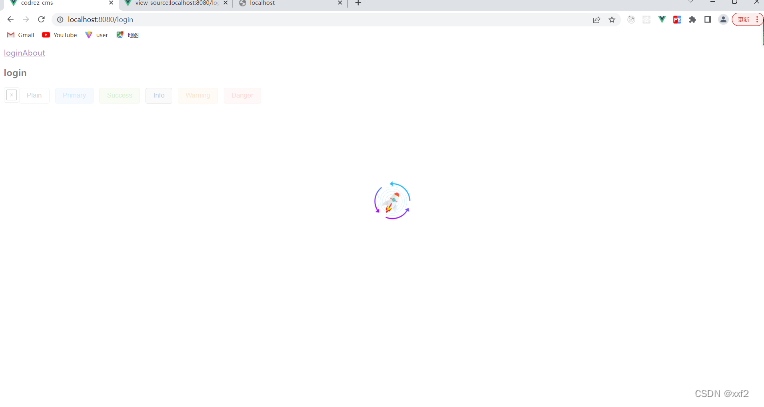
.png)]

版权声明:本文为g7778原创文章,遵循CC 4.0 BY-SA版权协议,转载请附上原文出处链接和本声明。